Staring at a sentence that feels clunky, repetitive, or overly formal is a common hurdle for anyone who writes. Whether you’re trying to simplify complex technical jargon, adjust the tone of a report, or express a familiar idea in a fresh way, getting stuck on word choice slows your momentum down.
The paraphrasing tools and rewording assistants in this collection act as versatile writing companions. They aren’t designed to copy work or pass off unoriginal text, but they help you refine awkward phrasing, adapt text for different audiences, and polish your drafts in seconds.
Tone Shifts, Structural Edits, and Plain English
Shifting tone and formality becomes much easier when you can instantly test different writing styles. Turning a dense, academic explanation into a clear, conversational blog post usually requires careful manual editing. Smart paraphrasing tools analyze your original sentence and offer alternative drafts tailored for specific audiences, whether you need a professional business tone, a persuasive marketing angle, or simple plain English.
Overcoming writer’s block and fixing awkward sentence structures takes far less effort, too. When a paragraph feels clunky or repetitive, trying to rewrite it in your head often leads to the same rigid phrasing. AI rewording tools offer multiple sentence variations on demand, giving you fresh structural options to spark your thinking so you can keep moving through your draft.
Simplifying complex information while preserving core meaning helps make your writing more accessible. Condensing wordy reports or breaking down technical documentation into concise summaries often means cutting out fluff without losing key facts. Intelligent text rephrasers highlight essential points and restructure long sentences, helping you communicate clearly without burying the reader in unnecessary details.
Key Capabilities to Look For:
- Tone and style adjustments: Settings that let you switch between formal, casual, academic, concise, or expanded writing modes.
- Grammar and readability analysis: Controls that check sentence flow, eliminate passive voice, and improve readability scores.
- Originality safeguards: Built-in checks to ensure rephrased content remains distinct and properly structured when referencing background sources.
- Browser and word processor integration: Extensions that work inside Microsoft Word, Google Docs, email clients, and web browsers for quick edits on the go.
- Multi-language rewording: Software capable of rephrasing and translating text across multiple languages while maintaining natural idioms.
Clear, powerful communication will always depend on your unique perspective, original thoughts, and genuine voice. Software can suggest synonyms and restructure wordy paragraphs, but choosing the right message for your audience requires human judgment.
Explore the paraphrasing tools below to polish your writing.
- QuillBot Paraphrasing Tool: Great for rewording content to make it clearer and more stylish.
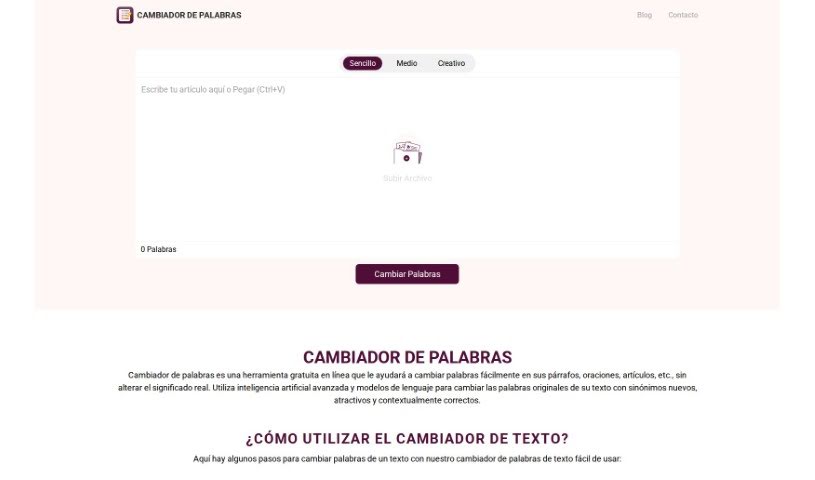
- Cambiador De Palabras: Free paraphrasing tool that rewrites text while preserving meaning.
- Reverso English Spelling Checker: Helps make paraphrased texts clearer.
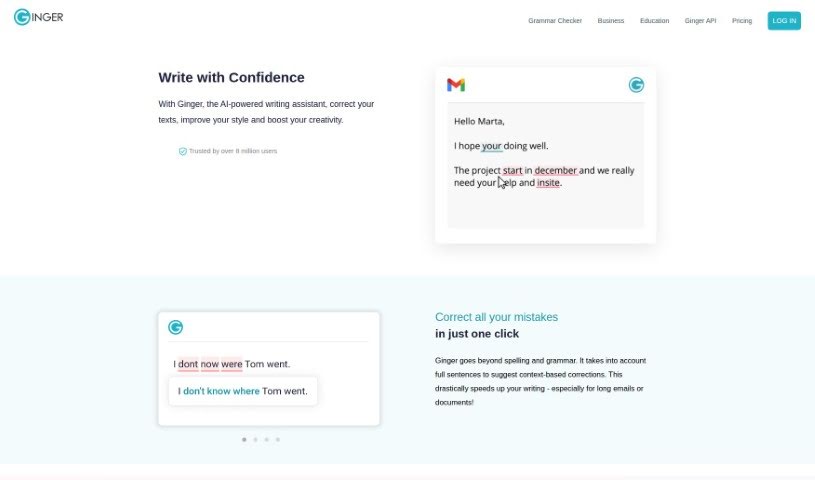
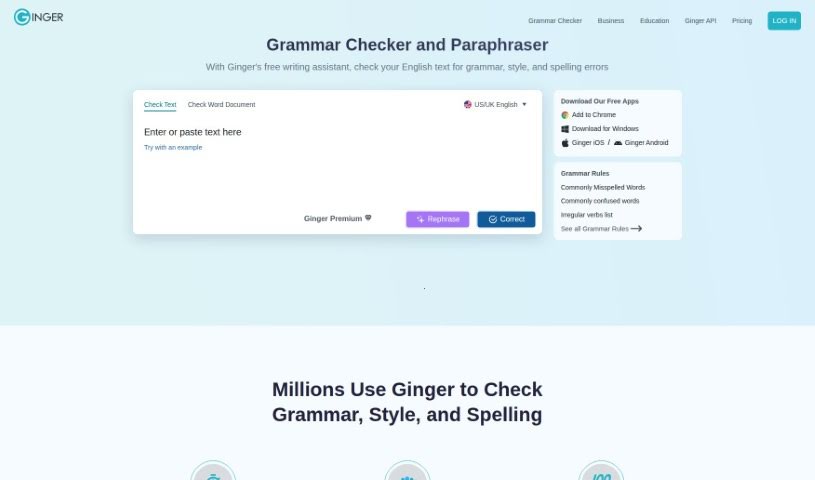
- Ginger Software: Useful for creating unique content from existing text.
- Wordtune: Perfect for revamping text to get fresh perspectives.
- Paraphraser: Helps make blog posts clearer for a wider audience.
- Paperpal: Good for rephrasing academic content to be clearer.
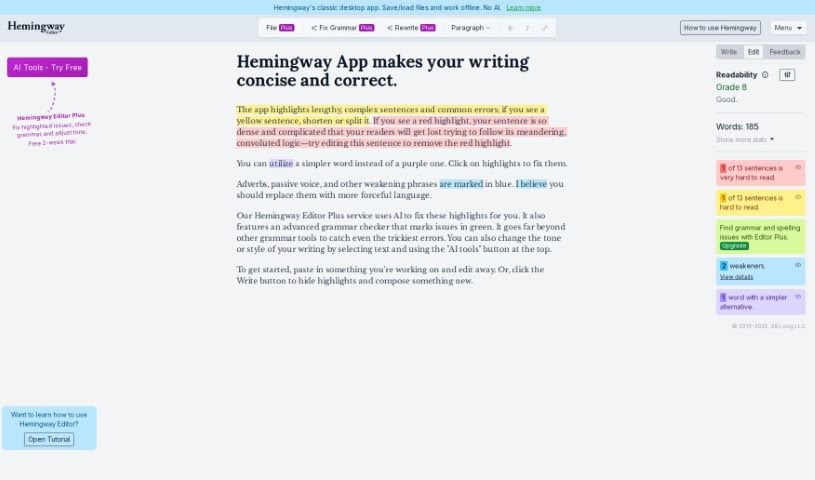
- Hemingway Editor: Useful for rephrasing to improve clarity and originality.
- Ginger Software Grammar Check: Helps rephrase essays for better clarity.
- Scribbr Paraphrasing Tool: Enhances clarity in academic writing.
- Rephrase: Focuses on improving clarity in academic writing.
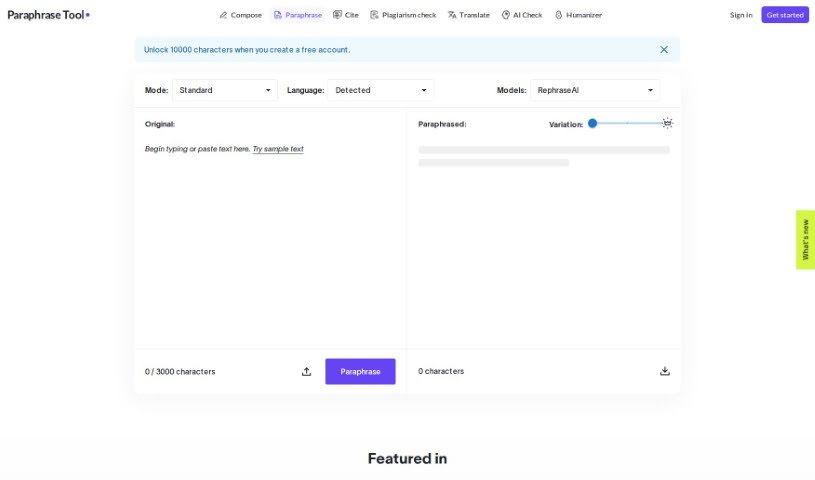
- paraphrasing-tool.com: Rewords essays for better clarity and flow.
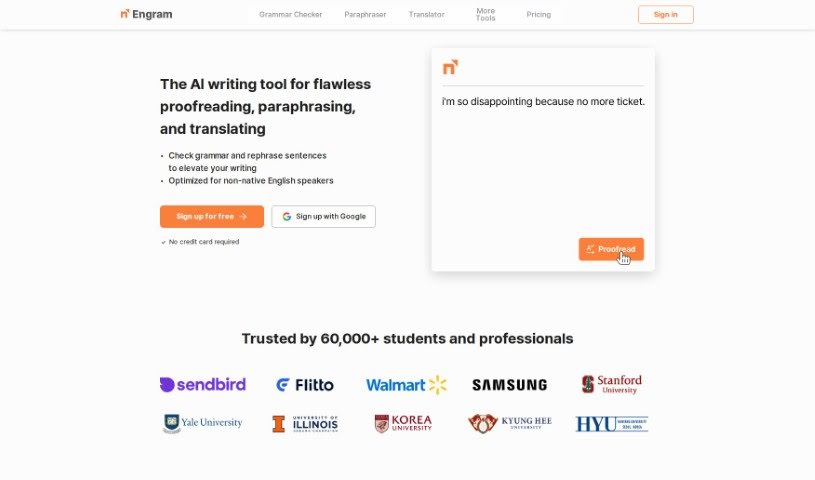
- Engram: Boosts clarity through effective paraphrasing.
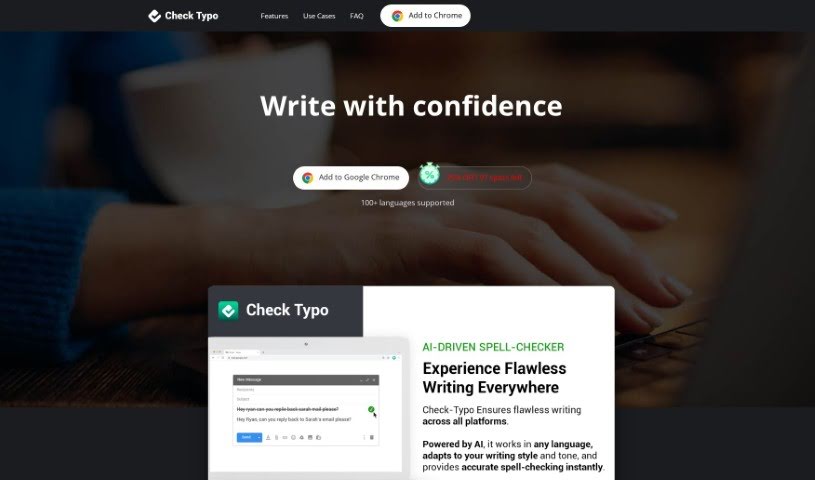
- Check Typo: Fixes typos and checks grammar across multiple languages.
- Paraphrasing.io: Effortlessly elevates your writing quality.