777ccc.com
Education Summarizers
Learn more
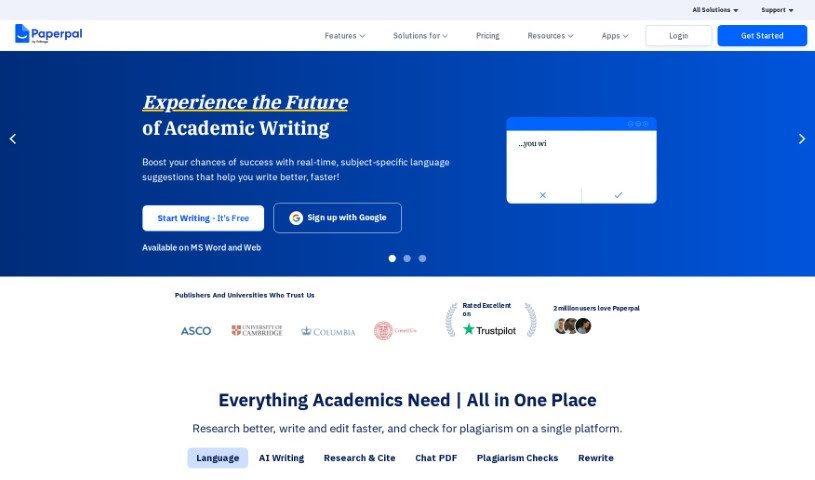
Discover what Paperpal is and how it supports academic writing with grammar checks, paraphrasing, translation, and subject-specific suggestions.
Paperpal is an AI tool built specifically for academic writing. It works like a language coach, offering real-time suggestions tailored to your subject area. Beyond basic grammar checks, it provides a full suite of editing features: grammar correction, academic translation, paraphrasing, and text reduction to tighten manuscripts. Its suggestions are context-sensitive and aligned with academic norms, and it supports over 1,300 subject areas. Users often note that it helps align sentence structures with academic standards, making writing clearer and more concise. Data privacy is a stated priority: your information is kept private and confidential.
Paperpal was developed by a team led by Prabhu Palanichamy. The company focuses on improving academic writing quality through real-time, subject-specific suggestions and comprehensive editing features. A key commitment is data privacy — user information is not used to train their AI models.
Paperpal covers the core needs of academic writing:
Paperpal is aimed at anyone involved in academic writing, including PhD students, researchers, lecturers, consultants, and students.
For current plan details, check the Paperpal website.
Related
Discover more tools in similar categories
Weekly picks of the best AI tools we've researched and added — no spam, unsubscribe anytime.
Join 25,000+ AI enthusiasts. No spam, unsubscribe anytime.