Top AI Tools for Photographers

AI Tools for Photographers

Discover the best Photographers AI tools to enhance your productivity and creativity.

Page 1 of 5 • 59 total tools
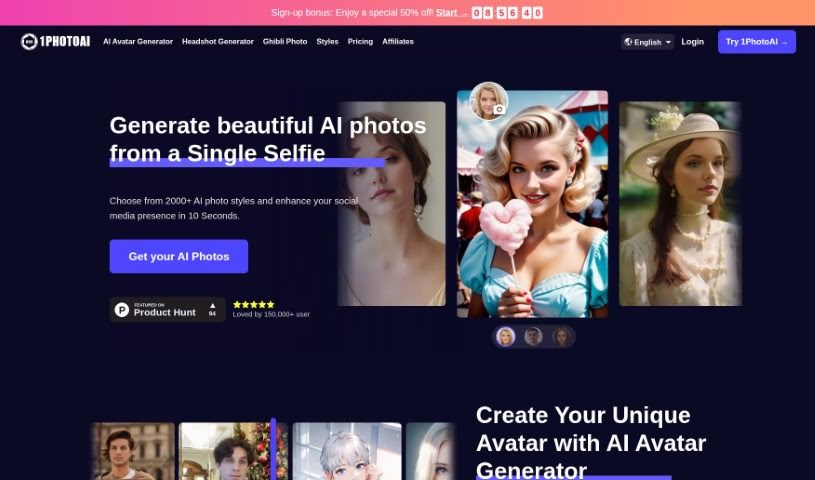
Screenshot of 1PhotoAI

1PhotoAI

Freemium

1PhotoAI is an AI tool that generates professional-looking headshots from a single uploaded photo, with results ready in roughly 10 seconds. You can choose from a wide range of styles, including passport photos, glamour shots, street style, and professional headshots. The platform offers over 2,000 styles in total.

Photographers View Tool →
Screenshot of ACDSee Photo Studio

ACDSee Photo Studio

Freemium

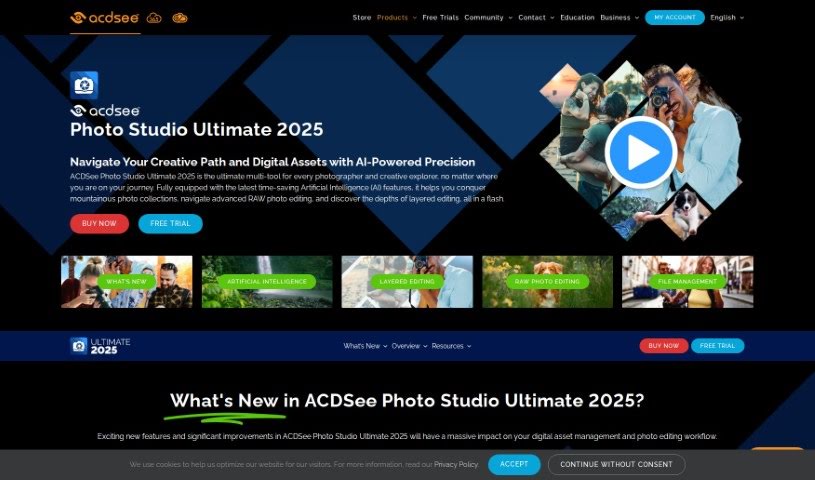
ACDSee Photo Studio is software for photographers and creatives that combines photo management and editing in one package. Its AI-powered tools include AI Keywords for faster searching, the AI Object Selection Tool for precise edits, and AI Sky Replacement. It also supports RAW editing, digital asset management, facial recognition, organized metadata, and powerful search, with features designed to ease the switch from programs like Photoshop and Lightroom.

Photographers View Tool →
Screenshot of Adstronaut

Adstronaut

Freemium

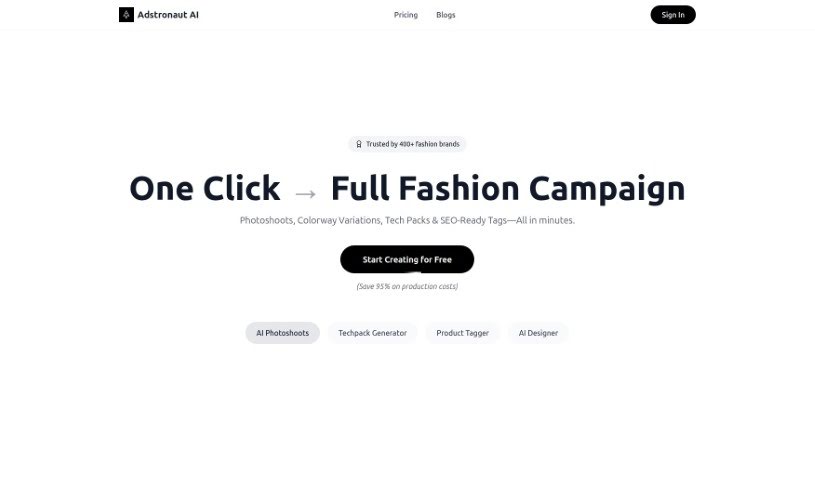
Adstronaut is an AI-powered platform for business branding visuals. It uses generative AI to turn everyday pictures into studio-style images, producing curated content, professional product photos, and fashion photoshoot images. The platform includes dedicated AI models for showcasing fashion products, subscription plans with varying photo credits, resolution choices, and model access, plus privacy and security measures to protect user data. It was developed by an anonymous founder.

Photographers View Tool →
Screenshot of Aftershoot

Aftershoot

Freemium

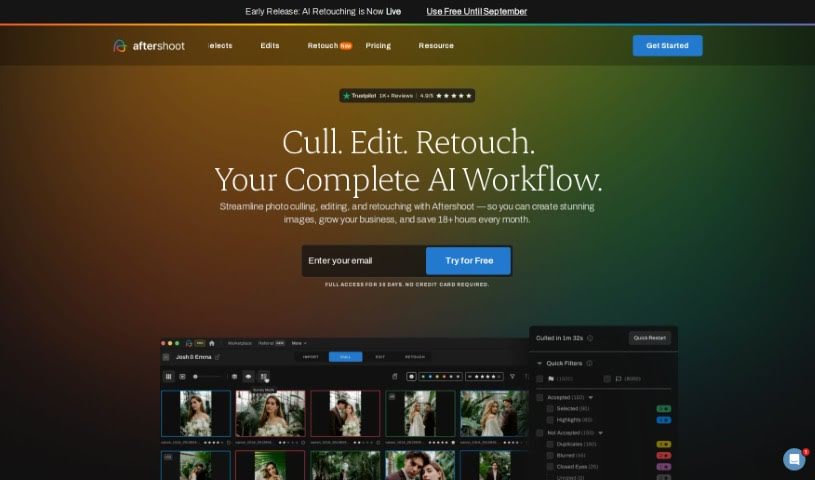
Aftershoot is an AI-powered tool built for professional photographers. It speeds up photo culling and editing by automatically reviewing thousands of photos, selecting the strongest images, and applying edits without sacrificing image quality.

Photographers View Tool →
Screenshot of AiPassportPhotos Blur Background

AiPassportPhotos Blur Background

Freemium

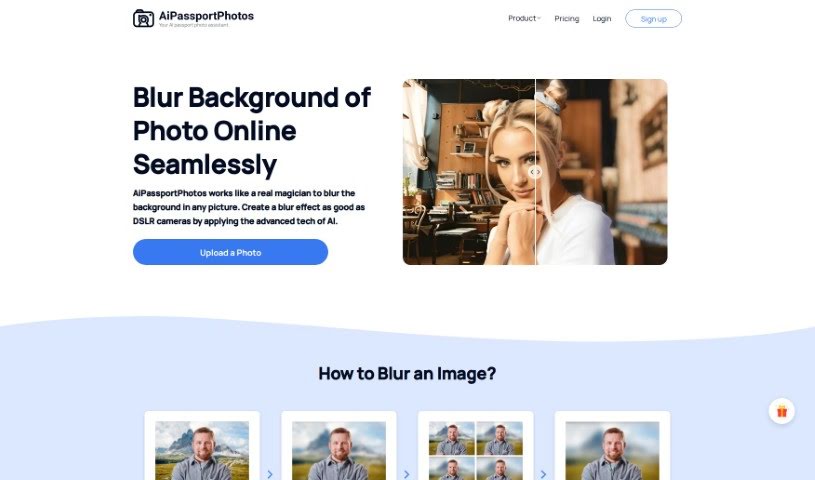
AiPassportPhotos Blur Background is a photo-editing tool on the AiPassportPhotos website that applies a blurred-background effect to your images. A blurred background produces a smooth, out-of-focus look behind the main subject, helping the subject stand out and adding depth to the photo. The effect is commonly used for portraits, product photos, and other visual content.

Photographers View Tool →
Screenshot of App Head AI Photo

App Head AI Photo

Freemium

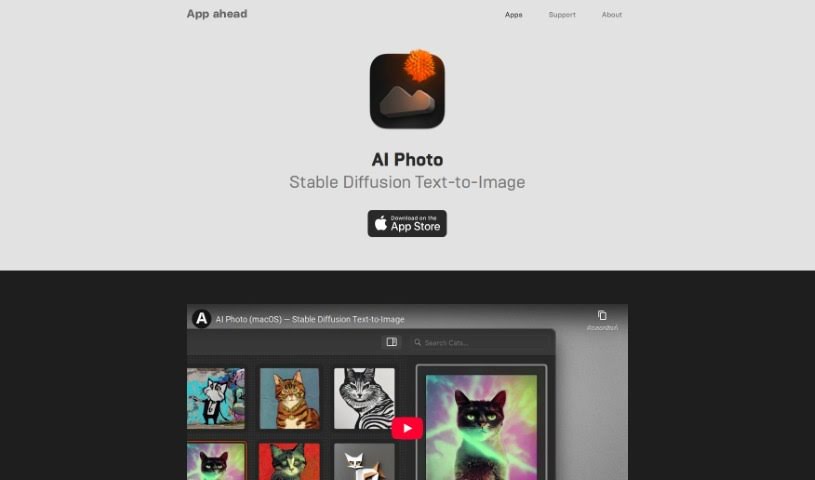
App Head AI Photo is an AI image generation app for Mac, iPhone, and iPad. It creates images from text descriptions using Stable Diffusion and custom CoreML models, with all processing done on-device. Because nothing runs in the cloud, the app works offline, and your prompts and generated images stay on your own hardware.

Photographers View Tool →
Screenshot of Beb AI

Beb AI

Freemium

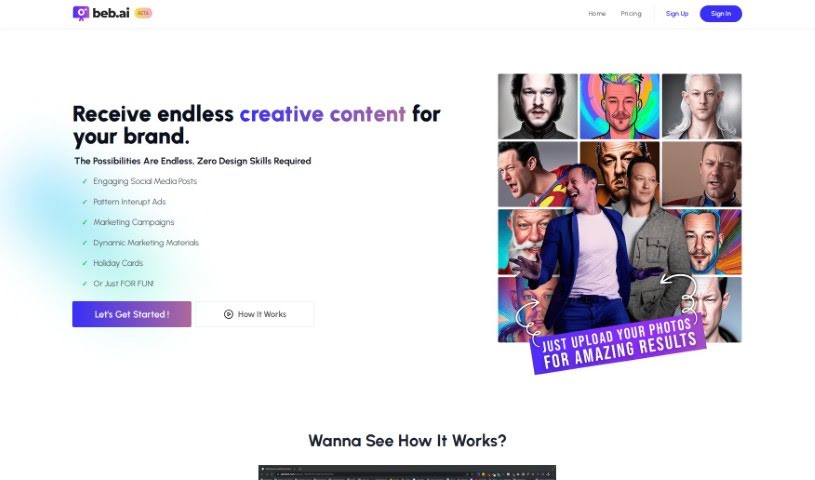
Beb AI is an image generation tool that produces 72 new photos every week, spread across nine different themes. It requires no design skills and works for all skill levels.

Photographers View Tool →
Screenshot of Boudoir.ai

Boudoir.ai

Freemium

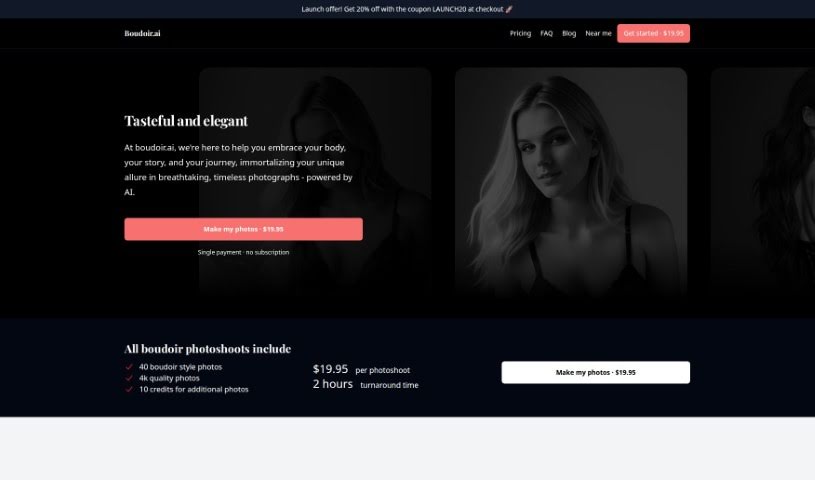
Boudoir.ai is an AI-powered photography service that transforms photos you upload into boudoir-style images with an elegant, timeless look. It was created by a team aiming to deliver professional-quality intimate photography without a studio session. There is no subscription: each photoshoot costs a fixed one-time price of $19.95, and finished photos are delivered within about 2 hours. A launch discount of 20% is available with the code LAUNCH20.

Photographers View Tool →
Screenshot of Camira AI

Camira AI

Freemium

Camira AI is an all-in-one platform for photographers and videographers who want to streamline content creation. It covers everything from initial planning and shooting through writing, editing, and marketing your work, with the goal of simplifying the creative workflow and improving content quality.

Photographers View Tool →
Screenshot of Capture

Capture

Freemium

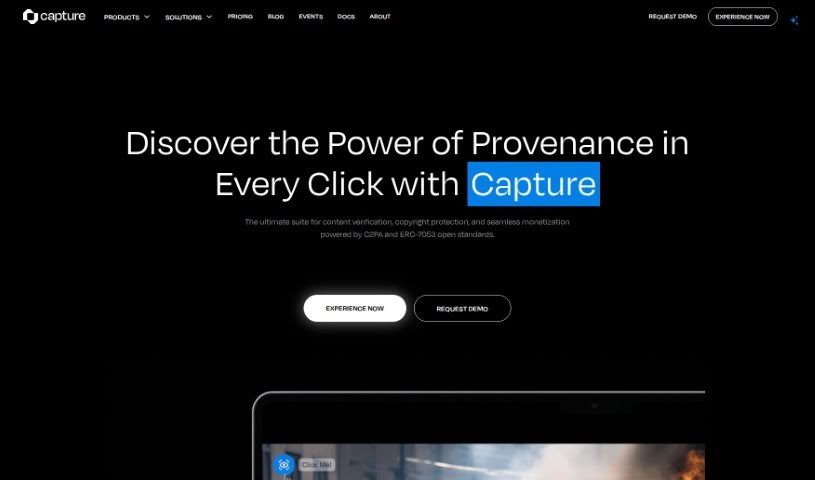
Capture is a creator tool powered by Numbers Protocol. It establishes real ownership of digital media by securely verifying content, adding blockchain-based metadata, storing assets decentrally, handling licensing, and managing consent for AI mining. It is used for labeling AI-generated content, tracking a digital asset's history, preserving the value of generative art, protecting intellectual property, and combating digital fakes and piracy.

Photographers View Tool →
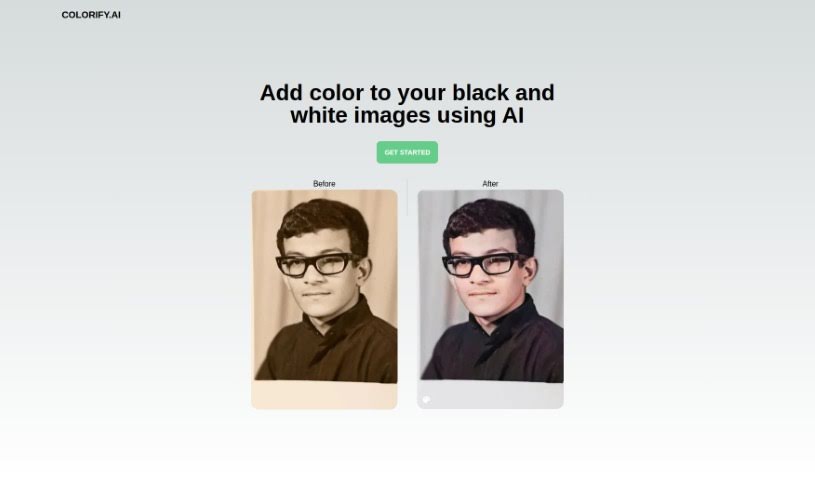
Screenshot of Colorify

Colorify

Freemium

Colorify is an AI platform that colorizes black and white photos, transforming them into full-color images. Upload a picture, click once, and the AI handles the rest. It suits casual hobbyists, professional photographers, historians, and genealogists who want to add color to monochrome images.

Photographers View Tool →
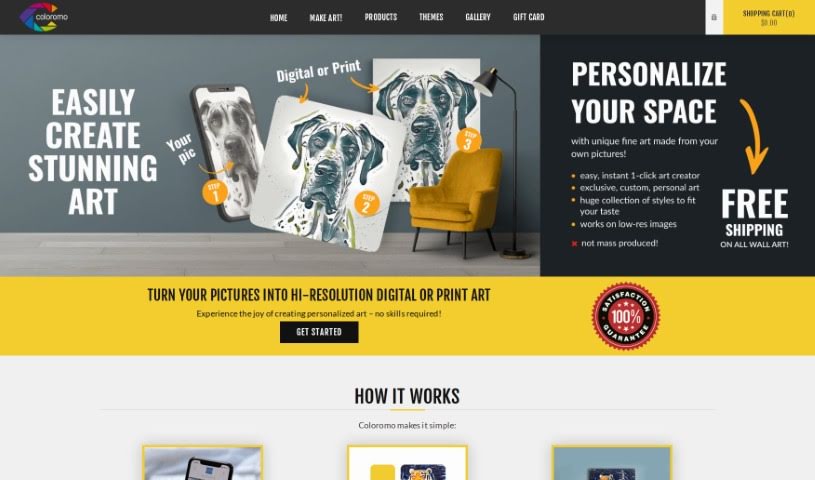
Screenshot of Coloromo

Coloromo

Freemium

Coloromo is a platform that transforms your photos into personalized artwork. The process takes three steps: upload a photo, choose from a range of artistic styles, and select your output format — a high-resolution digital download or prints on materials like canvas, wood, acrylic, metal, or decals. The system analyzes your photo and offers several interpretations, spanning classic art styles, modern looks, mixed media, patterns, and nature-inspired designs. There's also a surprise option if you'd rather let the tool pick. No special skills or software are required, and results are generated instantly. Artists can also partner with Coloromo to create and sell their own AI styles. It's a straightforward way to make personalized prints and digital art for your home or as gifts.

Photographers View Tool →
Previous 1 of 5 Next

About Photographers tools

Spending hours culling through thousands of raw files after a long wedding shoot or portrait session can drain your creative energy. Between sorting blurred frames, adjusting white balance, retouching skin, and writing client emails, post-processing often eats up more time than holding the camera. When admin work keeps you glued to a screen, staying excited about taking photos gets tough.

These platforms act as high-speed studio assistants for professional photographers and freelance creators. They cull bloated image sets, speed up color grading, and handle routine client delivery tasks so you can spend less time editing and more time shooting.

Automated Culling, Batch Editing, and Client Workflows

Culling thousands of RAW images takes a fraction of the time with intelligent sorting assistants. Comparing similar group shots to check who blinked or whose focus drifted usually takes hours of zooming in on faces. AI culling tools scan memory cards in minutes, flagging blurry frames, closed eyes, and duplicates while grouping your top shots so you can build a client gallery quickly.

Applying consistent batch editing and style matching keeps your portfolio looking cohesive. Dialing in skin tones and lighting adjustments across varying outdoor light conditions often requires manual tweaking for every single image. Smart editing assistants analyze your editing style from past Lightroom catalogs and apply matching adjustments across hundreds of new photos, giving you a finished gallery in minutes instead of days.

Managing client galleries, social captions, and business communications takes far less manual effort, too. Writing engaging social media captions, tagging venue partners, and drafting follow-up emails after every delivery can easily eat up your evenings. Specialized writing and workflow tools help you generate SEO-friendly blog posts, craft social captions, and write warm client messages with minimal effort.

Practical Features for Studio Owners:

  • Automated image culling and grouping: Systems that identify sharp focus, open eyes, and authentic expressions to group your top shots quickly.
  • Personalized editing style learning: Features that analyze your Lightroom edits and apply your signature color and contrast profile across batch shoots.
  • AI-assisted portrait retouching: Software that smooths skin naturally, brightens eyes, and cleans up stray hairs without over-processing.
  • Smart keywording and SEO tagging: Tools that auto-tag images with descriptive keywords and locations for faster portfolio searchability and web ranking.
  • Gallery delivery and client proofing integrations: Connectors that link directly with online delivery platforms, making client selections smooth and simple.

Creating memorable images will always depend on your eye for light, your ability to make subjects feel comfortable, and your unique perspective. Software can cull a memory card and match color styles, but capturing genuine human emotion requires your presence behind the lens.

Browse the photography tools below to simplify your post-processing routine.

The Best AI Photographers Tools

  1. Topaz Labs: for enhancing photos with AI precision
  2. Skylum: for AI-driven photo enhancement tools
  3. Phot Ai: for professional photo editing and design tools
  4. Deep Image AI: for enhancing photos for portfolio presentation
  5. ON1: for creative photo editing essentials
  6. Retouchme: for quick portrait enhancement for photographers
  7. Aftershoot: for easy photo selection and editing.
  8. Retouch4me: for easy batch retouching for photographers
  9. Portrait Art: for editing and retouching photos
  10. Heyphoto: for advanced photo retouching
  11. Profile Picture AI: for enhancing portfolio imagery
  12. Upscalepics: for high-quality image enlargement for photographers
  13. Hama: for seamless object removal
  14. Reeflex Store: for essential tools for stunning imagery
  15. Lucidpic: for creating lifelike backdrops for portraits
New tools, in your inbox.

Weekly picks of the best AI tools we've researched and added — no spam, unsubscribe anytime.

Join 25,000+ AI enthusiasts. No spam, unsubscribe anytime.