AI Tools for Photographers

Discover the best Photographers AI tools to enhance your productivity and creativity.

Page 2 of 5 • 59 total tools

Photography has always been about capturing that perfect shot, but technology is really changing how photographers shoot, edit, and share their work these days. With AI tools becoming more common, photographers can speed up their workflow, get more creative, and really improve their skills. No matter if you’re a pro or just starting out, there’s an AI tool out there to help you take your photography to the next level.

You’ve got everything from smart editing software that automatically fixes your photos to apps that can create amazing images from just a simple description. The possibilities feel endless! These tools don’t just save you time; they also spark new artistic ideas, letting your unique vision really stand out in every picture.

I’ve spent a good amount of time checking out the newest AI tools for photographers, looking at what they offer, how easy they are to use, and how much they actually help with the craft. While some of the claims might sound a bit much, the best tools genuinely help your creative process instead of taking over.

Wondering which AI tools can really improve your photography experience? You’ve come to the right place. Here’s a list of the top options that can help you capture and refine your visual stories. Let’s get started!

The Best AI Photographers Tools

  1. Topaz Labs for enhancing photos with AI precision
  2. Skylum for AI-driven photo enhancement tools
  3. Phot Ai for professional photo editing and design tools
  4. Deep Image AI for enhancing photos for portfolio presentation
  5. ON1 for creative photo editing essentials
  6. Retouchme for quick portrait enhancement for photographers
  7. Aftershoot for easy photo selection and editing.
  8. Retouch4me for easy batch retouching for photographers
  9. Portrait Art for editing and retouching photos
  10. Heyphoto for advanced photo retouching
  11. Profile Picture AI for enhancing portfolio imagery
  12. Upscalepics for high-quality image enlargement for photographers
  13. Hama for seamless object removal
  14. Reeflex Store for essential tools for stunning imagery
  15. Lucidpic for creating lifelike backdrops for portraits

How Do AI Photography Tools Work?

AI photography tools use smart algorithms and neural networks to create and improve images. Basically, these tools use big generative models, often built with techniques like Generative Adversarial Networks (GANs) or diffusion models. These models are trained on huge amounts of images, learning to recognize patterns, styles, and how to compose shots.

When you give the AI a prompt or an image, it looks at that data and figures out the best way to create a new image. This involves breaking down things like lighting, color, and texture. By using what it learned during training, AI tools can make completely new images or change existing ones based on what you want.

Just like with AI writing software, many photography tools on the market are built on similar core models. They often have a different interface or extra features to stand out, but they mostly work using the same basic technology. This similarity means there are tons of creative possibilities across different platforms.

Companies like Adobe and Canva have quickly added these AI features to their photo editing software. They either partner with top AI development companies or create their own models to give users advanced editing options, like removing backgrounds, changing styles, or making images look better.

If you want to learn more, there are lots of resources that explain computer vision and how these AI models actually work. In short, AI photography tools capture the huge range of human visual creativity, making artistic projects more accessible and innovative than ever before.

Our Best AI Photographers Tools at a Glance

RankNameBest forPlans and PricingRating
1Topaz LabsEnhancing photos with AI precisionN/A4.70 (10 reviews)
2SkylumAI-driven photo enhancement toolsN/A4.75 (24 reviews)
3Phot AiProfessional photo editing and design toolsN/A4.77 (13 reviews)
4Deep Image AIEnhance photos for portfolio presentationN/A4.75 (8 reviews)
5ON1Creative photo editing essentialsN/A4.17 (6 reviews)
6RetouchmeRapid portrait enhancement for photographersPaid plans start at $0.99/one-time purchase.4.69 (26 reviews)
7AftershootEffortless photo selection and editing.N/A4.74 (53 reviews)
8Retouch4meEffortless batch retouching for photographersN/A4.83 (12 reviews)
9PortraitArtEditing and retouching photosPaid plans start at $7.99/one-time.4.20 (5 reviews)
10HeyphotoAdvanced photo retouchingN/A4.70 (10 reviews)
11Profile Picture AIEnhancing portfolio imageryN/A4.04 (28 reviews)
12UpscalepicsHigh-quality image enlargement for photographersPaid plans start at $3/month.4.73 (11 reviews)
13HamaSeamless object removalN/A4.71 (24 reviews)
14Reeflex StoreEssential tools for stunning imageryN/A4.70 (10 reviews)
15LucidpicCreate lifelike backdrops for portraitsPaid plans start at $0.03/each.3.20 (5 reviews)
Screenshot of Deep Agency

Deep Agency

Freemium

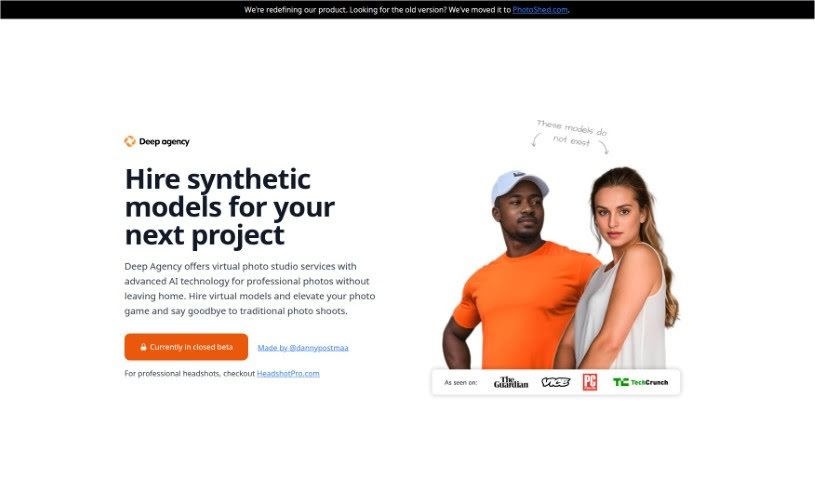
Deep Agency is a virtual photo studio and modeling agency based in Holland, powered by AI. It lets you create professional-quality photos without needing actual photoshoots. How? By using advanced AI to hire virtual models and create personalized avatars, which they call 'virtual twins.' Your privacy is a big deal to them, so your data is stored securely on servers in the United States that have been thoroughly vetted. You can use the photos Deep Agency generates for all sorts of things – think social media, your website, business cards, and more. They also offer a 14-day refund policy and the option to hire AI models for your projects. While they don't list specific prices, the cost likely depends on how much it takes to train the AI models, which requires a lot of resources to make those virtual twins look so realistic. Basically, Deep Agency helps you seriously upgrade your photos. Their virtual photo studio services mean you get professional shots without the hassle of traditional photoshoots.

Screenshot of Deep Image AI

Deep Image AI

Freemium

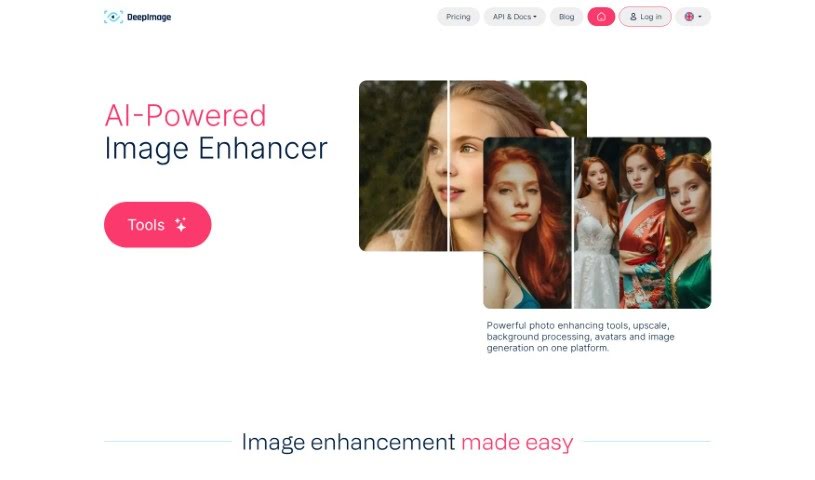
Deep Image is your go-to AI assistant for making photos look their absolute best. It offers simple apps that can do things like upscale your images using AI, get rid of annoying noise, sharpen up blurry details, fix light and color issues, and even remove backgrounds. It’s built to boost image quality for all sorts of uses – whether you’re into digital art, need great photos for real estate listings, want your e-commerce products to pop, or are preparing images for printing. Deep Image handles common formats like PNG and JPG, and how long it takes really depends on the size of your picture. Plus, it can help restore white balance, create HDR effects, and generally increase your image resolution.

Screenshot of Dog Identifier

Dog Identifier

Freemium

The Dog Identifier app is a top-tier tool for figuring out dog breeds, powered by AI image recognition. It's super easy to use – just snap a photo or upload one, and it can identify over 170 dog breeds instantly. You get detailed info on each breed, like its history and characteristics. Plus, it uses advanced tech and has a huge database, making it perfect for anyone who loves dogs, owns one, or is just curious about canines. Thanks to its smart algorithms, identifying breeds is now both simple and accurate.

Screenshot of Frameright

Frameright

Freemium

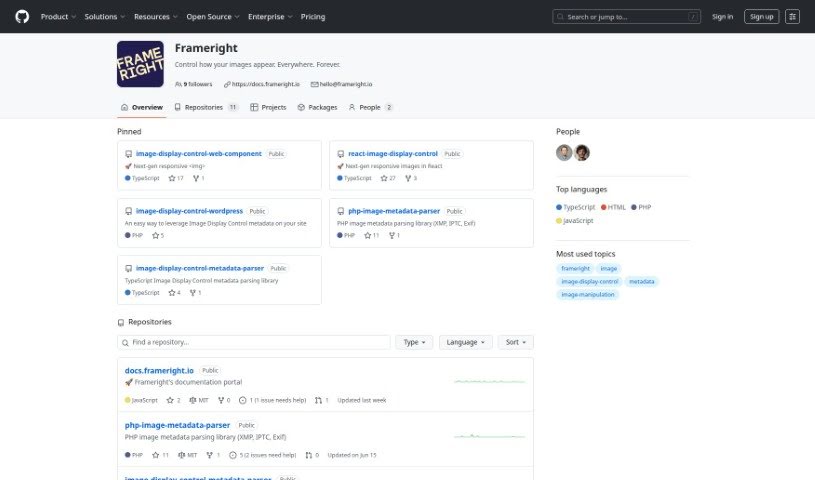
Frameright is a platform built to solve a common problem: images often don't look quite right on the web because they need to fit different channels and screen sizes. Developed by Ilkka and Marina, this tool helps creators, developers, and businesses make sure their images always appear in the perfect size for any container or screen. Frameright's special Image Display Control (IDC) technology essentially makes images smart and adaptable, no matter where you publish them. You'll find the interface really easy to use, thanks to its custom AI, speedy processing, and smooth integration with your current systems. Plus, developers get pixel-perfect control and code-based image framing without needing any tricky CSS workarounds. Frameright's core mission is to put images and the people who make them back in charge, aiming for a visual culture that's fair, appealing, and consistent for everyone, across all sorts of industries.

Screenshot of Fylm.ai

Fylm.ai

Freemium

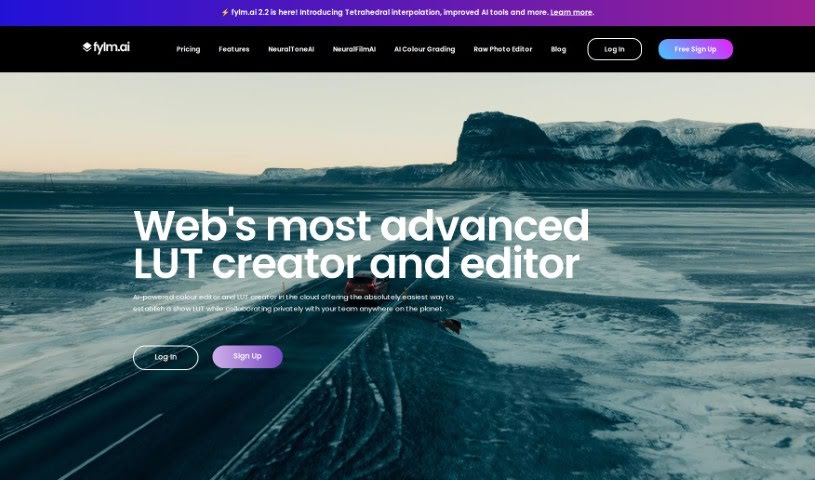
Fylm.ai is a cloud-based color grading software that uses AI to help photographers and filmmakers create and edit look-up tables (LUTs). It's designed for professionals who want to streamline their workflow. At its core is NeuralToneAI, an AI feature that makes color grading much more efficient by automatically matching different shots. This really cuts down on the manual work, letting you focus more on the creative side. Because it's cloud-based, you can work on your projects from pretty much anywhere. Plus, it offers advanced AI tools to help you craft stunning visual styles and generally improve your grading process. Fylm.ai also includes collaboration features, so your team can work together on projects simultaneously, no matter where they are. It helps manage projects with a built-in asset management system, making color grading more accessible and efficient for everyone.

Screenshot of gradient science PhotoGuard AI

gradient science PhotoGuard AI

Freemium

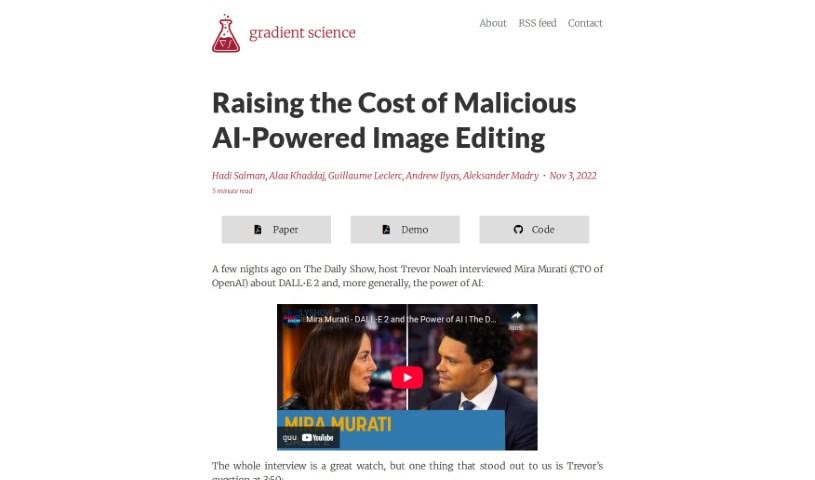
PhotoGuard AI is a really neat tool designed to keep your images safe from being altered by those AI image generators, especially the ones that use diffusion models. Think of it like a digital shield for your photos. It works by using clever techniques that essentially 'trick' these generative models. The main idea is to make images resistant to direct editing by these AI systems. PhotoGuard AI does this by implementing two different types of protection: a straightforward one that targets a specific part of how diffusion models work (the conditioning mechanism), and a more involved one that aims to disrupt the entire process from start to finish. The simpler PhotoGuard focuses on attacking that conditioning step, while the more complex one tries to mess with the whole diffusion process by making small, iterative changes to the original image. By using these methods, PhotoGuard AI makes your images pretty much immune to being directly edited by generative models, which is a pretty promising way to protect your work from unwanted manipulation.

Screenshot of Hama

Hama

Freemium

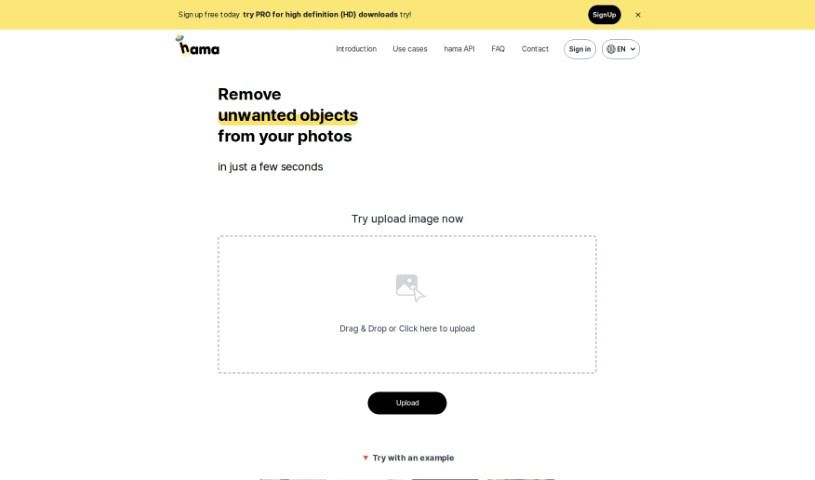
Hama is a really neat AI tool designed specifically for erasing unwanted things from your photos. It makes removing objects, whether they're people, text, or just something distracting, super quick and easy. Thanks to its advanced artificial intelligence, Hama can spot and get rid of these elements with just a few clicks. All you have to do is brush over the area you want gone and hit 'Erase.' You'll end up with a clean, polished photo in seconds. It's a great option for anyone, from hobbyists to professionals, who wants to improve their photos without a lot of fuss or cost.

Screenshot of Heyphoto

Heyphoto

Freemium

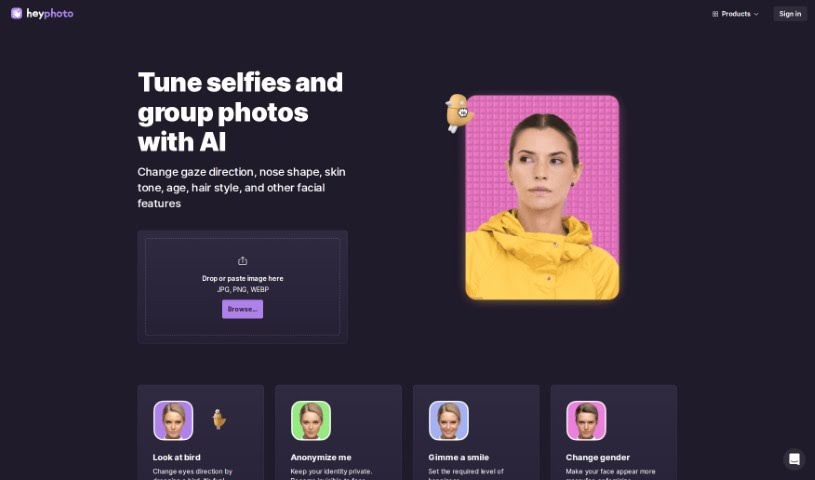
HeyPhoto is a free service that uses artificial intelligence to find faces in pictures. It lets you make all sorts of changes to them – like adjusting where someone is looking, their age, their smile, or even their gender. The interface is really straightforward, so you don't need any special skills to use it. This makes it perfect for sprucing up photos for social media, dating apps, creating avatars, or generating AI headshots. You just upload your image, play around with simple sliders to adjust settings, and get back a nicely edited photo that keeps its original quality. Since it's free, HeyPhoto does add a watermark to the final images as a way to promote their platform. For your peace of mind, you can securely store your uploaded images or delete them whenever you like.

Screenshot of Idphoto

Idphoto

Freemium

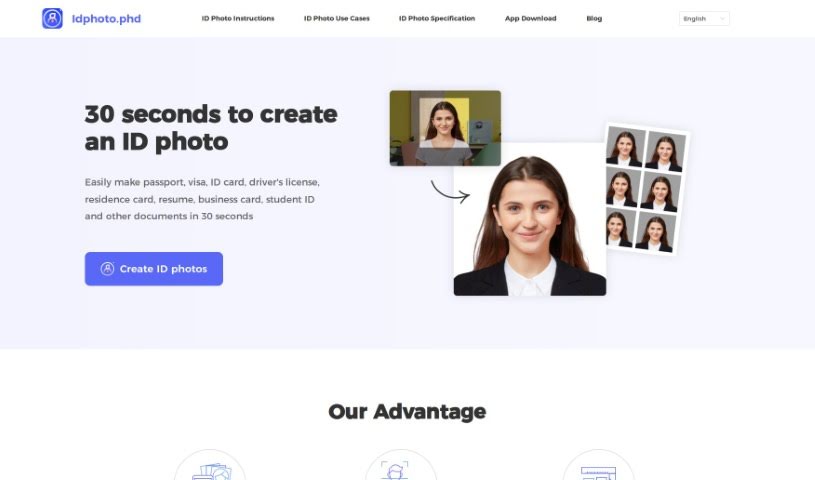
Idphoto.phd is a handy AI tool that makes creating official document photos super quick and easy. Whether you need a photo for a passport, visa, ID card, driver's license, residence card, resume, business card, or student ID, this tool has you covered. It really saves you time by handling the whole photo creation process for you, giving you ready-to-use pictures that meet all the specific rules for your document. While it's great at processing photos fast and has a really simple interface, it's worth noting that you can't customize the size too much, and there aren't a ton of editing options. Still, people generally love Idphoto.phd because it produces high-quality photos for way less money than going to a traditional photo studio.

Screenshot of Imagebooth

Imagebooth

Freemium

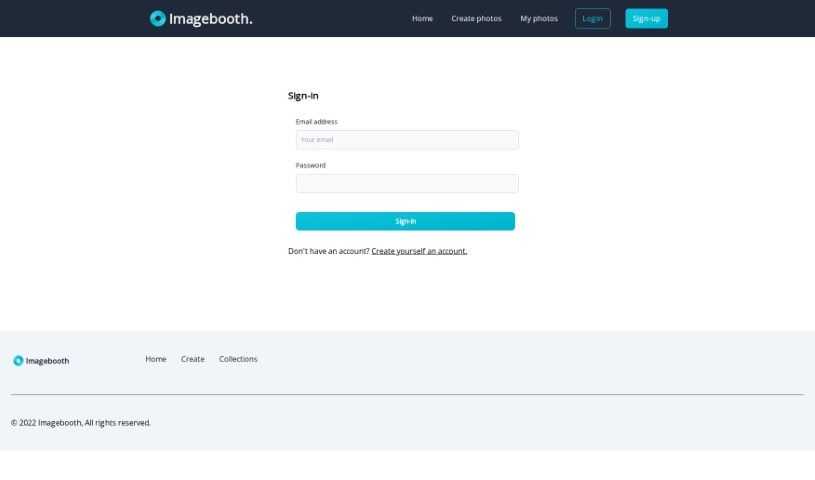
Imagebooth is a really neat AI tool that acts like your own personal AI photographer. It makes it super easy for anyone to create and keep digital photos. The interface is straightforward and friendly, so you can capture and manage your images without any hassle. You can create brand new photos, sort them into different collections, and store them safely for later. Imagebooth really focuses on giving you a smooth, polished experience by using AI to make photography simpler and better.

Screenshot of Imagesorter

Imagesorter

Freemium

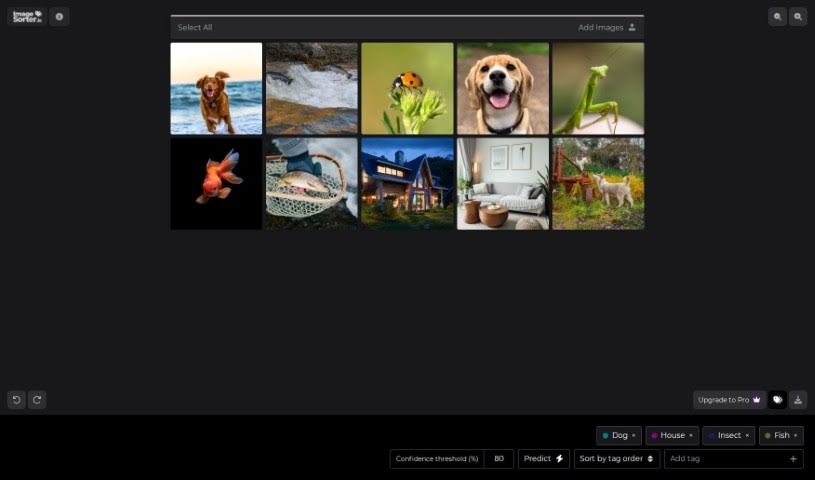
ImageSorter.io is a free tool designed to help you easily sort and organize your images. It features a simple drag-and-drop interface, making the process straightforward. What's really neat is that it uses AI technology to automatically tag and categorize your pictures, which really speeds things up. Of course, if you prefer, you can also tag images yourself and then easily rearrange them right there in the interface. You don't need to sign up or register for anything, so you can jump right in. Just drag your images over, and you're ready to go. The tool offers some handy keyboard shortcuts too: use the space bar to pick up an image, the arrow keys to move it around, and the space bar again to drop it where you want it. It even comes with some helpful predefined tags like 'Dog,' 'House,' 'Insect,' and 'Fish,' and you can adjust a confidence threshold for even more control over how it sorts. All in all, ImageSorter.io is a really practical and efficient way to manage your photo collections.

Screenshot of Limnr

Limnr

Freemium

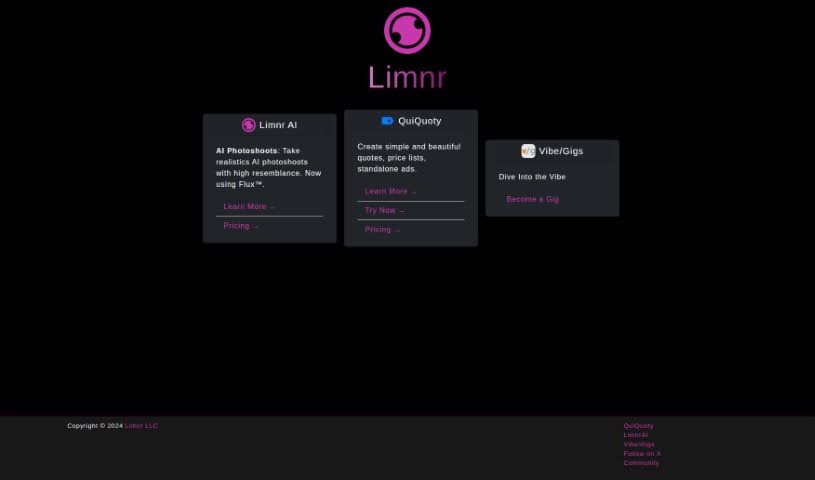
Limnr AI is a really neat tool from Limnr LLC. It uses Artificial Intelligence to create images that look like real photos or have a fun, 'toony' style. The goal here is to really change how creative work gets done, offering professionals in photography, advertising, and design a whole range of visual options. You can easily sign up for an account on the Limnr AI platform to start using its features and get access to its high-quality image generation. Limnr AI is super versatile, perfect for everything from advertising materials and design projects to personal photography hobbies.

Stay Updated with AI Tools

Get weekly updates on the latest AI tools, trends, and insights delivered to your inbox

Join 25,000+ AI enthusiasts. No spam, unsubscribe anytime.