AI Tools for Photographers

Discover the best Photographers AI tools to enhance your productivity and creativity.

Page 3 of 5 • 59 total tools

Photography has always been about capturing that perfect shot, but technology is really changing how photographers shoot, edit, and share their work these days. With AI tools becoming more common, photographers can speed up their workflow, get more creative, and really improve their skills. No matter if you’re a pro or just starting out, there’s an AI tool out there to help you take your photography to the next level.

You’ve got everything from smart editing software that automatically fixes your photos to apps that can create amazing images from just a simple description. The possibilities feel endless! These tools don’t just save you time; they also spark new artistic ideas, letting your unique vision really stand out in every picture.

I’ve spent a good amount of time checking out the newest AI tools for photographers, looking at what they offer, how easy they are to use, and how much they actually help with the craft. While some of the claims might sound a bit much, the best tools genuinely help your creative process instead of taking over.

Wondering which AI tools can really improve your photography experience? You’ve come to the right place. Here’s a list of the top options that can help you capture and refine your visual stories. Let’s get started!

The Best AI Photographers Tools

  1. Topaz Labs for enhancing photos with AI precision
  2. Skylum for AI-driven photo enhancement tools
  3. Phot Ai for professional photo editing and design tools
  4. Deep Image AI for enhancing photos for portfolio presentation
  5. ON1 for creative photo editing essentials
  6. Retouchme for quick portrait enhancement for photographers
  7. Aftershoot for easy photo selection and editing.
  8. Retouch4me for easy batch retouching for photographers
  9. Portrait Art for editing and retouching photos
  10. Heyphoto for advanced photo retouching
  11. Profile Picture AI for enhancing portfolio imagery
  12. Upscalepics for high-quality image enlargement for photographers
  13. Hama for seamless object removal
  14. Reeflex Store for essential tools for stunning imagery
  15. Lucidpic for creating lifelike backdrops for portraits

How Do AI Photography Tools Work?

AI photography tools use smart algorithms and neural networks to create and improve images. Basically, these tools use big generative models, often built with techniques like Generative Adversarial Networks (GANs) or diffusion models. These models are trained on huge amounts of images, learning to recognize patterns, styles, and how to compose shots.

When you give the AI a prompt or an image, it looks at that data and figures out the best way to create a new image. This involves breaking down things like lighting, color, and texture. By using what it learned during training, AI tools can make completely new images or change existing ones based on what you want.

Just like with AI writing software, many photography tools on the market are built on similar core models. They often have a different interface or extra features to stand out, but they mostly work using the same basic technology. This similarity means there are tons of creative possibilities across different platforms.

Companies like Adobe and Canva have quickly added these AI features to their photo editing software. They either partner with top AI development companies or create their own models to give users advanced editing options, like removing backgrounds, changing styles, or making images look better.

If you want to learn more, there are lots of resources that explain computer vision and how these AI models actually work. In short, AI photography tools capture the huge range of human visual creativity, making artistic projects more accessible and innovative than ever before.

Our Best AI Photographers Tools at a Glance

RankNameBest forPlans and PricingRating
1Topaz LabsEnhancing photos with AI precisionN/A4.70 (10 reviews)
2SkylumAI-driven photo enhancement toolsN/A4.75 (24 reviews)
3Phot AiProfessional photo editing and design toolsN/A4.77 (13 reviews)
4Deep Image AIEnhance photos for portfolio presentationN/A4.75 (8 reviews)
5ON1Creative photo editing essentialsN/A4.17 (6 reviews)
6RetouchmeRapid portrait enhancement for photographersPaid plans start at $0.99/one-time purchase.4.69 (26 reviews)
7AftershootEffortless photo selection and editing.N/A4.74 (53 reviews)
8Retouch4meEffortless batch retouching for photographersN/A4.83 (12 reviews)
9PortraitArtEditing and retouching photosPaid plans start at $7.99/one-time.4.20 (5 reviews)
10HeyphotoAdvanced photo retouchingN/A4.70 (10 reviews)
11Profile Picture AIEnhancing portfolio imageryN/A4.04 (28 reviews)
12UpscalepicsHigh-quality image enlargement for photographersPaid plans start at $3/month.4.73 (11 reviews)
13HamaSeamless object removalN/A4.71 (24 reviews)
14Reeflex StoreEssential tools for stunning imageryN/A4.70 (10 reviews)
15LucidpicCreate lifelike backdrops for portraitsPaid plans start at $0.03/each.3.20 (5 reviews)
Screenshot of Lookright

Lookright

Freemium

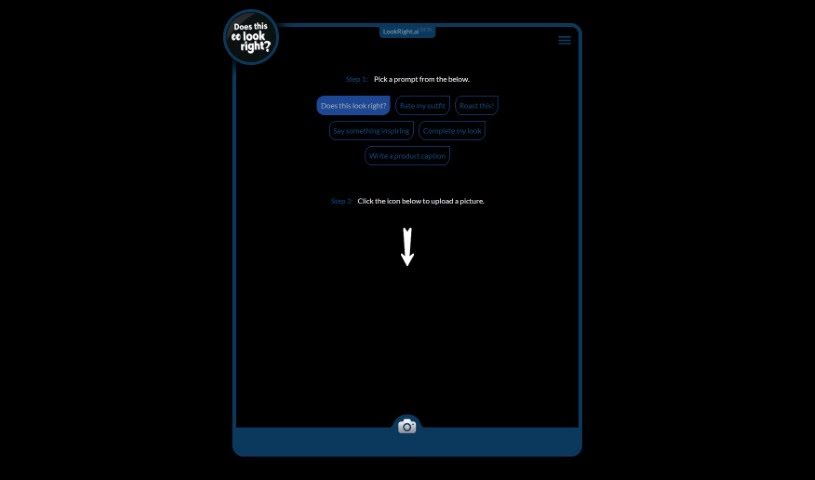
LookRight is a smart AI tool that gives you instant, helpful feedback on your images. It is an extra pair of eyes, using advanced computer vision to help you check and improve your visuals. You can pick from prompts like "Does this look right?", "Rate my outfit", "Roast this!", "Say something inspiring", "Complete my look", or "Write a product caption." Then, just click the camera icon and upload your picture. The tool uses top-notch computer vision algorithms to analyze your image based on what you asked for, giving you fast, unbiased opinions on how it looks. LookRight.ai BETA is here to help with fashion, design, photography, and social media content. It offers useful criticism, inspiration, or even caption ideas. Getting this instant, smart feedback means you don't have to wait for others or spend ages figuring things out yourself, saving you time and hassle. Basically, LookRight is a great AI helper for anyone wanting objective feedback to make their visual content better and more impactful.

Screenshot of Lucidpic

Lucidpic

Freemium

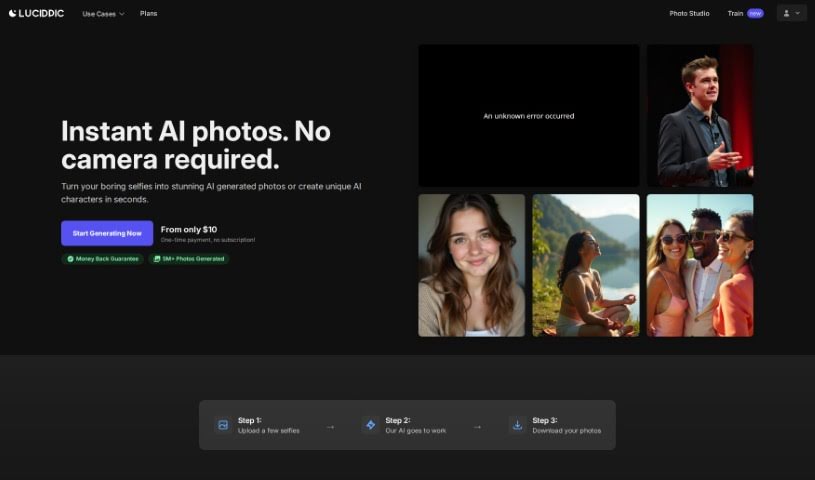
Lucidpic's AI Person Generator is a really handy tool that lets you easily create high-quality, AI-generated images of people for all sorts of uses. It is your go-to for custom people photos. It's packed with features like:

Screenshot of Mark My Images

Mark My Images

Freemium

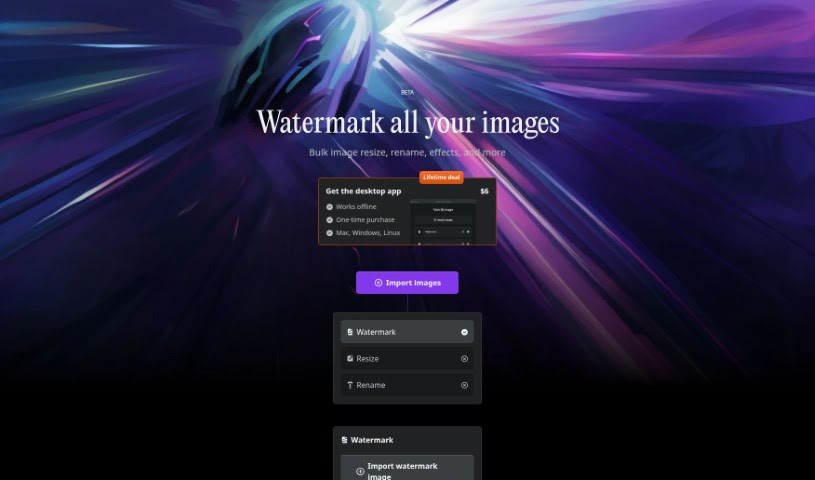
MarkMyImages is a really handy tool built to boost your online presence. Its main job is to protect your digital photos by letting you add your own personalized watermarks. It's super user-friendly, allowing you to watermark lots of images at once. Plus, you can resize them, rename them, and even add special effects. What's great is that it all happens right on your computer, so it's faster and keeps your images private. The desktop app costs a one-time fee of $6 and works on Mac, Windows, and Linux, meaning you can use it even without an internet connection. MarkMyImages uses your computer's graphics card (GPU) for rendering and modern tech like WebAssembly to make watermarking and image editing super efficient. Hugo, the creator, built it using Svelte, specifically for creative folks who need things done quickly and securely.

Screenshot of ON1

ON1

Freemium

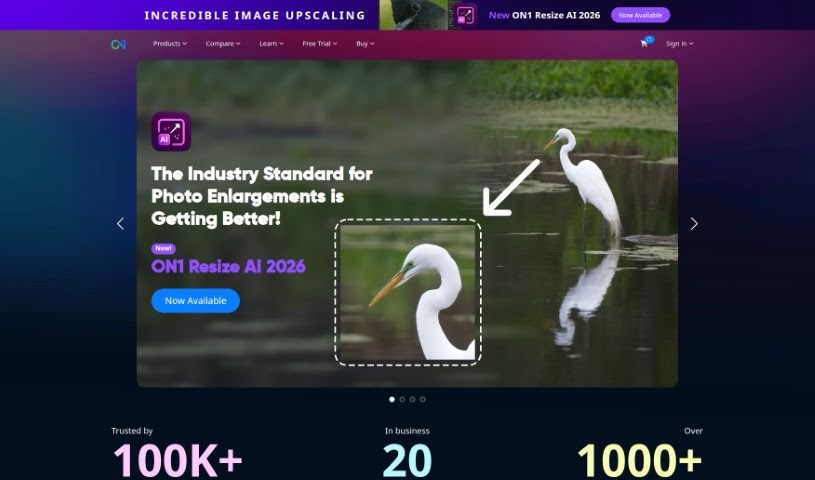
ON1 is a software company dedicated to helping photographers, whether they're just starting out or are seasoned pros, really bring their creative visions to life. They do this by offering innovative software that makes editing and managing your photos much simpler and more efficient. They are providing a whole suite of tools for everything from working with raw files, creating detailed masks and layers, making general photo enhancements, to keeping your photo library organized. Plus, ON1 really believes in building a community. They offer online forums, helpful tutorials, and lots of educational content to help photographers learn and improve their skills. Their Portrait AI Picture Retouching Plugin, for instance, uses machine learning to make retouching portraits a breeze. The company itself got its start back in 2005, and they've always been focused on making sure their customers are happy and that their products keep getting better to meet photographers' evolving needs.

Screenshot of Panoslice

Panoslice

Freemium

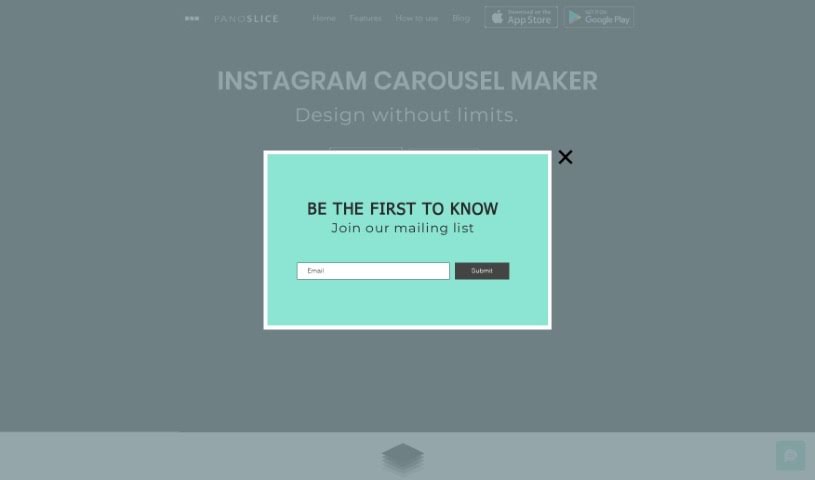
Panoslice is a really handy tool that helps you create all sorts of cool visuals for your online presence. Think seamless carousels for Instagram, stylish collages, and engaging slide presentations – it's great for platforms like Instagram, LinkedIn, and many others. Photographers, personal brands, and content creators use it to make their visual stories pop, announce things, support their Instagram Shops, and even put together educational posts. What's neat is that it comes with over 400 templates you can use right away, or you can design from scratch on a freeform canvas for a perfectly balanced look. Plus, it has this AI feature that can turn your text prompts into carousels, and you can even convert blog posts into social media content just by pasting a URL. You can grab Panoslice on both the Apple App Store and Google Play Store, so it's super easy to access whether you're on iOS or Android.

Screenshot of PassportMaker

PassportMaker

Freemium

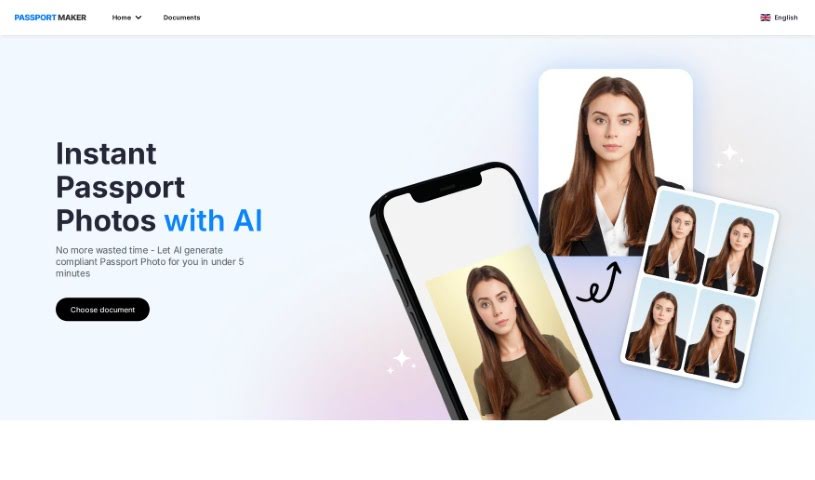
PassportMaker is an online service that uses smart technology, especially AI algorithms, to automatically create passport photos. The goal of this platform is to make it simple for anyone to get high-quality passport photos that meet the specific rules from governments all over the world. You just upload a photo, and the AI handles things like removing the background, cropping it to the right size, and making the photo look better. PassportMaker lets you create passport photos whenever and wherever you want, so you don't need a professional photographer. Plus, it's cheaper than traditional photo services, making it a really practical choice when you need official photos for documents.

Screenshot of Phot Ai

Phot Ai

Freemium

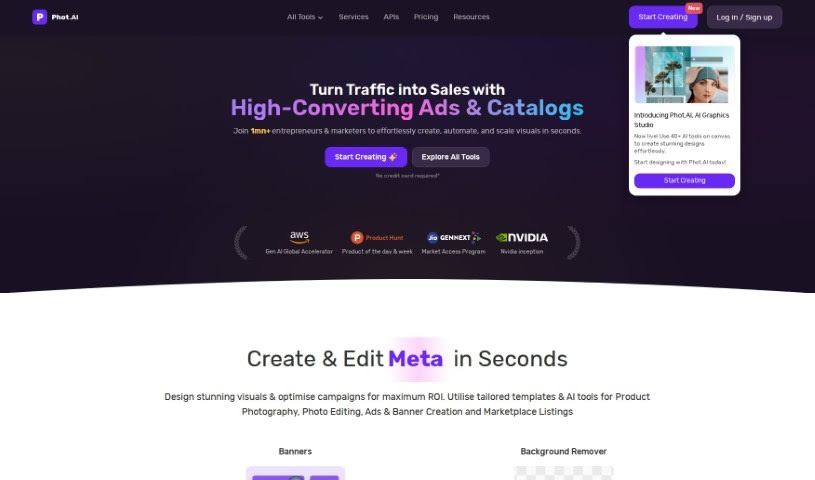
Phot AI is a really advanced tool for editing photos and designing with AI, letting you create, change, and improve images right in your browser. It's packed with features like professional-grade retouching, HDR capabilities, and it's all cloud-based, so you can access it from anywhere. You can even generate passport photos online with it! There's a free version with basic tools, and if you go premium, you get access to more advanced features and priority support. Whether you need to remove backgrounds, get rid of watermarks, boost image quality, create professional product shots, or even make custom avatars, Phot AI has you covered. It's designed to be super user-friendly, whether you're a beginner or a seasoned pro, offering a whole range of tools to make your visuals shine.

Screenshot of PhotoShed

PhotoShed

Freemium

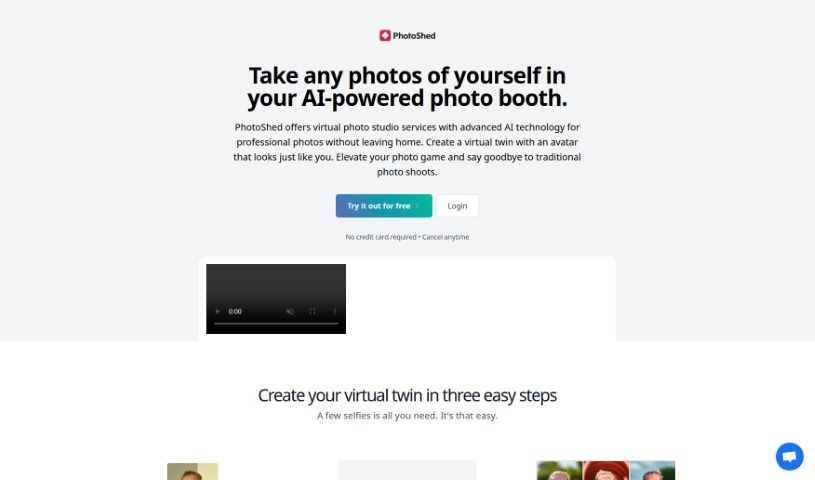
PhotoShed is essentially a virtual photo studio combined with an AI modeling agency. It uses advanced AI technology to help you get professional-quality photos without ever leaving your home. It is a super-smart AI photo booth. You can take pictures of yourself, and the AI will create a virtual twin, an avatar that looks just like you. The process is pretty straightforward: you upload your photos, let the AI work its magic, and then you can generate as many photos of your virtual twin as you like. It's a really neat way to get photos for social media, your website, business cards, or just personal profiles – a fresh take on photography and virtual modeling.

Screenshot of PinMy

PinMy

Freemium

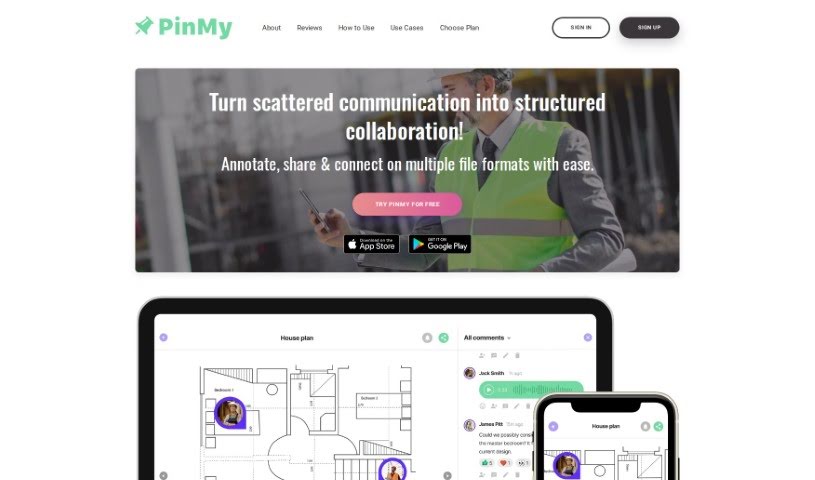
PinMy is a handy mobile app built to make working together on visual stuff much easier. It is a way to chat about images using your voice or text, right on the picture itself. This makes it super clear and organized for all sorts of things – whether it's for work projects, school assignments, or even just personal notes. You can get PinMy on your iPhone or Android phone, or use it right in your web browser, so it's easy for everyone to access. It's got features like making changes as you go, turning your voice notes into text, and generally making communication smoother. It's a great tool for designers, people who create content, photographers, teachers, real estate agents, and lots of other professionals.

Screenshot of Pixels AI

Pixels AI

Freemium

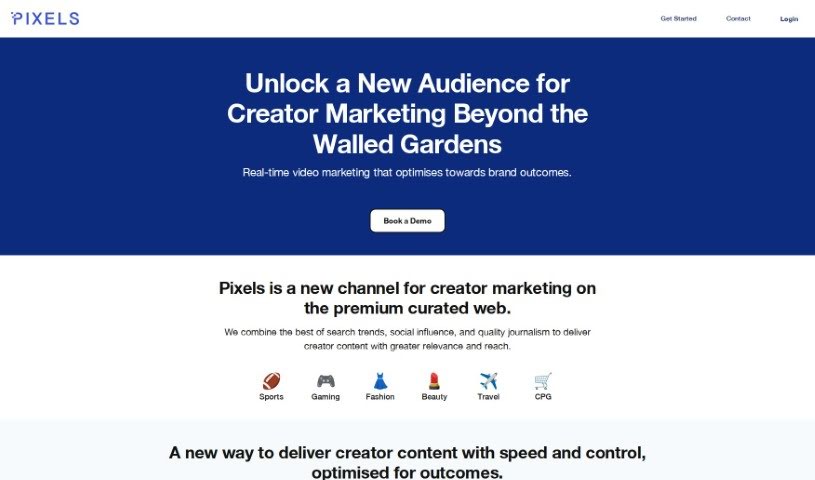
Pixels AI is a smart, AI-powered tool designed to help photographers make their images look even better, and do it fast. It uses machine learning to really dig into your photos, process them, and boost their quality. Think of it like having a super-smart assistant that knows exactly how to reduce noise, sharpen details, fix colors, and generally make your pictures pop. This means you can spend less time fiddling with settings and more time creating. It’s a big step forward in photo editing, making it easier than ever for photographers to really elevate their work.

Screenshot of PlatePose

PlatePose

Freemium

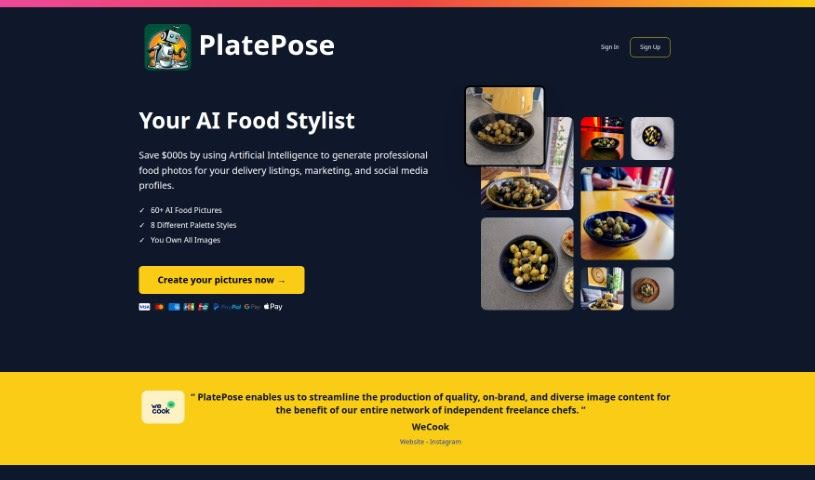
PlatePose is a platform that uses artificial intelligence to create unique food images, perfect for sharing on social media. You just upload 10 to 20 photos of a dish, and the AI model learns from them to generate over 50 different images for you to use. The whole process is pretty straightforward: upload your pictures, let the AI train, and then pick the images you like best to download. PlatePose's goal is to make food look amazing with AI-generated, professional-quality photos. It’s a cost-effective way for anyone to create eye-catching food images, whether for delivery services, marketing materials, or your social media feeds. It offers a quick and easy way to keep your delivery service or social media looking consistent and stylish, while also adding a touch of variety without much effort.

Screenshot of Polarr Copilot Next

Polarr Copilot Next

Freemium

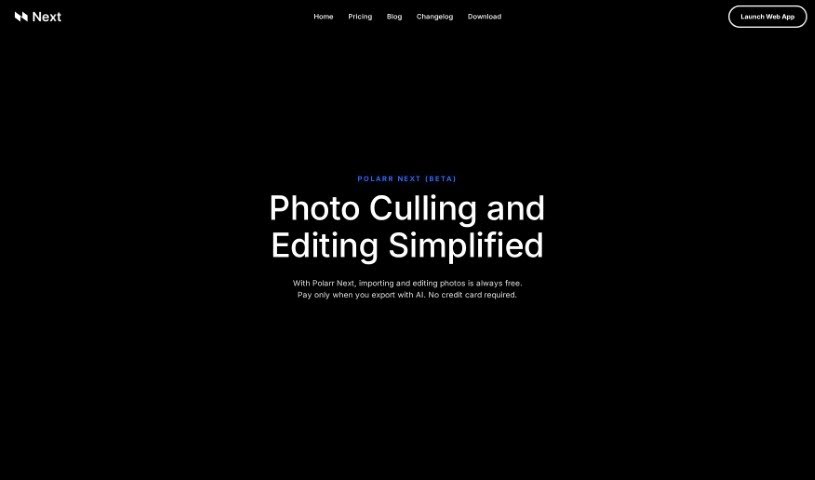
Polarr Copilot Next is a web-based photo editing tool designed to make your editing process faster and better. What really sets it apart is its smart AI system. This AI learns your unique editing style as you work, applying your preferences in real-time. This means less manual work for you and immediate feedback on every change you make. It’s built to quickly import lots of RAW files while keeping them secure and offline. Plus, you get pre-trained AI styles, direct help from real people, and an easy-to-use interface that doesn't take long to learn, making it a great choice whether you're a pro or just starting out.

Stay Updated with AI Tools

Get weekly updates on the latest AI tools, trends, and insights delivered to your inbox

Join 25,000+ AI enthusiasts. No spam, unsubscribe anytime.