AI Tools for Photographers

Discover the best Photographers AI tools to enhance your productivity and creativity.

Page 4 of 5 • 59 total tools

Photography has always been about capturing that perfect shot, but technology is really changing how photographers shoot, edit, and share their work these days. With AI tools becoming more common, photographers can speed up their workflow, get more creative, and really improve their skills. No matter if you’re a pro or just starting out, there’s an AI tool out there to help you take your photography to the next level.

You’ve got everything from smart editing software that automatically fixes your photos to apps that can create amazing images from just a simple description. The possibilities feel endless! These tools don’t just save you time; they also spark new artistic ideas, letting your unique vision really stand out in every picture.

I’ve spent a good amount of time checking out the newest AI tools for photographers, looking at what they offer, how easy they are to use, and how much they actually help with the craft. While some of the claims might sound a bit much, the best tools genuinely help your creative process instead of taking over.

Wondering which AI tools can really improve your photography experience? You’ve come to the right place. Here’s a list of the top options that can help you capture and refine your visual stories. Let’s get started!

The Best AI Photographers Tools

  1. Topaz Labs for enhancing photos with AI precision
  2. Skylum for AI-driven photo enhancement tools
  3. Phot Ai for professional photo editing and design tools
  4. Deep Image AI for enhancing photos for portfolio presentation
  5. ON1 for creative photo editing essentials
  6. Retouchme for quick portrait enhancement for photographers
  7. Aftershoot for easy photo selection and editing.
  8. Retouch4me for easy batch retouching for photographers
  9. Portrait Art for editing and retouching photos
  10. Heyphoto for advanced photo retouching
  11. Profile Picture AI for enhancing portfolio imagery
  12. Upscalepics for high-quality image enlargement for photographers
  13. Hama for seamless object removal
  14. Reeflex Store for essential tools for stunning imagery
  15. Lucidpic for creating lifelike backdrops for portraits

How Do AI Photography Tools Work?

AI photography tools use smart algorithms and neural networks to create and improve images. Basically, these tools use big generative models, often built with techniques like Generative Adversarial Networks (GANs) or diffusion models. These models are trained on huge amounts of images, learning to recognize patterns, styles, and how to compose shots.

When you give the AI a prompt or an image, it looks at that data and figures out the best way to create a new image. This involves breaking down things like lighting, color, and texture. By using what it learned during training, AI tools can make completely new images or change existing ones based on what you want.

Just like with AI writing software, many photography tools on the market are built on similar core models. They often have a different interface or extra features to stand out, but they mostly work using the same basic technology. This similarity means there are tons of creative possibilities across different platforms.

Companies like Adobe and Canva have quickly added these AI features to their photo editing software. They either partner with top AI development companies or create their own models to give users advanced editing options, like removing backgrounds, changing styles, or making images look better.

If you want to learn more, there are lots of resources that explain computer vision and how these AI models actually work. In short, AI photography tools capture the huge range of human visual creativity, making artistic projects more accessible and innovative than ever before.

Our Best AI Photographers Tools at a Glance

RankNameBest forPlans and PricingRating
1Topaz LabsEnhancing photos with AI precisionN/A4.70 (10 reviews)
2SkylumAI-driven photo enhancement toolsN/A4.75 (24 reviews)
3Phot AiProfessional photo editing and design toolsN/A4.77 (13 reviews)
4Deep Image AIEnhance photos for portfolio presentationN/A4.75 (8 reviews)
5ON1Creative photo editing essentialsN/A4.17 (6 reviews)
6RetouchmeRapid portrait enhancement for photographersPaid plans start at $0.99/one-time purchase.4.69 (26 reviews)
7AftershootEffortless photo selection and editing.N/A4.74 (53 reviews)
8Retouch4meEffortless batch retouching for photographersN/A4.83 (12 reviews)
9PortraitArtEditing and retouching photosPaid plans start at $7.99/one-time.4.20 (5 reviews)
10HeyphotoAdvanced photo retouchingN/A4.70 (10 reviews)
11Profile Picture AIEnhancing portfolio imageryN/A4.04 (28 reviews)
12UpscalepicsHigh-quality image enlargement for photographersPaid plans start at $3/month.4.73 (11 reviews)
13HamaSeamless object removalN/A4.71 (24 reviews)
14Reeflex StoreEssential tools for stunning imageryN/A4.70 (10 reviews)
15LucidpicCreate lifelike backdrops for portraitsPaid plans start at $0.03/each.3.20 (5 reviews)
Screenshot of Poly

Poly

Freemium

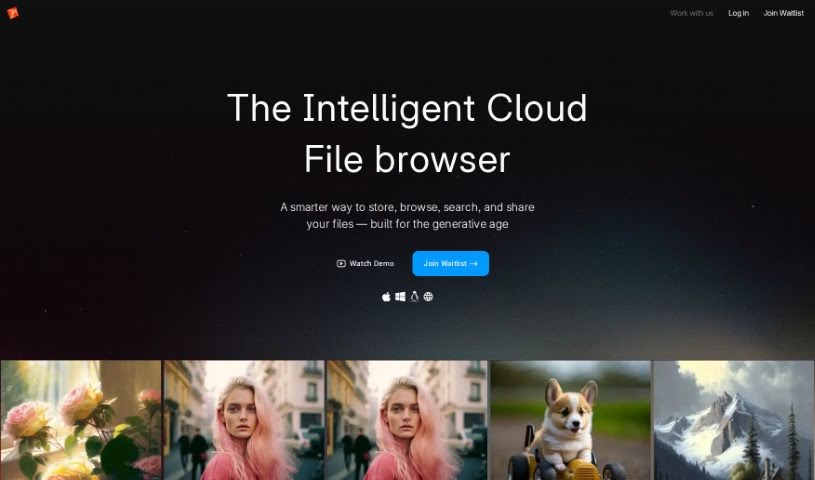
Based on the "poly.pdf" document, Poly is essentially a smart file system built for managing all your digital creations. It is a new way to look at and understand your image library. You can search for images using text or even by uploading another image. The system uses AI to really get what's in your files, making it super easy to find what you need, when you need it. Plus, Poly comes packed with features like different ways to view your files, incredibly fast image previews, quick scrolling through tons of images, creating special "spaces" for easy access, options to share things publicly, and other tools to make your creative work smoother.

Screenshot of PortraitArt

PortraitArt

Freemium

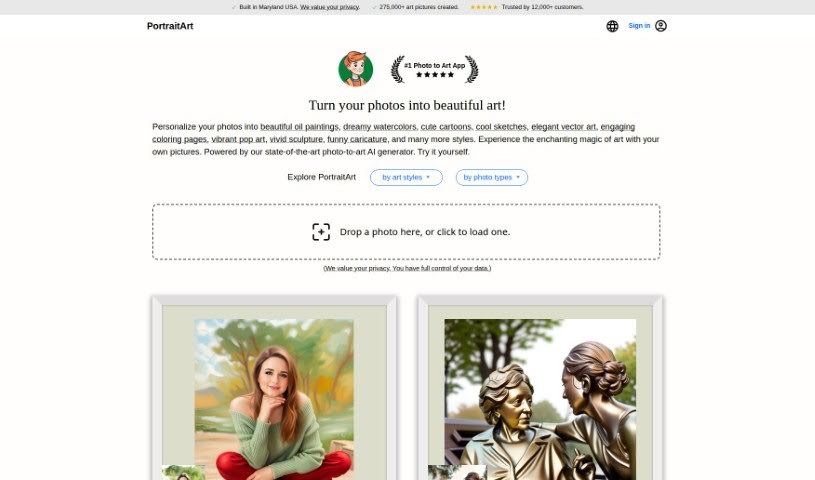
PortraitArt is a neat AI tool that takes your portrait photos and turns them into all sorts of different art styles. It's really easy to use – you just upload your picture, pick the art style you like, and let it do its magic. What's cool is that it's not just for single people; it handles group shots and wedding photos too! You've got a huge selection of styles to choose from, like cartoons, sketches, oil paintings, watercolors, classic paintings, illustrations, 3D cartoons, and even sculptures. The main focus here is portraits, and it works best when you give it a high-quality photo with good lighting and a simple background. PortraitArt is actually a product from PhotoFairy, a company built by a team with solid experience in AI research and creating great products.

Screenshot of Profile Picture AI

Profile Picture AI

Freemium

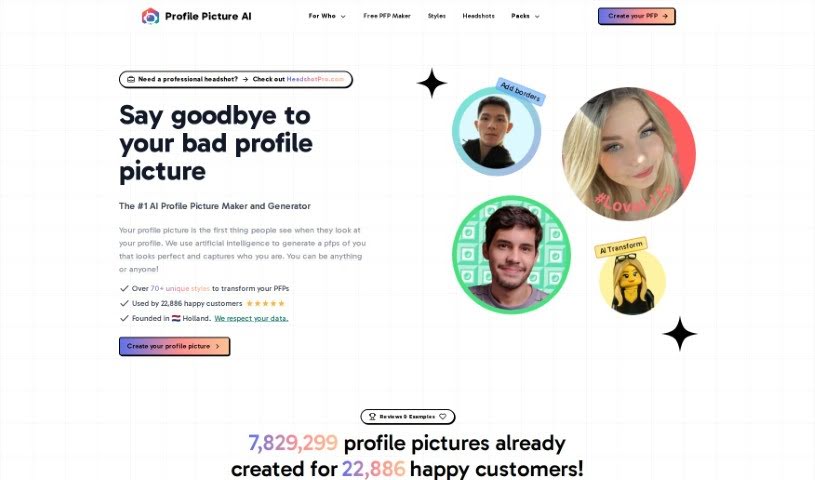
Profile Picture AI is a neat platform powered by artificial intelligence, created by Danny Postma, who's a solopreneur all the way from the Netherlands. Basically, it lets you generate awesome profile pictures. All you have to do is upload a few specific kinds of photos – think close-ups, side profiles, shots from the chest up, and even full-body pictures. The more variety you offer in backgrounds and angles, the better! The service does ask that you use high-quality photos, and it's best to go light on the makeup, as heavy makeup can sometimes get exaggerated by the AI. They also don't allow nudes, but swimwear or underwear shots are fine. You can upload your photos in common formats like JPG, PNG, WebP, and HEIC. Your data is kept safe on servers located in the United States, and payments are handled securely through Stripe. If you need one, you can also request an invoice for your purchase. And if you're not happy, there's a refund option within the first 14 days. Once you've got your new pictures, you're free to use them however you like – whether it's for social media, your website, business cards, or even personal use like on dating profiles.

Screenshot of Promptsalsa Midjourney Prompt Generator

Promptsalsa Midjourney Prompt Generator

Freemium

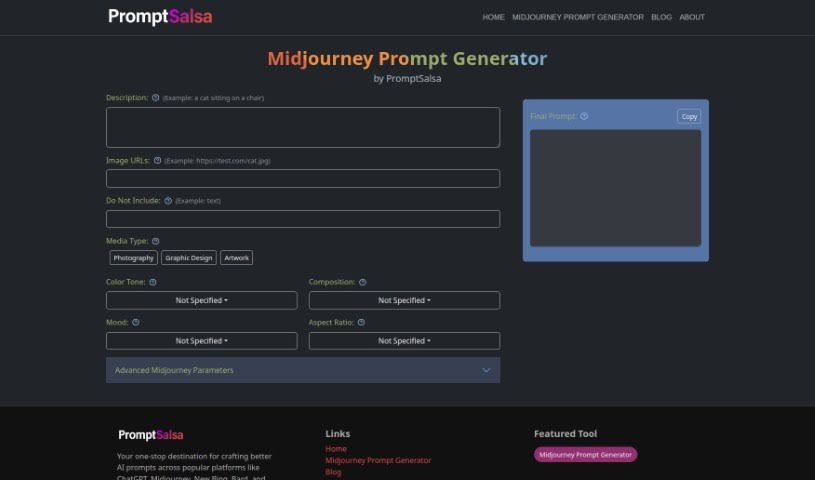
The Midjourney Prompt Generator from Promptsalsa is a tool designed to really boost your creative process, especially if you're into photography, graphic design, or creating all sorts of art. It gives you special settings and features to help you craft really eye-catching content. You can tweak advanced photo settings like camera details, lighting, filters, focus, exposure, aperture, lens type, shutter speed, and ISO. Plus, you can fine-tune your prompts by adjusting things like style, color, composition, mood, and aspect ratio. This tool works with popular platforms like ChatGPT, New Bing, and Bard, and you can access it online. It makes creating prompts easier with its user-friendly interface and a bunch of advanced options, including version control, a chaos parameter, and more, all to help you get the exact output you're looking for. Essentially, Promptsalsa's Midjourney Prompt Generator is perfect for artists, photographers, graphic designers, and anyone who wants to generate fresh, personalized prompts without a hassle.

Screenshot of Radiant Imaging Labs

Radiant Imaging Labs

Freemium

Radiant Imaging Labs is a photo editor that really shines when it comes to making your photos look bright, vibrant, and crisp – exactly the kind of look photographers and viewers love. It's designed to be super easy to use, offering features like Smart Presets and Looks that give you great control and help you customize your edits. What really sets Radiant Imaging Labs apart is its speed and ability to handle multiple photos at once, making it a fantastic tool for professional photographers who need to get a lot done efficiently.

Screenshot of Raster

Raster

Freemium

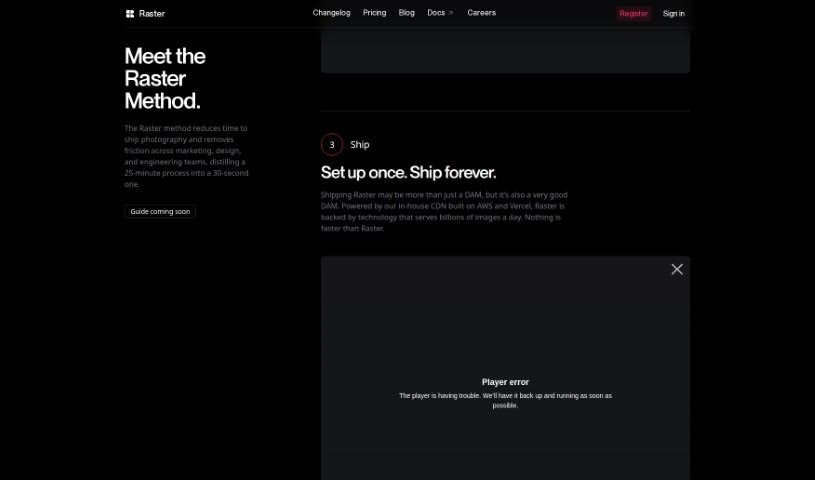
Raster is a really smart digital asset manager built for today's teams. It makes managing, editing, and hosting your photo assets super efficient. What sets it apart is its lightning-fast performance and clever features that really speed things up for marketing teams, photographers, and developers. Raster's interface is easy to use, boosting both creativity and how much you get done, making it a must-have for teams that care about efficiency and quality. The system's AI-powered organization and collaborative editing tools are game-changers, letting you manage and edit images smoothly without the usual headaches of traditional file storage.

Screenshot of Reeflex Store

Reeflex Store

Freemium

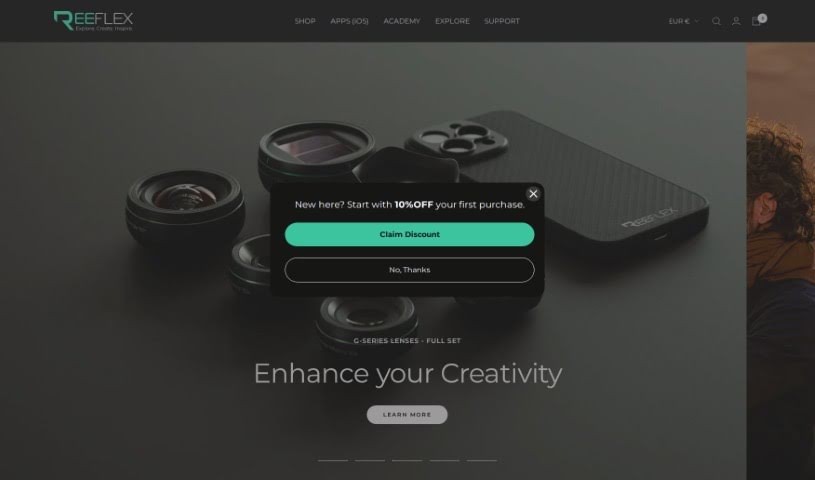
ReeHeld is a really user-friendly camera app for iPhones, powered by AI. It lets you capture photos with exposure times anywhere from 1 to 30 seconds. It's designed to boost your iPhone's GPU performance and uses advanced AI, along with the iPhone's neural engine, to keep your shots incredibly stable. This means you can take amazing long-exposure photos of landscapes, cityscapes, and more, all without needing a tripod. The app has a super intuitive interface, making it easy to quickly adjust your capture time and focus. Whether you're a seasoned pro or just starting out with photography, ReeHeld is a great choice, and you can grab it from the Apple App Store. It's backed by a well-known camera equipment brand, offering a whole range of lenses and filters to really make your photos shine. Plus, ReeHeld helps improve your overall image quality and even has an affiliate program if you're interested in collaborations.

Screenshot of Retouch4me

Retouch4me

Freemium

Retouch4me is a really neat tool for photo retouching. It uses AI-powered plugins that work like a pro retoucher, giving you that precise, polished look without all the fuss. What's great is that it keeps your photos looking natural by preserving the real skin texture. You just upload your pictures, hit a button, and the software does the rest, delivering fantastic results without needing you to fiddle with complicated settings. It's designed for both photographers and retouchers, offering different plugins for specific jobs, like fixing skin tones or making smiles look brighter with whiter teeth. Plus, since it all runs on your computer, your images stay completely private – nothing gets uploaded anywhere else. It also saves you a ton of time with batch processing, so you can work on multiple photos at once without losing quality. It’s a super user-friendly and efficient way to get your retouching done.

Screenshot of Retouchme

Retouchme

Freemium

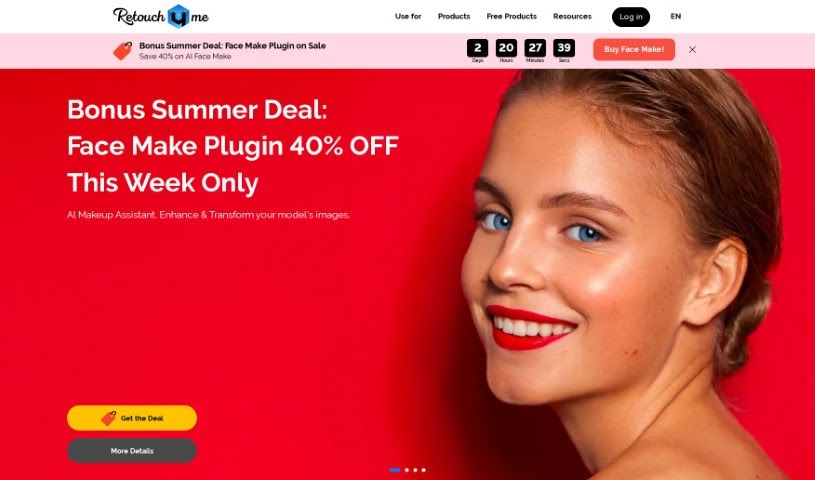
RetouchMe is a photo editing app you can get for both iOS and Android. What makes it really different is how it works: instead of just automated filters, a real team of professional editors manually works on your photos, pixel by pixel, using Adobe Photoshop. This means you get really high-quality, natural-looking results. The app has tons of services, like a Pimple Remover that lets you quickly and easily get rid of blemishes, acne, or any other skin imperfections. It’s designed for everyone, whether you’re just snapping selfies or you’re a professional photographer. The interface is super easy to use, and you can get quick edits done. You can buy editing credits one time or sign up for a monthly subscription, and if you’re a subscriber, your orders usually get processed even faster.

Screenshot of Retouchme

Retouchme

Freemium

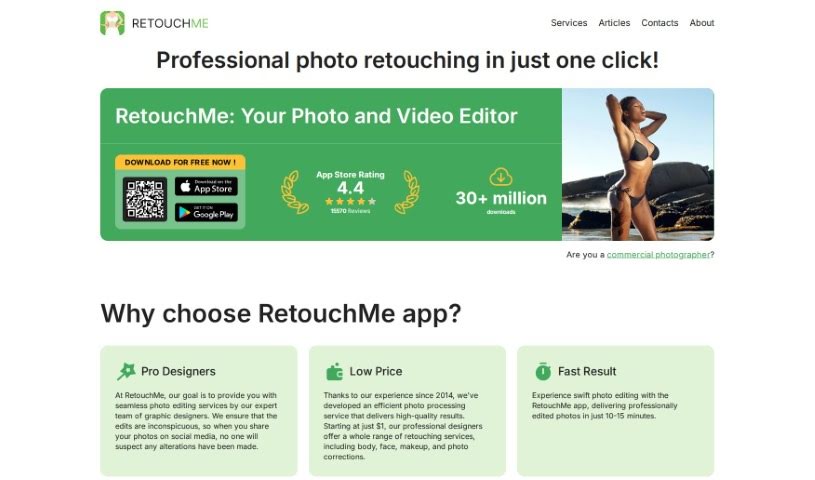
The RetouchMe app is a photo editing tool you can get for both iOS and Android. What really makes it different is its unique approach: real, professional editors actually work on your photos, pixel by pixel, using Adobe Photoshop. This means you get high-quality, natural-looking results. The app has tons of services, like a Pimple Remover that lets you quickly and easily clear up your face from blemishes, acne, or anything else. It’s designed for everyone, whether you’re just snapping selfies or you’re a pro photographer. The interface is super easy to use, and you can get quick edits done. You can buy editing credits one time or sign up for a monthly subscription, and if you’re a subscriber, you often get faster processing.

Screenshot of Revivoto

Revivoto

Freemium

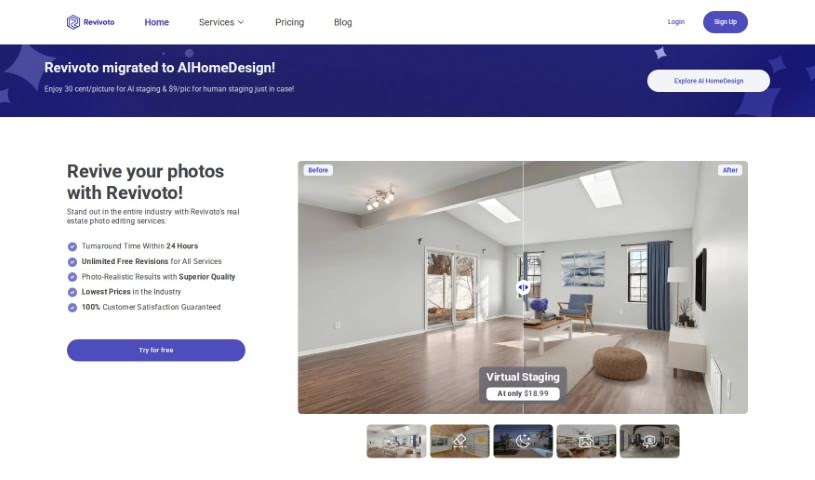
Revivoto is a specialized photo editing tool built specifically for real estate professionals. Its main goal is to help you make your property photos really pop, which can attract more potential buyers. It is your go-to service for making properties look their absolute best. Revivoto offers a range of services, including virtual staging (adding furniture to empty rooms), removing unwanted items from photos, general image enhancement, and even redrawing floor plans. They started in Vancouver, BC, back in 2021 with a mission to really shake things up in the real estate industry by using the latest technology for top-notch photo editing. What's great is they promise to get your edited photos back to you within 24 hours, and you get unlimited free revisions, all at what they claim are the lowest prices around.

Screenshot of Rostro

Rostro

Freemium

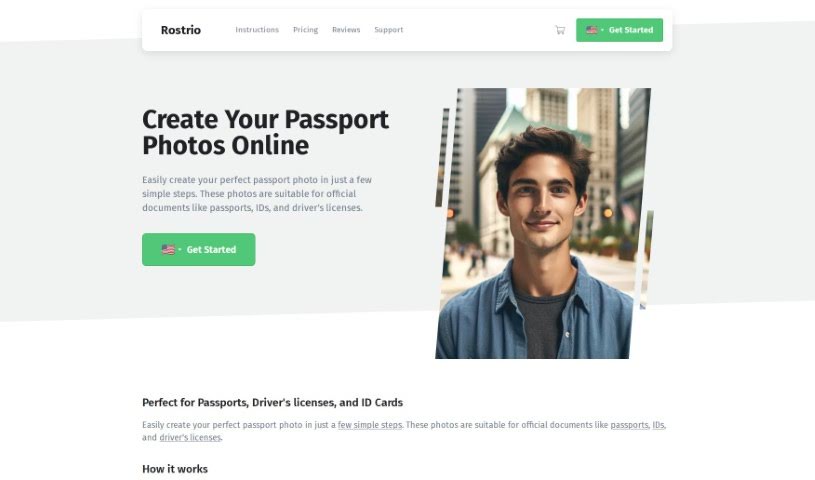
Rostro is a company that started back in 2009, founded by internet entrepreneur Gijs Heerkens. They offer a really handy service that lets people all over the world take official passport photos right from their own homes. It's super convenient! The company is officially registered in the Netherlands with the Chamber of Commerce, under file number 17222446. Rostro's passport photos are perfect for all sorts of official documents, like passports, IDs, and driver's licenses. You can take these photos using just your smartphone, tablet, or a regular camera. What's really important to them is providing top-notch service to their customers, covering everything from placing an order, making a payment, shipping, warranty, and even their VIP program.

Stay Updated with AI Tools

Get weekly updates on the latest AI tools, trends, and insights delivered to your inbox

Join 25,000+ AI enthusiasts. No spam, unsubscribe anytime.