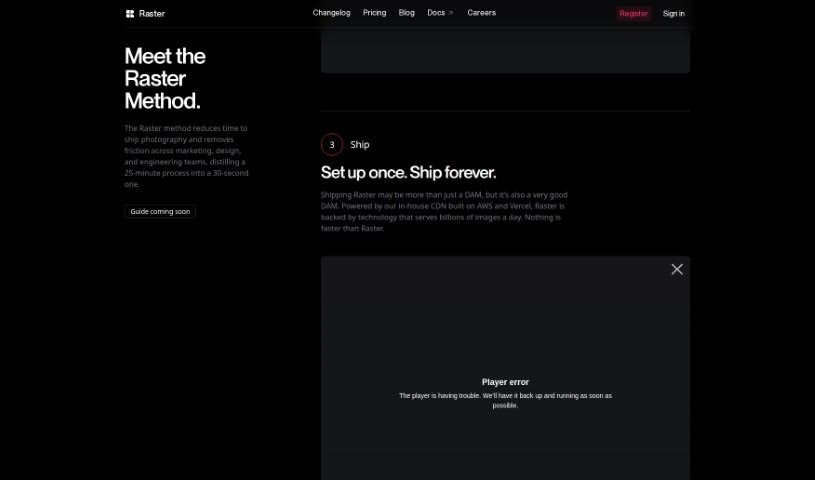
Screenshot of Raster

Raster

Discover what Raster is and how to use it effectively in 2025. Explore its features and see how it stacks up against other photo editors.

Screenshot

What is Raster?

Raster is a really smart digital asset manager built for today’s teams. It makes managing, editing, and hosting your photo assets super efficient. What sets it apart is its lightning-fast performance and clever features that really speed things up for marketing teams, photographers, and developers. Raster’s interface is easy to use, boosting both creativity and how much you get done, making it a must-have for teams that care about efficiency and quality. The system’s AI-powered organization and collaborative editing tools are game-changers, letting you manage and edit images smoothly without the usual headaches of traditional file storage.

Plus, Raster’s own powerful CDN means your images load incredibly fast, all thanks to industry giants like AWS and Vercel.

Who created Raster?

Raster was started by a group of developers and designers who were passionate about creating a top-notch digital asset manager specifically for modern teams. They really focus on speed, smart features, AI organization, and collaborative editing that doesn’t mess with your original files. This all helps streamline workflows for marketing teams, photographers, and developers. Raster’s interface is designed to spark creativity and boost productivity, making it a standout tool for teams that need to be efficient and deliver quality.

What is Raster used for?

  • AI-Powered Editor: It helps you manage and change photos using AI.
  • Real-Time Collaboration: Work together more efficiently with a handy command palette feature.
  • Unique Raster Image URL: Set it up once, then ship and edit images anytime after deployment.
  • AI-Driven Organization: Uses AI to tag and organize images smartly, going beyond just folders.
  • In-House CDN: Delivers billions of images daily with incredible speed and reliability.
  • Nondestructive, Collaborative Editing: Teams can edit images together without changing the original files.
  • High-Speed Performance: Makes managing and editing images faster, boosting your workflow.
  • Digital Asset Management: Helps organize, edit, and host photos for modern teams.
  • Photo Workflow Efficiency: Streamlines how marketing teams, photographers, and developers work.
  • Seamless Photo Asset Management: Offers a smooth way to manage, edit, and serve photo assets for teams.

How to use Raster?

To get the most out of Raster, just follow these simple steps:

  1. Organize: Raster’s AI automatically organizes your images using smart tags instead of old-fashioned folders. You can even create your own custom tags for the best organization system ever.
  2. Edit: Work together on images without making any permanent changes. Forget about version control headaches; just edit directly in Raster instead of using file-sharing services like Dropbox.
  3. Ship: Raster makes sending out your images much easier. Once your images are set up, you can edit them even after they’ve been deployed, keeping your team’s workflow smooth.

On top of these steps, Raster also offers cool features like AI editing, real-time teamwork, special image URLs for editing after deployment, AI organization with custom tags, and a super-fast CDN powered by AWS and Vercel for quick image delivery.

Ready to dive in? You can sign up for the free Public Beta on their website. It’s time to embrace the future of digital asset management with Raster’s efficient, high-quality tools built for today’s teams. Start organizing, editing, and serving your images with ease using Raster.

Related AI Tools

Discover more tools in similar categories that might interest you

123RF AI Image Generator

Creative Image Generation
Learn More

Stay Updated with AI Tools

Get weekly updates on the latest AI tools, trends, and insights delivered to your inbox

Join 25,000+ AI enthusiasts. No spam, unsubscribe anytime.