Staring at a blank document while trying to assemble a fifty-page quarterly analysis can test anyone’s resolve. Between gathering raw data from scattered spreadsheets, organizing complex sections, checking formatting rules, and refining long drafts, compiling thorough business reports takes up huge chunks of your week. When administrative formatting and manual drafting eat into your schedule, focusing on actual data analysis gets tough.
Designed for business analysts, corporate researchers, consultants, and project managers, these AI writing tools act as high-speed drafting partners. They turn raw notes into clear outlines, draft structured report sections, and handle formatting chores in seconds without replacing critical thinking or data accuracy.
Turning scattered notes and raw data sheets into structured document outlines takes minutes instead of hours. Starting a lengthy report without a clear framework usually leads to repetitive paragraphs and confusing section transitions. Modern writing assistants read project briefs, meeting notes, and raw data summaries to build logical report structures, breaking your work into clear chapters, executive summaries, and organized subheadings.
Drafting initial section summaries and expanding dense data points becomes far easier. Explaining complex metrics, technical findings, or financial shifts clearly in plain language takes careful drafting. AI writing engines help you expand quick bullet points into coherent, well-structured paragraphs, keeping your writing tone clear, concise, and professional across every page.
Polishing document formatting and organizing reference citations keeps your work publication-ready. Reviewing long reports for style consistency, clear bullet lists, and correct source links can take hours of meticulous editing. Intelligent report tools scan your text to fix awkward phrasing, check for consistent terminology, build clear tables, and format inline citations automatically.
Practical Capabilities to Look For:
- Document and outline generation: Systems that turn rough notes, transcripts, or data sheets into structured report outlines and initial drafts.
- Custom tone and style controls: Settings that adjust generated text to match formal corporate guidelines, executive memos, or technical research formats.
- Data-to-text summaries: Software that analyzes spreadsheets and numerical data to write clear explanatory summaries and key takeaways.
- Automated source citation formatting: Features that organize footnotes, bibliographies, and inline references according to standard citation styles.
- Export and editor compatibility: Connectors that work directly inside Microsoft Word, Google Docs, or PDF editors for smooth document editing.
Creating reports that drive real decision-making will always depend on your personal judgment, accurate data interpretation, and industry knowledge. Software can build an outline, expand bullet points, and clean up report formatting, but drawing meaningful conclusions requires your human mind.
Take a look through the writing tools below to streamline your report preparation.
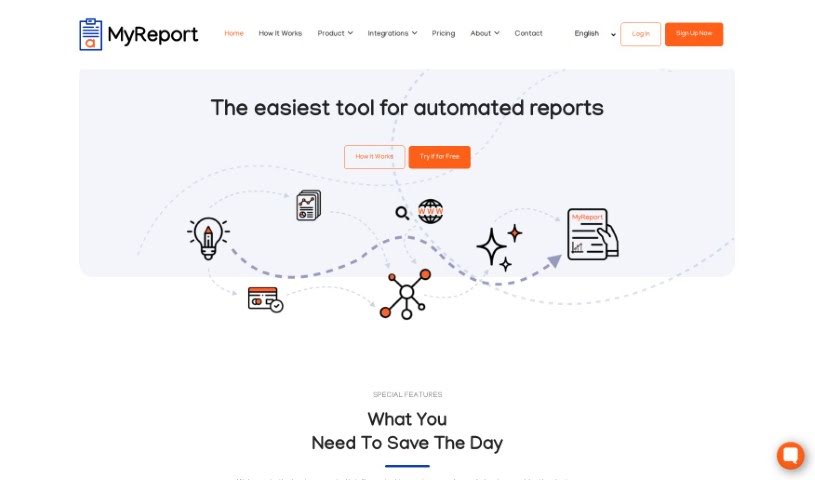
- Myreport By Alaba A.i.: Generates detailed reports with data analysis, visualization and colour.
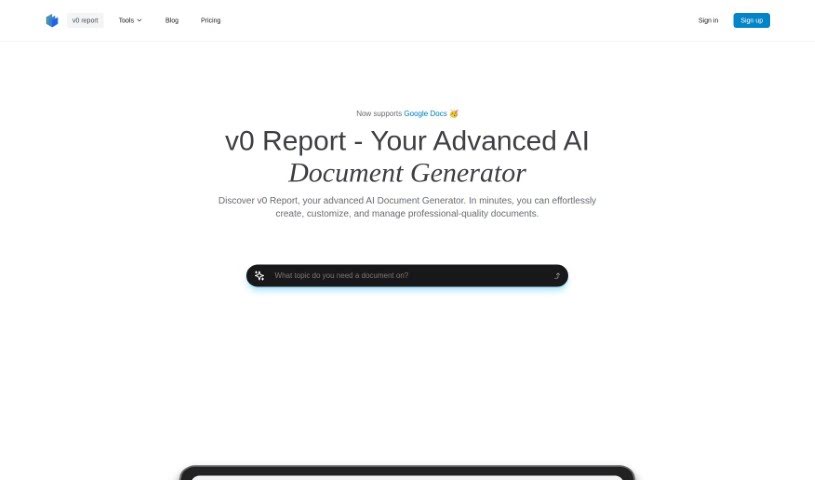
- v0 report: Collects data, summarizes PDFs and creates customizable reports.