20Paths
Productivity Documentation
Learn more
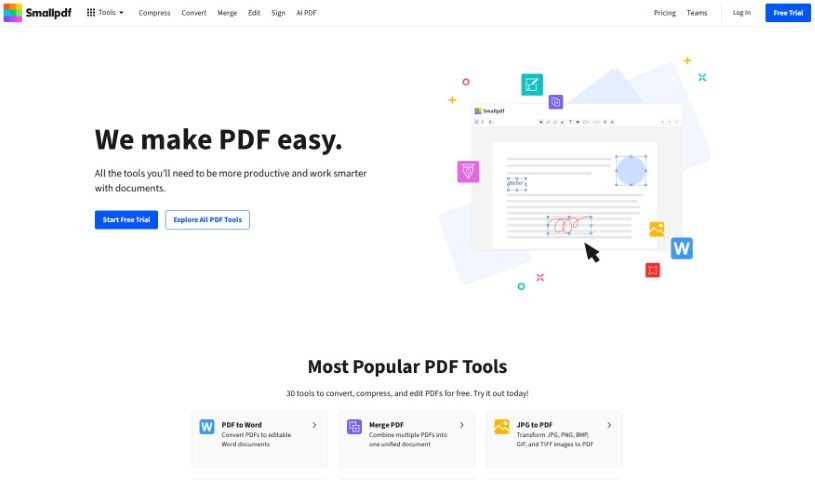
SmallPDF.com is an online platform for converting, compressing, editing, merging, splitting, and signing PDF files directly in your browser.
SmallPDF.com is an online platform with tools for managing PDF files. You can convert, compress, edit, merge, split, and sign PDFs directly on the site. It is designed to be user-friendly, so individuals and businesses can handle PDF tasks without installing special software or needing technical skills.
SmallPDF.com was founded by a team of developers from Switzerland, led by Manuel Stofer, and launched in 2013. Its easy-to-use online PDF tools gained popularity, and it now serves millions of users worldwide.
SmallPDF.com covers a range of common PDF tasks:
You get access to 21 Smallpdf tools for free. Pro features add more, including Strong Compress for maximum size reduction, converting scanned PDFs to Word, and digital seal protection for signatures. Pro also includes unlimited document downloads, desktop applications, secure file storage, and no ads. For businesses, there is flexible billing, options to add more users, volume discounts, and priority customer support.
Beyond the core tools, you can store, organize, and share files across devices from the web platform, and use the mobile app to create PDF scans, organize documents, and share files from connected devices.
SmallPDF.com suits individuals and businesses that need quick PDF tasks without installing software, including journalists and media professionals.
Signing up for a SmallPDF account unlocks unlimited features and file storage on the platform.
Related
Discover more tools in similar categories
Weekly picks of the best AI tools we've researched and added — no spam, unsubscribe anytime.
Join 25,000+ AI enthusiasts. No spam, unsubscribe anytime.