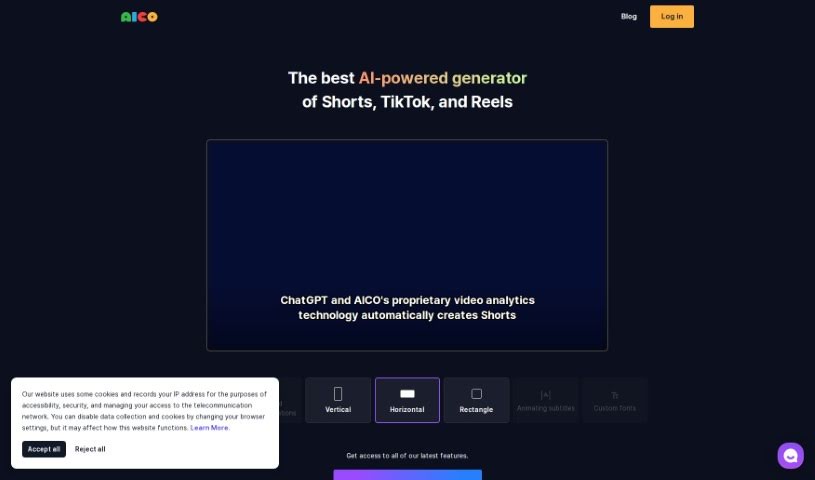
Screenshot of Aico

Aico

Discover what Aico is and learn how to use it effectively in 2025. We'll explore its features and see how it stacks up against other YouTube video tools.

Screenshot

What is Aico?

AICO is an AI tool designed to make creating shorts from YouTube videos much simpler. With AICO, you can easily generate AI-edited shorts and AI subtitles in just three clicks. This tool comes with a bunch of features to help you create better videos. For instance, it can detect foreign languages, translate them automatically, suggest the best areas to crop for face positions, and even let you include YouTube comments right in your shorts. Plus, AICO can tell different speakers apart and offers AI title suggestions, which could help you come up with engaging titles that draw more viewers to your channel. There’s also a mobile app available, so you can easily create vertical videos on your phone that work seamlessly with the AICO platform on your PC.

Who created Aico?

AICO was developed by a founder who prefers to remain anonymous. It first launched on October 10, 2023. This AI tool really simplifies making shorts from YouTube videos. It offers features like AI shorts editing, AI subtitles, foreign language detection, crop area recommendations, capturing YouTube comments, and AI title suggestions, all through a platform that’s easy to use.

What is Aico used for?

  • Creating AI subtitles
  • Editing AI shorts
  • Detecting and translating foreign languages
  • Getting recommendations for crop areas
  • Capturing YouTube comments
  • Getting AI title suggestions
  • Distinguishing between different speakers’ voices
  • Using older title styles
  • New subtitle and video effects coming soon
  • A mobile app for creating vertical videos compatible with phones
  • Detecting foreign languages and translating them automatically
  • Telling apart the voices of different speakers
  • Making vertical videos compatible with your phone
  • Supporting older title styles
  • Applying different voice effects to subtitles
  • Creating vertical videos on your mobile device
  • An all-in-one platform for editing and posting shorts
  • Showing comments from YouTube directly in your shorts
  • Supporting older title styles
  • Identifying different speakers’ voices
  • Making vertical videos on your phone
  • Enhancing your video creation with a variety of features

Who is Aico for?

  • Video creators
  • Content creators
  • YouTubers
  • Video editors
  • Social media managers
  • Marketing professionals
  • YouTube content creators
  • Social media influencers
  • Marketers
  • Language professionals
  • Multimedia Journalists

How to use Aico?

Using AICO is pretty straightforward. Here’s how you can get started:

  1. First, sign in with your YouTube account. This gives you full access to all of AICO’s features.
  2. Next, just paste a YouTube link into the tool. AICO will then automatically generate AI-powered shorts for you, and it only takes three clicks!
  3. Take some time to explore the different features. You can use the AI shorts editing, add AI subtitles, detect foreign languages, and even translate them automatically.
  4. You’ll find the crop area recommendations really helpful for editing, and it’s super easy to include YouTube comments in your shorts.
  5. To make your videos stand out, you can use the legacy title styles and look forward to upcoming subtitles and video effects.
  6. AICO lets you assign specific subtitle effects to each speaker by using its voice differentiation feature, which is pretty neat.
  7. To help attract more viewers, use the AI title suggestions to create catchy and engaging titles.
  8. Don’t forget to check out the AICO mobile app! It’s perfect for creating vertical videos that are compatible with the PC platform.
  9. Finally, enjoy how easy the user-friendly interface makes everything. It really streamlines the whole process of creating shorts from YouTube videos with powerful AI capabilities.

These steps should give you a clear picture of how to use AICO to easily boost your YouTube channel with engaging shorts.

Related AI Tools

Discover more tools in similar categories that might interest you

Stay Updated with AI Tools

Get weekly updates on the latest AI tools, trends, and insights delivered to your inbox

Join 25,000+ AI enthusiasts. No spam, unsubscribe anytime.