AI Tools for Drawing

Discover the best Drawing AI tools to enhance your productivity and creativity.

Page 2 of 3 • 31 total tools

Art has always been a creative playground, but what if you could team up with AI to boost your artistic vision? AI drawing generators are here, pushing imagination’s limits and making creative expression more accessible than ever.

These tools have come a long way, evolving from simple sketching aids to sophisticated platforms that can transform ideas into amazing visuals in just moments. Whether you’re a seasoned artist or just starting out, there’s something here for everyone.

As I explored the best AI drawing generators, I looked for ones offering unique features, easy-to-use interfaces, and impressive results. Some can create original art from text prompts, while others can add style and flair to your existing images.

The world of AI art tools keeps growing, and the possibilities for collaboration feel endless. If you’re ready to tap into your creativity with cutting-edge technology, let’s check out the best options available right now.

The Best AI Drawing Generators

  1. AutoDraw: Great for quickly creating visual content.
  2. AI Comic Factory: Perfect for designing custom characters.
  3. Color Bliss.art: Lets you create unique art pieces on demand.
  4. Scribble Diffusion: Turns simple drawings into detailed art.
  5. Shortbread AI: Design characters easily with AI.
  6. Pixel-Art.ai: For AI-assisted pixel art creation.
  7. Foxify: Easily create unique digital sketches.
  8. Maze Guru: Instantly create doodles and find inspiration.
  9. Sketchar: Get AI art prompts for creative sketches.
  10. Roughly App: For dynamic character design sketches.
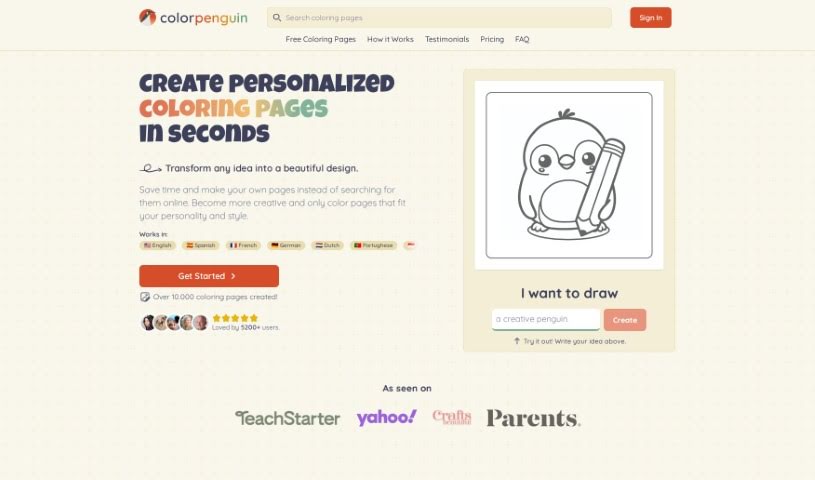
  11. Color Pop: Easily create personalized coloring pages.
  12. Magic Tellers: Create endless unique coloring pages.
  13. Colorbliss: Make coloring pages from your sketches.
  14. COLOR anything: Craft unique coloring pages instantly.
  15. AI Coloring Pages Generator: For custom coloring pages that let you express yourself.

How Do AI Drawing Generators Work?

AI drawing generators primarily use a mix of advanced machine learning techniques and huge datasets. At their core, these tools often rely on neural networks, especially convolutional neural networks (CNNs) and generative adversarial networks (GANs). These structures help the AI learn patterns from images, allowing it to recreate or generate new art based on what you input.

Much like AI writing tools, AI drawing generators are trained on massive collections of images covering all sorts of styles, genres, and subjects. These datasets might include everything from classic paintings to modern digital art. This rich training helps the AI understand shape, color, and composition, so it can produce visually appealing results.

When you give it a prompt or input, the AI figures out what you’re asking for and starts generating. It uses its training to predict how to render an image that matches your description. Basically, it’s extending the vast visual knowledge it absorbed during training.

Some AI drawing generators improve by using your feedback. This feedback loop lets the AI fine-tune its outputs over time, creating art that users like more and more. This adaptability is part of what makes these tools so engaging for artists and hobbyists.

Many popular drawing apps have started adding AI features, making it simpler for users to explore creative possibilities without needing advanced artistic skills. They offer an easy way to get into digital art, encouraging experimentation and creativity.

If you’re curious about the technical side, lots of resources explain how neural networks work and how they help create images. Overall, AI drawing generators are pushing the limits of art, blending technology with human creativity in really interesting ways.

Our Best AI Drawing Generators at a Glance

RankNameBest ForPlans and PricingRating
1AutoDrawQuickly creating visual contentN/A4.20 (10 reviews)
2AI Comic FactoryDesigning custom charactersN/A4.20 (5 reviews)
3ColorBliss.artCreating unique art pieces on demand.N/A4.80 (10 reviews)
4Scribble DiffusionTurning simple drawings into detailed artN/A4.73 (11 reviews)
5Shortbread AIDesigning characters easily with AI.N/A3.55 (11 reviews)
6Pixel-Art.aiAI-assisted pixel art creationN/A4.70 (10 reviews)
7FoxifyCreating unique digital sketches easily.N/A4.61 (31 reviews)
8Maze GuruInstant doodle creation and inspiration.N/A4.86 (36 reviews)
9SketcharAI art prompts for creative sketches.N/A4.75 (12 reviews)
10Roughly AppDynamic character design sketchesN/A4.64 (11 reviews)
11Color PopCreating personalized coloring pages easily.N/A4.00 (5 reviews)
12Magic TellersEndless unique coloring page creation.N/A4.80 (25 reviews)
13ColorblissCreating coloring pages from your sketches.Paid plans start at $6/month.4.77 (43 reviews)
14COLOR anythingCrafting unique coloring pages instantly.N/A4.70 (10 reviews)
15AI Coloring Pages GeneratorCustom coloring pages for creative expression.N/A4.70 (10 reviews)
Screenshot of Doodle Morph AI

Doodle Morph AI

Freemium

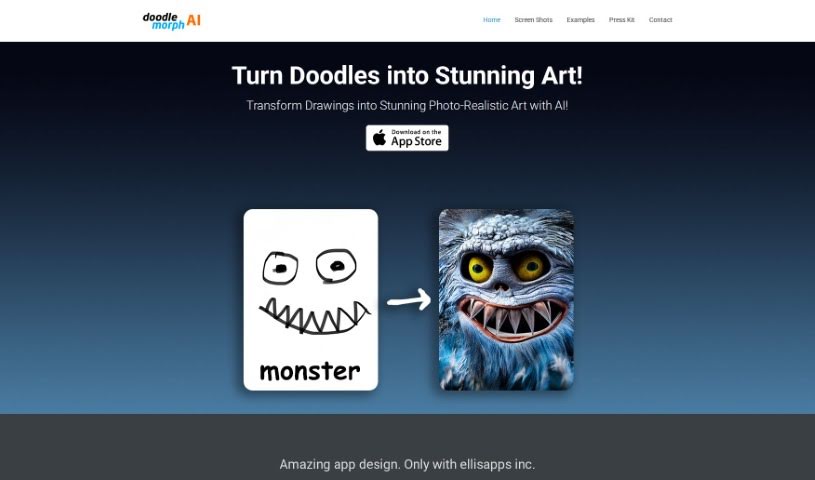
Doodle Morph AI is a neat AI-powered app from EllisApps Inc. that lets you turn your sketches, doodles, and drawings into really high-quality, photo-realistic digital art. It uses some pretty advanced artificial intelligence to do the magic. The app is super easy to use, processes your inputs as you draw, and even has good audio and visual features. Plus, they've got security measures in place to keep your creations safe. You can grab the Doodle Morph AI app right from Apple's App Store and start transforming your sketches into amazing digital artworks.

Screenshot of Drawanyone.ai

Drawanyone.ai

Freemium

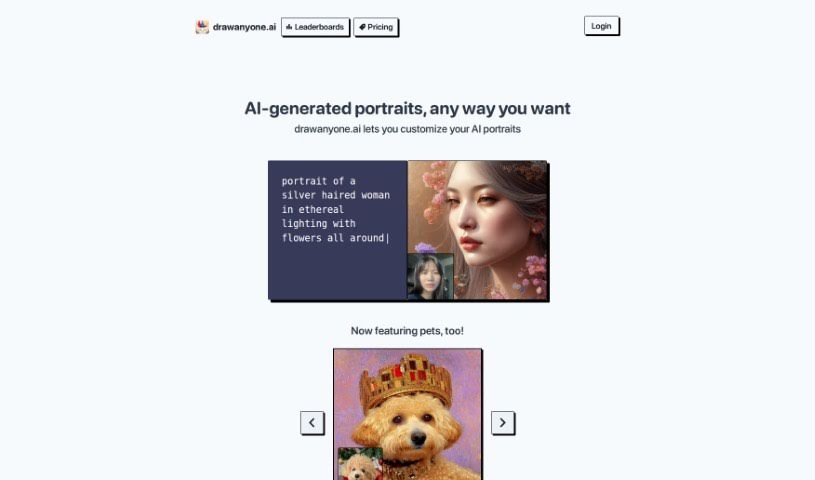
Drawanyone.ai is a really neat tool that lets you create pictures of pretty much anyone you can imagine, in absolutely any style you like. It’s designed to give you total freedom for your artistic ideas. Whether you're just starting out or you're a seasoned artist, you'll find it super easy to use. It cleverly combines a simple design with powerful features, all meant to spark your creativity and imagination. The main focus is on making things customizable and straightforward, which is fantastic if you want to explore your artistic side without the usual headaches that come with drawing software. Some of the standout features include avatars you can tweak endlessly, an interface that's a breeze to navigate, plenty of encouragement for your creative expression, the use of smart technology for top-notch drawing results, and the simple fact that you can draw any person in any style you want – no limits!

Screenshot of Drawanything

Drawanything

Freemium

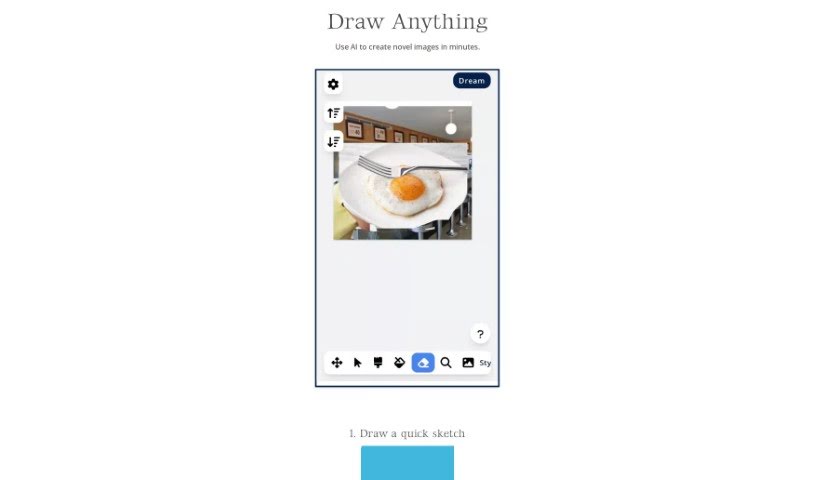
Drawanything is a really handy online platform where you can create all sorts of custom graphics and designs. It's super easy to generate unique images, logos, and illustrations that fit exactly what you need, thanks to its straightforward tools and features. Whether you're designing a logo for your business or just want to make some personal art, Drawanything offers a user-friendly experience for anyone looking to get creative. With plenty of options to customize and templates to get you started, it's a great resource for both beginners and experienced designers who need graphic design help.

Screenshot of Drawmeasheep

Drawmeasheep

Freemium

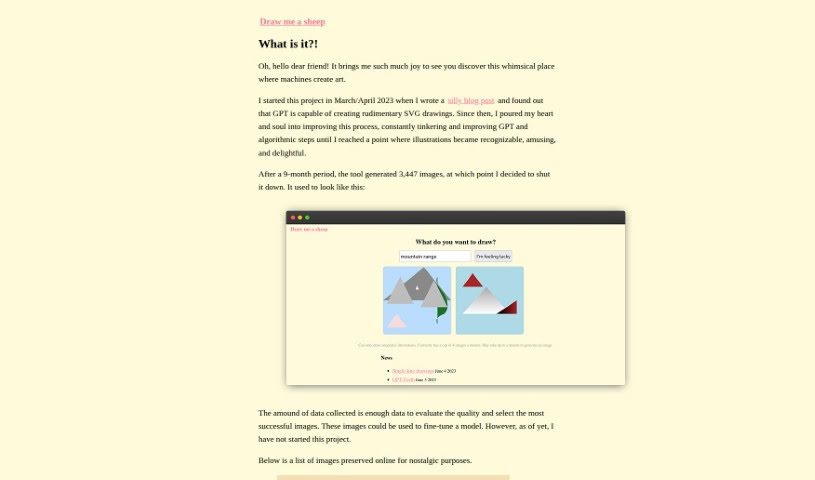
Drawmeasheep is a really neat online platform that gives you a simple, creative way to make your own hand-drawn sheep illustrations. You can tweak all sorts of things about the sheep – like its body shape, how its face looks, and even add accessories – to make it just the way you like. It's a super fun and interactive experience, perfect if you're looking to get creative or maybe make a special, personalized sheep drawing as a gift. Drawmeasheep really nails that sweet spot between being easy to use and letting your creativity shine, so you can easily generate charming, one-of-a-kind sheep without needing any fancy drawing skills.

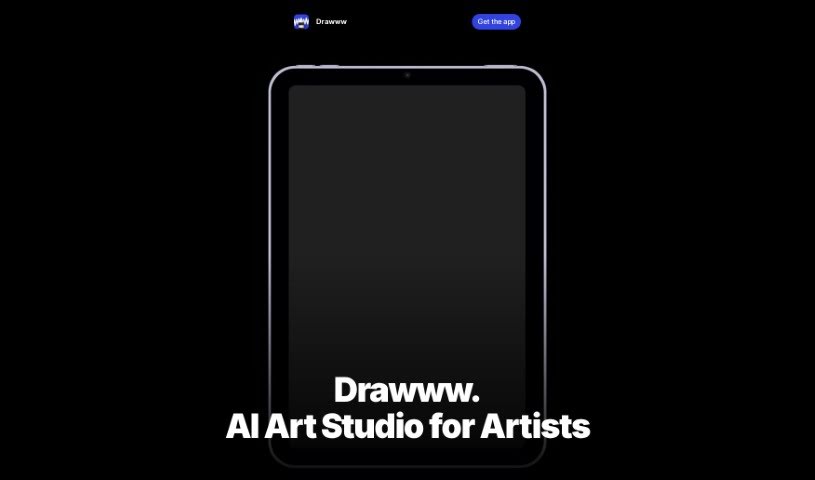
Screenshot of Drawww

Drawww

Freemium

Drawww is a real-time drawing app powered by AI, built specifically for the iPad. It really aims to make drawing better by giving you tools that create artwork instantly, all with AI built right in. What's great is that Drawww keeps your data private because it processes everything on your device. This means you can work without an internet connection. You get unlimited layers, tools you can customize like brushes and pencils, and it handles both bitmap and vector formats. Plus, sharing your files across devices is a breeze thanks to the special .drawww AI-Ready File Format.

Screenshot of Happy Pages AI

Happy Pages AI

Freemium

HappyPagesAI is a really neat platform that gives you an AI Coloring Page Generator. It's perfect for both kids and grown-ups! You can easily whip up your own unique coloring sheets using a super user-friendly digital designer right on your laptop. It is a way to turn your ideas into printable coloring pages without any fuss. It’s a much more affordable option than buying coloring books, and you get tons of custom templates you can download and print for free. The whole process is broken down into just three simple steps: tell it your idea, pick a style you like, and then get your custom design. HappyPagesAI really aims to get your imagination going, offering fun and educational activities for everyone. Some of the best parts are the custom designs, how much money you save, all the different styles and themes you can choose from, and of course, that you can download and print them. It’s great for sparking creativity, helping with focus, and making learning enjoyable.

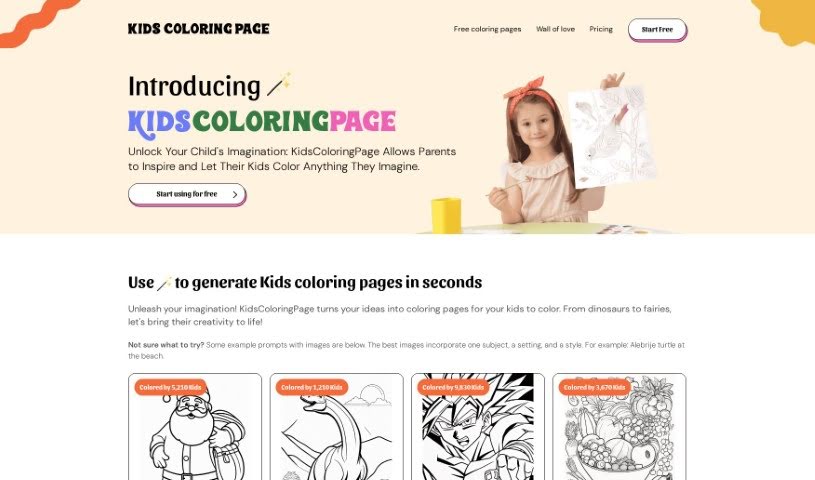
Screenshot of Kidscoloringpage

Kidscoloringpage

Freemium

KidsColoringPage is your go-to spot for endless coloring fun, perfect for kids, parents, teachers, and anyone who enjoys a creative outlet. It’s super easy to use – you can whip up custom coloring pages in no time, thanks to its straightforward design. Whether you’re looking for mystical dragons or enchanting fairies, the site has a huge variety of themes to spark your child’s imagination and help them develop their artistic skills and fine motor control. It’s not just for fun, though; it’s also a great educational tool. You can even try it out for free with your first five images, and there are affordable subscription plans if you want even more coloring adventures.

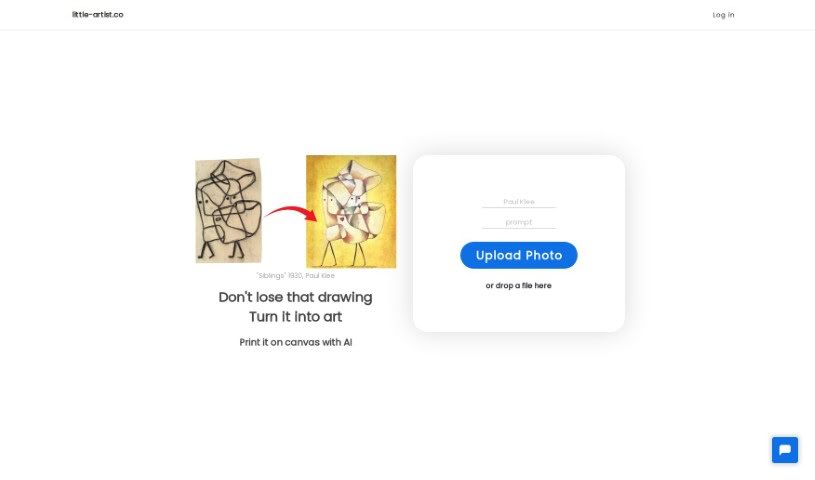
Screenshot of Little Artist

Little Artist

Freemium

Little Artist is a neat AI platform that takes kids' drawings and turns them into really professional-looking art, all while keeping that special spark of the child's own creativity. It uses AI to make the drawings look even better, and you can even store them in a digital collection or get them printed on canvas. The big idea behind Little Artist is to make kids feel great about their art. By showing their work as professional pieces, it helps boost their self-esteem, encourages them to keep drawing, and makes sure their art is preserved for years to come. It's super easy to use – you just upload a photo of the drawing through the website, and the AI does its magic, turning it into a unique piece. This way, you can build a digital gallery that shows how your child's creativity grows over time.

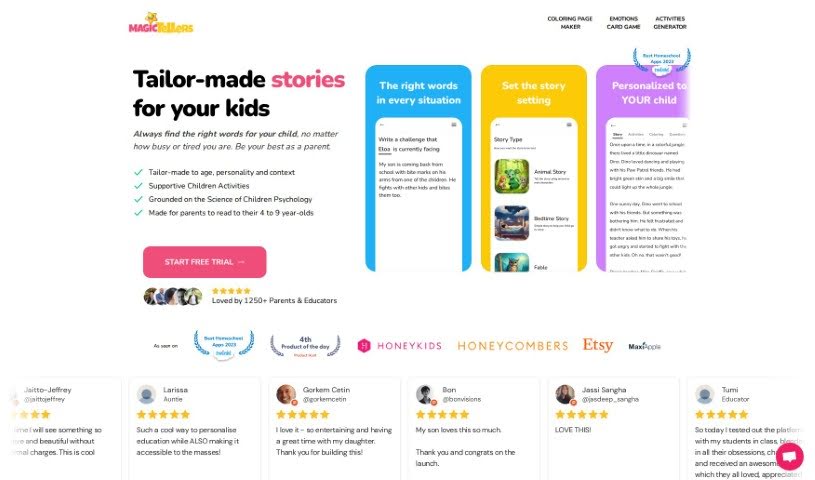
Screenshot of Magic Tellers

Magic Tellers

Freemium

Magic Tellers is a really neat AI service that lets you create custom stories, children's books, and even coloring books. It's designed to be super personal. You can pick from different story templates, and then tweak them to fit exactly what a child needs or likes. Plus, it can translate your stories into over 50 languages, which is a fantastic way for kids to pick up new languages! What's also cool is that every story comes with its own special coloring page that ties into the story's message. And get this – you can generate as many coloring pages as you want, totally free, just by telling it what you'd like to color. People have been saying great things about it, calling it creative, easy to use, and really effective at teaching kids values through fun stories.

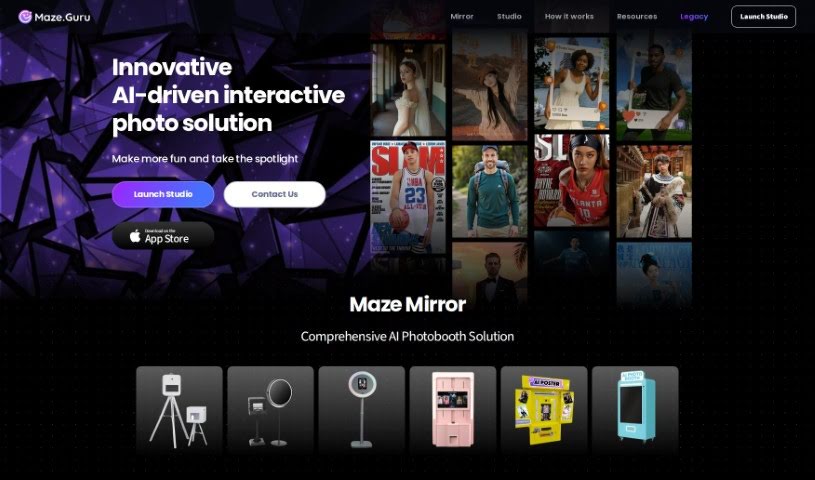
Screenshot of Maze Guru

Maze Guru

Freemium

Maze Guru is an AI-powered platform designed to help you create all sorts of art, really quickly and without much fuss. It uses smart algorithms to make the whole art creation process simpler. You can generate super-detailed, dynamic, and incredibly realistic artwork in tons of different styles and techniques. Plus, Maze Guru offers fun themed challenges, a place to get feedback from others, support for high-resolution images, and a generally inspiring environment for artists of any skill level. It’s all about helping you be more creative and grow as an artist.

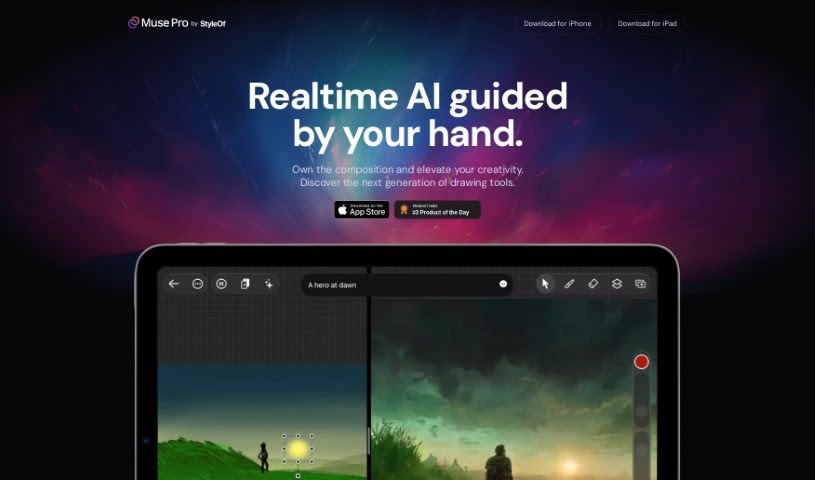
Screenshot of Muse Pro

Muse Pro

Freemium

Muse Pro is a really advanced drawing app that's changing the game for artists. It uses AI technology that works in real-time, specifically built for creative folks. You can do things like turn text into images, get inspiration from random ideas, and easily make your drawings more detailed. Plus, it works beautifully with Apple Pencil, capturing all your pressure nuances. The AI in Muse Pro actually reacts to your hand-drawn lines as you make them, giving you a lot of control. You can tweak things with sliders, shuffle random elements, and even pause the AI's input. What's more, Muse Pro is designed to help you create professional-quality art, letting you upscale your work so it's ready for printing.

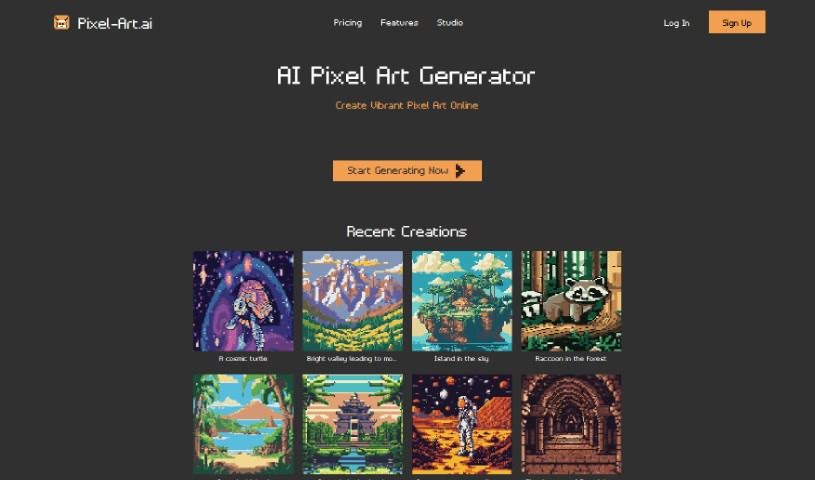
Screenshot of Pixel-Art.ai

Pixel-Art.ai

Freemium

Pixel-Art.ai is a fantastic tool that lets you create vibrant pixel art online, completely free! It's powered by AI, making it super accessible. You get features like precise editing tools, copy/paste functionality, layers, and brushes. Plus, there's AI inpainting, which is great for artistic collaboration. You can save and organize all your work right within the built-in pixel art studio, and then export your finished pieces as PNG files. It really blends AI-generated art with your own personal touch, helping you bring your creative ideas to life with pixel-perfect accuracy.

Stay Updated with AI Tools

Get weekly updates on the latest AI tools, trends, and insights delivered to your inbox

Join 25,000+ AI enthusiasts. No spam, unsubscribe anytime.