AI Tools for Drawing

Discover the best Drawing AI tools to enhance your productivity and creativity.

Page 3 of 3 • 31 total tools

Art has always been a creative playground, but what if you could team up with AI to boost your artistic vision? AI drawing generators are here, pushing imagination’s limits and making creative expression more accessible than ever.

These tools have come a long way, evolving from simple sketching aids to sophisticated platforms that can transform ideas into amazing visuals in just moments. Whether you’re a seasoned artist or just starting out, there’s something here for everyone.

As I explored the best AI drawing generators, I looked for ones offering unique features, easy-to-use interfaces, and impressive results. Some can create original art from text prompts, while others can add style and flair to your existing images.

The world of AI art tools keeps growing, and the possibilities for collaboration feel endless. If you’re ready to tap into your creativity with cutting-edge technology, let’s check out the best options available right now.

The Best AI Drawing Generators

  1. AutoDraw: Great for quickly creating visual content.
  2. AI Comic Factory: Perfect for designing custom characters.
  3. Color Bliss.art: Lets you create unique art pieces on demand.
  4. Scribble Diffusion: Turns simple drawings into detailed art.
  5. Shortbread AI: Design characters easily with AI.
  6. Pixel-Art.ai: For AI-assisted pixel art creation.
  7. Foxify: Easily create unique digital sketches.
  8. Maze Guru: Instantly create doodles and find inspiration.
  9. Sketchar: Get AI art prompts for creative sketches.
  10. Roughly App: For dynamic character design sketches.
  11. Color Pop: Easily create personalized coloring pages.
  12. Magic Tellers: Create endless unique coloring pages.
  13. Colorbliss: Make coloring pages from your sketches.
  14. COLOR anything: Craft unique coloring pages instantly.
  15. AI Coloring Pages Generator: For custom coloring pages that let you express yourself.

How Do AI Drawing Generators Work?

AI drawing generators primarily use a mix of advanced machine learning techniques and huge datasets. At their core, these tools often rely on neural networks, especially convolutional neural networks (CNNs) and generative adversarial networks (GANs). These structures help the AI learn patterns from images, allowing it to recreate or generate new art based on what you input.

Much like AI writing tools, AI drawing generators are trained on massive collections of images covering all sorts of styles, genres, and subjects. These datasets might include everything from classic paintings to modern digital art. This rich training helps the AI understand shape, color, and composition, so it can produce visually appealing results.

When you give it a prompt or input, the AI figures out what you’re asking for and starts generating. It uses its training to predict how to render an image that matches your description. Basically, it’s extending the vast visual knowledge it absorbed during training.

Some AI drawing generators improve by using your feedback. This feedback loop lets the AI fine-tune its outputs over time, creating art that users like more and more. This adaptability is part of what makes these tools so engaging for artists and hobbyists.

Many popular drawing apps have started adding AI features, making it simpler for users to explore creative possibilities without needing advanced artistic skills. They offer an easy way to get into digital art, encouraging experimentation and creativity.

If you’re curious about the technical side, lots of resources explain how neural networks work and how they help create images. Overall, AI drawing generators are pushing the limits of art, blending technology with human creativity in really interesting ways.

Our Best AI Drawing Generators at a Glance

RankNameBest ForPlans and PricingRating
1AutoDrawQuickly creating visual contentN/A4.20 (10 reviews)
2AI Comic FactoryDesigning custom charactersN/A4.20 (5 reviews)
3ColorBliss.artCreating unique art pieces on demand.N/A4.80 (10 reviews)
4Scribble DiffusionTurning simple drawings into detailed artN/A4.73 (11 reviews)
5Shortbread AIDesigning characters easily with AI.N/A3.55 (11 reviews)
6Pixel-Art.aiAI-assisted pixel art creationN/A4.70 (10 reviews)
7FoxifyCreating unique digital sketches easily.N/A4.61 (31 reviews)
8Maze GuruInstant doodle creation and inspiration.N/A4.86 (36 reviews)
9SketcharAI art prompts for creative sketches.N/A4.75 (12 reviews)
10Roughly AppDynamic character design sketchesN/A4.64 (11 reviews)
11Color PopCreating personalized coloring pages easily.N/A4.00 (5 reviews)
12Magic TellersEndless unique coloring page creation.N/A4.80 (25 reviews)
13ColorblissCreating coloring pages from your sketches.Paid plans start at $6/month.4.77 (43 reviews)
14COLOR anythingCrafting unique coloring pages instantly.N/A4.70 (10 reviews)
15AI Coloring Pages GeneratorCustom coloring pages for creative expression.N/A4.70 (10 reviews)
Screenshot of Roughly App

Roughly App

Freemium

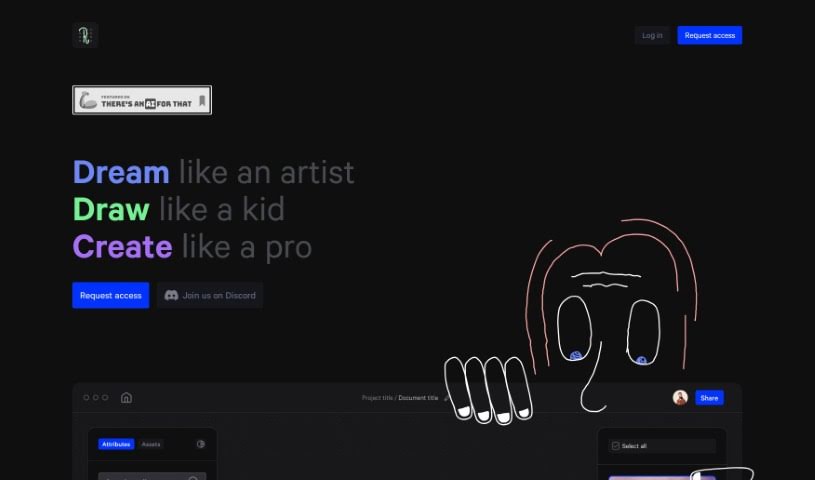
Roughly App is a really cool creative space designed to help you let your imagination run wild. It's all about unleashing your creativity without any limits. It is a place where you can "Dream like an artist," just letting your ideas flow wherever they want to go. It also encourages you to "Draw like a kid," meaning you can forget about being self-conscious and just translate whatever's in your head into visuals. And finally, Roughly App helps you "Create like a pro." It offers all sorts of tools and categories so you can craft amazing digital art in areas like architecture, characters, landscapes, fashion, movies, games, and so much more. The goal is to empower you to create work that looks truly professional. Plus, Roughly App has a community built around it on Discord where dreamers, artists, and creators can connect, share ideas, and even collaborate. It's a great spot to celebrate your ideas and bring them to life.

Screenshot of Sagebrush

Sagebrush

Freemium

SageBrush is a really neat AI app that takes your simple sketches and turns them into detailed, imaginative pictures. Honestly, it feels as easy as playing with a box of crayons, so anyone can jump in, no matter their art background. The app uses smart AI to understand your sketches and then creates impressive, detailed images based on prompts you set. This means even if you've never drawn before, you can create cool, imaginative visuals. Seasoned artists will find it a great tool too! You can tweak the AI's output using a customizable prompt editor, which lets you guide the style and details of your artwork. Plus, SageBrush is designed for everyone, offering left and right-handed drawing modes, Apple Pencil support, direct finger drawing, a fun 'randomize' option for unexpected creative twists, and both light and dark modes to fit your workspace.

Screenshot of Scribble Diffusion

Scribble Diffusion

Freemium

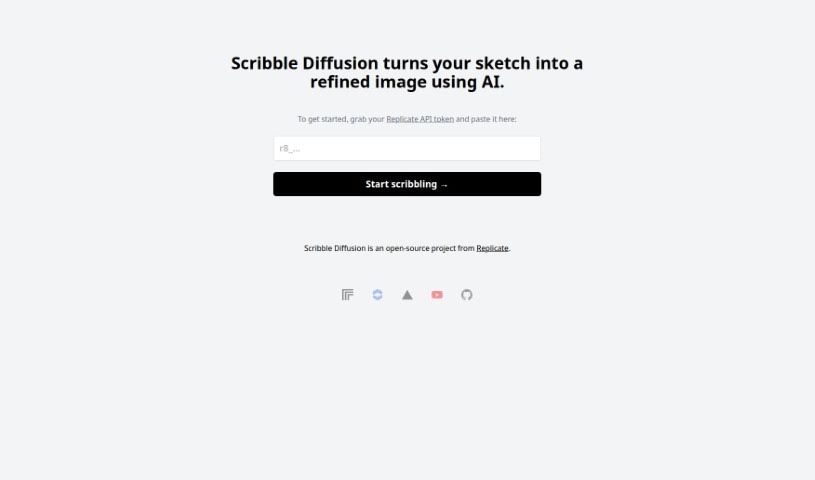
Scribble Diffusion is a really neat open-source project from Replicate. It uses AI to take your rough sketches and turn them into much more polished, professional-looking images. You just draw something simple, and Scribble Diffusion works its magic to create something that looks like it came straight from a designer's toolkit. What makes it stand out is how easy it is to go from a sketch to a finished image, the professional quality of the results, and the fact that it's open-source, meaning people can contribute to make it even better over time. It's super versatile, great for artists and designers, and honestly, anyone who likes to create things. Plus, its interface is really straightforward, so you don't need to be a tech wizard to use it.

Screenshot of Shortbread AI

Shortbread AI

Freemium

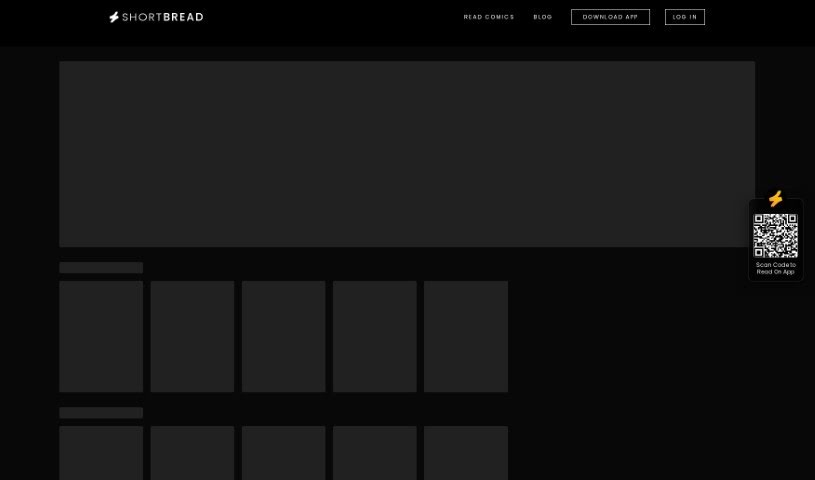
Shortbread AI is a tool that uses artificial intelligence to help you create comics, webtoons, and manga really fast. It's designed with a simple interface, making it easy for storytellers to turn their ideas into pages that really grab your attention. You can customize scenes, change character poses, tweak facial expressions, adjust camera angles, and pick design elements like speech bubbles and fonts to make your stories shine. The tool makes the whole creative process much simpler, offering a quick and intuitive platform that can generate pages based on what you tell it. Shortbread AI gives you a lot of control over what you create, and it's built to make making comics smoother and more efficient.

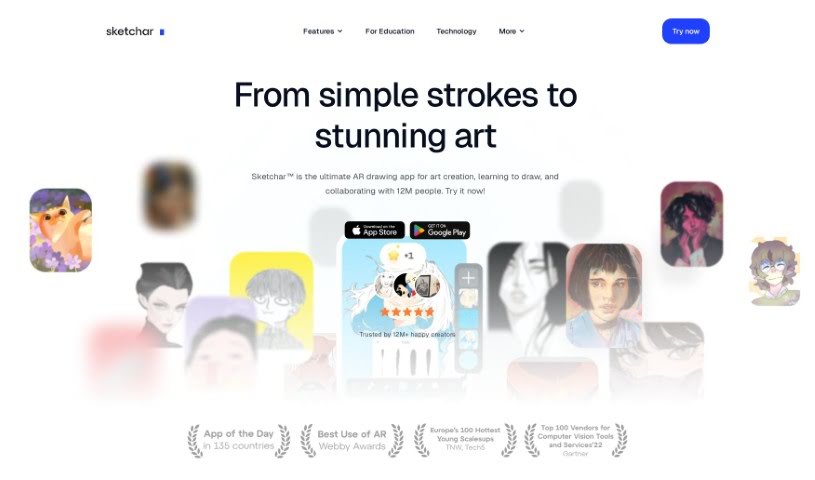
Screenshot of Sketchar

Sketchar

Freemium

Sketchar is a drawing app built to help you learn to draw more quickly, explore different styles, and create amazing art wherever you are. It really aims to blend art, technology, education, and entertainment in a unique way for everyone who uses it. You know, Sketchar actually won an award for 'Best Use of Augmented Reality' back in 2018 from the Webby Awards – those are pretty big deals in the digital world! This app has genuinely helped people get better at drawing, feel less stressed, and find a creative outlet. It's used by folks who love drawing, even if they don't consider themselves 'artists.' Plus, it offers a great space for learning together and even creating art with others. Schools around the world have also found Sketchar useful for getting kids involved in art through drawing. The main goal for Sketchar? To find and bring out the creative talent hidden in everyone, helping them go from feeling unsure to feeling confident.

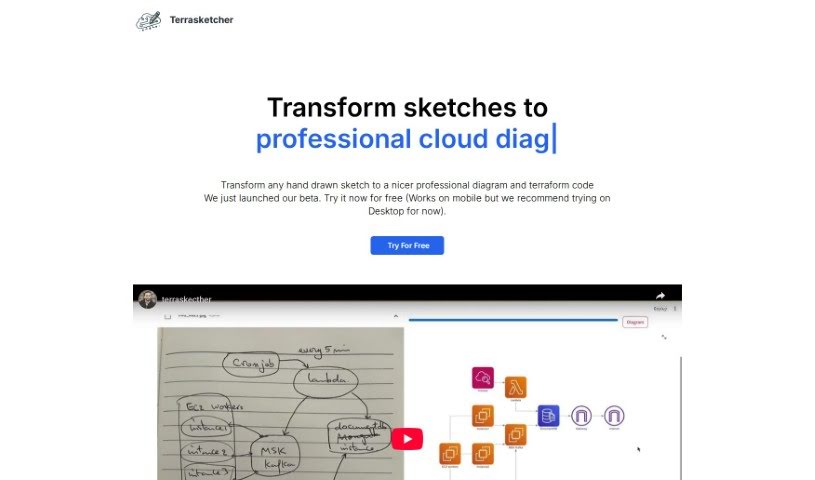
Screenshot of Terrasketcher

Terrasketcher

Freemium

Terrasketcher is a smart AI tool that takes your hand-drawn sketches and turns them into digital infrastructure and cloud diagrams. It is a quick and easy way to bring your rough ideas to life digitally. It's especially good for anything related to cloud infrastructure, making it a real help for people in cloud design, IT, and other technical fields who need to visualize how things are laid out. This tool really speeds things up by quickly translating your sketches into detailed digital drawings. This not only boosts your productivity when designing but also makes your visualizations much more precise. Terrasketcher's AI is designed to understand your sketches and create accurate digital diagrams, which is perfect for technical areas that frequently need to create formal infrastructure designs.

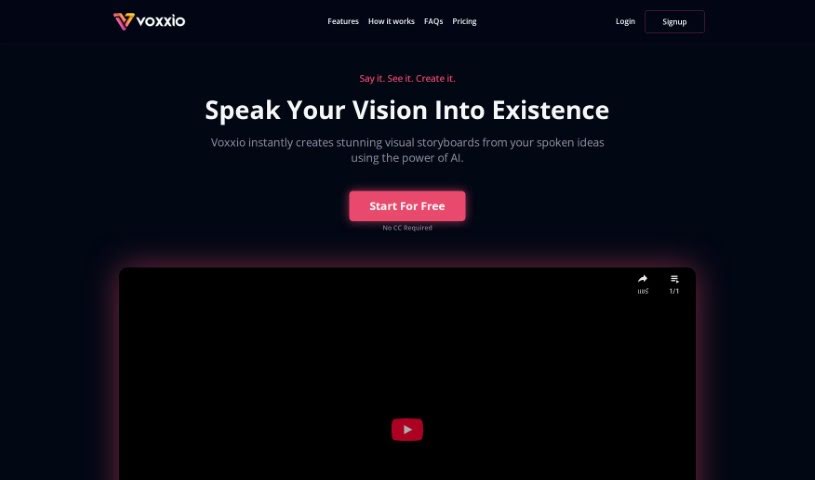
Screenshot of Voxxio

Voxxio

Freemium

Voxxio is your creative sidekick. It's an AI tool built to help creators like you turn spoken ideas into really cool, illustrated storyboards. You don't need any design experience at all! Just describe what you're imagining, either by speaking or typing, and Voxxio's smart AI will whip up a storyboard based on your story. You can then tweak the scenes, swap out visuals, and adjust the text until it's just right. The whole idea behind Voxxio is to speed up your creative process by instantly bringing your spoken narratives to life. It also aims to make storytelling more accessible for everyone, whether you're an animator, filmmaker, advertiser, videographer, or even a teacher.

Previous 3 of 3 Next

Stay Updated with AI Tools

Get weekly updates on the latest AI tools, trends, and insights delivered to your inbox

Join 25,000+ AI enthusiasts. No spam, unsubscribe anytime.