What is Sagebrush?
SageBrush is a really neat AI app that takes your simple sketches and turns them into detailed, imaginative pictures. Honestly, it feels as easy as playing with a box of crayons, so anyone can jump in, no matter their art background. The app uses smart AI to understand your sketches and then creates impressive, detailed images based on prompts you set. This means even if you’ve never drawn before, you can create cool, imaginative visuals. Seasoned artists will find it a great tool too! You can tweak the AI’s output using a customizable prompt editor, which lets you guide the style and details of your artwork. Plus, SageBrush is designed for everyone, offering left and right-handed drawing modes, Apple Pencil support, direct finger drawing, a fun ‘randomize’ option for unexpected creative twists, and both light and dark modes to fit your workspace.
Who created Sagebrush?
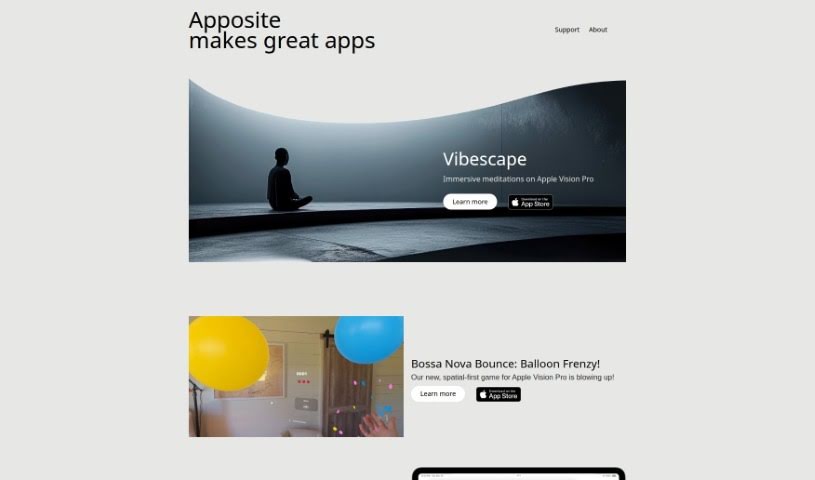
SageBrush was actually created by Gregory Wieber, who also founded Apposite. He launched SageBrush on December 28, 2023. Apposite is an app design studio that Gregory started with his design partner, Colleen Clery. They’re all about building creative apps that are on the cutting edge of technology, especially focusing on immersive experiences for Apple Vision Pro.
What is Sagebrush used for?
- It’s super easy for anyone to use, no matter their skill level.
- You can turn simple sketches into really detailed and imaginative pictures.
- It’s as straightforward as using crayons!
- It has a prompt editor you can customize.
- It supports drawing for both left-handed and right-handed people.
- You can use your Apple Pencil to draw.
- You can also draw directly with your fingers.
- There’s a mode for freestyle creativity where the AI’s interpretation can be randomized.
- It offers both light and dark modes, so you can create in comfort.
- It’s flexible and really user-friendly.
- It transforms basic sketches into visually detailed and imaginative imagery using advanced AI technology.
- It empowers users of any skill level in their creative process, whether you’re a seasoned artist or just starting out.
- You can influence the AI’s creativity by using customizable prompts.
- It supports left-handed and right-handed drawing modes, making it accessible for everyone.
- You can use your Apple Pencil for more precise control, or draw directly with your fingers for a natural feel.
- There’s a freestyle creativity mode that randomizes the AI’s interpretation of your drawings, adding a fun element of surprise.
- It provides light and dark modes for your comfort and creative sessions at any time.
- You might need to buy in-app tokens for some features, according to their website.
- You can craft detailed prompts to guide the AI, leading to stronger transformations and more vivid artwork.
- It transforms sketches into detailed and imaginative imagery.
- It simulates a drawing experience that’s as simple as using crayons.
- It’s accessible to users of all skill levels.
- It supports left-handed and right-handed drawing modes.
- You can use your Apple Pencil for input.
- It allows drawing directly with fingers.
- There’s a freestyle creativity mode.
- It offers light and dark modes for your comfort.
- The design is flexible and user-friendly.
- It supports detailed and imaginative outputs.
- It transforms sketches into detailed and imaginative imagery.
- It simulates a user-friendly experience similar to using crayons.
- You can use the customizable prompt editor to guide the AI in adjusting the style and details of your artwork.
- You can influence the AI’s creativity through detailed prompts.
- It supports left and right-handed drawing modes.
- You can use your Apple Pencil for more precise control.
- It lets you draw directly with your fingers for natural and versatile input.
- There’s a freestyle creativity mode that randomizes the AI’s interpretation.
- It provides light and dark modes for your comfort.
Who is Sagebrush for?
- Artists
- Designers
- Creative professionals
- Illustrators
- Creatives in general
- Novice artists
- Seasoned artists
- Untrained novices
How to use Sagebrush?
Using SageBrush is pretty straightforward. Here’s a quick rundown:
- Sketch Your Idea: First, just sketch out whatever you’re thinking of on the canvas inside the SageBrush app.
- Customize Prompts: Then, head over to the customizable prompt editor. Here, you can give the AI specific instructions about the style and details you want in your final artwork.
- Strengthen Prompts: Want to boost the AI’s creativity? Making your prompts stronger can lead to more imaginative interpretations of your sketches.
- Alternate Inputs: You’ve got options for input! Use an Apple Pencil for really precise control, or just draw directly with your fingers for a more natural feel.
- Left and Right-Handed Support: SageBrush is designed for everyone, supporting both left and right-handed drawing modes.
- Freestyle Creativity: Feel like a surprise? The freestyle creativity mode randomizes the AI’s interpretation of your drawing, adding a fun element of unpredictability to your artwork.
- Day and Night Modes: You can pick between light and dark modes, whatever suits your creative mood or the time of day.
By following these steps, anyone, regardless of their skill level, can easily create detailed and imaginative artwork with SageBrush.