AI Tools for Video Content

Discover the best Video Content AI tools to enhance your productivity and creativity.

Page 2 of 6 • 66 total tools
Screenshot of Ddle.dev

Ddle.dev

Freemium

Ddle.dev is a really neat online tool that uses AI to help you create quick, interactive walkthroughs of your website. What makes it different from other screen recording tools is that it adds AI-generated voices and faces, making your guides more engaging without needing actual video calls. Once you're done, you can easily share your walkthroughs with a link that's ready to go instantly. Ddle.dev also lets you pick the narration's tone, use multiple languages for the voiceover, and even automate consent and cookie forms if you go with the pro version. Specifically, it supports narration in up to 40 languages, and the pro version lets you automate those consent and cookie forms. Plus, you can remove the Ddle.dev branding from your walkthroughs and record website scrolls, which makes it a pretty complete package for creating engaging guides for your site.
Video Generation View Tool →
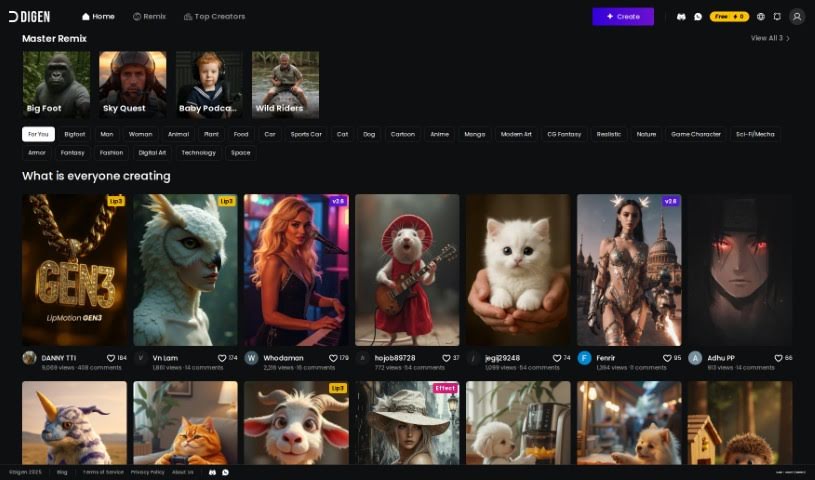
Screenshot of Digen AI

Digen AI

Freemium

Digen AI is a free generative AI tool that lets you create videos. It’s a fantastic way to bring your creative ideas to life, offering customizable avatars and personalized scripts. It is a platform where you can really explore your creativity and boost your video production skills. Digen AI has features designed specifically to help you with video creation, making it a really useful tool for anyone looking to speed up their video production process and add a personal touch to their projects. Plus, its interface is super user-friendly, so it’s easy to get started, no matter your video editing experience.

Video Generation View Tool →
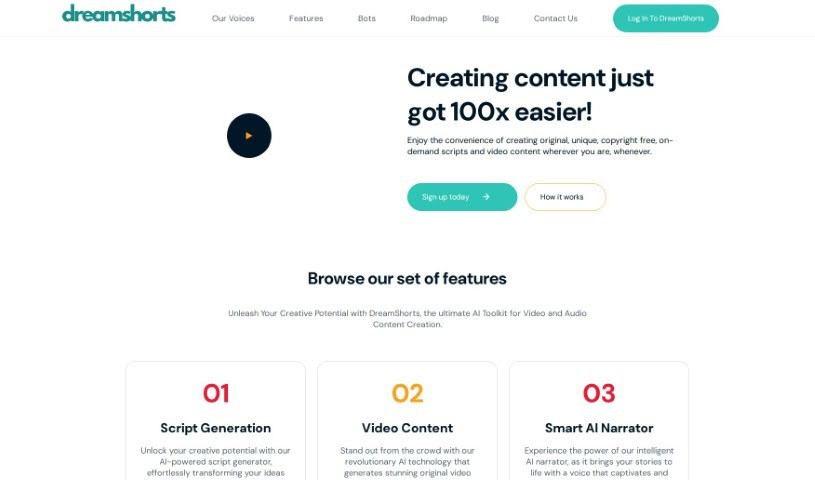
Screenshot of DreamShorts

DreamShorts

Freemium

DreamShorts is a really handy AI toolkit designed for making video and audio content. It is your all-in-one creative assistant. It's packed with features like a smart script generator that can help you brainstorm ideas, tools to create original video content that matches your personal style or brand, and even an AI narrator that brings your scripts to life with a natural voice. Plus, it makes sharing super easy with built-in social media integrations, automatically adds captions to your videos, and provides copyright-free content for all your creative projects. You can even interact with DreamShorts through WhatsApp and Telegram bots to quickly create engaging videos and scripts for social media.

Video Generation View Tool →
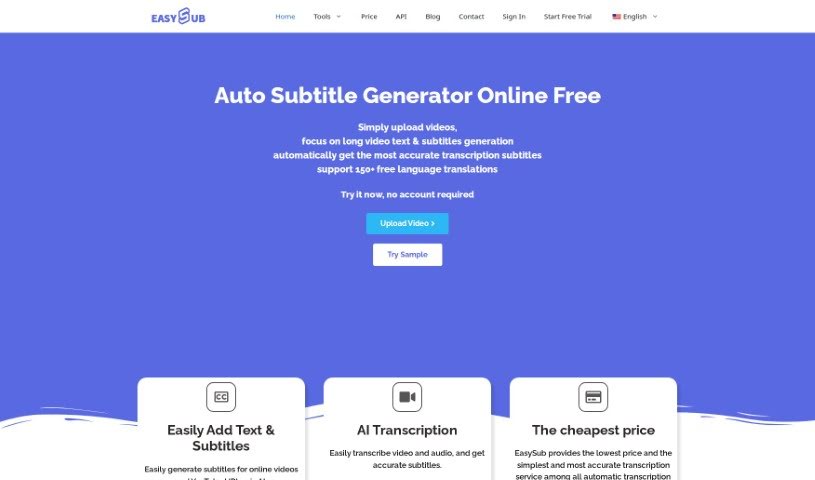
Screenshot of EASYSUB

EASYSUB

Freemium

EasySub is your go-to AI subtitle generator. It's designed to make transcribing, translating, and exporting subtitles for your long videos super simple. You just upload your video, pick the original language, and choose the language you want subtitles in. The AI then does the heavy lifting. What's really neat is that it boasts over 95% accuracy for automatic subtitles, can translate into more than 150 languages, and there are no limits on how long your videos can be. Plus, the platform itself is really easy to navigate, which is a big plus for creators. Many video creators have found EasySub incredibly helpful, especially for generating and translating subtitles for longer content.

Video Generation View Tool →
Screenshot of EasyVid

EasyVid

Freemium

EasyVid is a smart tool that uses artificial intelligence to make creating videos much simpler. It is your go-to assistant for turning written content into engaging videos. Whether you need video ads, explainer videos, or a way to make your blog posts and articles more dynamic, EasyVid has you covered. It's designed to automatically create impactful videos perfect for social media. You get features like AI-generated background visuals and the ability to translate your videos into many different languages. The best part? It's super user-friendly, so you don't need any video editing experience at all. Plus, you can use the videos for commercial purposes, like marketing and social media content.

Video Generation View Tool →
Screenshot of Eazycaptions

Eazycaptions

Freemium

Eazycaptions is a video editing tool designed to help you create really engaging videos. You can add eye-catching captions, sound effects, and even b-roll footage to make your content look super professional. It's packed with features like AI-powered accurate captions that are generated automatically, automatic emojis and keyword highlighting to really make your points pop, stock b-roll footage to add visual interest, and ready-made caption templates to save you time. Whether you're a vlogger, an educator, a product reviewer, or in many other fields, Eazycaptions can help you get your message across clearly and keep your audience hooked.

Video Generation View Tool →
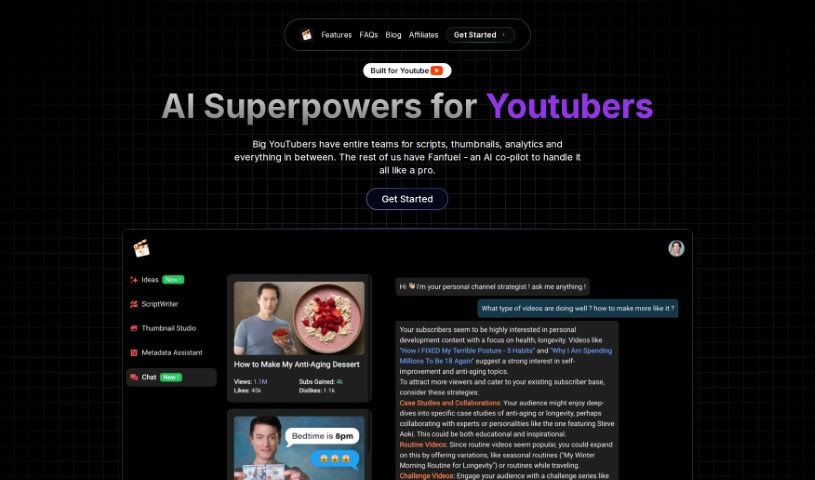
Screenshot of Fanfuel

Fanfuel

Freemium

Fanfuel is a really helpful AI tool built specifically for YouTube creators looking to make their content creation process smoother and more effective. It is your all-in-one assistant. It comes packed with smart features like an AI thumbnail generator that helps you create eye-catching visuals, a script writer to help you get past writer's block, and an analytics chat feature that breaks down your channel's performance. Plus, it has a metadata maker for better SEO, an idea suggester to keep your content fresh, and even a thumbnail face swapper. They're also working on tools like an AI stock music finder and an AI script narration tool, which sounds pretty cool.

Video Generation View Tool →
Screenshot of FineShare FineCam

FineShare FineCam

Freemium

FineShare FineCam is a really neat AI virtual camera tool. It is your go-to for making high-quality webcam videos and participating in lively video conferences, no matter where you are. It used to be called VibeCam, but now as FineCam, it's packed with features that make video creation a breeze. You can easily remove your background, use handy education tools, record and share video presentations, capture webpages, play YouTube videos, record specific application windows, and even share photos. It's available for both Windows and macOS, and people seem to really like it – it's got a solid 4.8 rating from 28 reviews. Best of all, you can download it for free!

Video Generation View Tool →
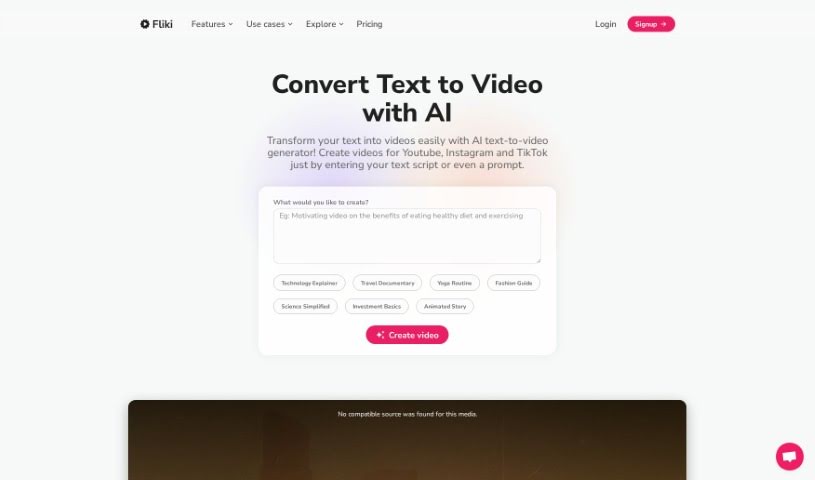
Screenshot of FlikiText to Video

FlikiText to Video

Freemium

Fliki Text to Video is a really neat AI tool that makes it super easy for anyone to create videos straight from text. You just pop your script into Fliki's platform, pick the settings you like, and voilà – an AI video is born. How does it work? Well, this text-to-video AI analyzes what you've written and uses smart machine learning to put together a video that matches your content. Fliki Text to Video can handle up to 15,000 characters for text conversion, and you can export your videos as MP4 or MOV files. Plus, with templates you can tweak, ready-to-use voiceovers, and features that are just plain intuitive, Fliki truly lets you turn your ideas into professional-looking videos without needing to be a video editing whiz.

Video Generation View Tool →
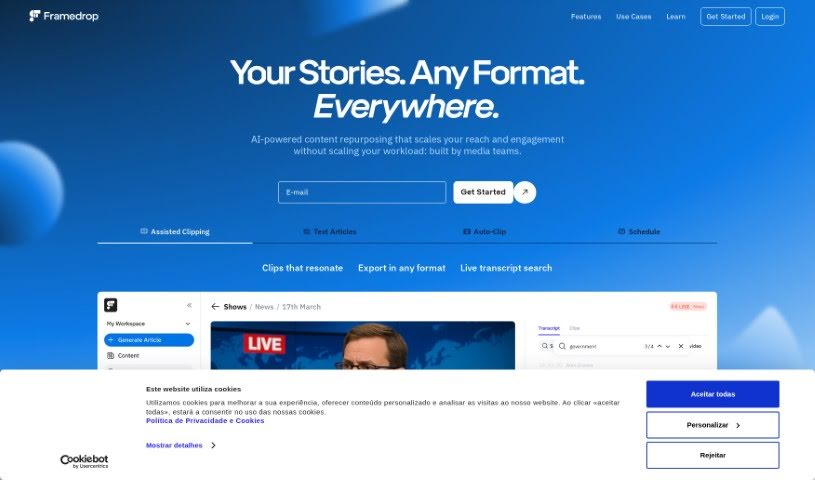
Screenshot of Framedrop.gg

Framedrop.gg

Freemium

Framedrop.gg is a really handy platform built for gamers who want to easily share their best moments from live streams. It uses AI to automatically find and clip highlights from your Video on Demand (VOD) streams, making it super simple to share those awesome plays. You'll find features like the Highlight Detector, Smart Edits to make your clips look even better, a Clip Dashboard for quick access to everything, and easy ways to share. It's designed to be user-friendly, and importantly, you don't need to download any software, which means your PC can keep running smoothly for gaming. Framedrop.gg works with popular games like Valorant, Call of Duty: Warzone, Apex Legends, Rocket League, and League of Legends. Plus, it offers basic features for free, with options to upgrade for more advanced capabilities.

Video Generation View Tool →
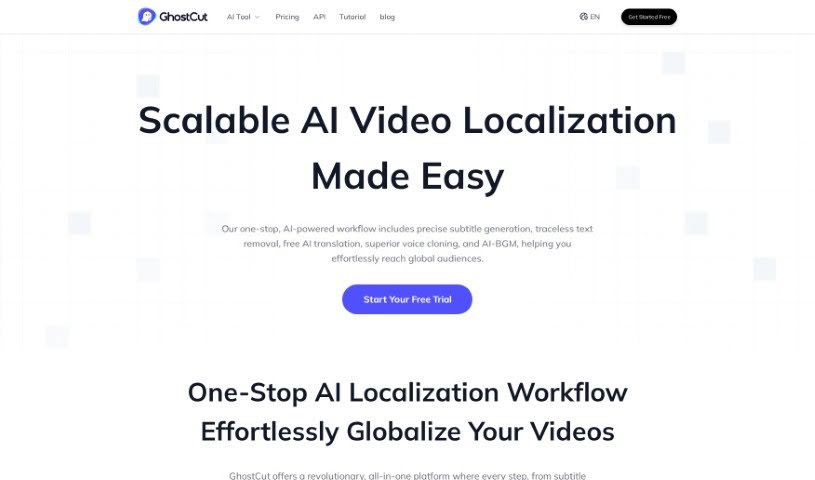
Screenshot of GhostCut

GhostCut

Freemium

GhostCut is a professional video editing tool powered by AI, designed to help creators, merchants, and Multi-Channel Networks (MCNs) with localized video marketing. It offers a suite of features aimed at making your content ready for a global audience. You can use it for video translation dubbing, translating hard subtitles, and even removing subtitles altogether. A standout feature is its 'Smart Text Removal' tool, which cleverly gets rid of hardcoded subtitles from your videos. Plus, GhostCut has a 'One-click Multi-style' option that lets you generate several different versions of the same video, each with its own unique style. This really boosts content variety and sparks creativity. What sets GhostCut apart in the video editing space is its innovative AI technology and its all-around editing capabilities. It’s great for translating and dubbing videos, creating multiple styles from just one video, and generally supporting your localized video marketing efforts.

Video Generation View Tool →
Screenshot of GlossAi

GlossAi

Freemium

GlossAi is a really smart platform designed to help you make the most of your video and audio content. It is your go-to tool for repurposing and fine-tuning everything you create. Its main goal is to boost how much people engage with your content, cut down on production costs, and save you a ton of time. It’s packed with features that make content creation a breeze. You can automatically turn long videos into shorter, shareable clips, repurpose content for all sorts of formats, and even translate it into over 200 languages. Plus, it has built-in editing tools and lets you use simple prompts to personalize content for your audience. The platform makes it super easy to share your creations everywhere – social media, emails, blogs, websites – basically, anywhere you want to reach more people. GlossAi was started in 2021 by a team of entrepreneurs who previously worked at McKinsey & Company, Intel, and the Israeli Defense Forces. They've got backing from major global venture capital firms and are really focused on using generative AI to create powerful solutions. On top of all that, GlossAi also helps protect your brand. It has a system for watching out for social video risks like misinformation, smear campaigns, and deep-fake detection, and it can even help you respond to them.

Video Generation View Tool →

Stay Updated with AI Tools

Get weekly updates on the latest AI tools, trends, and insights delivered to your inbox

Join 25,000+ AI enthusiasts. No spam, unsubscribe anytime.