AI Tools for Youtube Video

Discover the best Youtube Video AI tools to enhance your productivity and creativity.

Page 3 of 3 • 31 total tools

Making great YouTube content is a mix of creativity, smart planning, and, these days, technology. With so many videos going up every day, it can feel tough to get noticed. But what if some AI tools could actually make the whole process easier, improve your video quality, and help your channel really take off?

AI video tools have come a long way, offering creators all sorts of helpful solutions. You can find everything from software that edits videos automatically to advanced tools for analytics and SEO. These innovations can really turn a rough idea into a polished video. It’s all about working smarter, not just harder.

When I recently looked into the top AI tools for YouTube, I checked out a bunch of platforms that can help with different parts of making and improving your videos. Having the right tools means you can save time, keep your audience more engaged, and maybe even get more subscribers.

Whether you’ve been making videos for a while or you’re just getting started, these tools can help you reach your full potential. Ready to step up your YouTube game? Let’s jump into the best AI tools that can really change your video content starting today.

The best AI Youtube Video Tools

  1. Video Candy: Great for editing and improving your YouTube videos.
  2. Lumen5: Makes creating YouTube videos much simpler.
  3. Slicetube: Helps you create video highlights effortlessly.
  4. Tella: Automates the process of writing YouTube video descriptions.
  5. Taja AI: Generates video titles and descriptions.
  6. Tubics: Designed to boost your organic views on YouTube.
  7. ChatTube: Offers tips for optimizing your video content.
  8. You-Tldr: Lets you quickly summarize YouTube videos with ease.
  9. Chaindesk AI YouTube Summarizer: Provides fast overviews of video content.
  10. Facelessvideos.ai: Helps you create viral YouTube Shorts without showing your face.
  11. Video2Recipe: Converts YouTube cooking videos into easy-to-follow recipes.
  12. Chapterme: Boosts YouTube engagement effortlessly.
  13. Braiv: Enhances your YouTube content with custom branding.
  14. Happy SRT: Generates AI subtitles for your YouTube videos.
  15. Creator ML: Optimizes YouTube titles to get more views.

How do AI youtube video tools work?

AI tools for YouTube have become really popular because they make video creation and editing so much smoother. Basically, these tools use smart algorithms, often powered by AI, to look at your video content and automatically make it better. Their systems usually process your existing videos, learning from them to understand common patterns, styles, and what keeps viewers watching.

These tools often rely on machine learning models that analyze information from different places. They can figure out the best parts to cut, suggest video ideas based on what’s trending, or even write scripts. This frees you up to focus more on the creative side instead of getting bogged down in the technical stuff.

Lots of AI video tools are made to help with specific jobs, like adding captions automatically or improving visuals. For instance, some platforms can turn spoken words into text, making it easier for people to follow along. Others might suggest eye-catching thumbnails based on what the content is about.

What’s great about these tools is how much information they can handle. By studying successful videos across many different types of content, they help creators see what really connects with audiences. This data-driven approach helps you fine-tune your content based on what viewers like, which usually leads to better engagement.

Plus, some AI tools can even manage things like background music and sound effects. They look at existing audio clips and pick ones that fit well with your video and make the whole viewing experience better, making your videos more immersive.

As creators use these tools, they get helpful insights into how their videos are performing. Many platforms offer analytics that show how different parts of your video affect viewer retention and interaction. This feedback lets you adjust your strategies for future videos.

So, really, using AI in video creation and editing has changed how content gets made. By taking care of routine tasks and offering useful insights, these tools let creators focus on telling engaging stories while the AI handles the technical challenges.

Our best AI youtube video tools at a glance

RankNameBest forPlans and PricingRating
1Video Candyediting and enhancing YouTube videosN/A4.83 (6 reviews)
2Lumen5simplifying the YouTube video creation processPaid plans start at $29/month.4.87 (30 reviews)
3Slicetubecreating video highlights effortlesslyN/A4.83 (6 reviews)
4Tellaautomating YouTube video descriptionsN/A4.82 (22 reviews)
5Taja AIgenerating video titles and descriptions.N/A4.73 (11 reviews)
6Tubicsboosting organic views on YouTube videos.N/A4.73 (11 reviews)
7ChatTubegetting video content optimization tipsPaid plans start at $4.99/month.4.82 (11 reviews)
8You-Tldrquickly summarizing YouTube videos easily.Paid plans start at $9.99/month.4.73 (11 reviews)
9Chaindesk AI YouTube Summarizergetting quick video content overviewsN/A4.71 (24 reviews)
10Facelessvideos.aicreating viral YouTube Shorts effortlessly.Paid plans start at $99.99/month.4.70 (23 reviews)
11Video2Recipeconverting YouTube cooking videos to recipes.N/A4.74 (43 reviews)
12Chaptermeboosting YouTube engagement effortlessly.N/A4.64 (28 reviews)
13Braivenhancing YouTube content with custom branding.N/A4.70 (10 reviews)
14HappySRTgenerating AI subtitles for YouTube.Paid plans start at $0.99/month.4.75 (12 reviews)
15CreatorMLoptimizing YouTube titles for higher views.N/A4.93 (40 reviews)
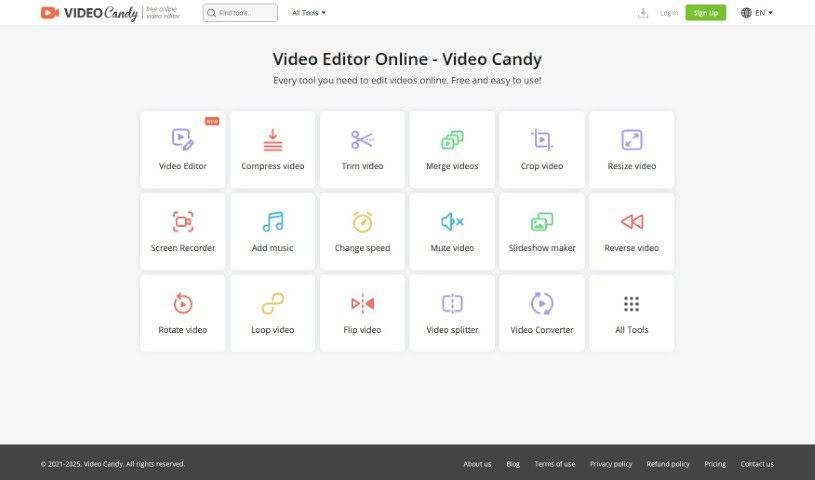
Screenshot of Video Candy

Video Candy

Freemium

Video Candy is a really handy online platform packed with all sorts of video editing tools. Whether you're just starting out or you've been editing for years, you'll find something useful here. It's got this super easy-to-use interface, and it offers tools for trimming, merging clips, compressing videos, cropping, resizing, recording your screen, adding music, changing video speed, removing audio, making slideshows, and a whole lot more. Plus, you can convert video and audio files without any fuss. The whole idea behind Video Candy is to help you make your video content shine, whether it's for social media, your blog, or even professional presentations. The best part? Every single tool is completely free and straightforward to use.

Video Generation View Tool →
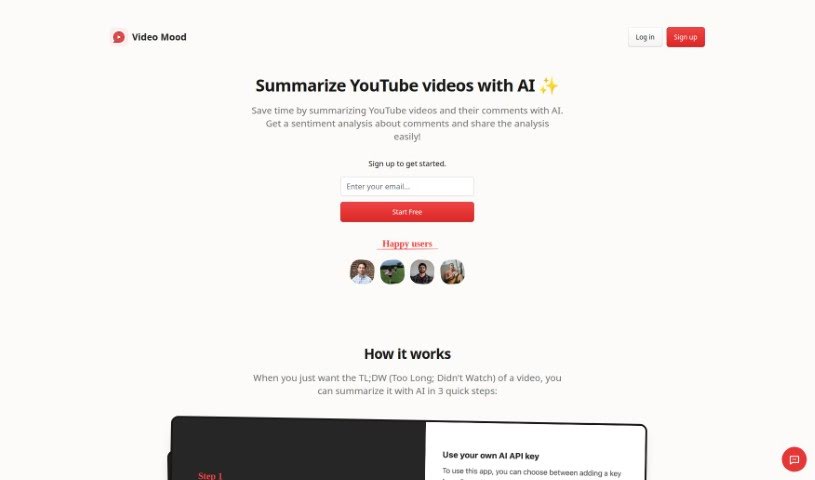
Screenshot of Video Mood

Video Mood

Freemium

Video Mood is a handy tool that uses AI to give you summaries of YouTube videos and their comments. It is a shortcut to understanding what a video is all about, plus what people are saying about it. By using Video Mood, you can save a good chunk of time. Instead of watching a whole video, you get a condensed version. This is super useful if you just need a quick overview before committing to watching the entire thing. Plus, it dives into the comments to gauge the general feeling or sentiment, giving you a practical way to get valuable feedback from viewers.

Video Generation View Tool →
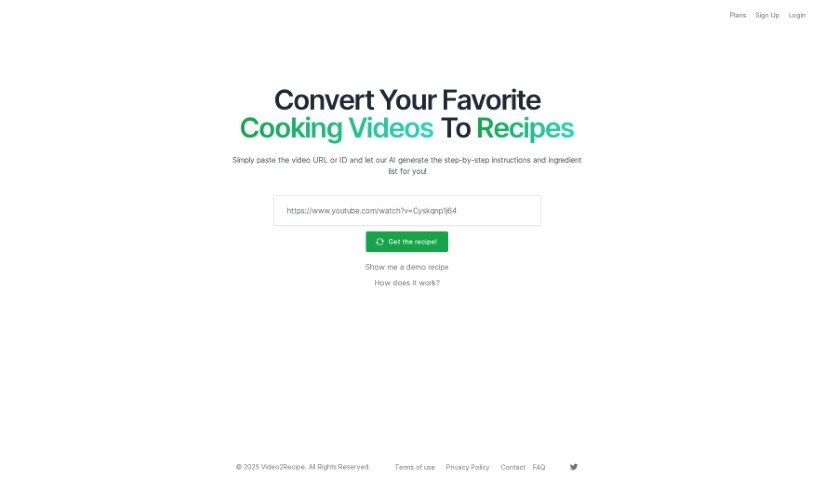
Screenshot of Video2Recipe

Video2Recipe

Freemium

Video2Recipe is a really neat tool that takes cooking videos and turns them into easy-to-follow recipes. All you have to do is pop in the video's URL or ID, and its smart AI gets to work generating step-by-step instructions and a list of ingredients. This means no more tedious manual transcription! It's a lifesaver for anyone who loves cooking along with tutorials, whether you're just starting out or you're a seasoned pro. Video2Recipe makes it super simple to get recipes from videos, so you can spend more time actually cooking and less time pausing and jotting things down. The platform offers a few key things: it converts videos to recipes, uses AI for clear instructions, automatically pulls out ingredient lists, has a super easy-to-use interface, and saves you a ton of time. The whole idea is to change how people cook using videos, making it easier to try new dishes and collect recipes you love.

Video Generation View Tool →
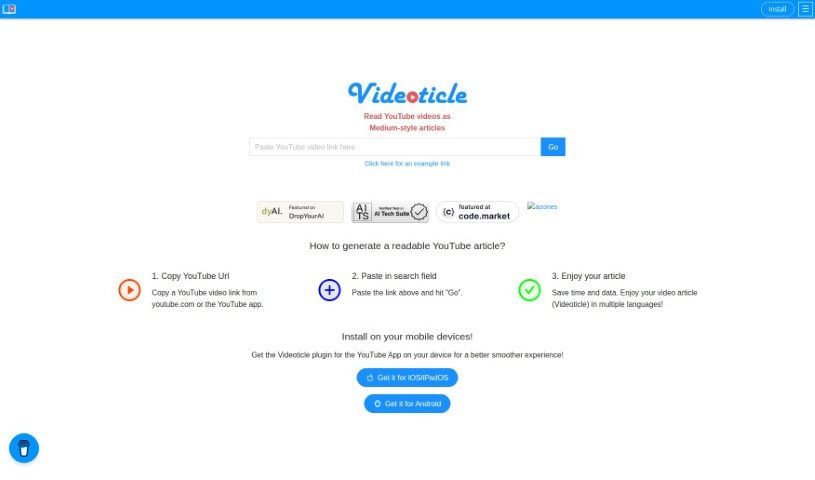
Screenshot of Videoticle

Videoticle

Freemium

Videoticle is a neat little helper for YouTube users. It's designed to take your YouTube videos and turn them into articles, kind of like those you'd find on Medium. How does it do this? Well, it grabs the subtitles from your video and transforms all that spoken content into text. This is especially handy for vlogs or any video where dialogue is key. It’s a great way to save time, use less data, and connect with more people around the world, even if they speak different languages. You just give it a YouTube video link, and Videoticle does the heavy lifting – pulling out the subtitles and creating a readable article complete with text and even snapshots from the video. Plus, you can use it on pretty much any device, as it’s mobile-friendly and supports multiple languages. For content creators, this means you can easily share your video material in a new, readable format, reaching a wider audience.

Video Generation View Tool →
Screenshot of Vrew

Vrew

Freemium

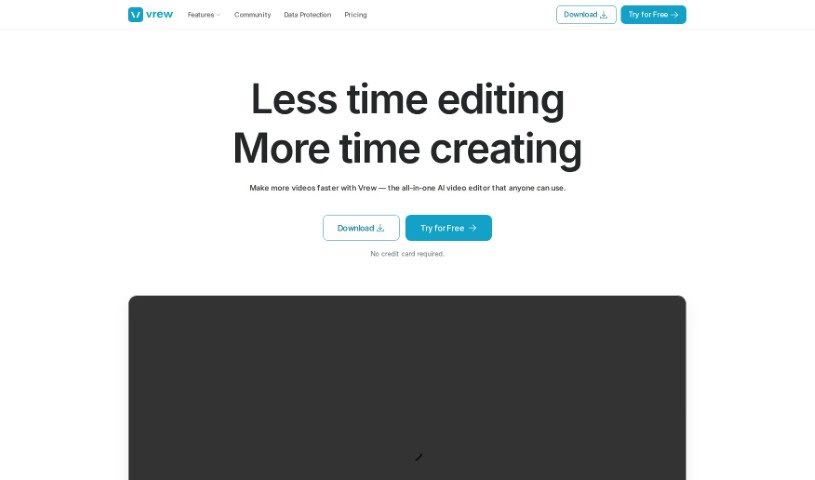
Vrew is an AI-powered video editing software designed to make creating professional-looking videos much simpler. It is your smart assistant for video production. It’s packed with features like automatic subtitle generation that uses speech recognition, making it super easy to add text to your videos. You also get quick cut editing, a whole library of free stock images, videos, and music, and a handy interface that works like a document. Plus, it runs on Mac, Windows, and Ubuntu, so it's pretty accessible. Whether you're making YouTube videos, short clips, company promos, or educational content, Vrew can help.

Video Generation View Tool →
Screenshot of You-Tldr

You-Tldr

Freemium

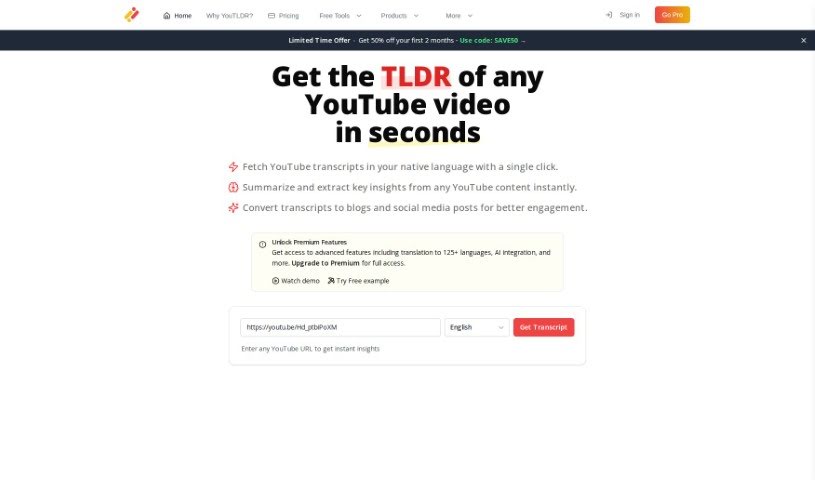
You-Tldr is a handy tool developed by two brothers from Pakistan. Its main goal is to help you quickly summarize, download, search, and even chat about YouTube videos, all in different languages. They first launched it back in 2019, but recently gave it a major upgrade with You-Tldr 2.0. This new version really takes advantage of the latest AI advancements. Now, you can easily access and search through YouTube transcripts, get video summaries generated by a chatbot, find key insights within videos, and even ask a chatbot questions about the video's content. If you opt for their premium plan, you unlock even more features. This includes summarizing videos up to 10 hours long, getting your transcripts generated faster, creating quizzes from video content, and having interactive Q&A sessions with the chatbot.

Video Generation View Tool →
Screenshot of Yt Generator

Yt Generator

Freemium

Based on the "yt-generator.pdf" document, a "Yt Generator" is essentially a tool built to help you make your videos stand out on platforms like YouTube. It is a smart assistant for your video content. It's designed to create descriptions that are really good for search engines (SEO-friendly), meaning it strategically uses keywords to help your videos rank higher. Plus, it adds a creative flair to these descriptions, making them more interesting for viewers and encouraging them to interact with your content. By giving you titles, tags, and descriptions instantly, this tool really saves content creators a lot of time. This frees you up to focus more on making great videos that connect with your audience. Basically, a "Yt Generator" makes your video creation process much smoother and more efficient.

Video Generation View Tool →
Previous 3 of 3 Next

Stay Updated with AI Tools

Get weekly updates on the latest AI tools, trends, and insights delivered to your inbox

Join 25,000+ AI enthusiasts. No spam, unsubscribe anytime.