20Paths
Productivity Documentation
Learn more
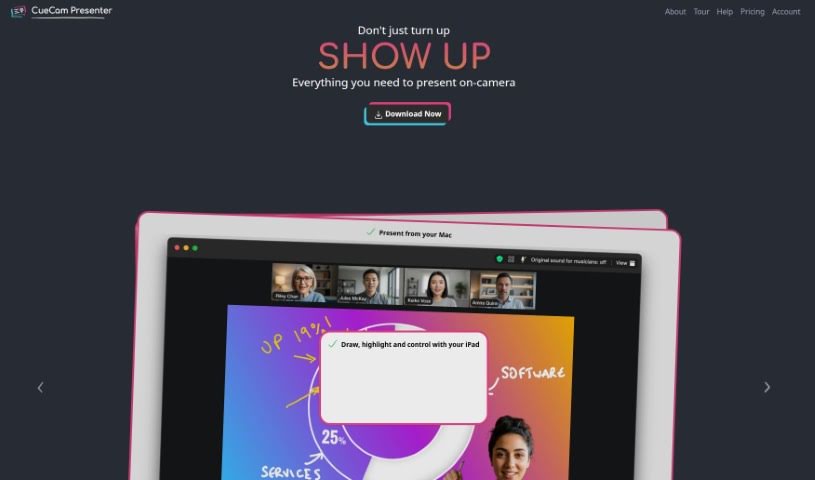
CueCam Presenter is a Mac app that turns your iPhone into a camera and teleprompter for video calls, with a virtual camera and microphone that work in any.
CueCam Presenter is a Mac app that changes how you share content during video calls. It turns your iPhone into a camera, teleprompter, and preview window, so you can present while looking directly at your audience. If you have an iPad, the app works with it too: the Video Pencil feature lets you draw and add annotations directly over whatever you’re sharing.
CueCam Presenter also provides a virtual camera and microphone that work with any Mac app, letting you combine live video, graphics, and audio in one place without extra software like OBS Studio. It handles live video and audio out of the box, with no complicated setup required. You can use older iPhones as extra cameras, and the Suite plan includes the tools needed for live presentations. The app helps you plan and run everything from cue cards and teleprompter text to slides, videos, and live titles.
Michael Forrest is the founder and developer behind CueCam Presenter. He hosts live sessions where he answers user questions and offers support.
Typical uses include:
The app suits teachers, startups, businesses of all sizes, educational institutions, sports coaches, sales professionals and teams, software developers giving demos, and anyone teaching or presenting remotely.
Related
Discover more tools in similar categories
Weekly picks of the best AI tools we've researched and added — no spam, unsubscribe anytime.
Join 25,000+ AI enthusiasts. No spam, unsubscribe anytime.