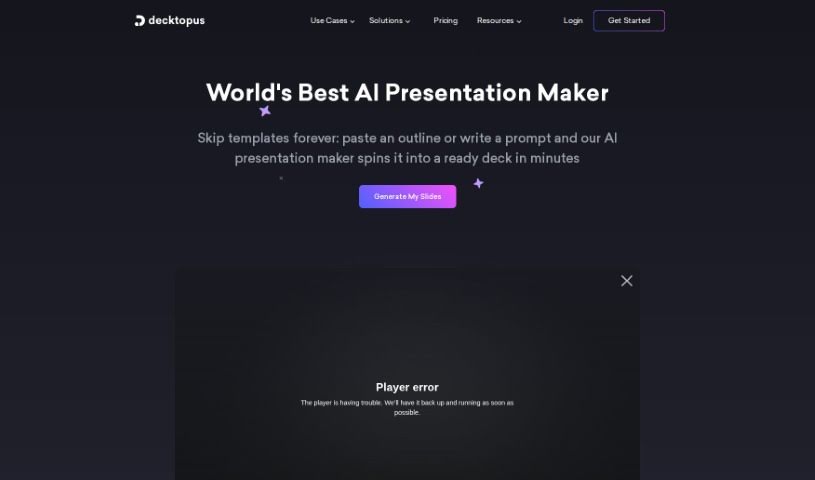
Screenshot of Decktopus AI

Decktopus AI

Discover what Decktopus AI is and learn how to use it effectively in 2025. We'll explore its features and see how it stacks up against other presentation makers.

Screenshot

What is Decktopus AI?

Decktopus AI is a really smart tool for making presentations. It uses artificial intelligence to help you create presentations that look great and are easy to put together. You can make visually appealing slides with very little effort, thanks to its AI-powered features. It really simplifies the whole process, saving you time and cutting down on the stress of designing everything yourself. Decktopus AI offers layouts you can change, a simple drag-and-drop editor, and even AI-generated content tailored just for you. This means you can create presentations that are both impactful and engaging, all while working efficiently. People who’ve used Decktopus AI often say it’s easy to use, looks good, and is a fantastic time-saver for anyone needing to create presentations.

Who created Decktopus AI?

Petar G. is the founder of Decktopus. The company has developed an AI-powered platform specifically designed to make creating presentations much simpler and faster for users. Decktopus’s main goal is to make the process of building compelling presentations smoother by using AI to help with both the design aspects and generating content. Many users praise the product for its straightforward interface, its collection of modern templates, and how efficiently it helps create professional-looking presentations.

What is Decktopus AI used for?

  • Make your business presentations shine with custom layouts.
  • Get organized, work together, and achieve success – it’s a real upgrade for your business.
  • Take full control of how you design your presentations, like never before.
  • It acts as your AI Presentation Assistant.
  • Improve how you interact with your audience.
  • Get tailored Q&As to engage your audience easily.
  • Forget stock images; use stunning, visually rich images instead.
  • Polish your talk with personalized icebreakers and story-like structures.
  • Craft compelling stories that have a consistent theme.
  • Turn your PDFs into lively, interactive presentations.
  • Take complete control of your presentation design using Design Mode.
  • Optimize how you connect with your audience by using tailored Q&As.
  • Shape dynamic scripts to ensure your delivery is smooth.
  • Instantly transform PDFs into dynamic, interactive presentations.
  • Boost your speaking skills with personalized, AI-generated notes.
  • Organize, collaborate, and succeed – it’s your business upgrade.
  • Optimize audience interaction using AI.
  • Say goodbye to generic stock images with AI-generated visuals.
  • Refine your talk with personalized icebreakers and story structures.
  • Shape dynamic scripts for a delivery that makes an impact.
  • Instantly transform PDFs into dynamic presentations.
  • Say goodbye to stock images.
  • Refine your talk.
  • Craft impactful stories.
  • Shape dynamic scripts.
  • Instantly transform PDFs.
  • You can generate classy presentations quickly using templates that are easy to customize.
  • Organize, collaborate, and succeed with a user-friendly organization panel.
  • Take control of your presentation design with simple drag-and-drop functionality.

Who is Decktopus AI for?

  • People working in business
  • Marketers
  • Sales teams
  • Startups
  • Executives
  • Sales professionals
  • Educators

How to use Decktopus AI?

Here’s how you can get started with Decktopus:

  1. Get Started: First, head over to the Decktopus website. Log in if you already have an account, or sign up for a new one if you’re just joining.
  2. Create a Presentation: Once you’re logged in, you can begin creating a new presentation. You have the option to pick a template you like or start building one completely from scratch.
  3. AI Assistance: Make the most of the AI features. You can use them to generate Q&As, create personalized icebreakers, or set up story structures to really make your presentation stand out.
  4. Design Customization: You can personalize your presentation further. Upload your company’s brand templates, manage your layouts, and tweak design elements to perfectly match your style.
  5. Collaborate and Organize: Use the organization panel to keep your decks in order, sort them into categories, and work effectively with your team.
  6. Present Like a Pro: Take advantage of the AI Presenter Coach. It offers helpful tips and tricks for your delivery, making sure your presentation is smooth and engaging for everyone.
  7. Export and Share: When your presentation is all set, you can export it in dynamic, interactive formats that will really connect with your audience.
  8. Feedback and Improvement: Gather feedback from your audience using interactive features like forms or embedded pages. This helps you make your future presentations even better.

Decktopus really simplifies the process of creating presentations. It combines AI capabilities with easy-to-use design tools, allowing you to create visually stunning presentations efficiently and effectively. With its intuitive drag-and-drop editor, personalized AI-generated notes, and dynamic scripts, Decktopus is changing the way presentations are designed and delivered.

By following these steps, you can use Decktopus to create professional, engaging presentations that capture your audience’s attention and improve your storytelling.

Related AI Tools

Discover more tools in similar categories that might interest you

Stay Updated with AI Tools

Get weekly updates on the latest AI tools, trends, and insights delivered to your inbox

Join 25,000+ AI enthusiasts. No spam, unsubscribe anytime.