10Web
Web Development Website Builders
Learn more
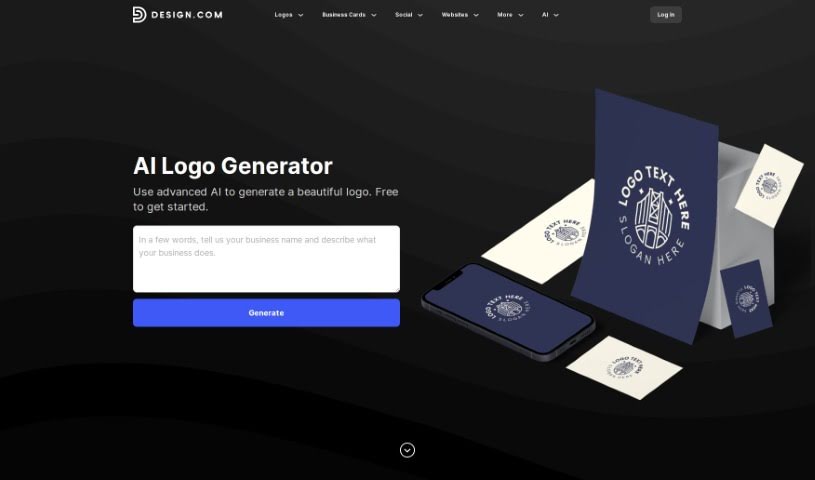
Discover the Design.com AI Logo Generator, a free tool offering over 145,000 AI-generated logo designs you can browse and customize in minutes.
Design.com’s AI Logo Generator offers over 145,000 unique logo designs, all created by artificial intelligence and tailored to your business name. Access is free, with no limits on how many designs you can browse or tweak. The tool is built for speed: pick a design and start editing within seconds, producing a custom logo in minutes. Its core value is a large library of AI-generated designs that are easy to customize to match your brand.
The tool was developed by the team behind Design.com. Specific founder or company details aren’t published, but the generator reflects the work of a design team using AI technology to generate business-name-specific logo options.
The tool suits a broad audience, including graphic designers, small business owners, marketing professionals, entrepreneurs, freelancers, web designers, content creators, social media managers, branding consultants, event planners, nonprofit leaders, app developers, photographers, artists, and consultants.
Related
Discover more tools in similar categories
Weekly picks of the best AI tools we've researched and added — no spam, unsubscribe anytime.
Join 25,000+ AI enthusiasts. No spam, unsubscribe anytime.