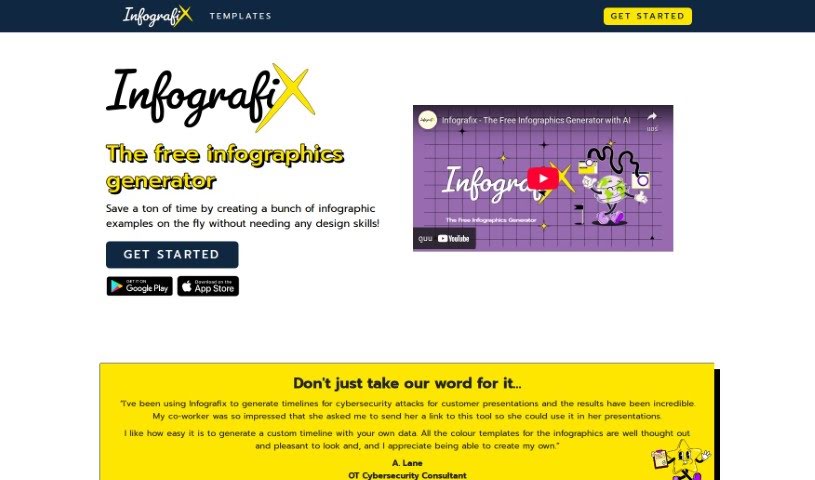
What is Infografix?
Infografix is a handy, free tool that lets you create infographics easily, even if you’re not a designer. It uses AI to help you whip up infographic examples quickly. You can make all sorts of visual content, like lists, hierarchies, timelines, cycles, process maps, SWOT analyses, and mind maps. You can use it right in your web browser, or if you prefer, you can download the app from the Apple App Store or Google Play. Infografix taps into generative AI, specifically Azure AI, to help you generate infographics from simple text prompts. Plus, you can tweak colors, fonts, and export formats (PNG, JPG, SVG, PDF) to make your infographics look just right.
Who created Infografix?
Infografix, this free AI-powered infographic generator, was actually built by a team who wanted to make content creation effortless. They integrated generative AI (Azure AI) right into the platform to help users generate content smoothly. The tool is designed so you can create various infographic styles without needing any design background, which really helps when you need to make content for different purposes. You can access Infografix through your web browser or grab the app from your favorite online store.
What is Infografix used for?
- Lists: Great for presenting information in a clear, itemized way.
- Hierarchies: Perfect for showing organizational structures or decision trees.
- Timelines: Visualize events or project progress chronologically.
- Cycles: Illustrate processes that repeat or loop back.
- Process Maps: Map out the steps in a workflow or procedure.
- SWOT Analyses: Break down Strengths, Weaknesses, Opportunities, and Threats.
- Mind Maps: Brainstorm ideas and show connections between concepts.
- Enhance college assignments, business presentations, and marketing content: Make your important documents more engaging and easier to understand.
- Post infographics straight onto social media: Grab attention and share information visually on your social channels.
- Customize your infographic with ease: Tailor the look and feel to your specific needs.
Who is Infografix for?
- Business professionals: To create compelling reports and presentations.
- Students: To visualize complex topics for assignments and study.
- Marketers: To design eye-catching content for campaigns.
- Social media managers: To create shareable graphics that boost engagement.
How to use Infografix?
Using Infografix is pretty straightforward. Just follow these simple steps:
- Get Started: You can jump right in by accessing Infografix through your web browser on your mobile, desktop, or tablet. Or, if you prefer, download the app from the Apple App Store or Google Play.
- Utilize AI Features: Infografix comes with generative AI (Azure AI) built-in to help you create content. All you need to do is type in what you want your infographic to be about, hit the generate button, and wait a moment for it to appear.
- Create Various Infographic Types: Infografix lets you easily make lists, hierarchies, timelines, cycles, and process maps. Mixing up these types can really help capture your audience’s attention.
- Customize Infographics: Want to add your own flair? You can pick from a bunch of color palettes or even create custom themes to match your style or brand. Plus, you can make your infographics look even better with over 1,500 font styles available from Google Fonts.
- Enhance Assignments and Presentations: You can visualize your data with business-style infographics and then export them in various formats like PNG, JPG, SVG, or PDF, complete with different color themes.
- Share Infographics: Once you’re happy with your creation, you can post your infographics directly to social media platforms. This is a great way to boost engagement with your content.
- Download the App: Infografix is available for free on both the Apple App Store and Google Play. It offers a really easy and relaxed way to create infographics when you’re on the go.
Following these steps should make it simple for you to create professional-looking infographics with Infografix, really helping to improve your content and presentations.