AI Tools for Note Taking

Discover the best Note Taking AI tools to enhance your productivity and creativity.

Page 2 of 13 • 145 total tools

Taking notes is a really important skill today, especially with how fast things move and how much information we deal with. Whether it’s for lectures, meetings, or just jotting down personal thoughts, good note-taking can totally change how we remember and use information. But honestly, handwritten notes can get messy, and typing sometimes feels like a race to get your thoughts down before they disappear.

That’s where AI note-taking tools come in. These aren’t just apps that type for you; they use artificial intelligence to help you organize, pull together information, and even find key insights on their own. If you find the right AI tool, you can easily move from messy notes to neat, digital ones.

I’ve spent the last few weeks checking out different options, and I’ve put together a list of the best AI note-taking tools out there right now. Each one has its own special features for different needs, from recording audio to summarizing long articles. So, whether you’re a student, a professional, or just someone who likes to stay organized, there’s likely something here for you.

If you’re ready to make your note-taking experience much better and get some valuable time back, let’s look at the top AI note-taking tools.

The best AI Note Takers

  1. Otter.ai for making team meetings smoother with AI notes.
  2. Tactiq to automatically capture meeting notes without any effort.
  3. Fireflies AI for easy automation of meeting recaps.
  4. Fathom AI for simple meeting summaries and action items.
  5. PLAUD for help transcribing lectures efficiently.
  6. Tldv to make meeting note-taking much smoother.
  7. Notta for making meeting summaries simple.
  8. Klangio for turning lectures into music notes.
  9. Supernormal for making meeting summaries easier.
  10. Jamie AI for generating meeting summaries with ease.
  11. Blu Dot to improve how efficiently you document meetings.
  12. Voicenotes for summarizing lectures into clear action items.
  13. Bubbles Notetaker for smoother meeting notes and action items.
  14. Mentalyc for automatically summarizing therapy sessions.
  15. Sembly AI to automate meeting notes and follow-ups.

How do AI note takers work?

AI note takers have become really helpful for managing information better. Basically, these apps use advanced natural language processing (NLP) to look at spoken or written text. They turn words into a structured format, which helps them spot main ideas, organize thoughts, and summarize content easily.

Most AI note takers use large language models (LLMs). These models have learned from tons of data, like articles, books, and conversations. This training helps them understand context, see how topics connect, and even guess what information is most important.

When you use an AI note taker, it processes what you input right away, whether you’re speaking notes during a meeting or typing ideas while studying. As it captures the information, it uses algorithms to break down sentences, pull out key points, and suggest insights. This lets you focus on your thoughts without worrying about missing anything important.

Lots of popular apps can connect with other tools, making it simple to manage your knowledge. For example, notes you take in an AI tool can sync with project management apps or cloud storage. This connection boosts productivity, making it easy to find and share information when you need it.

AI note takers are also flexible because they can handle different ways of inputting information, from typing to voice. You can speak notes for them to transcribe later, which makes them accessible and convenient. All in all, AI note takers are changing how we record and interact with information by using the latest technology.

Our best AI note takers at a glance

RankNameBest forPlans and PricingRating
1Otter.aiMaking team meetings smoother with AI notes.Paid plans start at $13.59/month.4.73 (11 reviews)
2TactiqAutomating meeting notes effortlessly.N/A4.64 (11 reviews)
3Fireflies AIEffortless meeting recap automationPaid plans start at $10/month.4.67 (12 reviews)
4Fathom AIEffortless meeting summaries and action itemsPaid plans start at $19/month.4.33 (24 reviews)
5PLAUDEfficient lecture transcription helpPaid plans start at Free/N/A.4.40 (15 reviews)
6TldvMaking meeting note-taking much smoother.N/A4.31 (13 reviews)
7NottaMaking meeting summaries simple.N/A4.72 (29 reviews)
8KlangioTurning lectures into music notesN/A4.74 (34 reviews)
9SupernormalMaking meeting summaries easier.Paid plans start at $18/month.4.79 (19 reviews)
10Jamie AIGenerating meeting summaries with ease.N/A4.33 (15 reviews)
11Blu DotImproving how efficiently you document meetings.N/A4.60 (25 reviews)
12VoicenotesSummarizing lectures into clear action items.N/A4.64 (11 reviews)
13Bubbles NotetakerMaking meeting notes and action items smoother.Paid plans start at $Free/month.4.64 (11 reviews)
14MentalycAutomatically summarizing therapy sessions.Paid plans start at $39.99/month.4.75 (12 reviews)
15Sembly AIAutomating meeting notes and follow-ups.Paid plans start at $20/month.4.64 (11 reviews)
Screenshot of Ayraa

Ayraa

Freemium

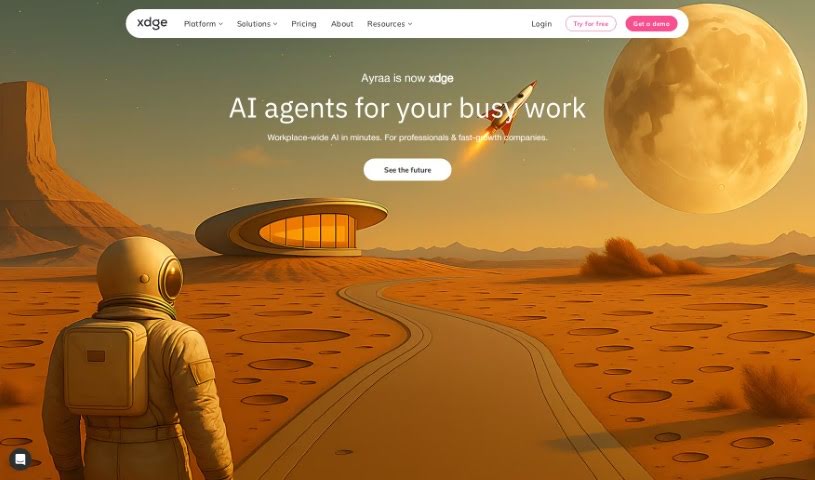
Ayraa is your personal search engine and a smart assistant specifically designed for your work life. It connects seamlessly with Slack and your web browser, capturing and organizing all your work-related information the moment you encounter it. This means you can easily ask Ayraa questions about your workplace insights, get quick summaries, find answers to specific queries, and even get help with tasks across different applications. The goal here is to make sure everyone can access and discover knowledge easily. It acts like a generative AI assistant, giving you direct access to answers and insights without you having to go looking for them yourself. The company behind Ayraa was actually founded by security veterans who have a lot of experience developing AI for analyzing text in work communications.

Screenshot of Backtrack

Backtrack

Freemium

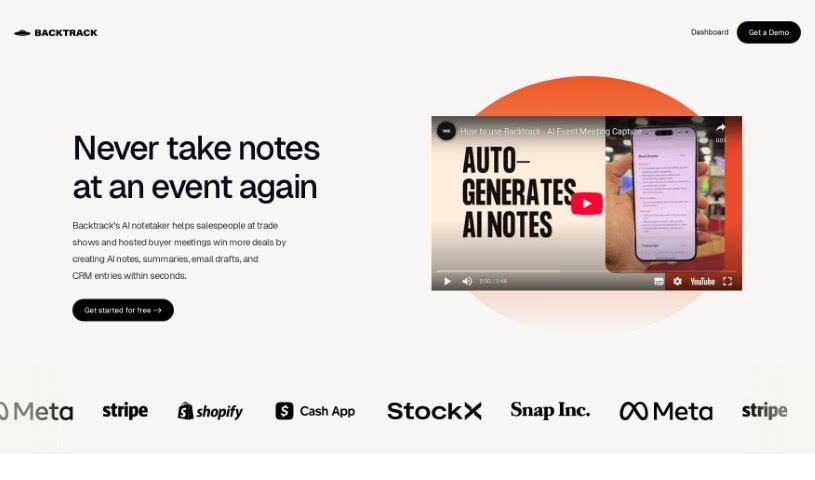
Backtrack is a really handy tool for Mac users, sitting right in your menu bar. It is a personal recorder that can recall and save audio, screen recordings, and even conversations you've had in the past. It's super versatile, perfect for capturing everything from Slack Huddles and client calls to brainstorming sessions, user interviews, sales calls, webinars, and even bug reporting. You can locally record up to five hours of past audio, screen activity, or microphone input. Plus, you get to preview and tweak what you've saved before you download it. And here's a neat part: Backtrack also has AI note-taking built-in. You can upload your recordings to the cloud, and the AI will whip up transcripts and summaries for you, saving you from all that manual note-taking. It automatically keeps track of the last hour of internal or external audio and your screen, making it easy to retrieve and store, all while keeping your privacy safe until you decide to share.

Screenshot of Beeyond AI

Beeyond AI

Freemium

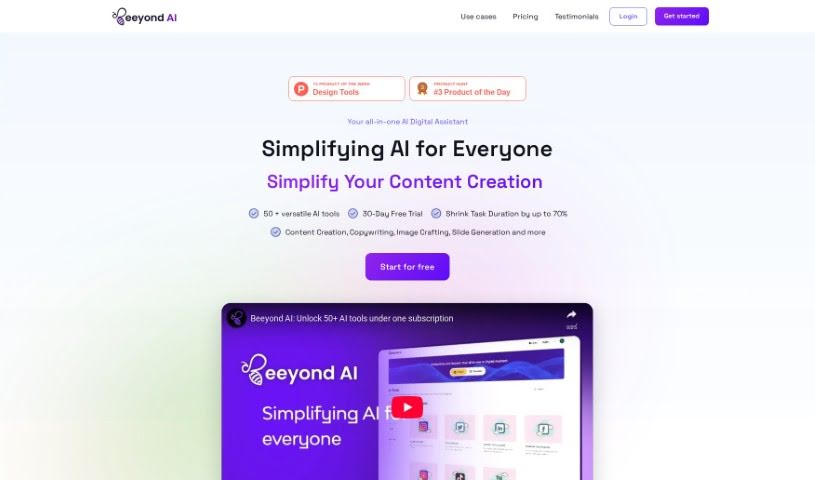
Beeyond AI is an all-in-one AI digital assistant web app built to boost your creativity and productivity, whether for personal projects or professional life. It's packed with tools to help you out. You can transform digital art with its AI Art Studio & Editor, get help with writing, chat with your PDFs, create social media content, and even turn audio notes into text. Plus, it can assist with planning trips, figuring out food and nutrition, and making sense of legal documents. Beeyond AI works in many languages and is always getting new features and updates, so you always have the latest AI advancements at your fingertips.

Screenshot of BeforeSunset AI

BeforeSunset AI

Freemium

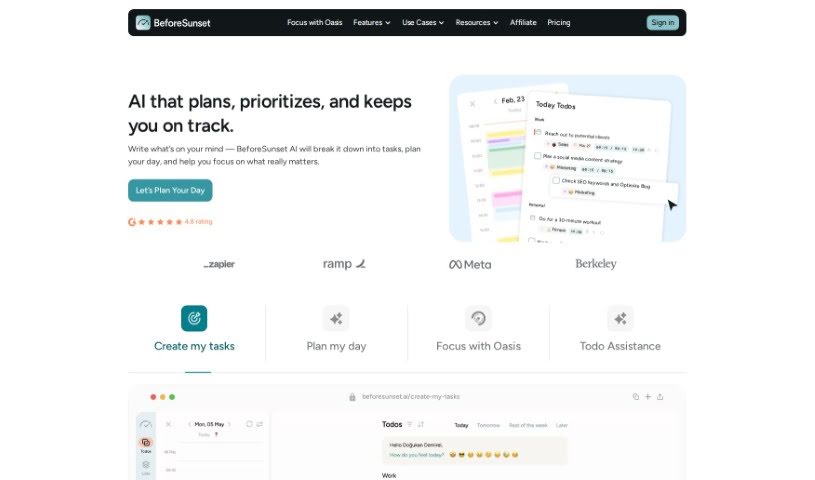
BeforeSunset AI is a sophisticated artificial intelligence system built to make your experience better through personalized interactions and smart automation. This AI technology uses machine learning algorithms, which means it learns from how you use it. It figures out what you like and how you tend to behave, so it can offer recommendations and replies that are just right for you. What really makes BeforeSunset AI stand out is its ability to adapt and learn from every conversation, getting better and better over time. By using natural language processing (which helps computers understand human language) and predictive analytics (which forecasts future trends), BeforeSunset AI makes communication smooth and processes simpler. You'll find it useful in many areas, like customer service, acting as a virtual assistant, or delivering content tailored just for you. With its innovative features, BeforeSunset AI is set to change how we engage with technology and improve efficiency across all sorts of industries.

Screenshot of Bloks

Bloks

Freemium

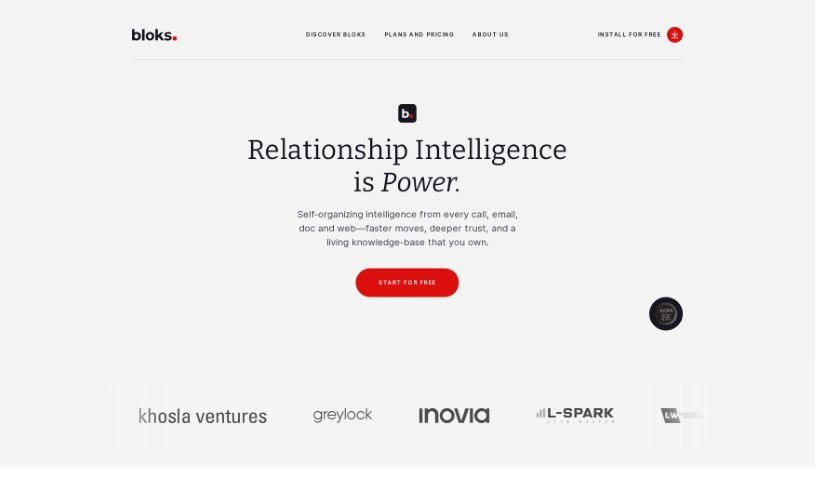
Bloks is a smart personal assistant designed to make your meetings much better. It helps you get ready for conversations by offering tools like daily briefs, automatic transcriptions, AI-powered action items, reminders, follow-ups, and insights into your professional relationships. The company behind Bloks, Nook Technologies, Inc., has secured $5 million in seed funding. With Bloks, you can easily prepare all the essential information you need for meetings, summarize conversations, and gain a better understanding of your professional interactions. People who use Bloks often say it boosts their productivity, makes taking notes a breeze, and helps them manage relationships more effectively.

Screenshot of Blu Dot

Blu Dot

Freemium

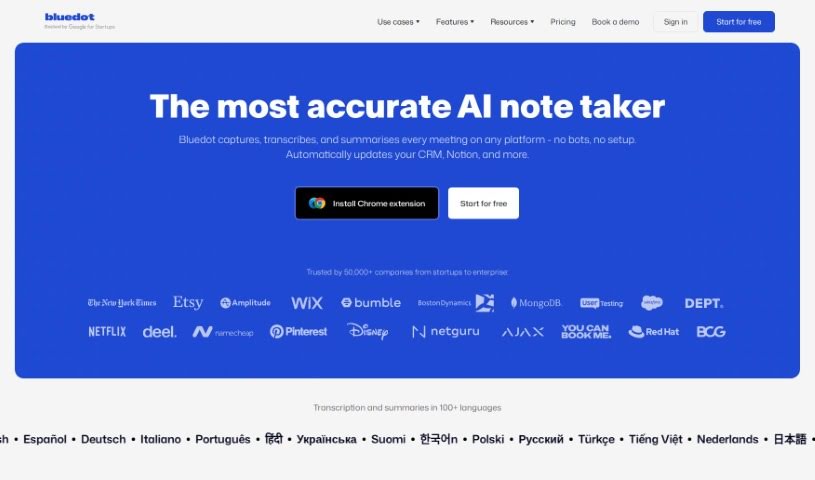
Blu Dot is a smart Chrome extension that works with Google Meet to make your meetings much easier. It is your AI assistant for Google Meet, automatically handling the tedious stuff like recording, transcribing, and summarizing your conversations. You can easily record any meeting, and Blu Dot will create AI-generated notes that are actually useful for whatever you need – whether it's a client call or a team sync. Plus, you can share these notes with your colleagues, and rest assured, your data is protected because they're GDPR-compliant. Blu Dot also offers handy features like screen recording, capturing key meeting highlights, letting you add annotations, and even basic video editing. What really sets it apart, though, is that it's a bot-free recorder, meaning no intrusive bots in your calls. It also gives you customizable notes and has a strong focus on keeping your data secure from the ground up.

Screenshot of Brainglue

Brainglue

Freemium

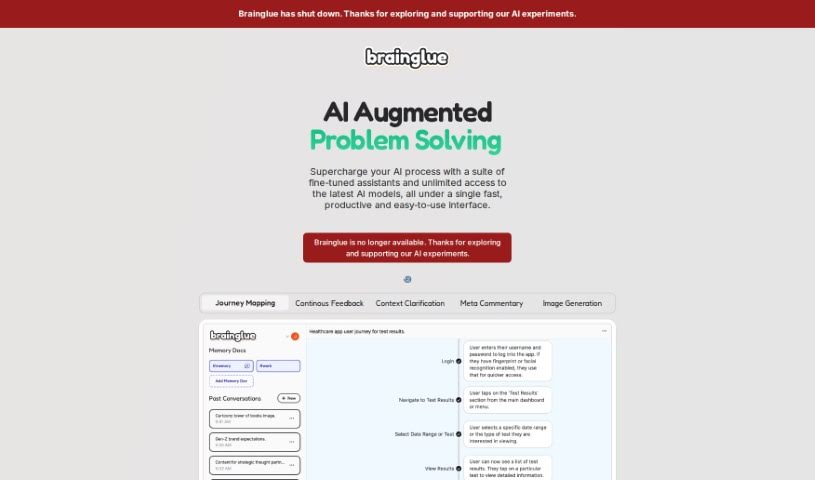
Brainglue is a smart AI assistant that you can really steer. It's designed to help you think more strategically, communicate better, and get a personalized AI experience. It's especially great for knowledge professionals and anyone who works with creative ideas. Brainglue offers a bunch of useful AI tools for tasks like writing, analyzing information, doing research, and even creating illustrations. You can have interesting conversations with different AI personalities, use top-tier models like GPT-4, Claude 3, and Gemini Pro, and save important context in "memory docs" so you don't have to repeat yourself. Plus, it has neat features like smart follow-ups, visual responses, memory documents, image generation with the latest models, web search capabilities, handy keyboard shortcuts, and many other innovative tools to boost your creativity and get more done.

Screenshot of Bubbles Notetaker

Bubbles Notetaker

Freemium

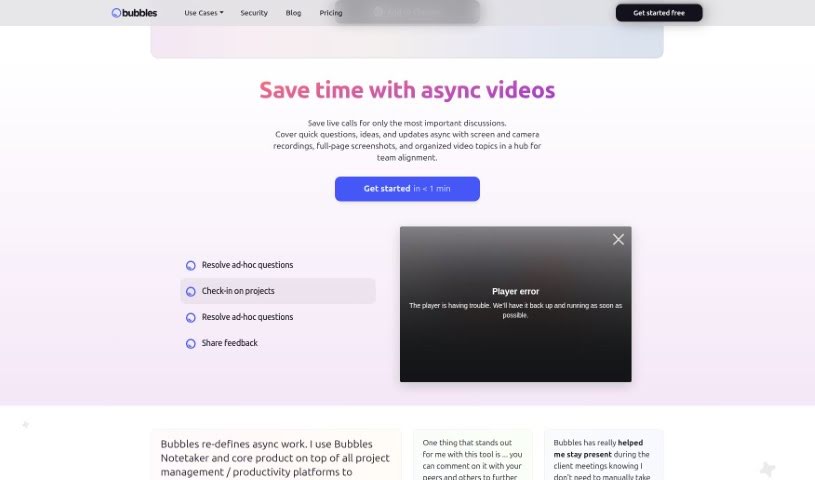
Bubbles Notetaker is a smart, AI-powered tool designed to really boost your productivity and make collaboration during meetings a breeze. It lets you record, transcribe, and follow up on meetings asynchronously, which is super helpful for capturing those key insights and making sure all decisions are clearly documented. Plus, it hooks right into your Google Calendar, so it can automatically transcribe and generate summaries for you. You can even add comments directly to recorded meetings using your screen, camera, or text annotations. For teams spread across different time zones, it offers optional smart reminders to keep everyone in the loop. Ultimately, Bubbles Notetaker aims to make meetings more efficient, collaborative, and communicative, whether your team is working remotely or together in person.

Screenshot of Byrdhouse

Byrdhouse

Freemium

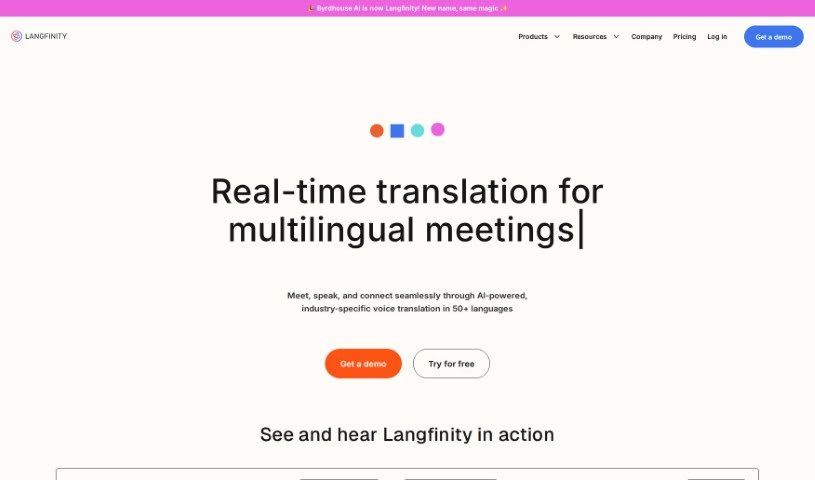
Byrdhouse is an AI-powered video conferencing app designed specifically for multilingual communication and collaboration. It is your go-to tool for breaking down language barriers in meetings. It offers real-time translation in over 100 languages, automatically generates meeting notes, and generally aims to make global conversations and teamwork much smoother.

Screenshot of Call An Ai

Call An Ai

Freemium

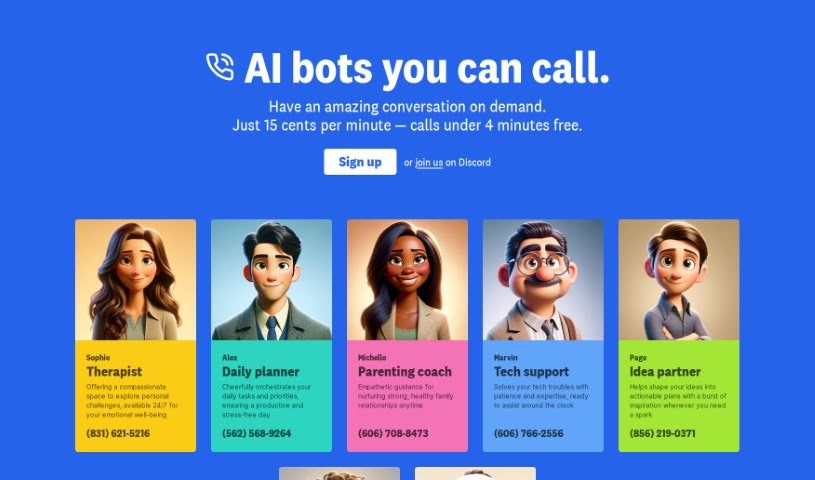
Call An AI is a really interesting project from the Toolkit AI team. Essentially, it's a service that gives you access to a variety of AI bots you can talk to on the phone. They are specialized assistants for all sorts of things – whether you need a therapist, help planning your day, a parenting coach, someone for tech support, a partner to bounce ideas off of, or even just a journaling buddy. What's neat is that you can even create your very own AI bot and give it its own phone number! These bots are available around the clock, 24/7, and they're planning to add even more cool features down the line, like making them learn and adapt as they talk to you, and letting you schedule calls. They're also working on letting you customize the voices.

Screenshot of Cflow

Cflow

Freemium

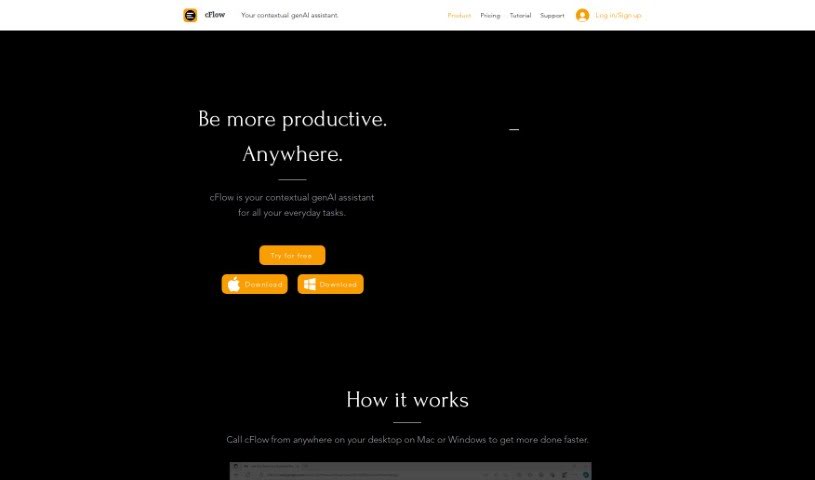
CFlow is your smart, everyday AI assistant. It's designed to make your life easier by understanding language like a person does, and it works right from your desktop on both Mac and Windows. It can really help automate and speed up a bunch of common tasks. We're talking about things like doing research, editing text, taking notes, managing your schedule, handling your data, dealing with emails, and even drafting documents. It's built to give you quick access to information and can even help you reply to emails automatically. cFlow uses advanced AI and language models to get that human-like understanding, and they've made sure it's easy to get started with instructional videos and a free trial.

Screenshot of ChatPC

ChatPC

Freemium

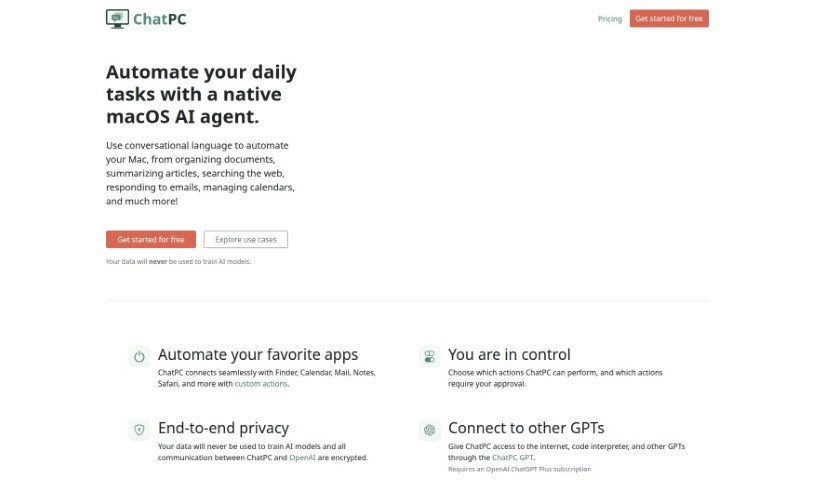
ChatPC is a really handy tool designed to boost your productivity and make tasks much more efficient. It is your personal assistant for learning and writing. It helps you learn faster by assisting with reading, taking notes, understanding complex topics, and even testing your knowledge. Plus, it makes writing feel more confident by helping you compose messages, craft replies, polish your writing, adjust your tone, and fix grammar. What's more, ChatPC can turn your own documents into a personal knowledge base, so you can get instant answers just by asking. It even helps organize your files by renaming and arranging them based on what's inside, making file management a breeze.

Stay Updated with AI Tools

Get weekly updates on the latest AI tools, trends, and insights delivered to your inbox

Join 25,000+ AI enthusiasts. No spam, unsubscribe anytime.