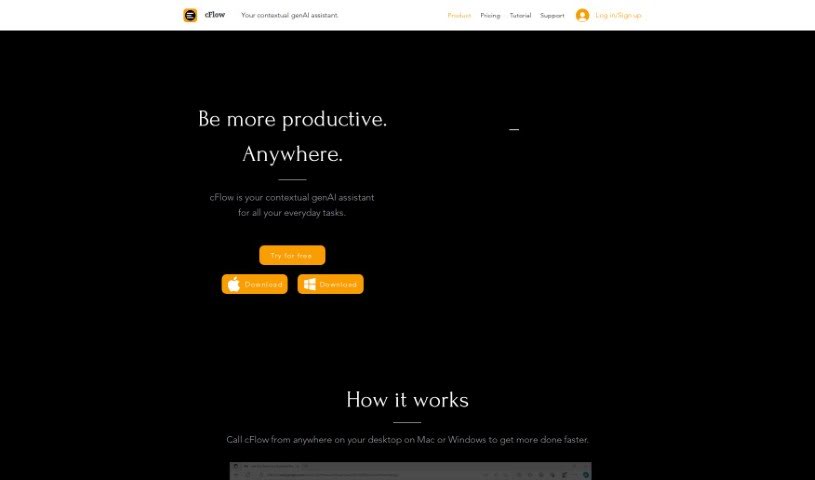
Discover what Cflow is and how to use it effectively in 2025. Explore its features, compare it with other AI note-takers, and see how it can simplify your daily tasks.

CFlow is your smart, everyday AI assistant. It’s designed to make your life easier by understanding language like a person does, and it works right from your desktop on both Mac and Windows. It can really help automate and speed up a bunch of common tasks. We’re talking about things like doing research, editing text, taking notes, managing your schedule, handling your data, dealing with emails, and even drafting documents. It’s built to give you quick access to information and can even help you reply to emails automatically. cFlow uses advanced AI and language models to get that human-like understanding, and they’ve made sure it’s easy to get started with instructional videos and a free trial.
An individual named Michael, who serves as the Chief Operating Officer (COO) in London, is the creator behind cFlow. This AI assistant first launched on December 6, 2023. Essentially, cFlow is a smart, contextual generative AI assistant aimed at simplifying your daily tasks. It does this by understanding language with a natural, human-like context and by integrating smoothly into your desktop environment, whether you’re on macOS or Windows. It provides easy access to information, helps you retrieve it quickly, can draft documents, respond to emails, and even recall past information, all designed to boost your productivity without you having to constantly switch between different apps.
Cflow can help you with a wide range of tasks:
Basically, it’s designed to automate and streamline many of your everyday tasks, from research and editing to note-taking and scheduling, making your work life smoother.
Cflow is particularly useful for:
Using cFlow is pretty straightforward. You can call it up from anywhere on your Mac or Windows desktop to start streamlining tasks. It’s great for scheduling because it can automate tasks and seamlessly integrate information into your calendar. Plus, it uses advanced AI and language models to help with things like editing text and taking notes. Need to respond to emails or draft documents? cFlow can handle that too, and it even has a memory feature to help you recall information. Since it works on both macOS and Windows, it offers a really user-friendly way to boost your productivity without that annoying need to switch between different apps. You can also explore a whole range of AI uses, like translation and text editing. To help you get the most out of it, they offer instructional videos and a free trial so you can get comfortable with it before you subscribe.
Discover more tools in similar categories that might interest you
Get weekly updates on the latest AI tools, trends, and insights delivered to your inbox
Join 25,000+ AI enthusiasts. No spam, unsubscribe anytime.