15-Minute plan AI
Professionals Entrepreneurs
Learn more
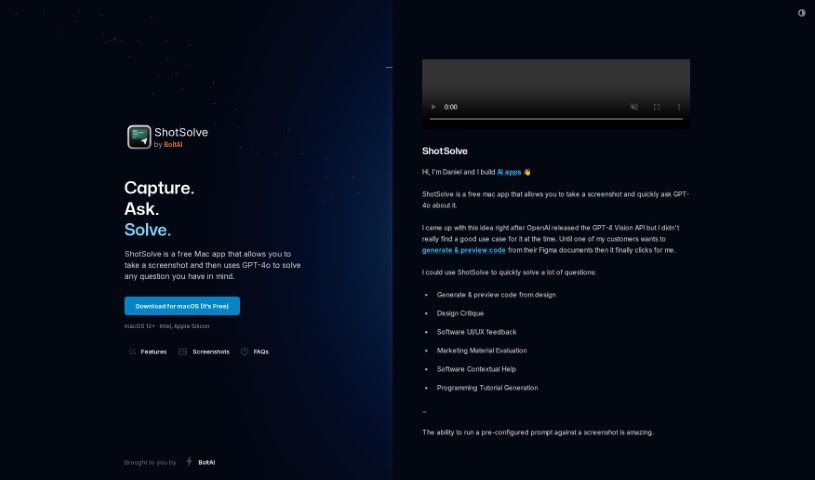
ShotSolve is a free Mac app that lets you take a screenshot and ask GPT-4o about it, from code generation to design feedback. It also helps film and TV
ShotSolve is a free Mac app created by Daniel from BoltAI. Take a screenshot, ask a question, and GPT-4o — powered by the GPT-4 Vision API — analyzes the image and responds. The app is also positioned as a production assistant for film and TV professionals, helping with tasks like breaking down scripts, planning shooting schedules, and managing budgets. It doubles as a showcase of what the BoltAI engine can do.
ShotSolve targets film and TV professionals — producers, directors, production managers, line producers, script supervisors, editors, cinematographers, set designers, VFX supervisors, and other production roles — as well as developers, designers, and marketers who want quick answers about anything on their screen.
Press Command + Shift + 1 (the default shortcut) to capture the content you want to ask about, type your question, and GPT-4 Vision analyzes the screenshot to provide an answer or solution.
Requirements and security: ShotSolve needs a valid OpenAI API key with an account set up for payments. It runs on macOS 12 or newer on both Intel and Apple Silicon Macs, and stores your API keys securely in the Apple Keychain.
Related
Discover more tools in similar categories
Weekly picks of the best AI tools we've researched and added — no spam, unsubscribe anytime.
Join 25,000+ AI enthusiasts. No spam, unsubscribe anytime.