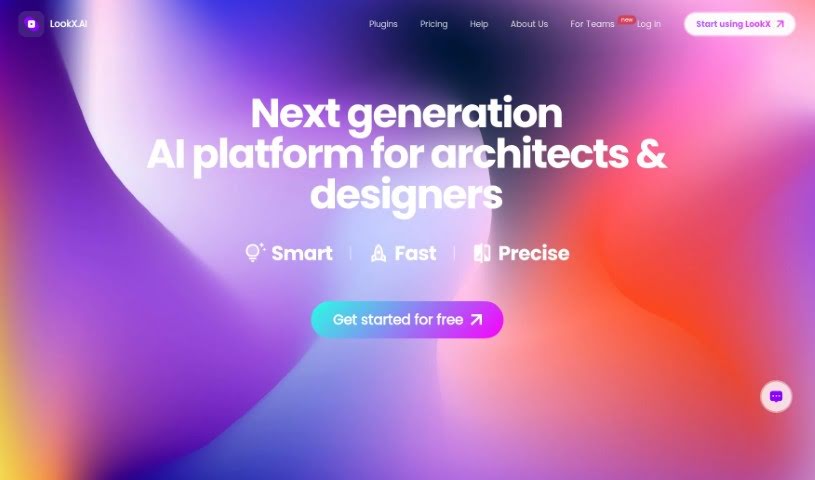
Screenshot of LookX AI

LookX AI

Discover what LookX AI is and how to use it effectively in 2025. We'll explore its features and see how it stacks up against other Interior Design Tools.

Screenshot

What is LookX AI?

LookX is a platform that brings together architects, designers, and tech experts, all working with AI. It’s built to offer AI-powered solutions and products specifically for creative fields like graphic design, industrial design, and construction. It is a toolkit with several handy features. You can Train Custom Models to create your own AI models, use a Multi-Platform Plugin to connect LookX AI with software you already use like SketchUp and Rhino, or employ the Style Adapter to generate images that match your preferred aesthetic. Need to boost image quality? The Upscale Image feature does just that, while the 1-Click Duplication function makes it easy to replicate image effects. Plus, there’s a Vocab Template packed with architectural terms and a Prompt Assistant that helps you flesh out your ideas into detailed descriptions. Early users suggest LookX could really change architectural design, giving architects and designers powerful, customized AI tools.

Who created LookX AI?

LookX was brought to life by a team made up of architects, designers, and tech professionals. It first launched on June 28, 2023. The main goal behind LookX is to provide AI-driven solutions and products that are specifically designed for creative industries, including graphic design, industrial design, and construction. The platform boasts a range of features, such as the ability to Train Custom Models, a Multi-Platform Plugin for seamless integration with software like SketchUp and Rhino, and a Style Adapter for creating images in specific styles. It also includes tools like Upscale Image for improving picture quality and 1-Click Duplication for easily copying image effects. To help with creative prompts, LookX offers a Vocab Template filled with architectural terms and a Prompt Assistant to expand on your initial ideas.

What is LookX AI used for?

  • Generating videos
  • Training your own custom AI models
  • Using a Multi-Platform Plugin
  • Applying the Style Adapter
  • Upscaling images
  • Using the 1-Click Duplication feature
  • Accessing the Vocab Template
  • Utilizing the Prompt Assistant
  • Working with RealTime features
  • You can train custom AI models by uploading images that share similar styles.
  • It lets you integrate LookX AI directly into software like SketchUp and Rhino.
  • The Style Adapter feature helps you craft images that match your preferred aesthetic.
  • Use the Upscale Image feature to improve image quality and fine-tune details.
  • Generate images with effects similar to those you see in the Creations Plaza using the 1-Click Duplication function.
  • Tap into an extensive library of architectural terms with the Vocab Template to create better prompts.
  • The Prompt Assistant automatically expands your specific prompts into detailed paragraphs.
  • Instantly transform text and sketches into rendered images with the RealTime feature.
  • Create videos from images or text, complete with animations, using the Video Generation feature.
  • It empowers architects and designers by providing AI tools tailored to their creative needs.
  • You can train custom AI models by uploading a series of images that have similar styles.
  • Craft images in your preferred style by simply providing a reference image.
  • Enhance the quality and details of your images.
  • Generate images that have similar effects to those found in the Creations Plaza.
  • Incorporate a vast library of architectural terminology to help you write high-quality prompts.
  • Automatically expand specific prompts into detailed paragraphs.
  • Transform text and sketches into rendered images instantly.
  • Generate video based on an image or text, complete with animations.
  • It aims to revolutionize architectural design through its AI tools.

Who is LookX AI for?

  • Architects
  • Designers
  • Techies
  • Those working in architecture design
  • Interior design professionals
  • Graphic Design specialists
  • Industrial design experts
  • The construction industry

How to use LookX AI?

To get the most out of LookX, here’s a simple guide:

  1. Train Custom Models: Upload images that have a similar look and feel to train your own custom AI models. This lets you generate images that perfectly match your desired styles.
  2. Multi-Platform Plugin: Make your creative process smoother by integrating LookX AI directly into software you already use, like SketchUp and Rhino.
  3. Style Adapter: Want images in a specific style? Just provide a reference image, and the Style Adapter will help you craft new images that match it.
  4. Upscale Image: Give your images a boost! This feature enhances their quality, fixes any imperfections, and optimizes details for a polished look.
  5. 1-Click Duplication: Easily generate images with effects similar to those you admire in the Creations Plaza – it really is just a click away.
  6. Vocab Template: Need to write great prompts? Access our extensive library of architectural terminology to help you craft high-quality descriptions.
  7. Prompt Assistant: Take your creative ideas further. This tool automatically expands your specific prompts into detailed paragraphs, sparking more creativity.

Ultimately, LookX is built to give architects and designers powerful AI features tailored to their creative work, truly changing the game in architectural design with advanced AI.

Related AI Tools

Discover more tools in similar categories that might interest you

123RF AI Image Generator

Creative Image Generation
Learn More

Stay Updated with AI Tools

Get weekly updates on the latest AI tools, trends, and insights delivered to your inbox

Join 25,000+ AI enthusiasts. No spam, unsubscribe anytime.