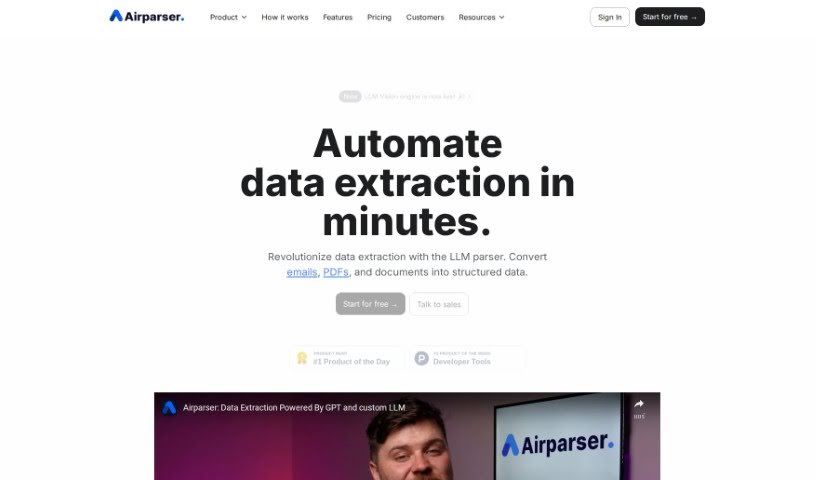
Screenshot of Airparser

Airparser

Discover what Airparser is and how to use it effectively in 2025. We'll explore its features and see how it stacks up against other automation tools.

Screenshot

What is Airparser?

Airparser really changes the game for data extraction. It uses the power of GPT-4 to help you pull structured information from all sorts of places – think emails, PDFs, and other documents. What’s great is that it automates this whole process, so you don’t have to do any manual data entry. It supports over 60 languages, can read text whether it’s typed, scanned, or even handwritten, and it connects smoothly with other tools using APIs and webhooks. People seem to love Airparser because it’s so easy to use, handles different kinds of documents really well, and extracts data efficiently. Its flexibility and straightforwardness make tasks like cleaning up and extracting data much more manageable.

Plus, they take data security seriously, using encryption and other measures to keep your information safe.

Who created Airparser?

Airparser was developed by a team that’s known for being incredibly helpful and quick to respond. While the founder or founders aren’t specifically named, the team behind Airparser gets a lot of praise for their support and know-how. The company’s focus on making data extraction from documents like PDFs, emails, and images efficient has earned positive feedback for its user-friendly design and how versatile it is.

What is Airparser used for?

  • Contracts: You can pull out signatures, contact details, dates, and other key information from emails and text messages that people have written.
  • Resumes & CVs: It helps you gather essential details like names, contact info, and work experience from resumes and CVs.
  • Invoices & Receipts: You can efficiently capture amounts, dates, ordered items, and vendor details from invoices, receipts, and purchase orders.
  • Contracts: It automatically extracts terms, parties involved, and other critical data from contracts.
  • Handwritten Notes: Digitize things like handwritten notes and lists, turning them into organized, usable data.
  • Order Processing: Streamline how you handle orders by extracting order numbers, items, and delivery details from confirmation documents.
  • Automated Extraction: It’s a simple 3-step process: import your data, let Airparser extract it, and then export it.
  • Integrations: Connects seamlessly with Zapier and Make, so you can export data to Google Sheets, Slack, Airtable, and over 6,000 other apps.
  • Versatile Parsing: Effortlessly parse text, emails, PDFs, images, HTML, and more.
  • GPT-4 Power: Automate data extraction using the GPT-4 powered parser.
  • Human-Written Content: Works with emails and text messages written by people.
  • Resumes & CVs: Gathers essential details.
  • Invoices, Receipts, POs: Efficiently captures amounts, dates, and vendor details.
  • Contracts: Automatically extracts terms and critical data.
  • Handwritten Notes: Digitize and organize notes and lists.
  • Order Confirmations: Streamlines processing by extracting order details.
  • Export Options: Export parsed data to Google Sheets, CRMs, and over 5,000 other apps.
  • QuickBooks Sync: Sync captured data directly to QuickBooks for automating accounts payable.
  • Slack Notifications: Send notifications to your team via Slack with the extracted data.
  • Google Drive Storage: Store invoices and documents on Google Drive for safekeeping.
  • Document Automation: Automate data extraction from documents.
  • Fast Automation: Automate data extraction in just minutes.
  • Quick Setup: Get set up in under 5 minutes.
  • Order Streamlining: Streamline order processing by extracting order details.

Who is Airparser for?

  • Content Directors
  • Accounting Software Professionals
  • Cinematographers
  • Aviation & Aerospace Professionals
  • Accounting Software Employees
  • Cinematographers
  • Content Directors
  • Aviation & Aerospace Employees
  • Accounting Software (as a field)
  • Aviation & Aerospace (as a field)

How to use Airparser?

To get the most out of Airparser for data extraction, here’s a simple breakdown:

  1. Import Your Data: You’ve got a few ways to do this. You can forward emails and their attachments directly to Airparser, upload files manually, or set up automated imports using APIs or platforms like Zapier.
  2. Extract the Data: Just tell Airparser what data fields you need. Then, its GPT-powered parser takes over, automatically pulling the data from your emails, attachments, and files.
  3. Export Your Findings: You can export the parsed data in real-time. Send it to Google Sheets, save it as files, send it via webhooks or APIs, or connect it to Zapier and over 6,000 other apps and platforms for super smooth integration.
  4. Security and Support: You can count on secure data storage with encryption, and there’s a responsive support team ready to help ensure everything runs smoothly.
  5. Subscription Choices: Pick a subscription plan that fits your needs. They offer options with OCR support, the GPT Vision engine, and different periods for storing your parsed documents.
  6. FAQs and Help: Check out the clear FAQ section for answers to common questions, or get quick help through the chatbox or email support from the Airparser team.

By following these steps, you can really boost your workflow efficiency and automate your data extraction processes with Airparser.

Related AI Tools

Discover more tools in similar categories that might interest you

Stay Updated with AI Tools

Get weekly updates on the latest AI tools, trends, and insights delivered to your inbox

Join 25,000+ AI enthusiasts. No spam, unsubscribe anytime.