Discover Universe Website Builder in 2025! Learn what this no-code tool is, how to use its features for your online presence, and how it stacks up against other options.

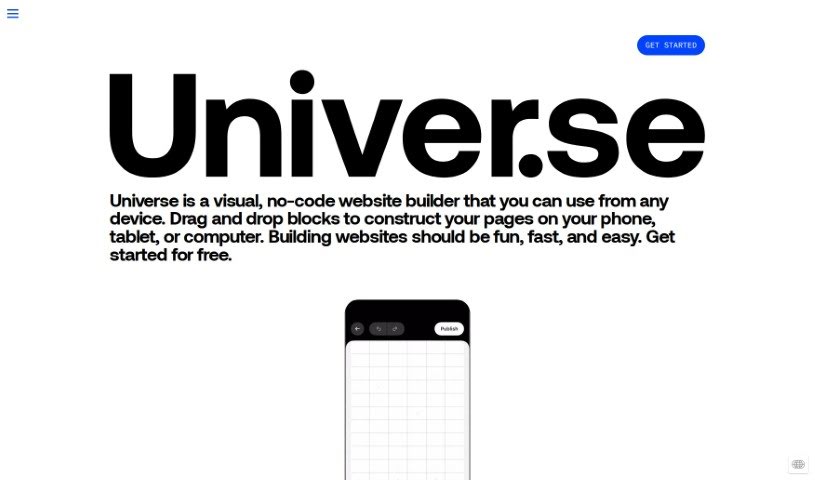
Universe Website Builder is a really user-friendly platform that makes it super easy for anyone to build their own websites. It is a straightforward, intuitive tool thatâs accessible even if youâre not super tech-savvy. With Universe, you get to pick from templates you can customize, drag and drop different elements exactly where you want them, and really make the site your own. Itâs built to help individuals and small businesses get online fast and without a fuss. The whole idea behind Universe Website Builder is to keep things simple and convenient, so you can bring your creative ideas to life without needing to know any coding.
Universe Website Builder was developed by the company Universe. They launched this no-code website builder on June 20, 2024. The platform is designed so you can easily create websites from any device, using a visual interface where you just drag and drop things. Universeâs goal is to make building websites fun, quick, and simple for all sorts of uses â whether you need an online store, a portfolio to show off your work, pages for an event, a blog, or even a fan site.
Hereâs a rundown of what you can achieve with Universe Website Builder:
This tool is a great fit for:
To start using Universe Website Builder, the first step is to create an account on their platform. Once youâre logged in, youâll see an option to âCreate New Siteâ â just click that to begin building. Youâll want to pick a template that really speaks to your style and what youâre looking for. Then, you can customize it by editing the text, uploading your own images, and choosing color schemes that you like. The drag-and-drop editor makes it easy to move elements around on the page just the way you want them. If you need to add more pages to your site, you can do that by clicking on âPagesâ and then âAdd Page.â Think about including sections like an âAbout Us,â âServices,â âPortfolio,â and âContactâ page.
After that, you can really personalize the site by tweaking fonts, changing backgrounds, and adjusting spacing. Itâs a good idea to preview your website to see how it looks on different devices before you make it live. When youâre happy with everything, just hit âPublish.â Make sure to also think about optimizing your site for search engines by adding relevant keywords and descriptions. If you want a more professional look, you can connect a custom domain name.
Itâs also a good practice to update your website regularly with new content to keep your visitors interested. You can use Universe Website Builderâs analytics tools to track how many people are visiting and what theyâre doing on your site. Donât be afraid to experiment with different features and design elements to make your site even better. Finally, keep an eye on Universe Website Builderâs latest updates and tutorials; theyâre a great way to learn how to get the most out of this easy-to-use tool.
Discover more tools in similar categories that might interest you
Get weekly updates on the latest AI tools, trends, and insights delivered to your inbox
Join 25,000+ AI enthusiasts. No spam, unsubscribe anytime.