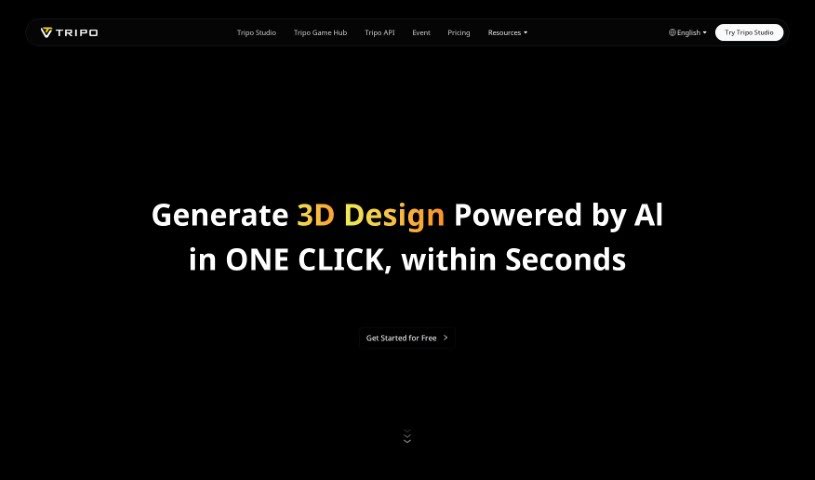
Screenshot of Tripo AI

Tripo AI

Discover what Tripo AI is and how to use it effectively in 2025. We'll explore its features, subscription plans, and how it stacks up against other design generators.

Screenshot

What is Tripo AI?

Tripo AI is a handy web application that uses its own AI technology to create really good 3D models, whether you start with text or an image. You’ve got three choices for how you want to use it: Basic, Professional, and Premium. Each plan gives you different features and a set number of credits for making those 3D models. It’s super simple to get started – just type in what you want or upload a picture, and the AI gets to work, quickly generating the models for you. What really makes Tripo AI stand out is its knack for turning 2D images into detailed 3D models and how fast you can try out different versions. The whole idea is to make things easier for you, offering quick model creation and even letting premium users get a sneak peek at new features before anyone else.

Who created Tripo AI?

Tripo3D was actually founded by a single person, though their name isn’t mentioned in the details we have. The company officially got started on December 11, 2023. Tripo3D itself is an AI tool focused on creating high-quality 3D models from either text prompts or images. They offer a few different subscription tiers – Basic, Professional, and Premium – each coming with its own set of features. These differences often include how many models you can generate each month and whether you get early access to new features.

What is Tripo AI used for?

  • Turning text descriptions into 3D models.
  • Creating 3D models directly from your images.
  • Generating as many draft versions as you need, without limits.
  • Getting your requests processed faster with priority queuing.
  • Getting early access to brand-new features.
  • Professional design and drafting work.
  • Making your creative process smoother with quick revisions and faster idea generation.
  • A really convenient user experience, letting you download models instantly.
  • Producing high-quality 3D models efficiently and quickly.
  • Simplifying your overall workflow.

How to use Tripo AI?

Using Tripo3D is pretty straightforward. Here’s a quick rundown:

  1. First, head over to the Tripo AI web application.
  2. Then, decide if you want to type in a text description or upload an image to start creating your 3D model.
  3. The AI technology will then quickly process whatever you’ve provided to generate a high-quality 3D model.
  4. Once your model is ready, you can easily download it to use in your projects.
  5. You’ll want to pick a subscription plan that fits you best: the Basic plan is free, or you can opt for Professional or Premium for more features and a higher quota of models.
  6. Take advantage of features like priority queuing if you choose the Professional or Premium plans, and get that exclusive early access to new features with the Premium option.
  7. You’ll also benefit from unlimited draft generations and the ability to iterate on your models rapidly.
  8. Downloading the 3D models you create is super easy.
  9. Feel free to explore lots of design ideas; it’s convenient to generate multiple versions quickly.

This guide really shows off how user-friendly Tripo3D is, making it simple for both seasoned professionals and newcomers to create excellent 3D models efficiently.

Related AI Tools

Discover more tools in similar categories that might interest you

123RF AI Image Generator

Creative Image Generation
Learn More

Stay Updated with AI Tools

Get weekly updates on the latest AI tools, trends, and insights delivered to your inbox

Join 25,000+ AI enthusiasts. No spam, unsubscribe anytime.