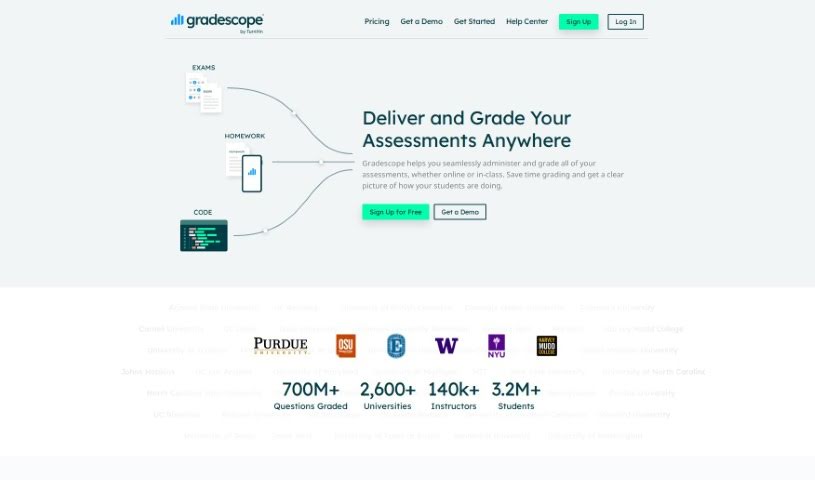
Screenshot of Gradescope

Gradescope

Discover what Gradescope is and learn how to use it effectively in 2025. We'll explore its key features and see how it stacks up against other popular teacher tools.

Screenshot

What is Gradescope?

Gradescope is a really smart platform that’s completely changed how instructors and students handle grading. It’s designed to make the whole process smoother and faster. For starters, you can send feedback to students instantly with just a click. It also offers a lot of flexibility in how you grade, and handling requests for regrades is super efficient, all done online. What’s great is that instructors can give really detailed feedback quickly. Plus, if you need to tweak your grading rubric, you can do it easily, and those changes will automatically apply to work that’s already been graded. This really helps streamline the whole grading workflow. Gradescope even uses AI to help with grading, letting instructors grade similar answers all at once. You can really see the difference it makes from the feedback educators give; they often mention how much more efficient it is, how it transforms the grading experience, and how it improves communication between them and their students.

Who created Gradescope?

Gradescope was actually started by Armando Fox, who’s a professor in the EECS department over at the University of California, Berkeley. The company itself was built by instructors who developed Gradescope for their own use when they were graduate students. People like Samuel Watson from Brown University and Warren Hoburg from MIT have shared how much they like Gradescope, pointing out how it boosts student engagement and makes grading much more efficient.

How to use Gradescope?

To get the most out of Gradescope, here’s a simple, step-by-step guide:

  1. Create Your Answer Key:
    • First, you’ll set the point values for each question and decide on the partial credit options. Don’t worry, you can always adjust these later if needed.
  2. Scan Bubble Sheets:
    • You can batch scan all your students’ bubble sheets, and Gradescope will automatically sort them out based on the test version each student used.
  3. Grade Submissions:
    • This is where you give detailed feedback. Gradescope helps you stay consistent by using a flexible rubric, so you’re grading fairly across the board.
  4. Send & Export Grades:
    • Once you’re done, you can easily send the grades straight to your students with just one click, or export them directly into your gradebook.
  5. Get Detailed Analytics:
    • Gradescope provides really useful statistics for each question and for your rubric overall, giving you great insights into how your students are performing.

These steps really cover everything you need, from setting up your tests to grading the submissions and then looking at the performance data. Gradescope just makes the whole grading process so much smoother, gives you valuable analytics, and makes sure students get their feedback quickly and clearly.

Related AI Tools

Discover more tools in similar categories that might interest you

Academic Help Free Essay Generator

Education Academic Writing
Learn More

Stay Updated with AI Tools

Get weekly updates on the latest AI tools, trends, and insights delivered to your inbox

Join 25,000+ AI enthusiasts. No spam, unsubscribe anytime.