Top AI Productivity Tools

AI Tools for Productivity

Discover the best Productivity AI tools to enhance your productivity and creativity.

Page 96 of 108 • 1290 total tools
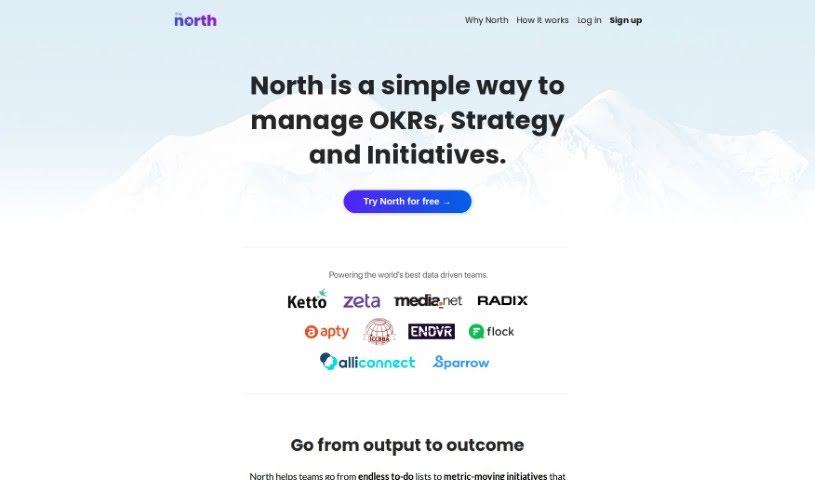
Screenshot of The North

The North

Freemium

The North is a management tool for businesses that rely on data. Its main goal is to make Objectives and Key Results (OKRs) easier and more practical, helping to steer company initiatives and keep everyone aligned. It emphasizes outcomes (what you achieve) over tasks (what you do), aiming for results that move the needle for your business.

Productivity View Tool →
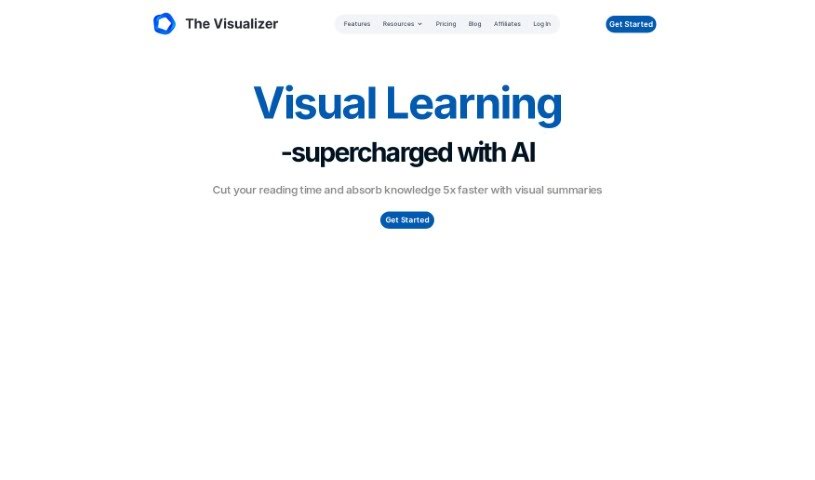
Screenshot of The Visualizer AI

The Visualizer AI

Freemium

The Visualizer AI turns complex ideas into visual maps that make concepts easier to understand. It can map project structures, scientific findings, or the flow of a book, making it useful in education, scientific research, and project management. Users report it helps with brainstorming, reduces mental overload, and improves information retention. It is plagiarism-free, supports team collaboration, offers flexible pricing, and works alongside tools like ChatGPT.

Productivity View Tool →
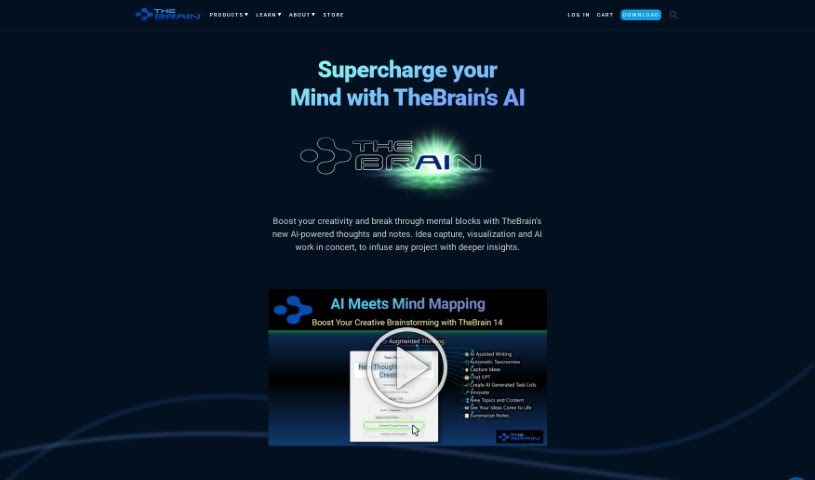
Screenshot of TheBrain

TheBrain

Freemium

TheBrain is an AI-powered visual thinking tool from TheBrain Technologies LP. It provides a digital space where you can capture ideas, see how they connect, and use AI to take more detailed notes or get more specific results from your prompts. It works for individuals and teams alike.

Productivity View Tool →
Screenshot of theGist

theGist

Freemium

TheGist is a unified AI workspace that serves as a central hub for your work apps. It combines a priority feed that keeps you informed, a personal chat for communication, and an AI assistant. It is used by teams around the world and meets Soc2 type2 standards, with a strong focus on privacy and security. The goal is to cut through the noise and help you focus on what matters most.

Productivity View Tool →
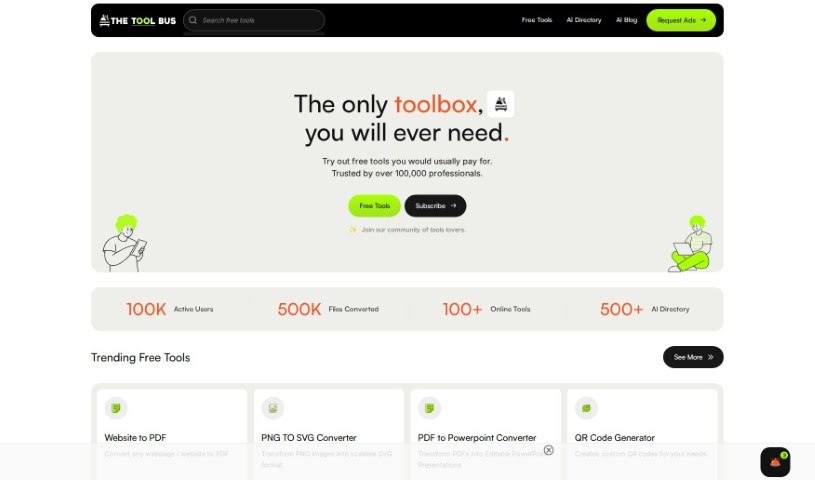
Screenshot of Thetoolbus

Thetoolbus

Freemium

Thetoolbus is a platform offering a collection of free and AI-powered tools for job seekers, creative professionals, students, and businesses. The team adds at least four new free tools every month, and supporters get early or exclusive access to more. Uploaded files are automatically deleted after 10 minutes for privacy and security.

Productivity View Tool →
Screenshot of Thinkany

Thinkany

Freemium

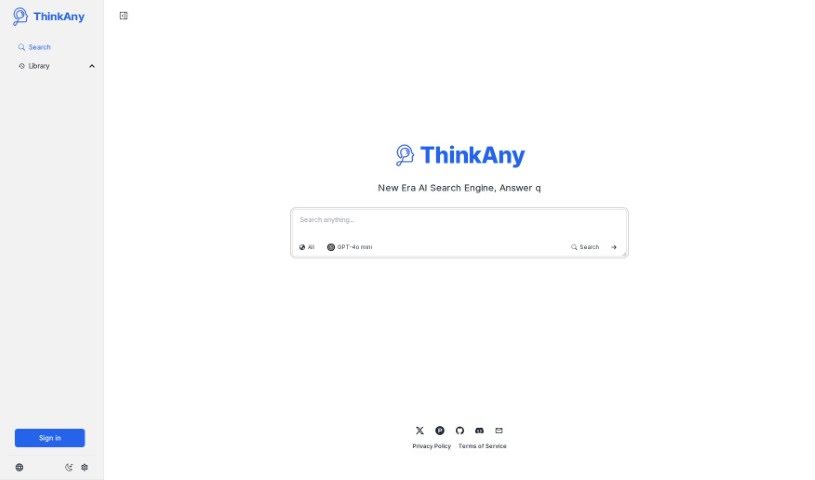
ThinkAny is an AI search engine that uses RAG (Retrieval-Augmented Generation) technology to find and pull together high-quality information, then summarize it for you. It combines AI-powered answering features with search to deliver precise, relevant results quickly.

Productivity View Tool →
Screenshot of ThinkerNotes

ThinkerNotes

Freemium

ThinkerNotes is a tool for capturing and organizing insights from books, podcasts, and articles, then turning them into original content ideas. You can save notes, extract key insights, and link them together so they're easy to find later. It also offers AI-powered content idea generation and is built to support thought leadership from the knowledge you've already gathered.

Productivity View Tool →
Screenshot of ThinkTask

ThinkTask

Freemium

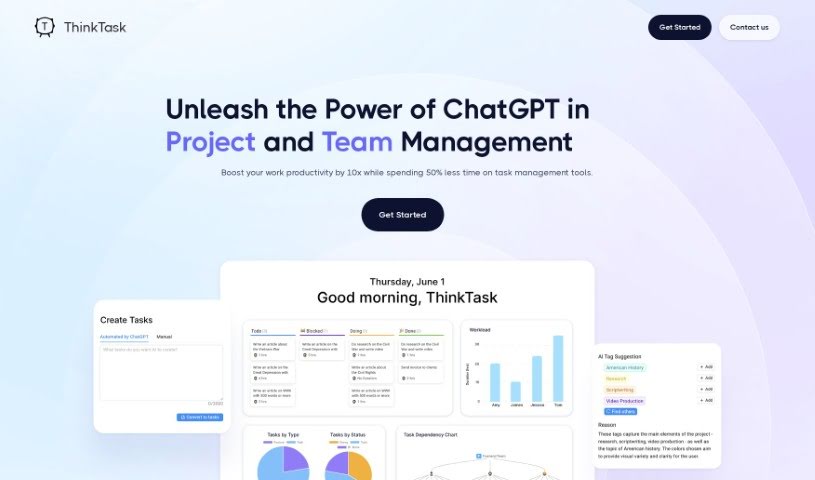
ThinkTask is a project management tool that integrates ChatGPT to boost team productivity and streamline workflows. It automatically generates performance reports from historical data, tracks how AI is being used across your team, and helps with task planning and creation. Visual tools like the AI usage chart and Team Pulse show team engagement and project status, while the Project Progress Table details hours spent and costs. Task Insights uses tree diagrams for planning, and you can create tasks simply by typing a note — ThinkTask fills in details like titles and assignees automatically, with AI-generated tags for categorization. The Workpage combines notes, tasks, databases, and team collaboration in one place.

Productivity View Tool →
Screenshot of ThirdAI PocketLLM

ThirdAI PocketLLM

Freemium

PocketLLM is a neural search tool for searching thousands of PDFs and documents. It uses hash-based processing algorithms and deep learning models to locate information, and it trains directly on your own laptop — no cloud services or third-party servers, so your data stays under your control.

Productivity View Tool →
Screenshot of ThoughtSpot

ThoughtSpot

Freemium

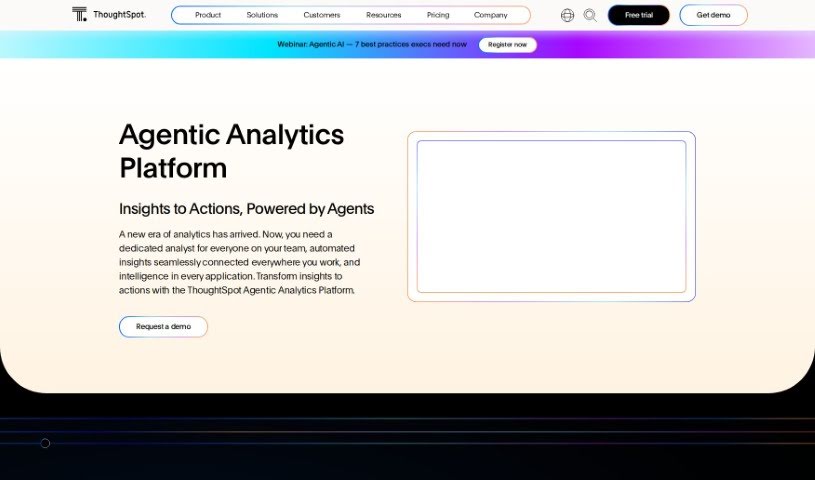
ThoughtSpot Sage is an AI-powered analytics platform that combines GPT-based natural language processing and generative AI with ThoughtSpot's own search technology. You can ask questions and give commands in plain English and get relevant, accurate answers, making it easier to explore data and find insights.

Productivity View Tool →
Screenshot of Thunderbit

Thunderbit

Freemium

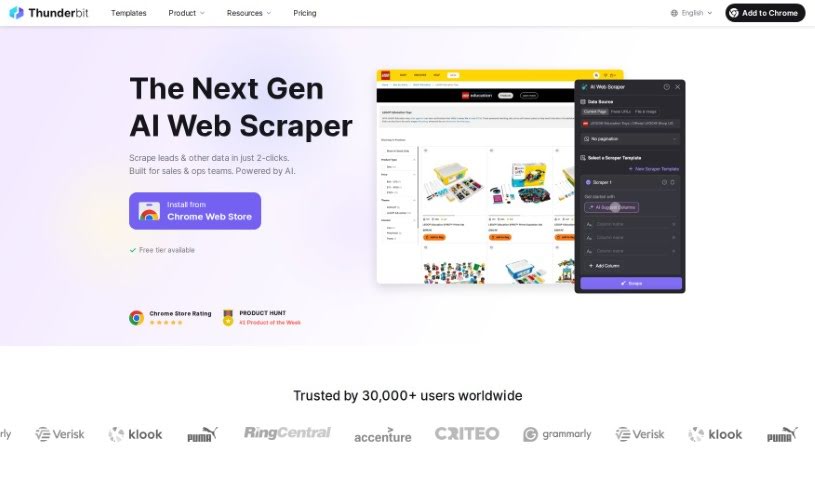
Thunderbit is an AI toolkit and no-code app built for automating business tasks and developing applications. Its 1-Click No-Code Solution lets you deploy prebuilt AI apps and automations quickly, customize them with a drag-and-drop interface, and connect AI features to the apps you already use — all without writing code. A free tier is available with no credit card required, making it an affordable option for businesses bringing AI into their workflow.

Productivity View Tool →
Screenshot of Ticket Artisan

Ticket Artisan

Freemium

Ticket Artisan is an AI tool from AE Studio that turns design files into development tickets. Upload a design (PNG or GIF, up to 10MB) and the tool generates detailed tickets with clear user stories that a development team can act on immediately. Complex designs can be split into multiple tickets to keep tasks organized.

Productivity View Tool →

About Productivity tools

Having a task list that seems to grow longer by the hour is a fast track to burnout. Between managing clogged email inboxes, jumping across context-heavy browser tabs, updating project boards, and tracking down files, everyday administrative work drains momentum. When managing your workflow takes more energy than doing your actual job, staying focused gets tough.

These workflow platforms act as high-speed productivity partners for task management, scheduling, and daily automation. They won’t replace your personal discipline or strategic priorities, but they handle routine administrative tasks so you can protect your focus time.

Organizing daily tasks and scheduling focus blocks takes far less manual effort. Manually moving deadlines around when a project slips or trying to carve out focus time between back-to-back meetings usually leaves you with a chaotic calendar. Smart scheduling assistants evaluate your working habits, auto-prioritize tasks, and block out dedicated focus time on your calendar before your day gets overrun.

Clearing out email backlogs and workspace communications becomes much faster, too. Sifting through dozens of unread messages just to pull out two urgent client requests wastes valuable time. Intelligent inbox tools summarize long email threads, draft contextual replies, and sort low-priority newsletters away from critical messages—helping you reach inbox zero without reading every word.

Synthesizing notes and cross-platform information creates a central memory hub. Losing track of an important project link or a quick thought saved in a random document stalls your momentum when you need it most. AI productivity assistants search across your workspace apps, notes, and bookmarked links, letting you ask plain-English questions to pull up specific files, meeting notes, or ideas in seconds.

Key Capabilities to Consider:

  • Smart calendar and time blocking: Systems that auto-schedule tasks into your calendar around existing meetings and focus preferences.
  • Contextual email and message drafting: Tools that scan long communication threads to generate concise replies and action items.
  • Universal workspace search: Software that connects with your documents, notes, and cloud storage to retrieve files through simple prompts.
  • Task prioritization algorithms: Applications that rank daily action items by urgency, deadlines, and project dependencies.
  • Workflow automation builders: Connectors that trigger actions across different apps without requiring manual data entry.

Daily productivity will always depend on clear personal priorities and healthy work habits. Software can organize a calendar, draft an email reply, and index your notes, but choosing what truly deserves your time requires human judgment.

Explore the productivity tools below to take control of your workday.

The Best AI Productivity Tools

  1. Perplexity: for automating tasks and helping with management.
  2. Small PDF.com: for smoother document management for teams.
  3. Gamma: for document creation tools that save time.
  4. Odoo: for a task management and collaboration app.
  5. Zoom: for analyzing and summarizing meeting content.
  6. N8N: for smoother team onboarding processes.
  7. Prezi: for engaging team collaboration sessions.
  8. Tableau: for creating reports and dashboards more easily.
  9. Data Camp: for efficient team collaboration workflows.
  10. Otter.ai: for getting action items from meetings without the fuss.
  11. Tenorshare: for easily summarizing long PDF documents.
  12. Slidesgo: for creating professional presentations efficiently.
  13. Facecheck Id: for streamlining identity verification tasks.
  14. HIX.AI: for boosting writing speed with smart tools.
  15. Tactiq: for automating meeting notes for teams.
New tools, in your inbox.

Weekly picks of the best AI tools we've researched and added — no spam, unsubscribe anytime.

Join 25,000+ AI enthusiasts. No spam, unsubscribe anytime.