Thinkany (Productivity)
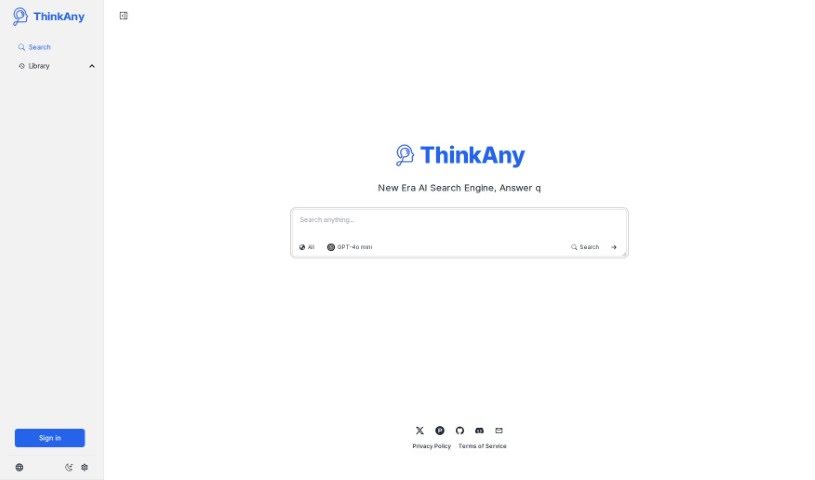
Screenshot of Thinkany

Thinkany

Discover what Thinkany is, an AI search engine that uses RAG technology to deliver precise, trustworthy answers with intelligent features.

Screenshot

What is Thinkany?

ThinkAny is an AI search engine that uses RAG (Retrieval-Augmented Generation) technology to find and pull together high-quality information, then summarize it for you. It combines AI-powered answering features with search to deliver precise, relevant results quickly.

Who created Thinkany?

ThinkAny was created by Jinlong Yu. The platform focuses on gathering high-quality content and providing intelligent, AI-powered answers to user questions.

What is Thinkany used for?

ThinkAny helps you:

  • Retrieve and combine high-quality content in one place
  • Get quick, accurate answers to questions
  • Sort through information and cut through the noise
  • Understand and navigate complex data with simple explanations
  • Search in different ways with support for various output types

Who is Thinkany for?

ThinkAny is useful for anyone who needs to find, process, or understand information, including researchers, students, content creators, journalists, marketing professionals, data analysts, educators, developers, librarians, and business analysts.

How to use Thinkany?

  1. Sign up or log in to the ThinkAny platform.
  2. Explore the sections: Timeline, Concept, Research, Links, Images, and Videos are each designed for specific tasks.
  3. Organize your information with features like Get Timeline, Get Outline, Get Mindmap, Get Summary, and Get Research.
  4. Find visual content using the Search Images and Search Videos tools.
  5. Chat with AI: Use the Chat section to interact directly with AI models by typing your questions.
  6. Upgrade to ThinkAny Pro for advanced features like Multi-Usage-Mode, Multi-Chat-Model, and Multi-Mode-Search.
  7. Customize your settings: Adjust General, Account, Data, Appearance, Language, and AI Model preferences in the Settings menu. You can also clear your search and chat history with the Clear History function.

Related

Related AI Tools

Discover more tools in similar categories

New tools, in your inbox.

Weekly picks of the best AI tools we've researched and added — no spam, unsubscribe anytime.

Join 25,000+ AI enthusiasts. No spam, unsubscribe anytime.