Top AI Productivity Tools

AI Tools for Productivity

Discover the best Productivity AI tools to enhance your productivity and creativity.

Page 88 of 108 • 1290 total tools
Screenshot of Soon Pulse

Soon Pulse

Freemium

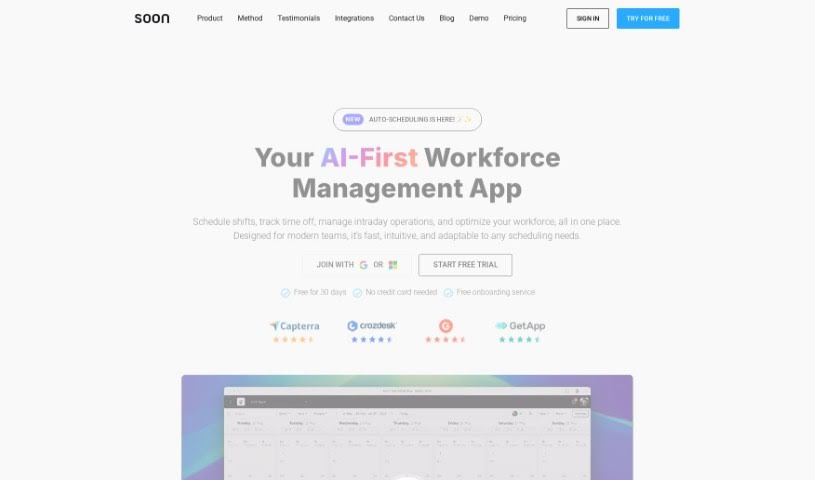
Soon Pulse is a scheduling tool that helps businesses create accurate schedules quickly. Its auto-scheduling features handle event-based shifts, intraday planning, and time-off management. An AI-powered system collects and analyzes employee feedback in real time, providing instant insights. Soon Pulse also connects with tools you already use, and a portion of every subscription fee goes toward fighting climate change.

Productivity View Tool →
Screenshot of Sortmythoughts

Sortmythoughts

Freemium

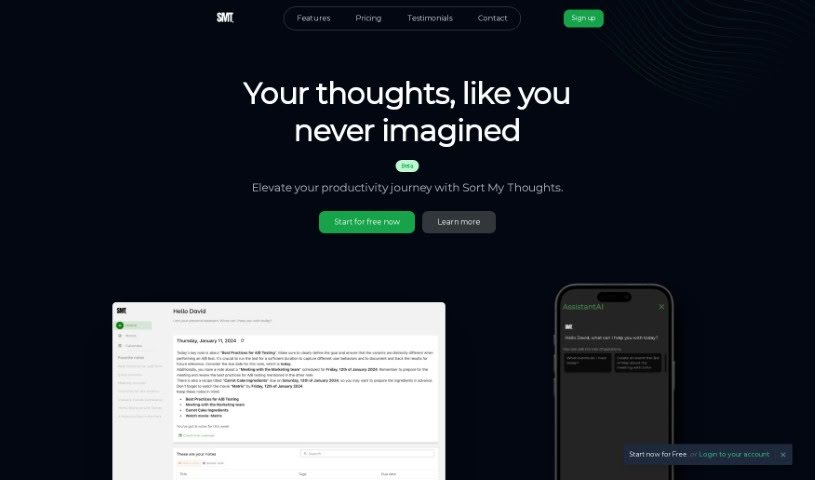
SortMyThoughts is a productivity tool that combines note-taking and scheduling with AI assistance. Notes support bold, italics, bullet points, and code snippets, along with tagging, color-coding, and search for finding anything quickly. The tool also provides smart notifications, cross-device syncing, and PDF export.

Productivity View Tool →
Screenshot of Southern East Inc.

Southern East Inc.

Freemium

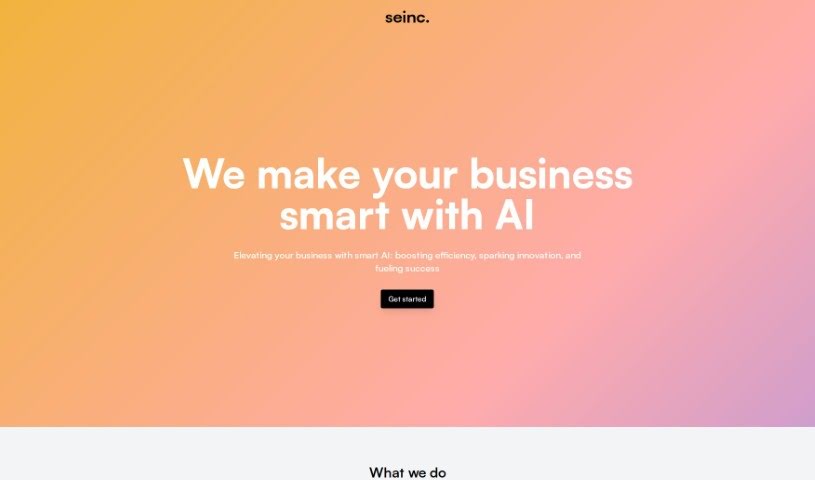
Southern East Inc. is a company that builds custom software solutions designed to fit into your existing workflows. Their team creates AI applications intended to improve business strategies, increase operational efficiency, encourage innovation, and support growth. Offerings include custom AI apps, business process automation, and integration with the tools you already use.

Productivity View Tool →
Screenshot of SoWork

SoWork

Freemium

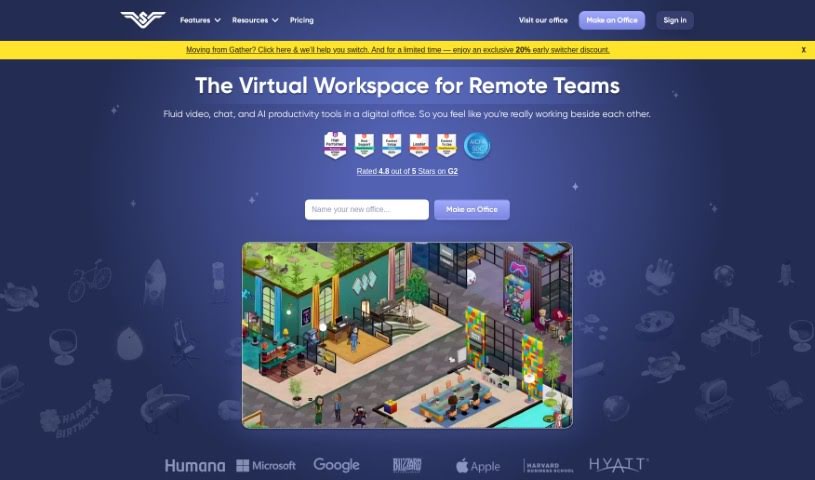
SoWork is a virtual workplace tool designed to help remote teams work more efficiently and collaborate better. It is a "Smart Virtual Office" where teams interact in real time, boosting engagement and productivity. Features include high-definition video and recording, screen sharing, AI-powered meeting summaries, meeting scheduling, customizable office spaces, and avatar creation. Using SoWork's MapMaker tool, you can shape the digital office to fit your team's culture.

Productivity View Tool →
Screenshot of Speech To Note

Speech To Note

Freemium

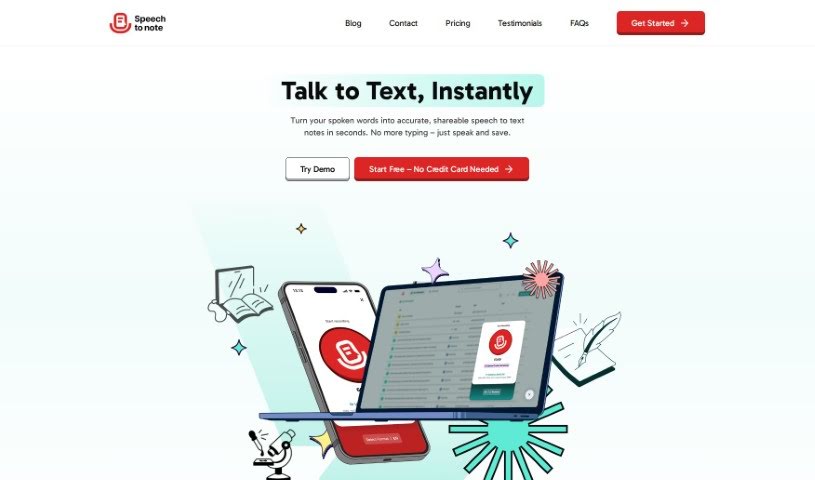
Speech To Note is an AI tool for capturing thoughts. You speak, and it converts your words into organized summaries that you can review, edit, and save or export for later reference.

Productivity View Tool →
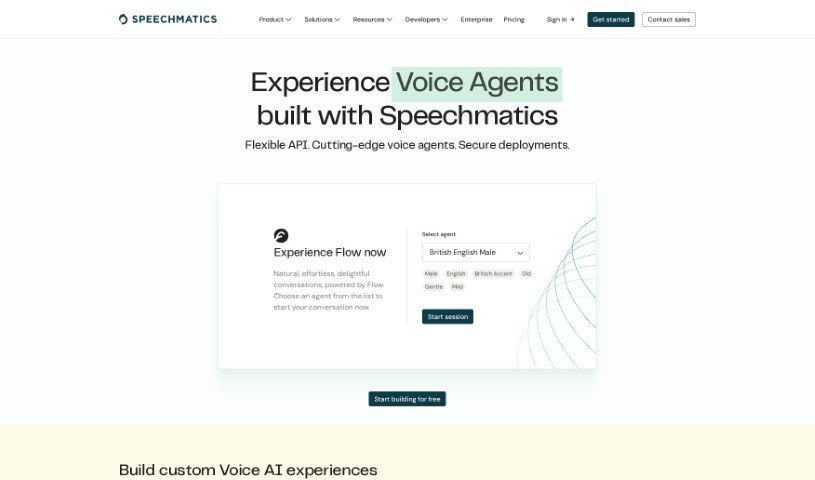
Screenshot of Speechmatics Flow

Speechmatics Flow

Freemium

The name "Flow" refers to a mental state of complete absorption in an activity — deep focus, natural motivation, and a distorted sense of time. Flow tends to occur when a task's challenge matches your skill level, and it's associated with greater creativity, productivity, and satisfaction in work, sports, and hobbies.

Productivity View Tool →
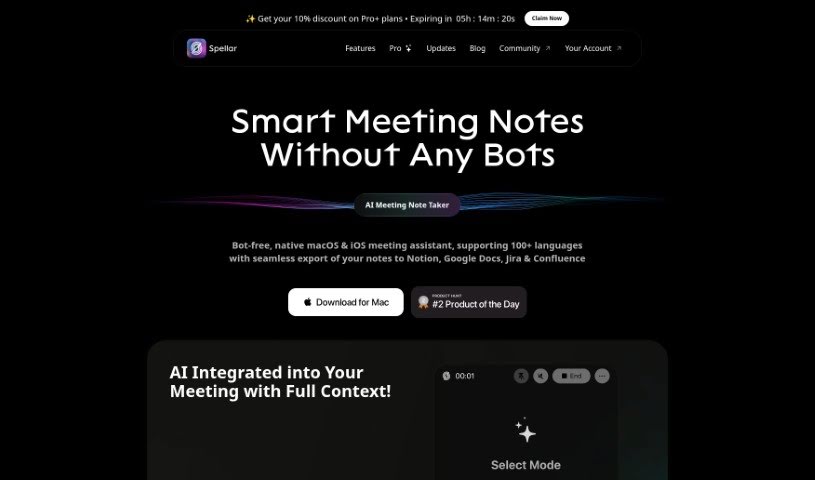
Screenshot of Spellar AI

Spellar AI

Freemium

Spellar AI is an AI-powered speaking coach that provides personalized feedback to help you speak more clearly and confidently. It listens during conversations and offers constructive advice, with features including detailed analytics, extended storage for audio recordings, and an AI Meeting Copilot on the Pro version. Spellar AI supports over 50 languages and takes data security seriously, using encryption and cybersecurity measures to protect your information.

Productivity View Tool →
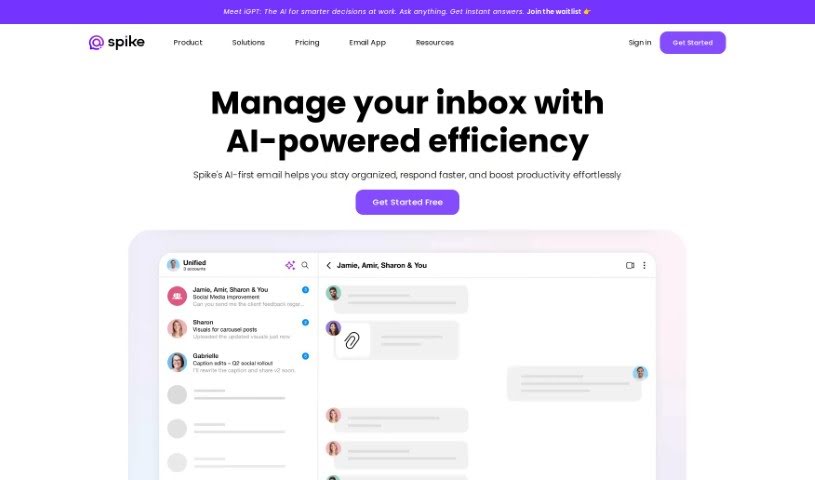
Screenshot of Spike

Spike

Freemium

Spike is an AI-powered communication and productivity platform that combines email, messaging, and collaboration tools in a single workspace. Its Magic Message feature drafts emails and suggests replies based on the context of the conversation, while Magic Summary condenses long email chains into key points. The platform also supports research, problem-solving, content creation, brainstorming, and summarizing information.

Productivity View Tool →
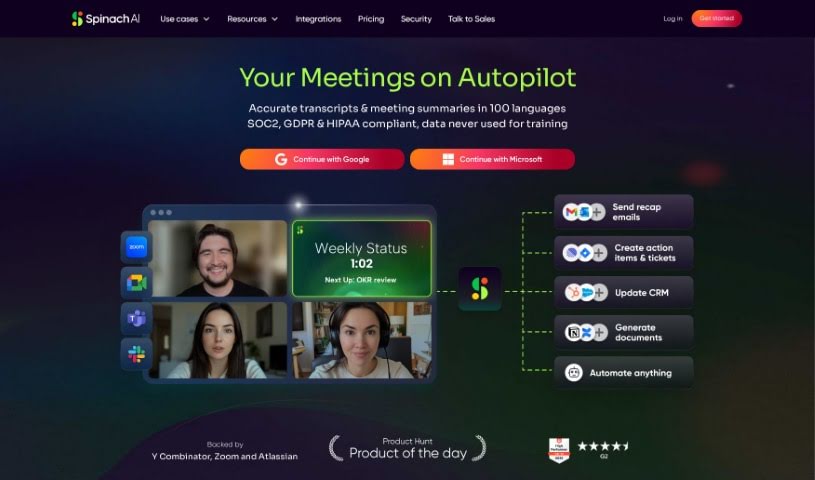
Screenshot of Spinach AI

Spinach AI

Freemium

Spinach AI is an AI meeting assistant for agile teams, marketed as the world's first AI Scrum Master. It joins your meetings, summarizes key discussions and decisions, and suggests action items to keep everyone on track. It integrates with tools you already use, like Slack and Jira, so you can share meeting notes and create tickets directly from conversations.

Productivity View Tool →
Screenshot of Spine AI

Spine AI

Freemium

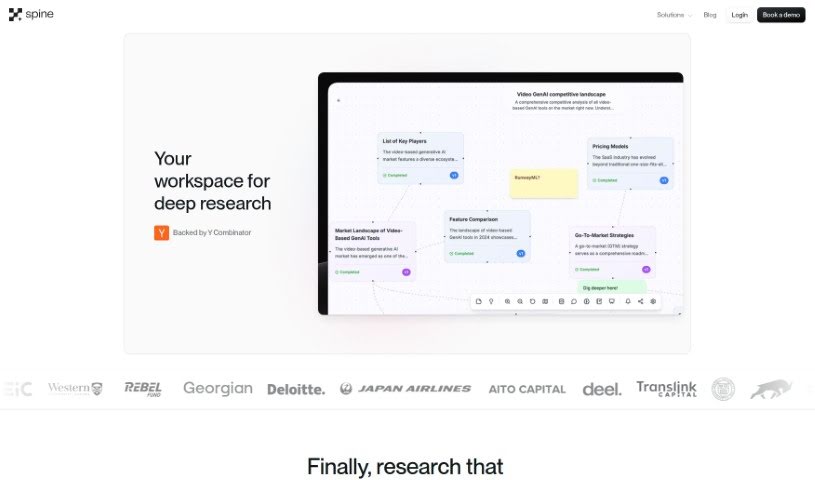
Spine AI lets teams add a chat interface on top of their internal APIs without needing a dedicated AI team. It deploys a chat agent that can take actions and deliver real-time data insights, fitting into your existing codebase. Spine understands user intent, handles complicated tasks from a single prompt, and supports multiple media input types for building workflows. It also works as an in-context assistant for troubleshooting, finding solutions, and exploring features.

Productivity View Tool →
Screenshot of Spur.fit

Spur.fit

Freemium

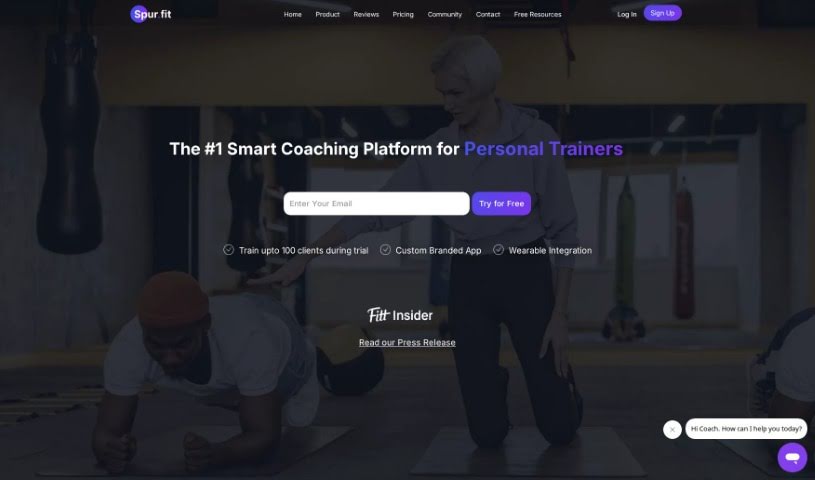
Spur.fit is a platform for personal trainers, nutritionists, yoga instructors, and wellness coaches who want to scale their businesses. It covers custom diet and workout plan creation, data migration, secure client data storage, and customer support. Pricing scales with the number of clients, and you can start for free.

Productivity View Tool →
Screenshot of SQL-Ease

SQL-Ease

Freemium

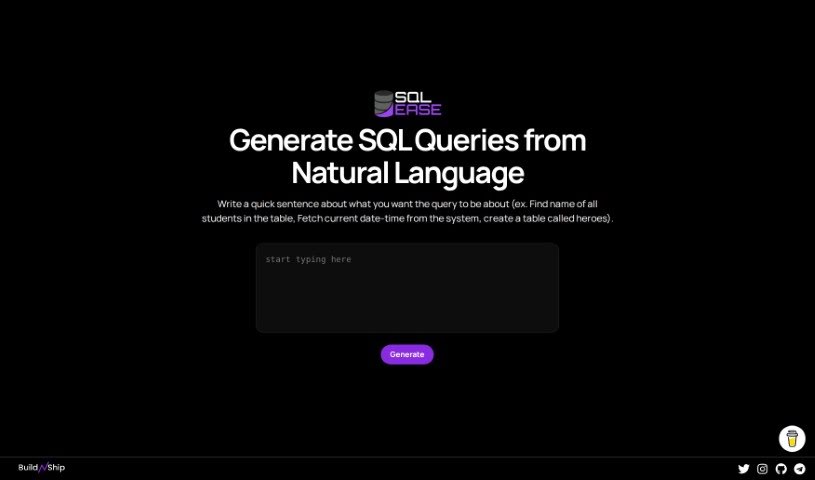
SQL-Ease is a platform designed to make managing and optimizing databases simpler for users of all skill levels. It offers a user-friendly interface that reduces the usual complexity of SQL queries, helping you get more done whether you're handling everyday data analysis or more involved database tasks. The platform emphasizes productivity tools, secure operations, advanced capabilities, and adherence to database management best practices.

Productivity View Tool →

About Productivity tools

Having a task list that seems to grow longer by the hour is a fast track to burnout. Between managing clogged email inboxes, jumping across context-heavy browser tabs, updating project boards, and tracking down files, everyday administrative work drains momentum. When managing your workflow takes more energy than doing your actual job, staying focused gets tough.

These workflow platforms act as high-speed productivity partners for task management, scheduling, and daily automation. They won’t replace your personal discipline or strategic priorities, but they handle routine administrative tasks so you can protect your focus time.

Organizing daily tasks and scheduling focus blocks takes far less manual effort. Manually moving deadlines around when a project slips or trying to carve out focus time between back-to-back meetings usually leaves you with a chaotic calendar. Smart scheduling assistants evaluate your working habits, auto-prioritize tasks, and block out dedicated focus time on your calendar before your day gets overrun.

Clearing out email backlogs and workspace communications becomes much faster, too. Sifting through dozens of unread messages just to pull out two urgent client requests wastes valuable time. Intelligent inbox tools summarize long email threads, draft contextual replies, and sort low-priority newsletters away from critical messages—helping you reach inbox zero without reading every word.

Synthesizing notes and cross-platform information creates a central memory hub. Losing track of an important project link or a quick thought saved in a random document stalls your momentum when you need it most. AI productivity assistants search across your workspace apps, notes, and bookmarked links, letting you ask plain-English questions to pull up specific files, meeting notes, or ideas in seconds.

Key Capabilities to Consider:

  • Smart calendar and time blocking: Systems that auto-schedule tasks into your calendar around existing meetings and focus preferences.
  • Contextual email and message drafting: Tools that scan long communication threads to generate concise replies and action items.
  • Universal workspace search: Software that connects with your documents, notes, and cloud storage to retrieve files through simple prompts.
  • Task prioritization algorithms: Applications that rank daily action items by urgency, deadlines, and project dependencies.
  • Workflow automation builders: Connectors that trigger actions across different apps without requiring manual data entry.

Daily productivity will always depend on clear personal priorities and healthy work habits. Software can organize a calendar, draft an email reply, and index your notes, but choosing what truly deserves your time requires human judgment.

Explore the productivity tools below to take control of your workday.

The Best AI Productivity Tools

  1. Perplexity: for automating tasks and helping with management.
  2. Small PDF.com: for smoother document management for teams.
  3. Gamma: for document creation tools that save time.
  4. Odoo: for a task management and collaboration app.
  5. Zoom: for analyzing and summarizing meeting content.
  6. N8N: for smoother team onboarding processes.
  7. Prezi: for engaging team collaboration sessions.
  8. Tableau: for creating reports and dashboards more easily.
  9. Data Camp: for efficient team collaboration workflows.
  10. Otter.ai: for getting action items from meetings without the fuss.
  11. Tenorshare: for easily summarizing long PDF documents.
  12. Slidesgo: for creating professional presentations efficiently.
  13. Facecheck Id: for streamlining identity verification tasks.
  14. HIX.AI: for boosting writing speed with smart tools.
  15. Tactiq: for automating meeting notes for teams.
New tools, in your inbox.

Weekly picks of the best AI tools we've researched and added — no spam, unsubscribe anytime.

Join 25,000+ AI enthusiasts. No spam, unsubscribe anytime.