Top AI Productivity Tools

AI Tools for Productivity

Discover the best Productivity AI tools to enhance your productivity and creativity.

Page 78 of 108 • 1290 total tools
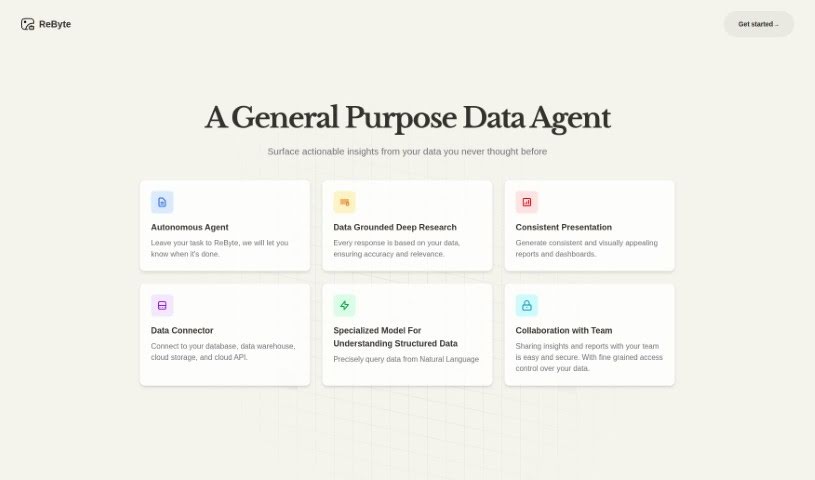
Screenshot of ReByte

ReByte

Freemium

ReByte is an AI platform from RealChar AI that lets you edit and adjust tools much like you'd edit a document. Its core feature is an Internet Connected Assistant: ask questions in any language and it fetches factual, up-to-date information, typically responding in English in about 5 seconds. The platform also includes data visualization, voice commands, chat with Mistral 7B, bank statement analysis, and a simulated Airline Ticket Seller. It is customizable and voice-enabled.

Productivity View Tool →
Screenshot of Recap

Recap

Freemium

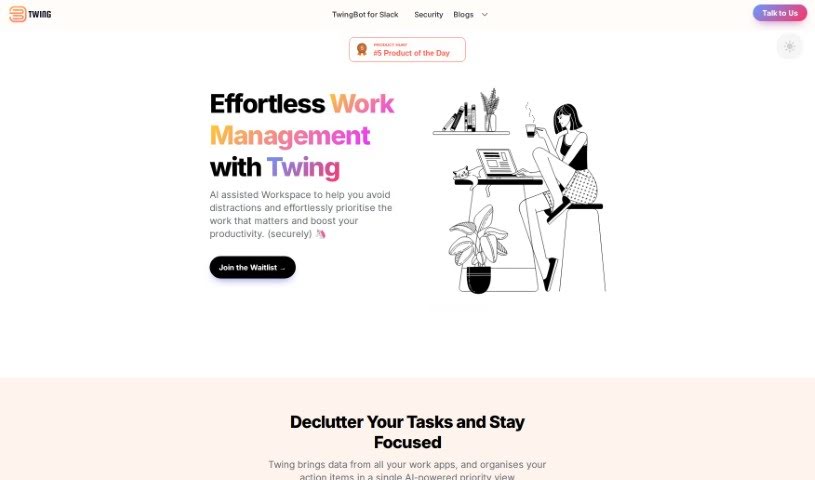
Recap is a task management tool designed to help you reclaim your time. It automatically identifies action items, sends Slack digests, and provides summaries on demand. You can add your own tasks by speaking naturally, delegate tasks to others, and keep everything organized in one place — including notes and reminders.

Productivity View Tool →
Screenshot of Receipt AI

Receipt AI

Freemium

Receipt AI is an app that simplifies receipt management using artificial intelligence and SMS. You can upload a receipt just by texting a photo of it — the app automatically extracts the data, categorizes it, and stores it securely. Receipts can also be uploaded via email.

Productivity View Tool →
Screenshot of Receipt Ocr Api

Receipt Ocr Api

Freemium

A Receipt OCR API, like the one from ReceiptUp, uses optical character recognition (OCR) to turn images of receipts and invoices into organized digital data. It extracts key details such as total cost, taxes, dates, and merchant information, making the data easy to process in your software for better business insights. It also handles different sales tax rules around the world, supporting comprehensive financial management. The API integrates into existing software systems, connecting physical receipts with digital data management for smoother workflows.

Productivity View Tool →
Screenshot of Recital

Recital

Freemium

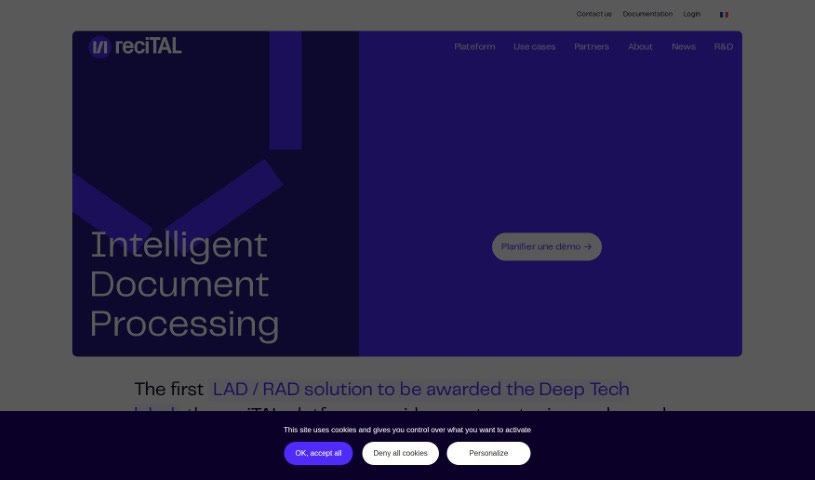
Recital is a platform that helps you capture, classify, and search through documents and emails. Founded in 2017, the team behind it was one of the first international groups to use large pre-trained language models for document processing. These models help computers understand the meaning behind words and phrases, so they need less data to learn. Recital combines text and layout analysis with language models to handle complex documents efficiently.

Productivity View Tool →
Screenshot of Reclaim AI

Reclaim AI

Freemium

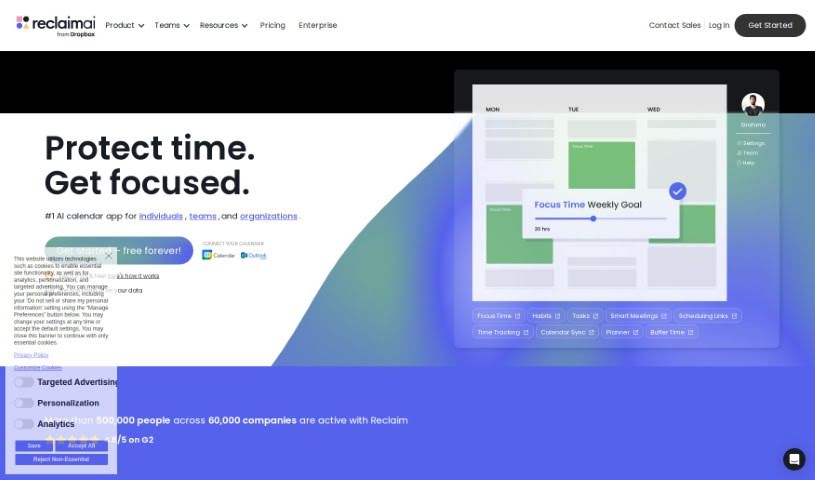
Reclaim AI is an AI-powered calendar assistant that schedules work automatically. It plans tasks, habits, meetings, and breaks, integrating with Google Calendar and adjusting time blocks throughout the week to support productivity and work-life balance.

Productivity View Tool →
Screenshot of Reflect Notes

Reflect Notes

Freemium

Reflect Notes is a note-taking app with built-in AI. It handles several core tasks: jotting down notes and to-dos, outlining article ideas, transcribing voice notes with near-human accuracy, extracting key points from meeting notes, and correcting grammar and spelling in your writing.

Productivity View Tool →
Screenshot of Reflectr AI

Reflectr AI

Freemium

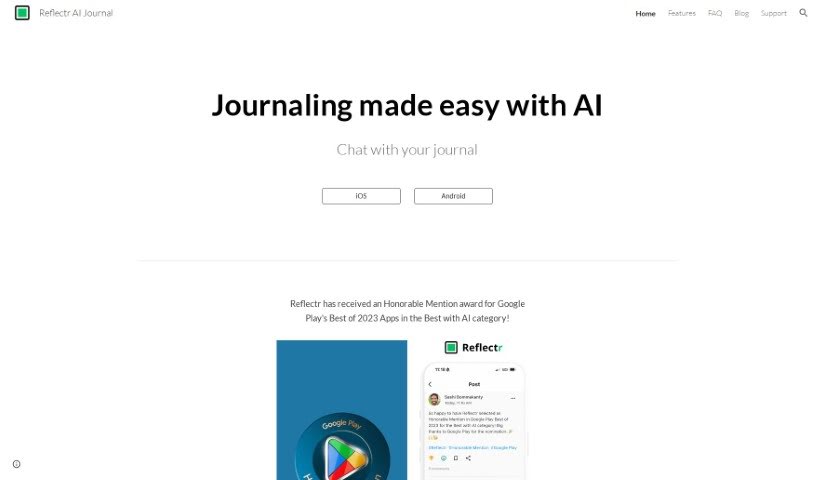
Reflectr AI is a private, AI-powered notebook built for journaling and reflection. You write down thoughts, ideas, observations, and notes, and the AI responds with instant feedback: relevant tags, comments, mood indicators, and emojis. Each day you get a recap of your entries, writing tips based on what you've posted, and auto-generated recent topics that make past content easy to find and review.

Productivity View Tool →
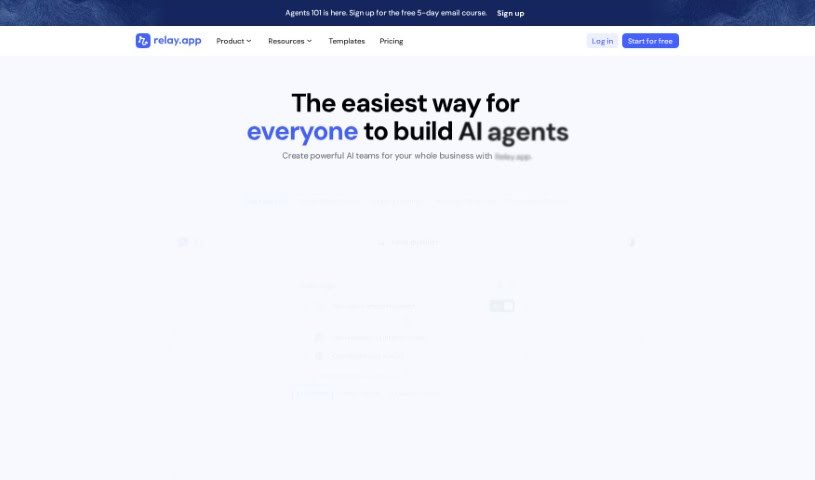
Screenshot of Relay.app

Relay.app

Freemium

Relay.app is an automation tool built around a "Human-In-The-Loop" feature that lets teams embed manual steps directly into automated workflows. This adds human judgment and context where they matter most — particularly in outgoing communications — and sets it apart from many other automation tools.

Productivity View Tool →
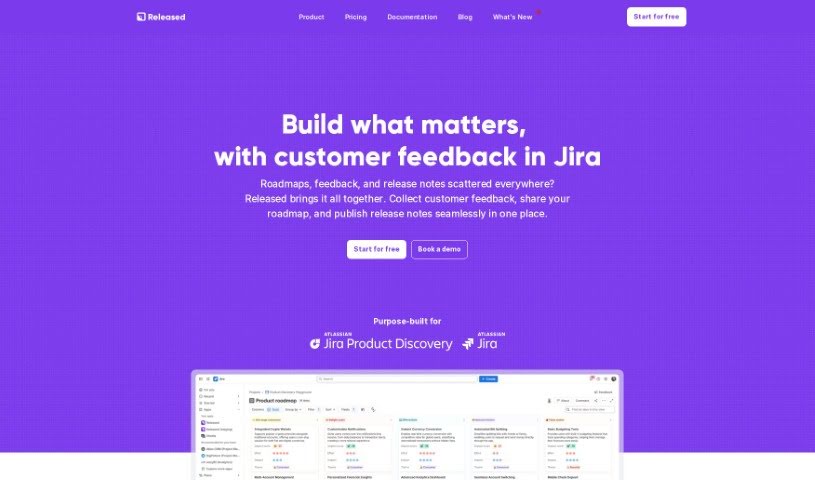
Screenshot of Released

Released

Freemium

Released is a platform that simplifies product communication by turning Jira tickets into customizable release notes and roadmaps. It automates much of the creation process, supports images, lists, and code snippets, and connects directly with Jira so your workflow stays streamlined. It was built to simplify how product teams share updates with customers and stakeholders, with a focus on ease of use and tight integration with Atlassian's ecosystem.

Productivity View Tool →
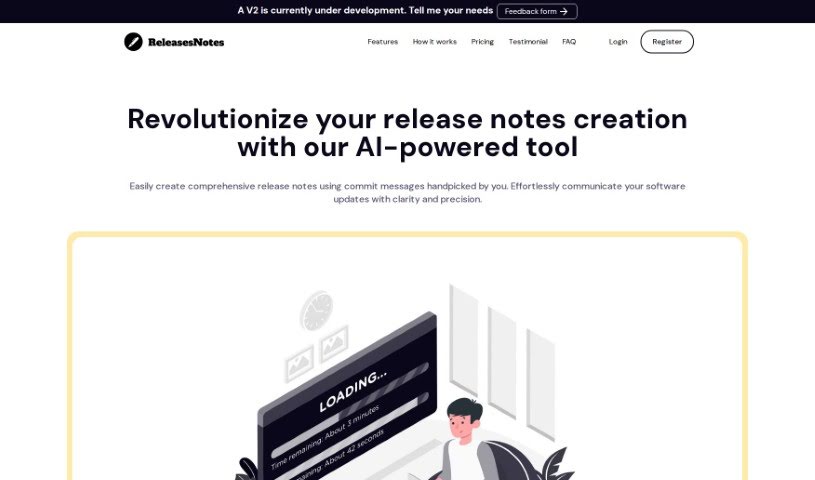
Screenshot of Releasesnotes

Releasesnotes

Freemium

ReleasesNotes is an AI-powered release notes generator for developers and their teams. It connects to version control systems like GitHub and turns commit messages into clear, concise release notes, reducing the time and effort of manual compilation.

Productivity View Tool →
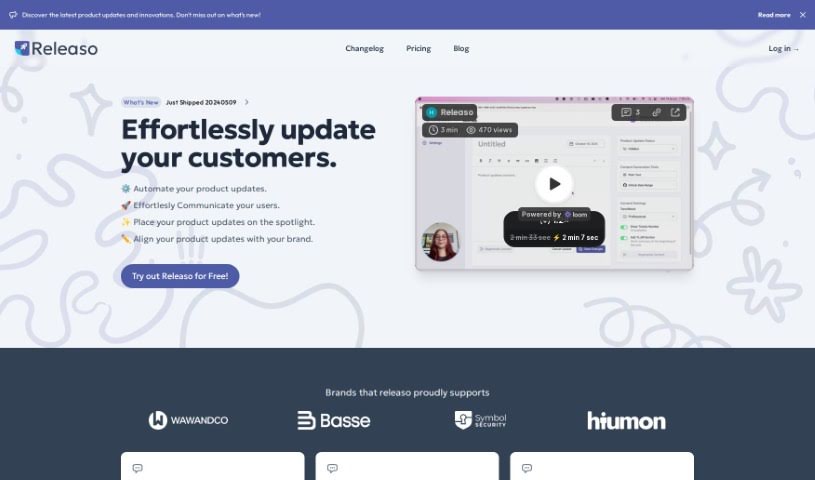
Screenshot of Releaso

Releaso

Freemium

Releaso is a communication tool that automates product updates. It connects with development tools like GitHub to generate AI-powered release notes, removing the manual work of writing and distributing changelogs. Updates can be published directly to your website with one click, helping keep brand messaging consistent.

Productivity View Tool →

About Productivity tools

Having a task list that seems to grow longer by the hour is a fast track to burnout. Between managing clogged email inboxes, jumping across context-heavy browser tabs, updating project boards, and tracking down files, everyday administrative work drains momentum. When managing your workflow takes more energy than doing your actual job, staying focused gets tough.

These workflow platforms act as high-speed productivity partners for task management, scheduling, and daily automation. They won’t replace your personal discipline or strategic priorities, but they handle routine administrative tasks so you can protect your focus time.

Organizing daily tasks and scheduling focus blocks takes far less manual effort. Manually moving deadlines around when a project slips or trying to carve out focus time between back-to-back meetings usually leaves you with a chaotic calendar. Smart scheduling assistants evaluate your working habits, auto-prioritize tasks, and block out dedicated focus time on your calendar before your day gets overrun.

Clearing out email backlogs and workspace communications becomes much faster, too. Sifting through dozens of unread messages just to pull out two urgent client requests wastes valuable time. Intelligent inbox tools summarize long email threads, draft contextual replies, and sort low-priority newsletters away from critical messages—helping you reach inbox zero without reading every word.

Synthesizing notes and cross-platform information creates a central memory hub. Losing track of an important project link or a quick thought saved in a random document stalls your momentum when you need it most. AI productivity assistants search across your workspace apps, notes, and bookmarked links, letting you ask plain-English questions to pull up specific files, meeting notes, or ideas in seconds.

Key Capabilities to Consider:

  • Smart calendar and time blocking: Systems that auto-schedule tasks into your calendar around existing meetings and focus preferences.
  • Contextual email and message drafting: Tools that scan long communication threads to generate concise replies and action items.
  • Universal workspace search: Software that connects with your documents, notes, and cloud storage to retrieve files through simple prompts.
  • Task prioritization algorithms: Applications that rank daily action items by urgency, deadlines, and project dependencies.
  • Workflow automation builders: Connectors that trigger actions across different apps without requiring manual data entry.

Daily productivity will always depend on clear personal priorities and healthy work habits. Software can organize a calendar, draft an email reply, and index your notes, but choosing what truly deserves your time requires human judgment.

Explore the productivity tools below to take control of your workday.

The Best AI Productivity Tools

  1. Perplexity: for automating tasks and helping with management.
  2. Small PDF.com: for smoother document management for teams.
  3. Gamma: for document creation tools that save time.
  4. Odoo: for a task management and collaboration app.
  5. Zoom: for analyzing and summarizing meeting content.
  6. N8N: for smoother team onboarding processes.
  7. Prezi: for engaging team collaboration sessions.
  8. Tableau: for creating reports and dashboards more easily.
  9. Data Camp: for efficient team collaboration workflows.
  10. Otter.ai: for getting action items from meetings without the fuss.
  11. Tenorshare: for easily summarizing long PDF documents.
  12. Slidesgo: for creating professional presentations efficiently.
  13. Facecheck Id: for streamlining identity verification tasks.
  14. HIX.AI: for boosting writing speed with smart tools.
  15. Tactiq: for automating meeting notes for teams.
New tools, in your inbox.

Weekly picks of the best AI tools we've researched and added — no spam, unsubscribe anytime.

Join 25,000+ AI enthusiasts. No spam, unsubscribe anytime.