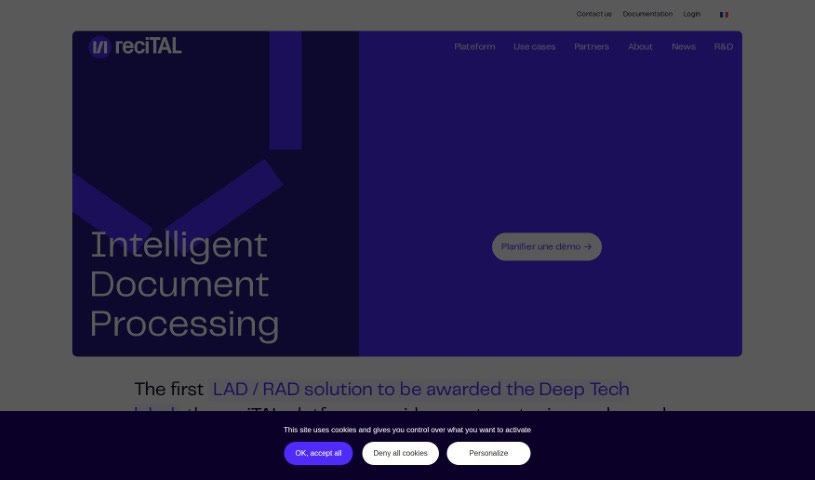
Screenshot of Recital

Recital

Discover what Recital is and how to use it effectively in 2025. We'll explore its powerful features and see how it stacks up against other documentation tools.

Screenshot

What is Recital?

Recital is a platform that helps you capture, type, and search through all sorts of documents and emails. It was founded back in 2017, and the team behind it was actually one of the first international groups to use large, pre-trained language models for processing documents. What’s really neat about these models is that they help computers understand the meaning behind words and phrases, which means they don’t need as much data to learn. Recital really embraces the latest in AI, using a combination of text and layout analysis with these powerful language models to handle complex documents efficiently.

Who created Recital?

Recital was started in the spring of 2017 by Gilles Moyse, who has a PhD in computer science and is the CEO, and Frédéric Allary, who is the General Manager. Gilles is an engineer from UTC, and Frédéric graduated from Sciences-Po and HEC with a degree in econometrics. Essentially, the company focuses on offering a complete solution for document processing, using large language models to handle everything from extraction to classification. You can get it installed on your own servers or use it as a Software as a Service (SaaS) option. The Recital team is made up of really talented people from all sorts of backgrounds, with deep expertise in AI and software development. This diverse skill set allows them to create innovative solutions for intelligent document processing.

What is Recital used for?

  • You can automate how your mail and documents move through your systems.
  • It helps you capture the exact information you need from any kind of document.
  • You can easily find the answers you’re looking for within your entire collection of documents.

Who is Recital for?

  • Professionals who want to automate their document processes even further.
  • Anyone working directly with document processing.
  • Professionals looking to automate even the most challenging document processes.

How to use Recital?

Here’s a straightforward, step-by-step guide to using Recital:

  1. Get to Know Recital: Think of Recital as an AI software company that makes automating the extraction, sorting, and searching of all your documents and emails much simpler. It’s designed to handle these tasks intelligently.
  2. Key Features to Explore:
    • Automate Processing: The first step is to start automating how your mail and documents flow through your systems.
    • Capture Information: You’ll want to use Recital to grab the specific information you need from all sorts of different documents.
    • Search Smartly: Finding specific details within your document library becomes much easier with Recital’s search capabilities.
  3. Getting Started:
    • Accessing Recital: You can access Recital either by installing it on your own servers (on-premises) or by using their online service (SaaS).
    • Exploring the Tools: Take some time to get familiar with the tools Recital offers for intelligent document processing.
  4. Making the Most of It: Really take advantage of what Large Language Models (LLMs) bring to Recital, like their ability to understand context and generalize information.
  5. Teamwork Makes the Dream Work:
    • A Talented Team: You’ll be working with a high-caliber international team at Recital, bringing expertise in many languages and technical areas.
    • Fostering Innovation: The company encourages innovation by giving team members time to work on their own technology projects.
  6. Meet the Leaders:
    • The Founders: It’s worth learning about the founders, Gilles Moyse and FrĂ©dĂ©ric Allary, who bring a wealth of experience in engineering, computer science, and econometrics.
  7. More Details:
    • Pricing: You can check out the pricing options to see what works best for using Recital’s services.
    • Technology Focus: Understand the core technologies and features, such as Artificial Intelligence, Deep Tech, and Document Processing.

By following these steps, you can effectively use Recital to automate document processing, streamline workflows, and extract information precisely how you need it.

Related AI Tools

Discover more tools in similar categories that might interest you

Stay Updated with AI Tools

Get weekly updates on the latest AI tools, trends, and insights delivered to your inbox

Join 25,000+ AI enthusiasts. No spam, unsubscribe anytime.