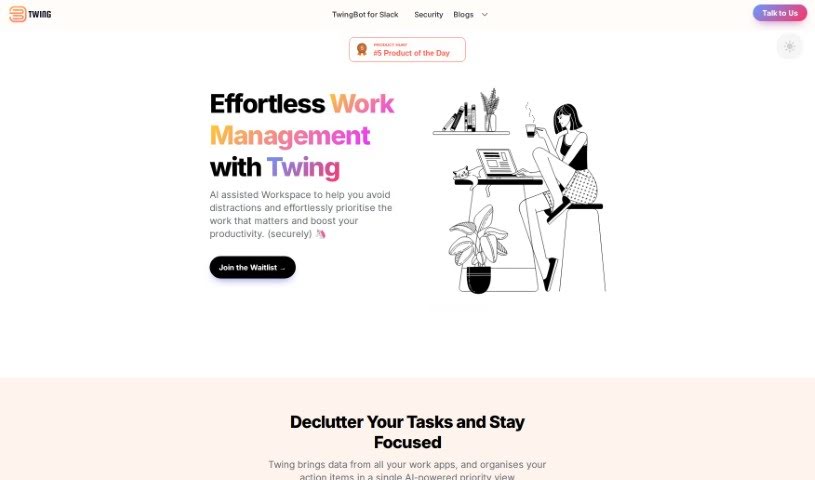
Screenshot of Recap

Recap

Discover what Recap is and how to use it in 2025. We'll explore its features, compare it to other project management tools, and show you how to boost your productivity.

Screenshot

What is Recap?

Recap is a handy tool designed to help you get your time back. It does this by automatically finding action items, sending you Slack digests, and giving you summaries whenever you need them. You can also add your own tasks just by speaking naturally, pass tasks on to others, and keep everything organized in one spot. It makes adding notes, setting reminders, and generally managing your tasks a breeze. The main goal here is to help you get through your daily to-dos efficiently and stay on top of everything.

Who created Recap?

Recap comes from Twing Inc. This company is all about helping people cut down on distractions, focus on what’s really important, and get more done with the help of an AI assistant. Twing wants to make work smoother, cut down on interruptions, and make sure you never miss a crucial task or reminder. They really believe in creating a work environment where everyone can be focused, intentional, and feel good about what they’re accomplishing.

What is Recap used for?

  • It automatically spots action items, so you can jump right into your day.
  • You’ll get daily action items and digests from Slack.
  • Add your own tasks easily and get summaries on demand.
  • You can add personal tasks using everyday language.
  • Need to pass a task along? You can delegate it to colleagues.
  • Keep all your tasks, whether they’re one-offs or regular ones, neatly organized in one place.
  • Add notes without any fuss.
  • Set reminders so nothing slips through the cracks.
  • It helps you stay organized with all your tasks.

Who is Recap for?

  • Organizations that use Slack a lot for communication.
  • Professionals who juggle tasks and need to keep track of reminders.
  • Anyone who needs to delegate tasks effectively.
  • Professionals who manage both immediate and ongoing tasks.

How to use Recap?

Here’s how to make the most of Recap:

  1. Automatic Action Detection: Recap finds action items for you automatically. It then sends you Slack digests and summaries when you need them.
  2. Managing Your Own Tasks: You can add your personal tasks using natural language, which really helps with staying organized.
  3. Delegating Tasks: Recap makes it easy to hand off tasks to others, which is great for teamwork and managing who does what.
  4. All Your Tasks in One Place: You can manage both quick, ad-hoc tasks and your regular to-dos all in one spot. This keeps everything nicely organized and efficient.
  5. Notes and Reminders: You can add notes easily and set reminders, ensuring you stay organized with everything in Recap.

By following these steps, you’ll find you can really reclaim your time, keep everything in order, and get more done with Recap.

Related AI Tools

Discover more tools in similar categories that might interest you

Stay Updated with AI Tools

Get weekly updates on the latest AI tools, trends, and insights delivered to your inbox

Join 25,000+ AI enthusiasts. No spam, unsubscribe anytime.