Top AI Productivity Tools

AI Tools for Productivity

Discover the best Productivity AI tools to enhance your productivity and creativity.

Page 26 of 108 • 1290 total tools
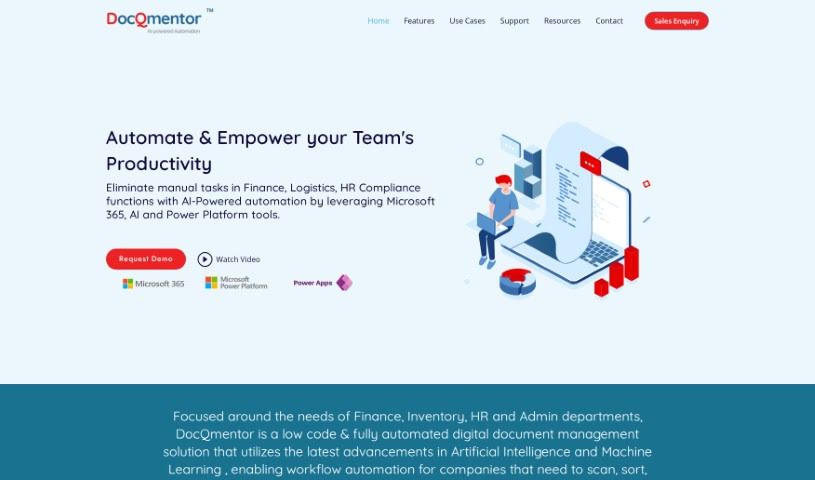
Screenshot of DocQmentor

DocQmentor

Freemium

DocQmentor is a low-code document management system that uses AI and machine learning to fully automate document workflows across departments such as Finance, Inventory, HR, and Admin. You drop files into a designated folder, and DocQmentor scans them, extracts key data, renames the files, adds metadata, and stores them securely in Microsoft 365. It also assigns confidence scores to processed forms so you can monitor data accuracy, and it connects with other major business applications.

Productivity View Tool →
Screenshot of DocsDNA

DocsDNA

Freemium

DocsDNA is an AI-powered platform for deep document analysis and information retrieval. It is designed to simplify working with business documents: teams can collaborate on the same documents simultaneously, manage user permissions, and generate quick summaries. The platform handles documents in multiple languages and offers custom solutions for businesses with unique needs. DocsDNA emphasizes ease of use, security, reliability, and adaptability to different industries, aiming to save time and increase team productivity.

Productivity View Tool →
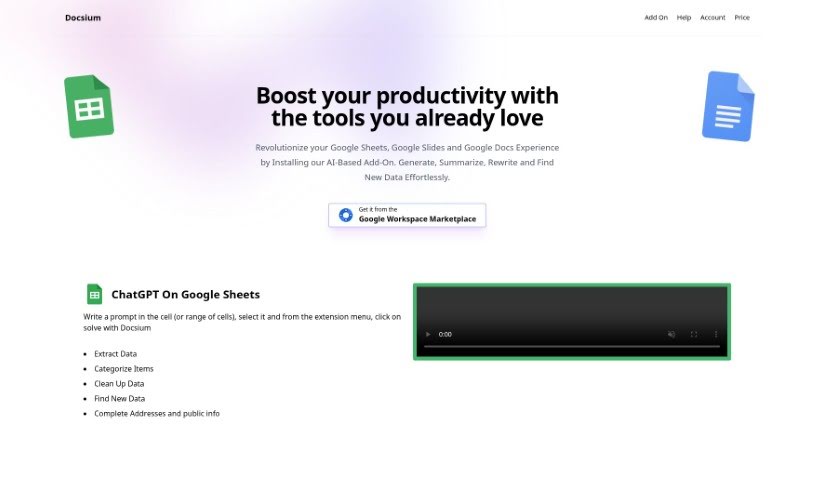
Screenshot of Docsium

Docsium

Freemium

Docsium is an AI add-on for Google Sheets, Google Docs, and Google Slides. Built on GPT-3, it generates data, summarizes long texts, rewrites content, and finds information. It installs from the Google Workspace Marketplace in a few clicks and works directly inside each app.

Productivity View Tool →
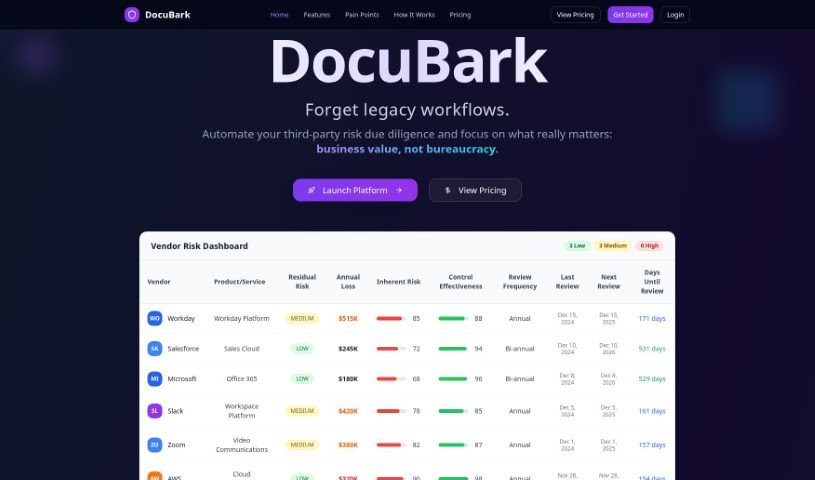
Screenshot of Docubank

Docubank

Freemium

Docubank, listed as "DocuBark" on its website, is a generative AI tool for finding answers in your documents. It uses a FAISS-based search engine for fast, precise queries across one or multiple documents, with responses powered by OpenAI. It can also extract insights from documents using generative AI.

Productivity View Tool →
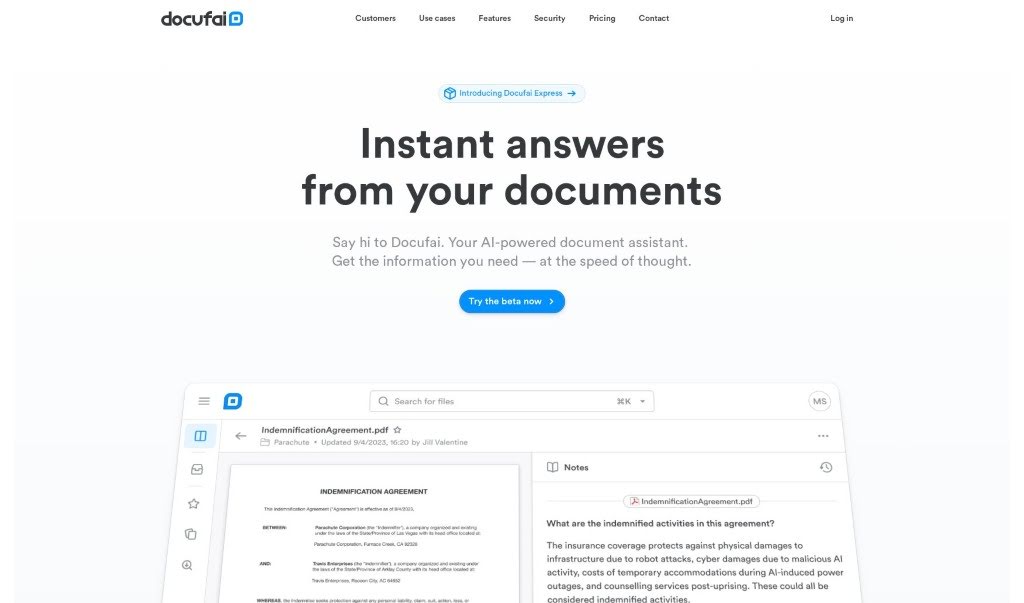
Screenshot of Docufai

Docufai

Freemium

Docufai is an AI-powered document management tool that helps you quickly extract and understand important details from your files. Built on generative AI, it lets you ask questions and get immediate answers, summaries, or extracted information in your preferred format and language. It emphasizes data security and privacy, making it suitable for both personal and business use. Docufai's stated mission is to unlock the world's information so people can make progress faster and share knowledge more widely.

Productivity View Tool →
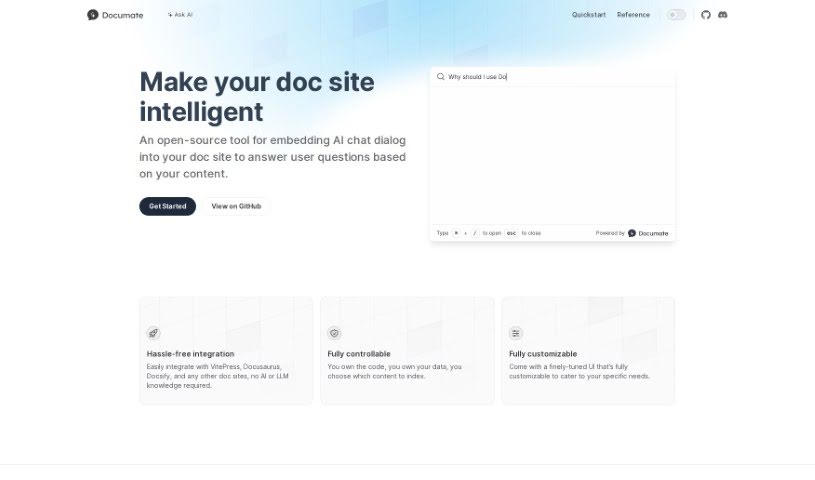
Screenshot of Documate

Documate

Freemium

Documate is an open-source tool that adds AI chat to documentation websites. Visitors can ask questions directly and get answers based on the site's own content. The interface is fully customizable, and Documate integrates with popular platforms like VitePress, Docusaurus, and Docsify — no AI or language model expertise required. You keep complete control over your code and data, deciding exactly what information the AI uses to answer questions.

Productivity View Tool →
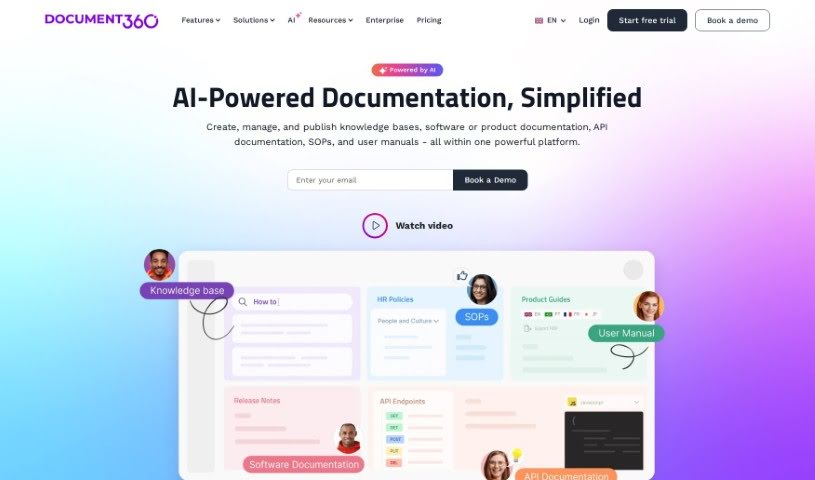
Screenshot of Document360

Document360

Freemium

Document360 is a knowledge base software designed to help you create self-service knowledge bases for your customers. It serves as a central hub for building FAQs, step-by-step user guides, product documentation, and standard operating procedures.

Productivity View Tool →
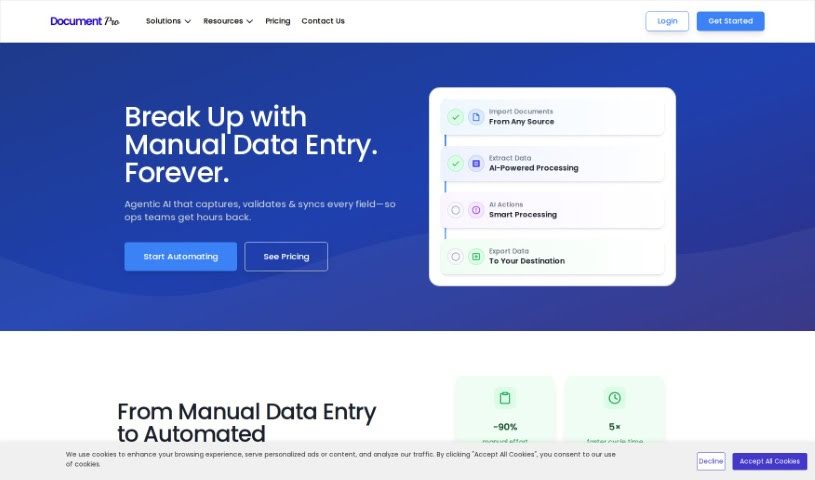
Screenshot of DocumentPro

DocumentPro

Freemium

DocumentPro is a cloud-based document processing tool for small and medium-sized businesses. It uses AI to extract data from invoices, resumes, contracts, and other documents and export it to structured formats like CSV. The drag-and-drop interface supports PDF, PNG, and JPG files, with batch processing for multiple documents at once. Compared to traditional OCR, it delivers higher accuracy and reduces the time and errors associated with manual data entry. It suits industries such as business services, logistics, transportation, and retail, and includes upload guidance and sample invoices for reference.

Productivity View Tool →
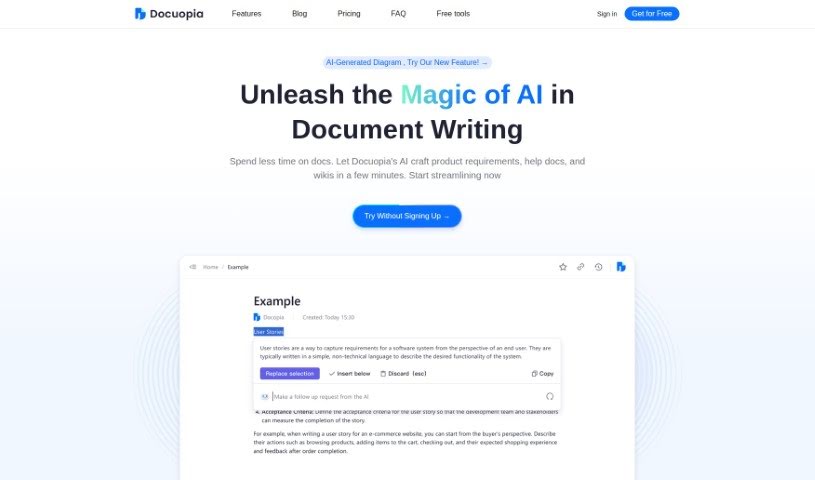
Screenshot of Docuopia

Docuopia

Freemium

Docuopia is an AI-powered assistant that helps teams write documents faster. You describe what you need or the problem you're solving, and Docuopia generates a well-organized Product Requirements Document (PRD). It also handles help guides, wiki pages, and other structured content.

Productivity View Tool →
Screenshot of Docus

Docus

Freemium

Docus is an AI-powered health platform that provides a personalized AI Health Assistant and medical second opinions from top doctors around the world. Its goal is to make health information more accessible by combining AI technology with medical expertise.

Productivity View Tool →
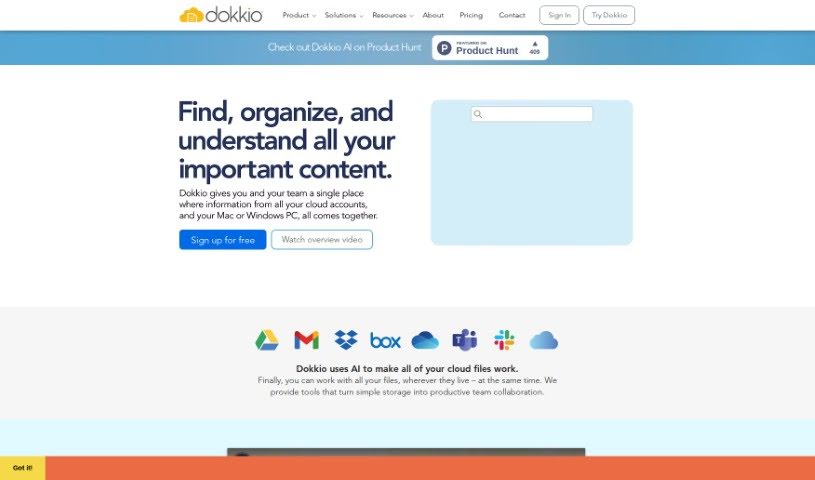
Screenshot of Dokkio

Dokkio

Freemium

Dokkio is an AI-powered tool that manages and organizes online files across multiple storage services, including Dropbox, Google Drive, Gmail, Box, Slack, and OneDrive. It pulls content from these sources into one central hub and adds powerful search, automatic tagging, and the ability to flag important web content.

Productivity View Tool →
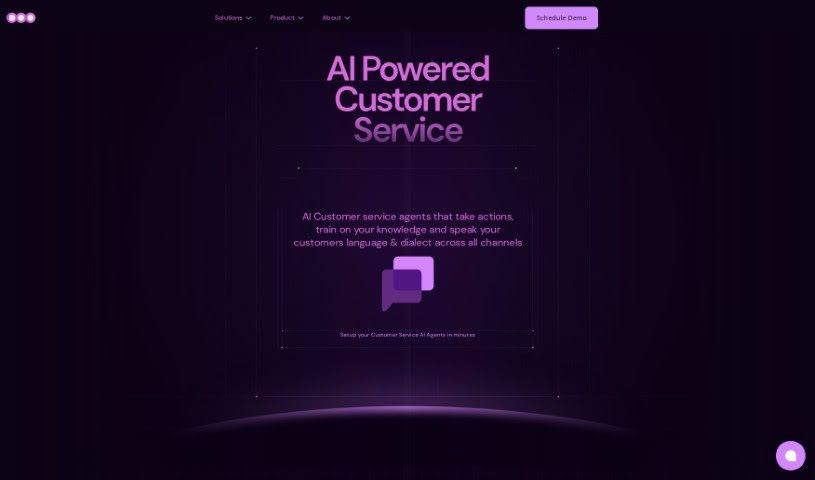
Screenshot of Doo

Doo

Freemium

Doo is a platform that provides AI-powered teammates, called AI Mates. These AI collaborators are designed to fit into your workflow and make your team more efficient and creative. Doo offers 40 different AI Mates, each trained with specific skills, so you can match the right expertise to your project's needs. You can also customize AI Mates to align with your team's culture and working style. Doo's goal is to combine AI capabilities with human creativity to improve collaboration and deliver results quickly.

Productivity View Tool →

About Productivity tools

Having a task list that seems to grow longer by the hour is a fast track to burnout. Between managing clogged email inboxes, jumping across context-heavy browser tabs, updating project boards, and tracking down files, everyday administrative work drains momentum. When managing your workflow takes more energy than doing your actual job, staying focused gets tough.

These workflow platforms act as high-speed productivity partners for task management, scheduling, and daily automation. They won’t replace your personal discipline or strategic priorities, but they handle routine administrative tasks so you can protect your focus time.

Organizing daily tasks and scheduling focus blocks takes far less manual effort. Manually moving deadlines around when a project slips or trying to carve out focus time between back-to-back meetings usually leaves you with a chaotic calendar. Smart scheduling assistants evaluate your working habits, auto-prioritize tasks, and block out dedicated focus time on your calendar before your day gets overrun.

Clearing out email backlogs and workspace communications becomes much faster, too. Sifting through dozens of unread messages just to pull out two urgent client requests wastes valuable time. Intelligent inbox tools summarize long email threads, draft contextual replies, and sort low-priority newsletters away from critical messages—helping you reach inbox zero without reading every word.

Synthesizing notes and cross-platform information creates a central memory hub. Losing track of an important project link or a quick thought saved in a random document stalls your momentum when you need it most. AI productivity assistants search across your workspace apps, notes, and bookmarked links, letting you ask plain-English questions to pull up specific files, meeting notes, or ideas in seconds.

Key Capabilities to Consider:

  • Smart calendar and time blocking: Systems that auto-schedule tasks into your calendar around existing meetings and focus preferences.
  • Contextual email and message drafting: Tools that scan long communication threads to generate concise replies and action items.
  • Universal workspace search: Software that connects with your documents, notes, and cloud storage to retrieve files through simple prompts.
  • Task prioritization algorithms: Applications that rank daily action items by urgency, deadlines, and project dependencies.
  • Workflow automation builders: Connectors that trigger actions across different apps without requiring manual data entry.

Daily productivity will always depend on clear personal priorities and healthy work habits. Software can organize a calendar, draft an email reply, and index your notes, but choosing what truly deserves your time requires human judgment.

Explore the productivity tools below to take control of your workday.

The Best AI Productivity Tools

  1. Perplexity: for automating tasks and helping with management.
  2. Small PDF.com: for smoother document management for teams.
  3. Gamma: for document creation tools that save time.
  4. Odoo: for a task management and collaboration app.
  5. Zoom: for analyzing and summarizing meeting content.
  6. N8N: for smoother team onboarding processes.
  7. Prezi: for engaging team collaboration sessions.
  8. Tableau: for creating reports and dashboards more easily.
  9. Data Camp: for efficient team collaboration workflows.
  10. Otter.ai: for getting action items from meetings without the fuss.
  11. Tenorshare: for easily summarizing long PDF documents.
  12. Slidesgo: for creating professional presentations efficiently.
  13. Facecheck Id: for streamlining identity verification tasks.
  14. HIX.AI: for boosting writing speed with smart tools.
  15. Tactiq: for automating meeting notes for teams.
New tools, in your inbox.

Weekly picks of the best AI tools we've researched and added — no spam, unsubscribe anytime.

Join 25,000+ AI enthusiasts. No spam, unsubscribe anytime.