AI Tools for Productivity

Discover the best Productivity AI tools to enhance your productivity and creativity.

Page 25 of 114 • 1361 total tools

In today’s busy world, staying productive can feel like a real challenge. With so much to do, constant notifications, and distractions everywhere, having the right tools to manage your time well is more important than ever. That’s where AI productivity tools come in—they’re designed to make your work smoother, handle repetitive tasks for you, and keep you organized.

These smart solutions have come a long way recently. They’ve gone from simple task managers to complete systems that can adapt to what you need. Whether you’re trying to organize your day better, improve how your team works together, or finally tackle that huge inbox, the right AI tools can make a big difference.

As I looked into the best AI productivity tools out there, I tried out several apps that promise to make you more efficient and focused. From smart schedulers to new project management systems, there are tons of options to help you get your time back.

So, if you’re ready to boost your productivity and make the most of your workday, you’re in the right place. Here’s a list of great AI productivity tools that are definitely worth checking out. Let’s explore how to work smarter together!

The best AI Productivity Tools

  1. Perplexity for automating tasks and helping with management.
  2. Small PDF.com for smoother document management for teams.
  3. Gamma for document creation tools that save time.
  4. Odoo for a task management and collaboration app.
  5. Zoom for analyzing and summarizing meeting content.
  6. N8N for smoother team onboarding processes.
  7. Prezi for engaging team collaboration sessions.
  8. Tableau for creating reports and dashboards more easily.
  9. Data Camp for efficient team collaboration workflows.
  10. Otter.ai for getting action items from meetings without the fuss.
  11. Tenorshare for easily summarizing long PDF documents.
  12. Slidesgo for creating professional presentations efficiently.
  13. Facecheck Id for streamlining identity verification tasks.
  14. HIX.AI for boosting writing speed with smart tools.
  15. Tactiq for automating meeting notes for teams.

How do AI productivity tools work?

AI productivity tools use machine learning to look at how you work and make your tasks more efficient. These tools are built to handle lots of information, spotting patterns and your preferences to help smooth out your workflows. By understanding how you use different apps, AI can suggest personal improvements to boost your productivity.

Basically, these tools use natural language processing (NLP) to understand and respond to what you ask. For example, they can schedule meetings, set reminders, or create reports just by understanding simple requests. This saves you time and cuts down on manual work.

Many AI productivity apps connect with popular tools like calendars, email, and project management software. This connection lets them gather information and automate tasks across different places. As a result, you get a smooth, connected experience that improves how you work day-to-day.

AI productivity tools also learn from how you use them to get better over time. The more you use a tool, the better it gets at guessing what you need and offering helpful suggestions. This ability to adapt is what makes AI tools increasingly valuable for improving productivity for both individuals and teams.

Plus, these tools can look at data about how you complete tasks and suggest ways to improve. For instance, if you often miss deadlines, the AI might suggest better ways to manage your time. By giving you useful insights, AI productivity tools help you work smarter, not just harder.

In the end, AI productivity tools show how technology can change everyday tasks into more efficient processes. By automating routine jobs and offering personal insights, they help you focus on what’s most important—hitting your goals and being more effective overall.

Our best AI productivity tools at a glance

RankNameBest forPlans and PricingRating
1PerplexityAutomating tasks and helping with management.N/A4.70 (10 reviews)
2SmallPDF.comSmoother document management for teams.Paid plans start at $9/month.4.73 (11 reviews)
3GammaDocument creation tools that save time.N/A4.79 (19 reviews)
4OdooA task management and collaboration app.N/A4.67 (6 reviews)
5ZoomAnalyzing and summarizing meeting content.Paid plans start at $15.99/month.4.73 (11 reviews)
6N8NSmoother team onboarding processes.Paid plans start at $50/month.4.58 (12 reviews)
7PreziEngaging team collaboration sessions.Paid plans start at $19/month.4.18 (11 reviews)
8TableauCreating reports and dashboards more easily.N/A4.70 (43 reviews)
9DataCampEfficient team collaboration workflows.Paid plans start at $25/month.4.71 (24 reviews)
10Otter.aiGetting action items from meetings without the fuss.Paid plans start at $13.59/month.4.73 (11 reviews)
11TenorshareEasily summarizing long PDF documents.N/A4.64 (11 reviews)
12SlidesgoCreating professional presentations efficiently.N/A4.68 (22 reviews)
13Facecheck IdStreamlining identity verification tasks.N/A4.42 (19 reviews)
14HIX.AIBoosting writing speed with smart tools.N/A4.36 (11 reviews)
15TactiqAutomating meeting notes for teams.N/A4.64 (11 reviews)
Screenshot of DatingAI Pro

DatingAI Pro

Freemium

DatingAI Pro is essentially your personal dating wingman, powered by some pretty advanced AI. It's designed to help you out with custom conversation starters, crafting great bios, and even suggesting replies to make your online dating chats much better. You can try it out for free to get a feel for what it can do, but if you want access to all the cool extra features, you'll need to upgrade to their premium plan. What sets DatingAI Pro apart from, say, a traditional dating coach is that it gives you personalized, real-time advice right when you need it, without the hassle of booking appointments or paying those hefty coaching fees. Plus, they're really serious about your privacy, using strict protocols and industry-standard security to keep your personal info and conversations confidential.

Screenshot of Daydream

Daydream

Freemium

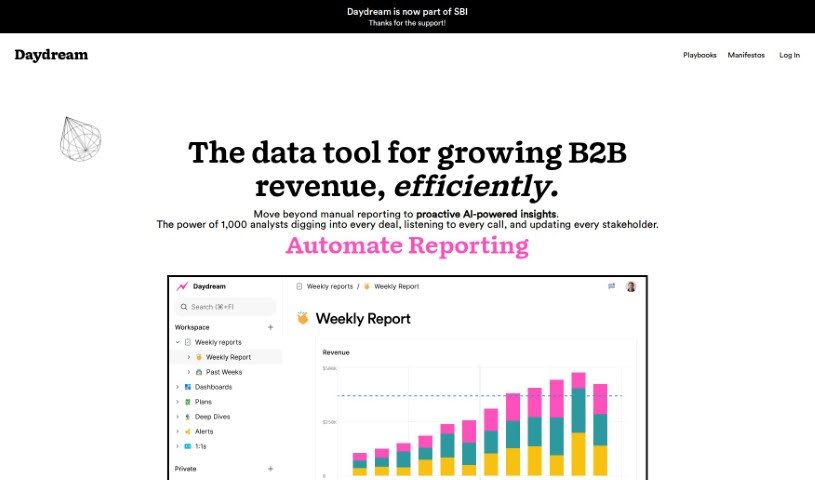
Daydream is a Business Intelligence (BI) tool built for high-performing leaders like CEOs, COOs, finance professionals, and operations teams. It uses AI to focus on self-service analytics, insights, and reporting. What really makes Daydream stand out is how it helps users understand the story behind their data. This, in turn, encourages collaboration, boosts accountability, and makes KPI reporting much smoother. You'll find templates, tools for working together on reports, and other features designed to get teams aligned and improve overall performance. Getting started is simple – just sign up for a free trial on their website. Daydream has even been recognized as "Product of the Day" for its ability to transform how top teams handle analytics and reporting.

Screenshot of Daystack

Daystack

Freemium

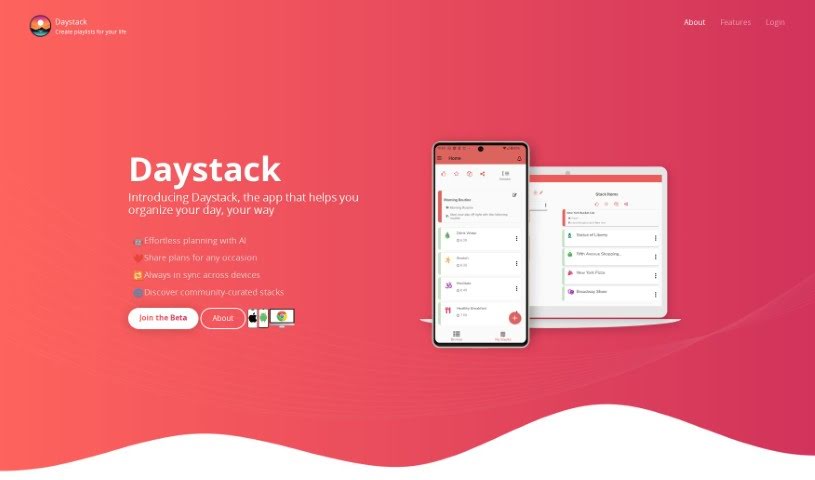
Daystack is a handy app, available on both mobile and the web, that helps you get your day organized. Think of it like creating personalized playlists, which they call "stacks," for whatever you need to do. Whether you're planning a trip, mapping out a workout, or just need to manage your to-do list, Daystack has you covered. You can build your own custom stacks from scratch, or if you're looking for ideas, you can browse through stacks that other users have already created.

Screenshot of DB Pilot

DB Pilot

Freemium

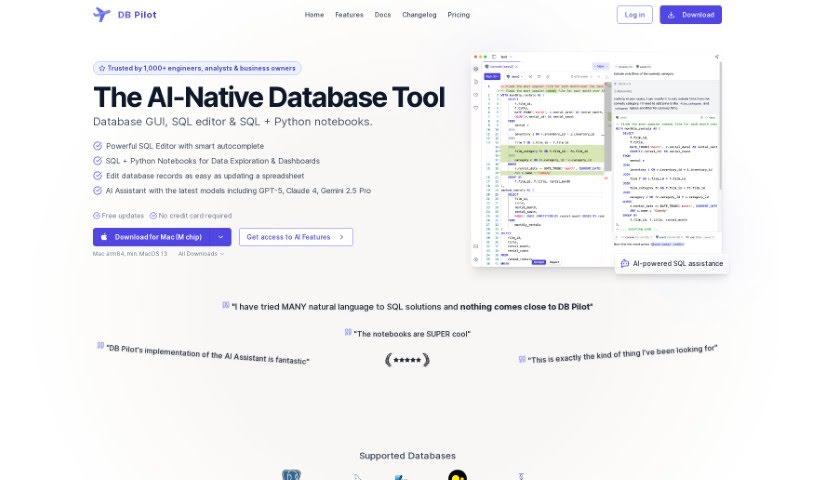
DB Pilot is a really smart database GUI designed to completely change how you manage your data. It's built with an OLAP system from ClickHouse, which means you can query different data sources – think PostgreSQL, S3, CSV, and JSON – as if they were all just one big database. Pretty neat, right?

Screenshot of DeadPan Scanboy

DeadPan Scanboy

Freemium

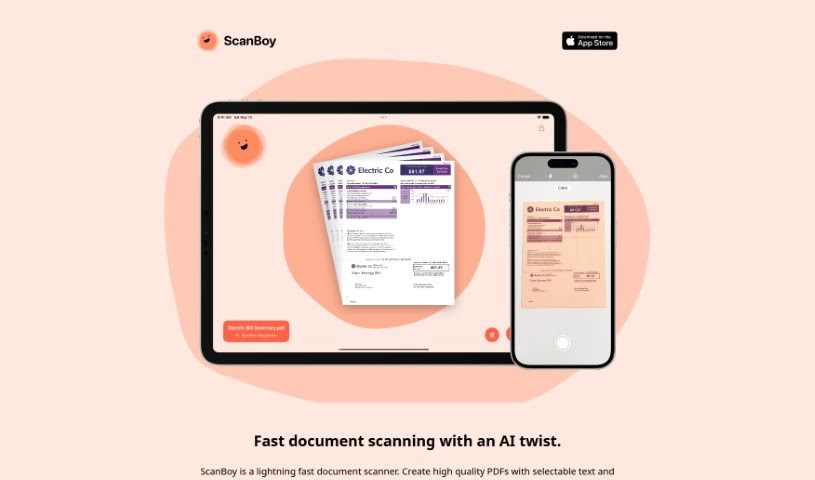
ScanBoy is a document scanning app built specifically for iPhones and iPads. It's incredibly fast, letting you create high-quality PDFs that actually have selectable text. Plus, it can automatically name your scanned documents based on what's inside them, though you're always welcome to give them your own names if you prefer. Thanks to its optical character recognition (OCR) technology, you can easily grab text from your scans, making those documents much more interactive. It even offers reusable filename templates, which really helps keep things organized, especially if you scan similar types of documents often. Tim Bueno developed ScanBoy under the Deadpan brand, and they've got a clear privacy policy to ensure your information is safe.

Screenshot of Decision Mentor

Decision Mentor

Freemium

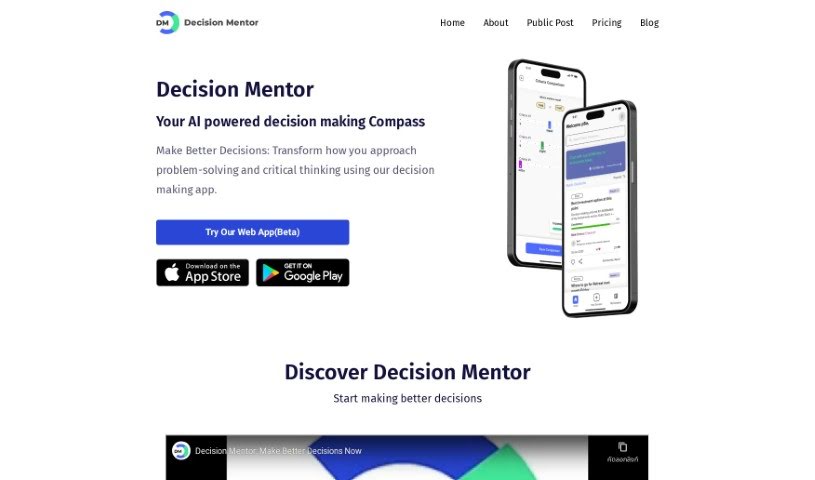
Decision Mentor is an AI-powered app designed to help you make tough choices. It is your personal compass for navigating complex decisions. It's built to assist anyone, whether you're making a personal choice or a business one, by using a method that looks at all the different factors involved. The app guides you through a process where you can weigh your options, decide what's most important, and see what the likely results might be. Its goal is to bring a structured, scientific approach to decision-making. You'll find features like AI guidance, ways to evaluate based on your criteria, side-by-side comparisons, and an easy-to-use interface. Decision Mentor is rooted in Multiple Criteria Decision Making/Analysis (MCDM/MCDA) theory, specifically the Analytic Hierarchy Process (AHP), which was developed by Prof. Thomas L. Saaty. Plus, it uses AI, specifically OpenAI's GPT-3.5 API, to offer helpful advice based on what you tell it.

Screenshot of Deckify

Deckify

Freemium

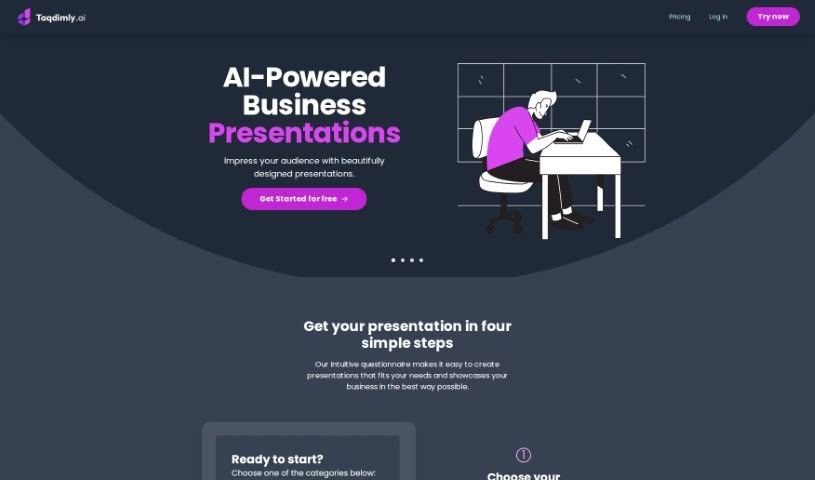
Deckify is your AI assistant for crafting professional presentation slides, making the whole process much quicker and easier. It’s designed to help you create polished presentations without all the usual hassle. You get a bunch of different presentation styles to choose from, really nice templates, options to pick your own color schemes, and even insights based on data to help you present information clearly. It’s built to be super user-friendly, spark your creativity, and you can even try it out for free before deciding on a paid plan.

Screenshot of Decktopus AI

Decktopus AI

Freemium

Decktopus AI is a really smart tool for making presentations. It uses artificial intelligence to help you create presentations that look great and are easy to put together. You can make visually appealing slides with very little effort, thanks to its AI-powered features. It really simplifies the whole process, saving you time and cutting down on the stress of designing everything yourself. Decktopus AI offers layouts you can change, a simple drag-and-drop editor, and even AI-generated content tailored just for you. This means you can create presentations that are both impactful and engaging, all while working efficiently. People who've used Decktopus AI often say it's easy to use, looks good, and is a fantastic time-saver for anyone needing to create presentations.

Screenshot of Declutr

Declutr

Freemium

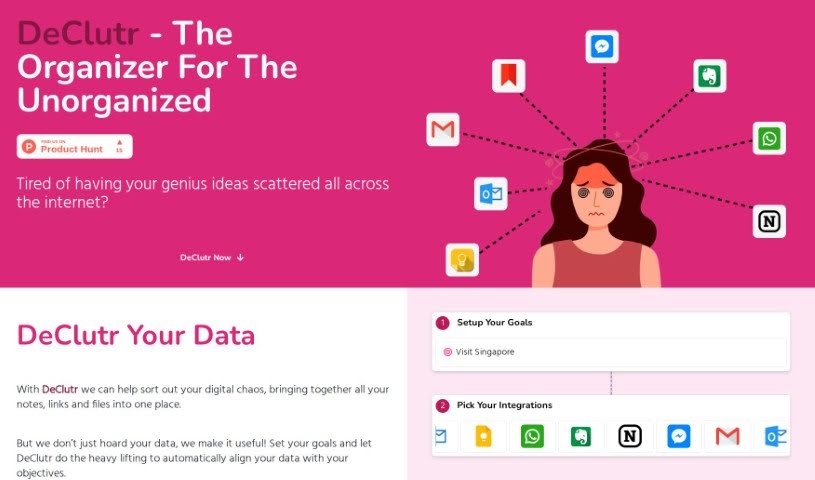
DeClutr is your digital command center, built to gather all those scattered notes, links, and files you've been collecting and bring them together in one organized spot. It uses AI to really dig into your information, offering up personalized suggestions and concrete steps to help you hit your goals. What makes DeClutr stand out? It lets you set your own objectives, then its AI analyzes everything you've collected, matching it up with what you want to achieve. You get custom recommendations, and it even helps you create inspiring documents with its smart editor. Plus, there's an AI assistant ready to offer insights, spark your creativity, and boost your productivity.

Screenshot of Deep-Talk.ai

Deep-Talk.ai

Freemium

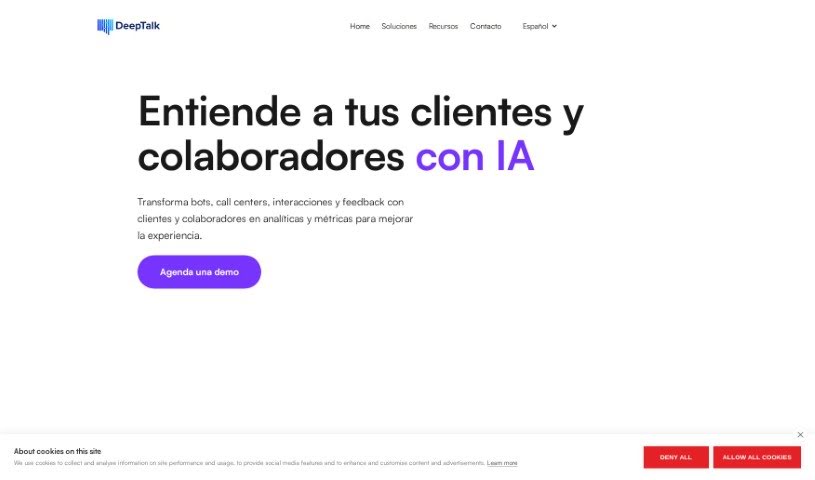
Deep-Talk.ai is a really neat AI Consultant tool from Deep Talk. It lets you chat with your data to pull out valuable insights. Think of it like having a smart assistant that understands your business. This tool uses Large Language Models (LLMs) to quickly go through tons of data – like survey results or customer feedback – and it does it with impressive accuracy. It's great at summarizing customer issues efficiently.

Screenshot of Deepform

Deepform

Freemium

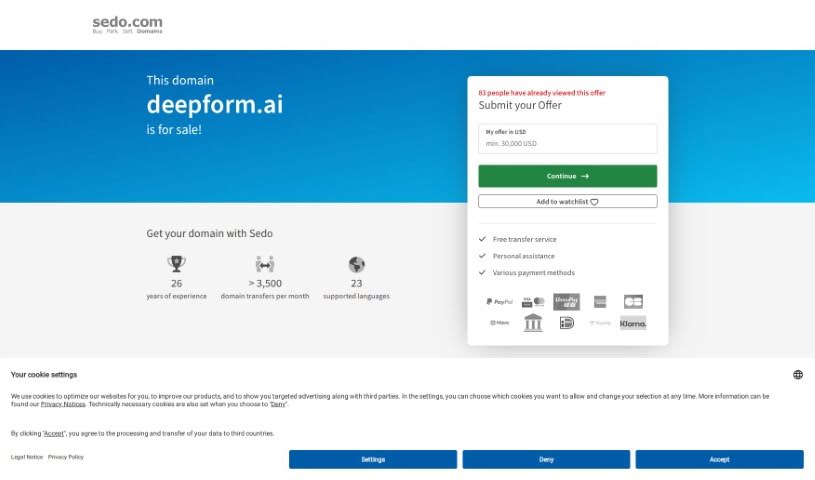
Deepform is a software designed specifically for customer feedback. It is a dedicated portal where software teams can gather, organize, and really dig into product feedback all in one spot. It gives your customers a place to share their ideas, vote on features they like, and even chat about them. This helps your team build products that customers genuinely want and love.

Screenshot of Deepnote

Deepnote

Freemium

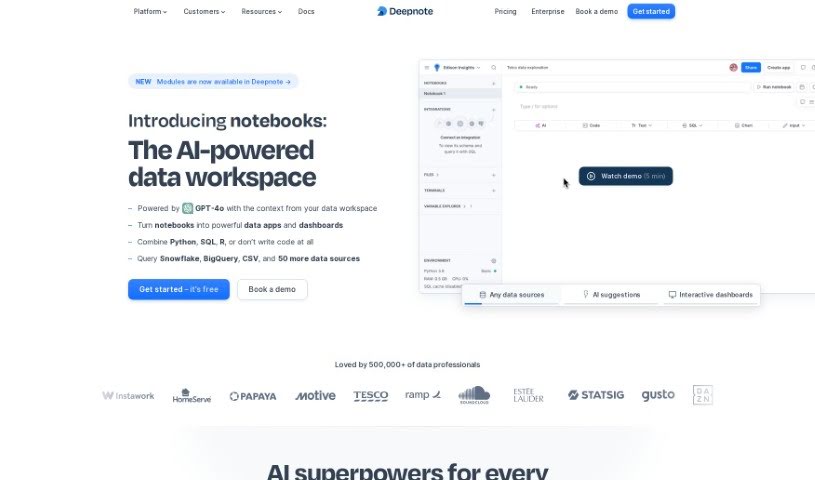
Deepnote is an AI tool built to help data scientists and analysts out. It is your AI coding assistant, right inside your notebook. It's designed to make you more productive and efficient by offering smart, context-aware code suggestions super fast. This means you can cut down on writing repetitive or boilerplate code. The cool part? It understands what you're trying to do and suggests relevant code without needing extra apps. Deepnote really shines because it's so dynamic and flexible, offering a collaborative workspace that helps you focus on the bigger picture and boost your productivity. It's known for its deep understanding of context, a vast knowledge base, and they're even working on adding conversational AI for SQL, not just code suggestions.

Stay Updated with AI Tools

Get weekly updates on the latest AI tools, trends, and insights delivered to your inbox

Join 25,000+ AI enthusiasts. No spam, unsubscribe anytime.