AI Tools for Productivity

Discover the best Productivity AI tools to enhance your productivity and creativity.

Page 24 of 114 • 1361 total tools

In today’s busy world, staying productive can feel like a real challenge. With so much to do, constant notifications, and distractions everywhere, having the right tools to manage your time well is more important than ever. That’s where AI productivity tools come in—they’re designed to make your work smoother, handle repetitive tasks for you, and keep you organized.

These smart solutions have come a long way recently. They’ve gone from simple task managers to complete systems that can adapt to what you need. Whether you’re trying to organize your day better, improve how your team works together, or finally tackle that huge inbox, the right AI tools can make a big difference.

As I looked into the best AI productivity tools out there, I tried out several apps that promise to make you more efficient and focused. From smart schedulers to new project management systems, there are tons of options to help you get your time back.

So, if you’re ready to boost your productivity and make the most of your workday, you’re in the right place. Here’s a list of great AI productivity tools that are definitely worth checking out. Let’s explore how to work smarter together!

The best AI Productivity Tools

  1. Perplexity for automating tasks and helping with management.
  2. Small PDF.com for smoother document management for teams.
  3. Gamma for document creation tools that save time.
  4. Odoo for a task management and collaboration app.
  5. Zoom for analyzing and summarizing meeting content.
  6. N8N for smoother team onboarding processes.
  7. Prezi for engaging team collaboration sessions.
  8. Tableau for creating reports and dashboards more easily.
  9. Data Camp for efficient team collaboration workflows.
  10. Otter.ai for getting action items from meetings without the fuss.
  11. Tenorshare for easily summarizing long PDF documents.
  12. Slidesgo for creating professional presentations efficiently.
  13. Facecheck Id for streamlining identity verification tasks.
  14. HIX.AI for boosting writing speed with smart tools.
  15. Tactiq for automating meeting notes for teams.

How do AI productivity tools work?

AI productivity tools use machine learning to look at how you work and make your tasks more efficient. These tools are built to handle lots of information, spotting patterns and your preferences to help smooth out your workflows. By understanding how you use different apps, AI can suggest personal improvements to boost your productivity.

Basically, these tools use natural language processing (NLP) to understand and respond to what you ask. For example, they can schedule meetings, set reminders, or create reports just by understanding simple requests. This saves you time and cuts down on manual work.

Many AI productivity apps connect with popular tools like calendars, email, and project management software. This connection lets them gather information and automate tasks across different places. As a result, you get a smooth, connected experience that improves how you work day-to-day.

AI productivity tools also learn from how you use them to get better over time. The more you use a tool, the better it gets at guessing what you need and offering helpful suggestions. This ability to adapt is what makes AI tools increasingly valuable for improving productivity for both individuals and teams.

Plus, these tools can look at data about how you complete tasks and suggest ways to improve. For instance, if you often miss deadlines, the AI might suggest better ways to manage your time. By giving you useful insights, AI productivity tools help you work smarter, not just harder.

In the end, AI productivity tools show how technology can change everyday tasks into more efficient processes. By automating routine jobs and offering personal insights, they help you focus on what’s most important—hitting your goals and being more effective overall.

Our best AI productivity tools at a glance

RankNameBest forPlans and PricingRating
1PerplexityAutomating tasks and helping with management.N/A4.70 (10 reviews)
2SmallPDF.comSmoother document management for teams.Paid plans start at $9/month.4.73 (11 reviews)
3GammaDocument creation tools that save time.N/A4.79 (19 reviews)
4OdooA task management and collaboration app.N/A4.67 (6 reviews)
5ZoomAnalyzing and summarizing meeting content.Paid plans start at $15.99/month.4.73 (11 reviews)
6N8NSmoother team onboarding processes.Paid plans start at $50/month.4.58 (12 reviews)
7PreziEngaging team collaboration sessions.Paid plans start at $19/month.4.18 (11 reviews)
8TableauCreating reports and dashboards more easily.N/A4.70 (43 reviews)
9DataCampEfficient team collaboration workflows.Paid plans start at $25/month.4.71 (24 reviews)
10Otter.aiGetting action items from meetings without the fuss.Paid plans start at $13.59/month.4.73 (11 reviews)
11TenorshareEasily summarizing long PDF documents.N/A4.64 (11 reviews)
12SlidesgoCreating professional presentations efficiently.N/A4.68 (22 reviews)
13Facecheck IdStreamlining identity verification tasks.N/A4.42 (19 reviews)
14HIX.AIBoosting writing speed with smart tools.N/A4.36 (11 reviews)
15TactiqAutomating meeting notes for teams.N/A4.64 (11 reviews)
Screenshot of Data On Demand

Data On Demand

Freemium

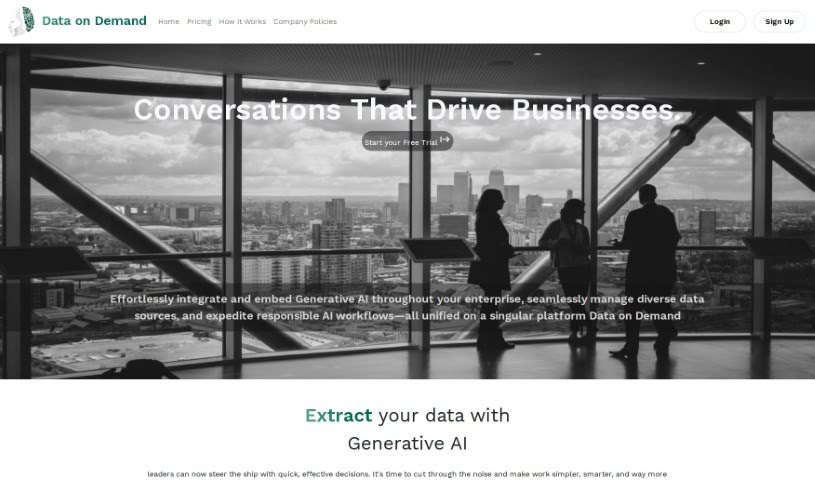
"Data On Demand" is a smart generative AI platform designed to give you practical business insights. It pulls together and manages all your different data sources in one central place. This means you can easily grab data from wherever it lives, dive deep into patterns, trends, and any oddities, and then see it all clearly presented in charts and graphs. Plus, its predictive analytics can actually forecast future demand by looking at past data and outside factors. It's a great fit for industries like eCommerce, Logistics, Finance, Consumer Packaged Goods, and Manufacturing.

Screenshot of Databricks

Databricks

Freemium

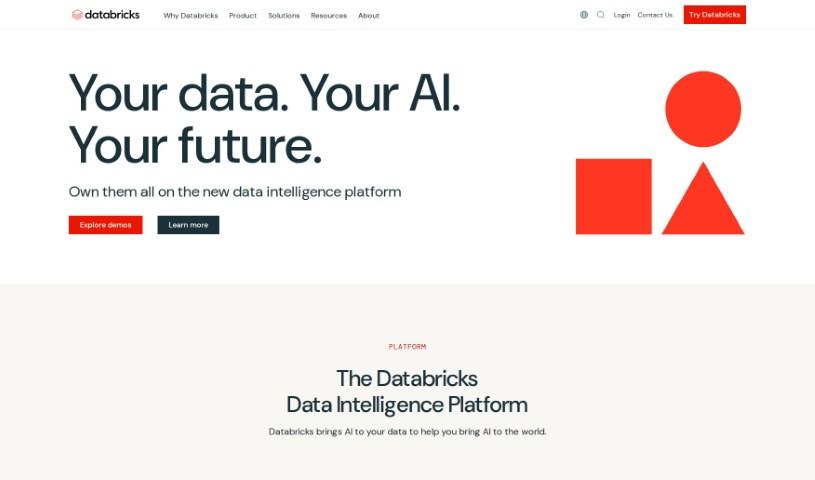
Databricks is a powerful Data Intelligence Platform. It's built on a modern open lakehouse architecture, which basically means it gives you one solid place for all your data and governance, plus AI models that are specifically tailored to what your organization needs. What's really neat is that it lets anyone in your company use automation and even natural language to explore and work with data. Meanwhile, your technical teams can easily build and roll out secure data and AI applications. Databricks actually grew out of academia and the open-source world. It was founded back in 2013 by the very people who created the lakehouse architecture and key open-source projects like Apache Sparkâ„¢, Delta Lake, MLflow, and Unity Catalog.

Screenshot of Databricks Mosaic AI

Databricks Mosaic AI

Freemium

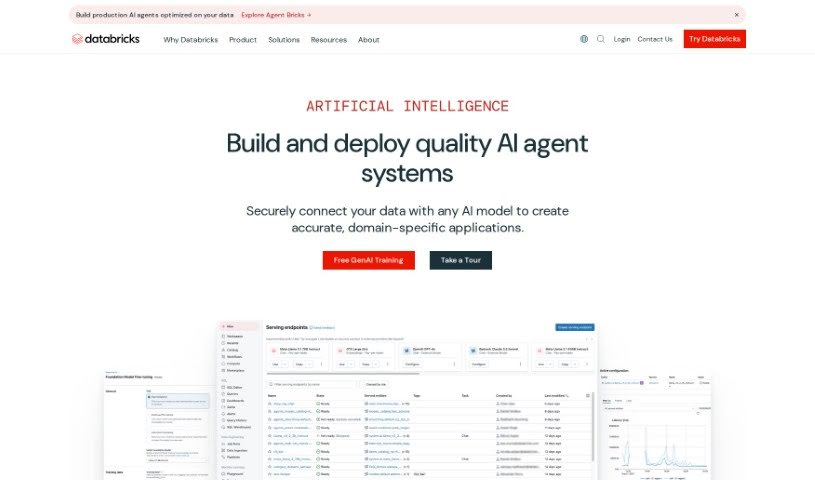
Mosaic AI is a complete AI toolkit designed to make your business run smoother and smarter. It brings together advanced analytics and AI solutions, pulling in data from all sorts of places – like customer info, financial records, and how your operations are doing. The goal? To give you clear insights that help you make better, data-backed decisions. With Mosaic AI, companies can boost their efficiency, improve performance, and plan their strategies more effectively. It uses predictive analytics, machine learning, and easy-to-use dashboards to help you spot hidden patterns, trends, and opportunities in your data. This ultimately gives you a real edge in today's competitive market.

Screenshot of DataCamp

DataCamp

Freemium

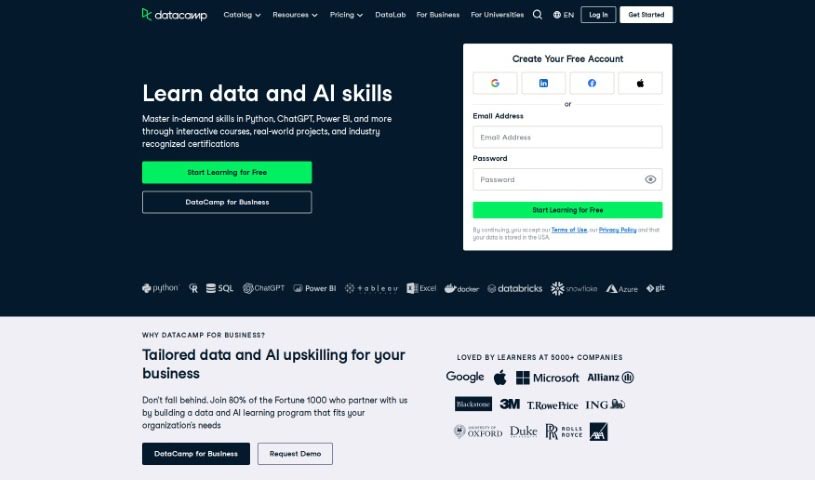
DataCamp is an online learning platform that really focuses on teaching data science and analytics. It's packed with courses designed to help you, whether you're an individual or part of an organization, get better at managing data, doing analytics, and understanding artificial intelligence (AI) and machine learning. What's cool is that it offers hands-on learning – you'll work through interactive courses, tackle real-world problems, and even code right in your browser without needing to install anything. DataCamp is built for everyone, from total beginners to seasoned pros, covering popular tools like Python, SQL, Power BI, Tableau, and Excel. Their approach involves skill assessments to see where you stand, deep dives into topics, daily practice challenges, and putting what you learn into action. Plus, you can learn on the go with their mobile courses and daily coding challenges.

Screenshot of Datadog

Datadog

Freemium

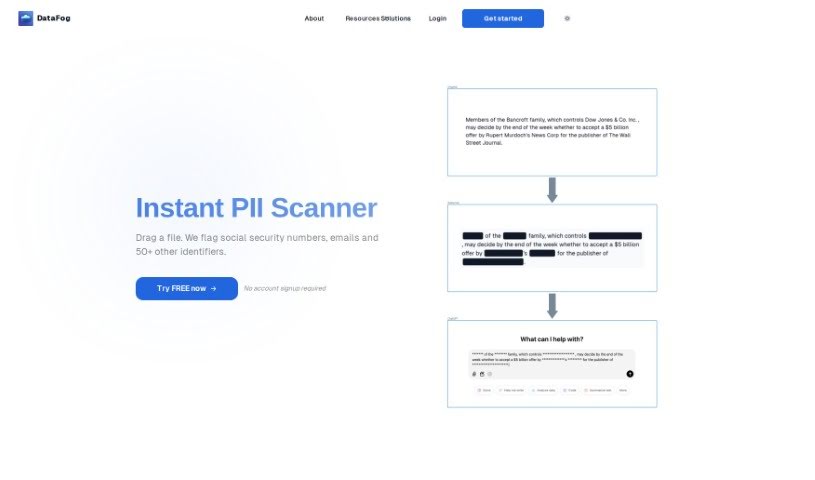
It seems there might be a slight mix-up in the name here! The tool you're describing is actually DataFog, not Datadog. DataFog is a really neat open-source platform focused on privacy. Its main job is to find and then anonymize Personally Identifiable Information (PII) – you know, things like names, addresses, or phone numbers – in all sorts of files. This includes text documents, images, and even audio files. Essentially, DataFog helps you scan your data for this sensitive stuff, and then you can either remove it (redact it) or swap it out with made-up, synthetic data. This is super useful for creating datasets that are completely free of PII, making them safe to share with others you trust, like partners or collaborators.

Screenshot of DataGems

DataGems

Freemium

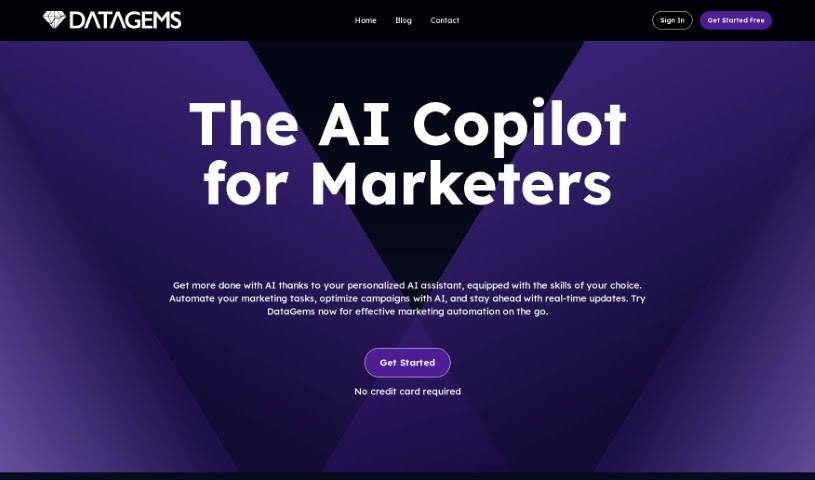
ChartGPT by Cadlabs is your personal data assistant. It's designed to help you create charts and get answers to questions about your data. Essentially, it guides you through exploring your datasets. You can choose from sample datasets that are already there, or you can even ask for specific ones if you have a particular use case in mind. It's worth noting that because ChartGPT uses GPT-3.5 instead of the more advanced GPT-4, you might sometimes get inconsistent results. The team is actively working on making it perform better, adding new features, and updating the datasets regularly.

Screenshot of Dataing

Dataing

Freemium

While there isn't a single, universally recognized definition for "Dataing" in the sources I can access, we can make a pretty good guess based on the name. It likely refers to the whole process of managing, analyzing, and organizing data. It is everything involved in collecting, storing, processing, and interpreting data to get useful insights. This helps people make smarter decisions and take action in all sorts of areas – business, science, technology, you name it.

Screenshot of Dataminr

Dataminr

Freemium

Dataminr is a real-time AI platform that gives you early warnings about major events and developing risks. This means you can react faster and handle crises more effectively. It uses advanced artificial intelligence to sift through tons of data from social media, news, and other places, delivering alerts and insights as they happen. Unlike older monitoring tools, Dataminr's machine learning algorithms spot patterns and trends, helping you anticipate risks before they become big problems. Its AI platform, Real, comes with features like personalized dashboards, live visualization tools, and ways to work together, all designed to make crisis management smoother and offer valuable industry-specific knowledge across different fields.

Screenshot of Datascale

Datascale

Freemium

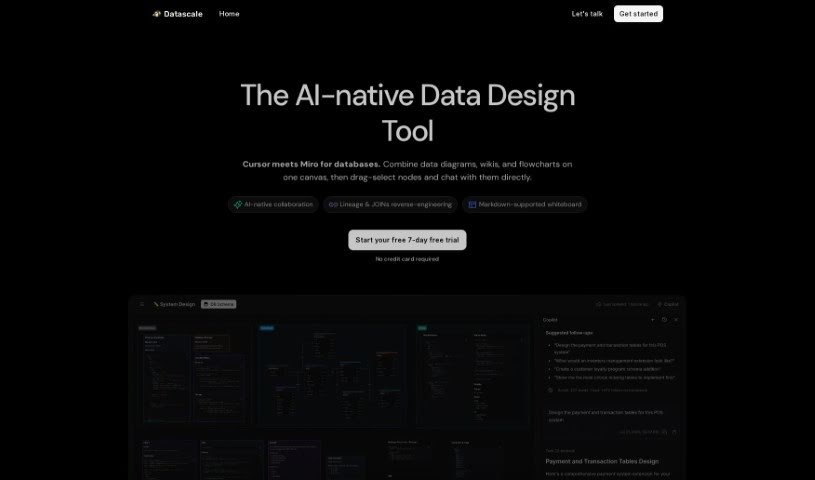
Datascale is a tool that automatically analyzes SQL lineage. Its main goal is to give you a really clear picture of how complex data connects, help you be more productive with data, and make your data workflows run much smoother. It uses AI to automate SQL lineage analysis. Plus, it has a SQL store where analysts can easily search for, share, and link queries. There's also a collaborative workspace that makes querying and organizing data workflows efficient. Datascale is built for all sorts of data pros, like data leaders, data scientists, analytics engineers, and product managers. It even helps speed up writing queries with ready-made data prompt templates and a central SQL repository for finding and sharing queries.

Screenshot of Datasquirrel

Datasquirrel

Freemium

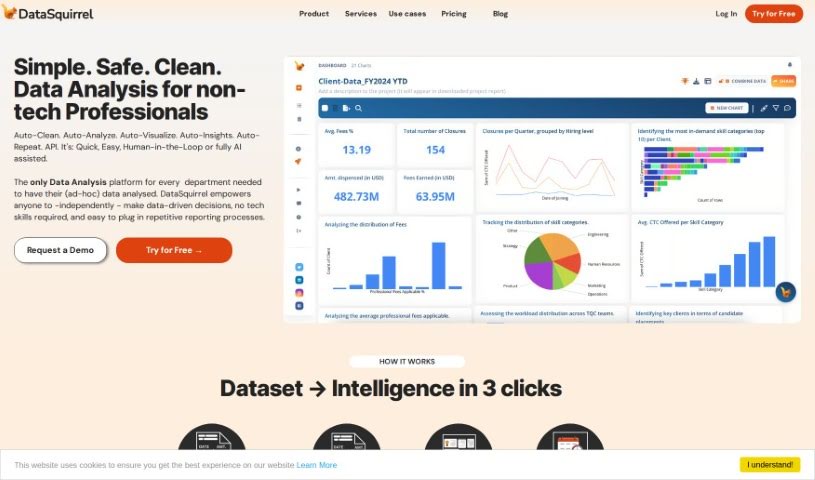
Datasquirrel is your smart assistant for making sense of data. It's an AI tool designed to automatically clean up your data and create clear visualizations. It’s really good at fixing common problems like mistakes in what you type in, blank spots in your data, different ways dates are written, and even typos. Plus, it offers features like automatic analysis, interactive dashboards, and secure ways to handle your data. It also makes it easy for teams to work together by letting you share visuals, leave comments, and add notes, which is super handy for businesses in areas like B2B eCommerce, HR, financial accounting, and analyzing survey results.

Screenshot of Datatera.ai

Datatera.ai

Freemium

Datatera.ai is a really handy platform that lets you turn pretty much any website or file into a structured dataset. You can even transform them into CRM, ERP, or HR solutions – all without needing to write a single line of code, mess with mappings, or call in IT. The platform uses AI-powered tools to help with data analysis, automate tasks, and connect with all sorts of systems, including CRM software and Large Language Models (LLMs).

Screenshot of Datayaki

Datayaki

Freemium

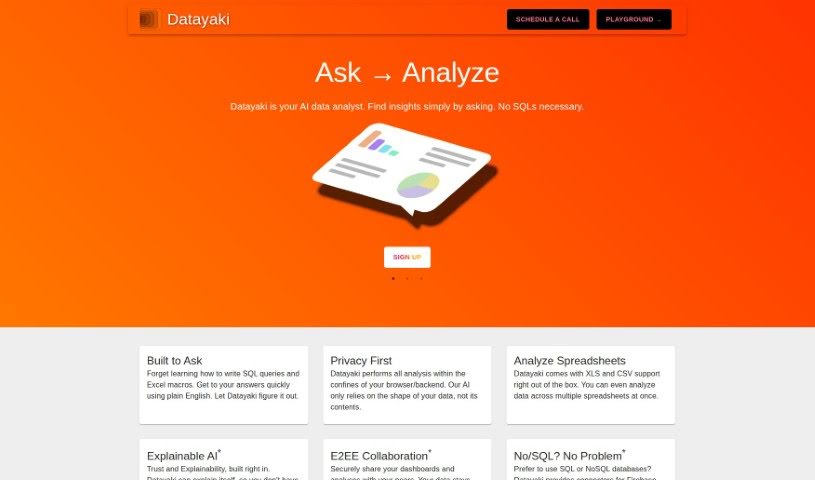
Datayaki is an AI-powered data analyst tool designed to make data analysis much simpler. Forget about writing complicated SQL queries or fiddling with Excel macros; with Datayaki, you can create useful widgets just by asking questions in plain English. It's built to keep your data private, running either in your browser or on your backend. This means it only looks at your data's structure, not its actual content. You can easily analyze different data formats, like XLS and CSV files, even if they're spread across multiple spreadsheets. Datayaki also includes explainable AI, so you can trust the results and understand how they were reached. Plus, it offers end-to-end encryption for secure collaboration and connects to various SQL and NoSQL databases, including popular ones like Firebase, Postgres, Supabase, Snowflake, and many others.

Stay Updated with AI Tools

Get weekly updates on the latest AI tools, trends, and insights delivered to your inbox

Join 25,000+ AI enthusiasts. No spam, unsubscribe anytime.