AI Tools for Productivity

Discover the best Productivity AI tools to enhance your productivity and creativity.

Page 23 of 114 • 1361 total tools

In today’s busy world, staying productive can feel like a real challenge. With so much to do, constant notifications, and distractions everywhere, having the right tools to manage your time well is more important than ever. That’s where AI productivity tools come in—they’re designed to make your work smoother, handle repetitive tasks for you, and keep you organized.

These smart solutions have come a long way recently. They’ve gone from simple task managers to complete systems that can adapt to what you need. Whether you’re trying to organize your day better, improve how your team works together, or finally tackle that huge inbox, the right AI tools can make a big difference.

As I looked into the best AI productivity tools out there, I tried out several apps that promise to make you more efficient and focused. From smart schedulers to new project management systems, there are tons of options to help you get your time back.

So, if you’re ready to boost your productivity and make the most of your workday, you’re in the right place. Here’s a list of great AI productivity tools that are definitely worth checking out. Let’s explore how to work smarter together!

The best AI Productivity Tools

  1. Perplexity for automating tasks and helping with management.
  2. Small PDF.com for smoother document management for teams.
  3. Gamma for document creation tools that save time.
  4. Odoo for a task management and collaboration app.
  5. Zoom for analyzing and summarizing meeting content.
  6. N8N for smoother team onboarding processes.
  7. Prezi for engaging team collaboration sessions.
  8. Tableau for creating reports and dashboards more easily.
  9. Data Camp for efficient team collaboration workflows.
  10. Otter.ai for getting action items from meetings without the fuss.
  11. Tenorshare for easily summarizing long PDF documents.
  12. Slidesgo for creating professional presentations efficiently.
  13. Facecheck Id for streamlining identity verification tasks.
  14. HIX.AI for boosting writing speed with smart tools.
  15. Tactiq for automating meeting notes for teams.

How do AI productivity tools work?

AI productivity tools use machine learning to look at how you work and make your tasks more efficient. These tools are built to handle lots of information, spotting patterns and your preferences to help smooth out your workflows. By understanding how you use different apps, AI can suggest personal improvements to boost your productivity.

Basically, these tools use natural language processing (NLP) to understand and respond to what you ask. For example, they can schedule meetings, set reminders, or create reports just by understanding simple requests. This saves you time and cuts down on manual work.

Many AI productivity apps connect with popular tools like calendars, email, and project management software. This connection lets them gather information and automate tasks across different places. As a result, you get a smooth, connected experience that improves how you work day-to-day.

AI productivity tools also learn from how you use them to get better over time. The more you use a tool, the better it gets at guessing what you need and offering helpful suggestions. This ability to adapt is what makes AI tools increasingly valuable for improving productivity for both individuals and teams.

Plus, these tools can look at data about how you complete tasks and suggest ways to improve. For instance, if you often miss deadlines, the AI might suggest better ways to manage your time. By giving you useful insights, AI productivity tools help you work smarter, not just harder.

In the end, AI productivity tools show how technology can change everyday tasks into more efficient processes. By automating routine jobs and offering personal insights, they help you focus on what’s most important—hitting your goals and being more effective overall.

Our best AI productivity tools at a glance

RankNameBest forPlans and PricingRating
1PerplexityAutomating tasks and helping with management.N/A4.70 (10 reviews)
2SmallPDF.comSmoother document management for teams.Paid plans start at $9/month.4.73 (11 reviews)
3GammaDocument creation tools that save time.N/A4.79 (19 reviews)
4OdooA task management and collaboration app.N/A4.67 (6 reviews)
5ZoomAnalyzing and summarizing meeting content.Paid plans start at $15.99/month.4.73 (11 reviews)
6N8NSmoother team onboarding processes.Paid plans start at $50/month.4.58 (12 reviews)
7PreziEngaging team collaboration sessions.Paid plans start at $19/month.4.18 (11 reviews)
8TableauCreating reports and dashboards more easily.N/A4.70 (43 reviews)
9DataCampEfficient team collaboration workflows.Paid plans start at $25/month.4.71 (24 reviews)
10Otter.aiGetting action items from meetings without the fuss.Paid plans start at $13.59/month.4.73 (11 reviews)
11TenorshareEasily summarizing long PDF documents.N/A4.64 (11 reviews)
12SlidesgoCreating professional presentations efficiently.N/A4.68 (22 reviews)
13Facecheck IdStreamlining identity verification tasks.N/A4.42 (19 reviews)
14HIX.AIBoosting writing speed with smart tools.N/A4.36 (11 reviews)
15TactiqAutomating meeting notes for teams.N/A4.64 (11 reviews)
Screenshot of Cue

Cue

Freemium

Cue is a comprehensive digital platform built to boost how teams work together and get things done. It offers a bunch of helpful features, like managing tasks, team messaging, sharing files, and integrating with your calendar. The goal is to make your workflows smoother and communication clearer within your organization. Essentially, Cue wants to bring all your work activities into one easy-to-access spot. This way, team members can easily coordinate tasks, share updates, and keep an eye on how projects are progressing. By making real-time collaboration easier and providing a central place for all your information, Cue is designed to help teams be more efficient and productive in today's work environment.

Screenshot of CueCam Presenter

CueCam Presenter

Freemium

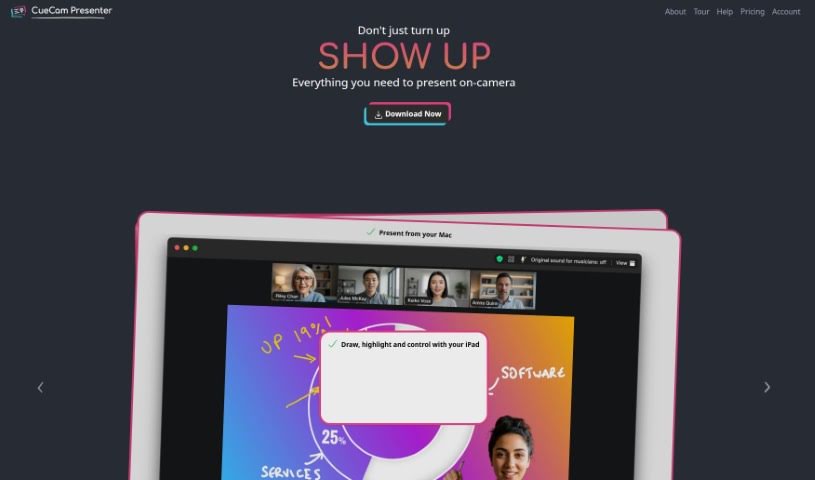
CueCam Presenter is a really neat Mac app that completely changes how you share content during video calls. It lets you use your iPhone as a top-notch camera, a teleprompter, and even a preview window. This means you can give presentations while looking right at your audience, which feels much more professional. If you've got an iPad, CueCam Presenter works with it too, offering cool features like the Video Pencil. This lets you draw and add annotations directly over whatever you're sharing. Plus, it has a virtual camera and microphone that work seamlessly with any Mac app. You can combine live video, graphics, and audio all in one place, without needing extra software like OBS Studio.

Screenshot of Cumulus Pro

Cumulus Pro

Freemium

Cumulus Pro is a digital tool built to quickly turn your standard operating procedures into smooth digital workflows. It really focuses on quality management for all sorts of work activities. The goal? To boost productivity, make your processes run better, and cut down on rework by making sure everyone follows the right steps and quality checks are in place.

Screenshot of Curiosity.ai

Curiosity.ai

Freemium

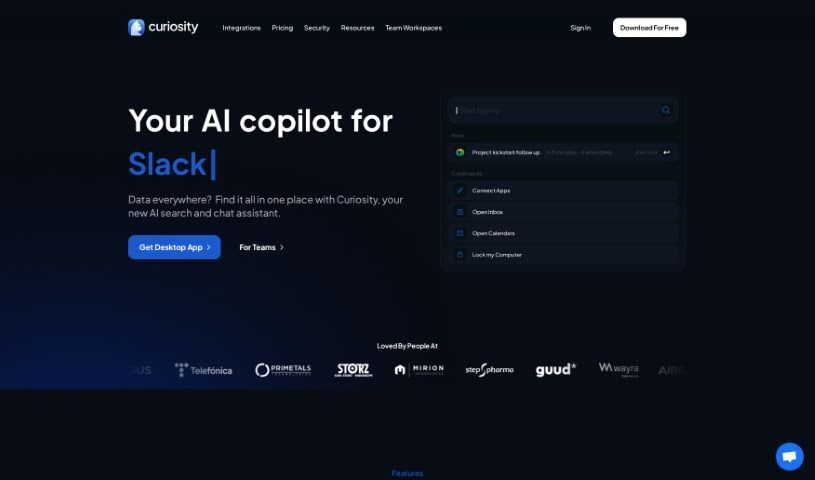
Curiosity.AI is a really handy tool designed to help you search across all your applications and files at once. It boosts your productivity by giving you one central place to search efficiently, so you don't have to dig through tons of folders or different apps. With Curiosity.AI, you can manage several email accounts, schedule and join meetings right away, quickly open the apps you use most often, and even do web searches – all from one easy-to-use interface.

Screenshot of CustomerIQ

CustomerIQ

Freemium

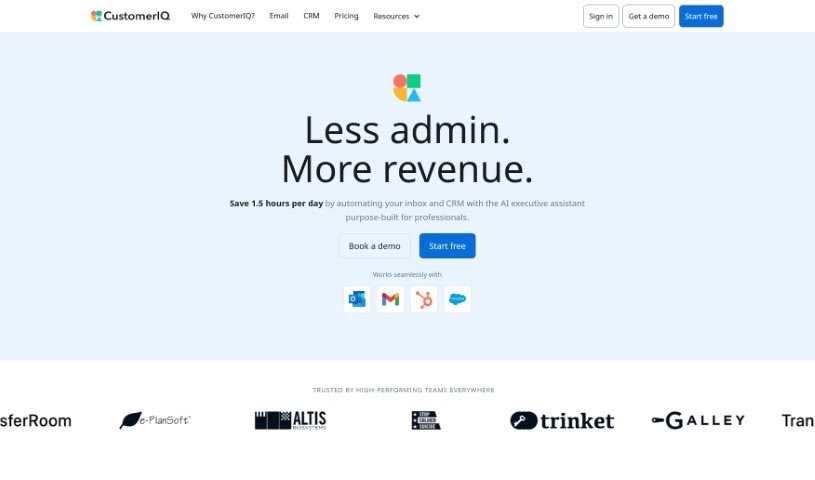
CustomerIQ is an AI platform designed to work with your CRM, help desk, and messaging apps. Its main goal is to automate tasks and pull out key insights from your customer interactions. It is a smart assistant that can grab CRM fields from all sorts of places – emails, calls, even support tickets. It also handles research and meeting summaries for you, and it can even put numbers to your customer insights, which is super helpful for product, marketing, and customer experience teams. Plus, it's built with security and privacy in mind, and you can get it up and running, generating insights, in just minutes. Essentially, CustomerIQ uses AI to dig deep into what your customers are saying, analyzing qualitative data to give you valuable insights without you having to sift through everything manually. It makes it easier for teams to work together, offers practical advice, organizes information automatically, and even lets you search through feedback semantically to quickly analyze and categorize it.

Screenshot of Cyanite.ai

Cyanite.ai

Freemium

Cyanite.ai is a really smart AI platform designed to completely change how the music industry handles tagging and searching for songs. It is a powerful assistant for anyone involved with music – whether you're creating it, publishing it, or just trying to find new tracks. It offers services like automatically tagging music with all sorts of useful information, classifying songs by mood and genre in detail, and even finding songs that sound similar to ones you already like.

Screenshot of Cycle App

Cycle App

Freemium

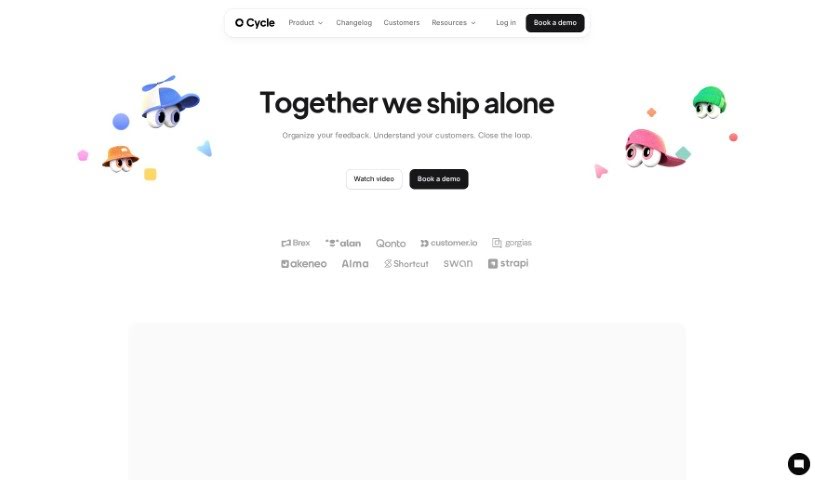
A 'cycle' in the Cycle App platform is a complete workflow. It covers everything from gathering feedback and planning your product roadmap to managing releases and using AI for commands. You can also update your workspace settings, handle billing, and work together on roadmaps with different team members. The pricing for Cycle App depends on how many 'maker' seats you need, any extra add-ons you choose, and whether you pay monthly or yearly.

Screenshot of Daily Zaps

Daily Zaps

Freemium

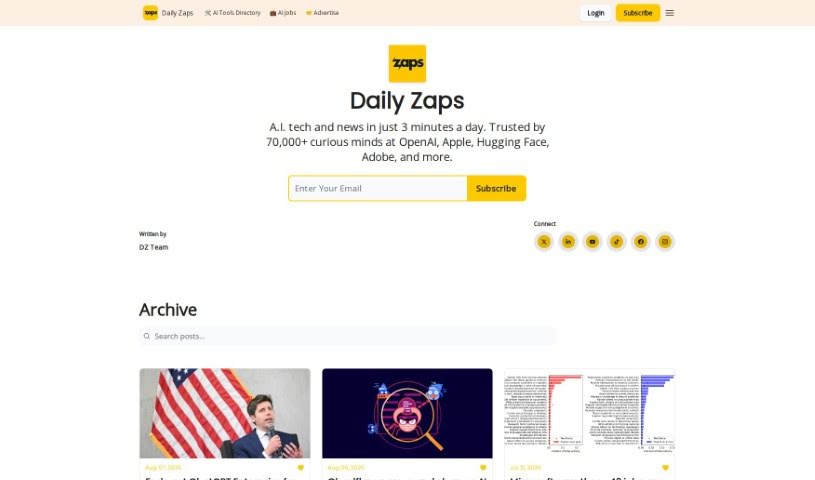
It seems there isn't any specific information about "Daily Zaps" in the documents I have. If you have other documents or details about it, please share them, and I'll do my best to help!

Screenshot of DailyBot

DailyBot

Freemium

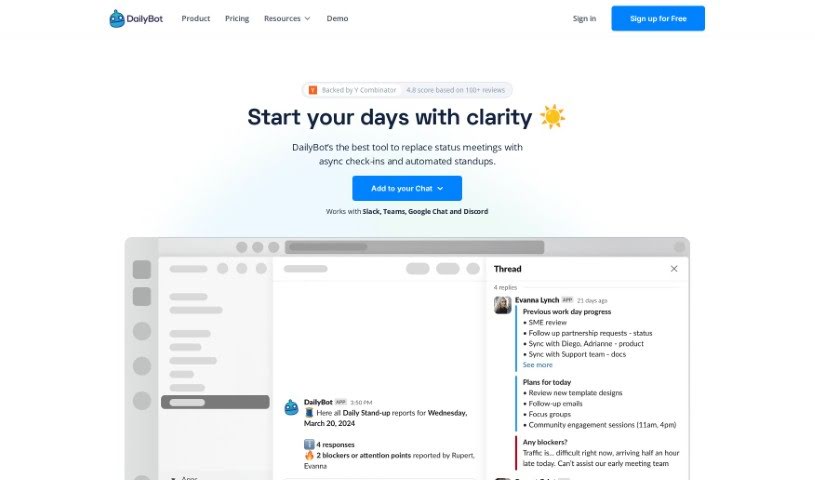
DailyBot is an AI-powered chat assistant built to really boost how your team works together and gets things done, no matter the industry. It is an upgrade for your team's collaboration, offering key features like regular check-ins, ways to give kudos, custom forms, and even fun extras like watercoolers. DailyBot uses smart AI to automate tasks, let you create your own commands, and even connect with other tools you already use through its API. The main goal here is to make work processes smoother, improve how you report on things, offer lots of customization, and bring in AI capabilities to handle all sorts of team needs. Plus, they take security seriously, following the best practices to keep your user data safe.

Screenshot of Dart

Dart

Freemium

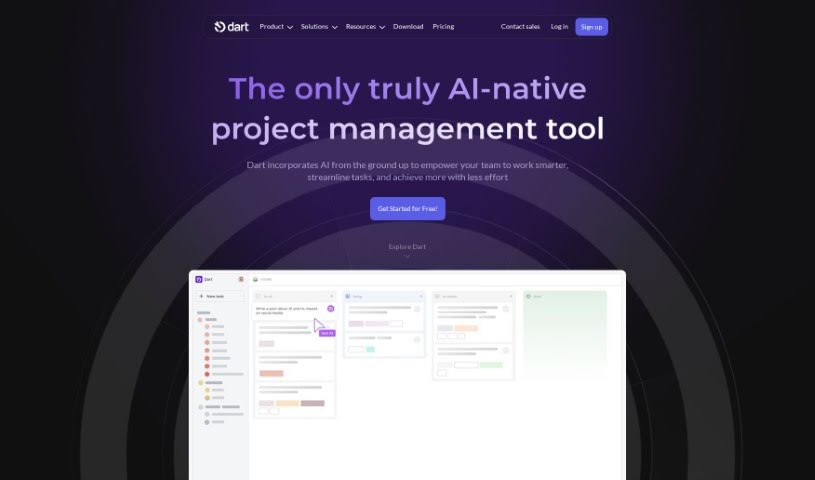
Dart is a really smart project management tool that uses AI, specifically GPT-4 technology, to make managing projects much smoother and help teams get more done. It can handle those everyday tasks for you, like creating, organizing, and scheduling tasks, which can actually make your team work up to 182% faster! Some of Dart's coolest features include its AI-powered automation, letting you create tasks just by talking or typing naturally, super-easy keyboard controls, a workspace you can set up just how you like it, and smooth connections with tools like ChatGPT and GitHub. Plus, it offers AI-driven planning and ways to make teamwork better.

Screenshot of Dashbot

Dashbot

Freemium

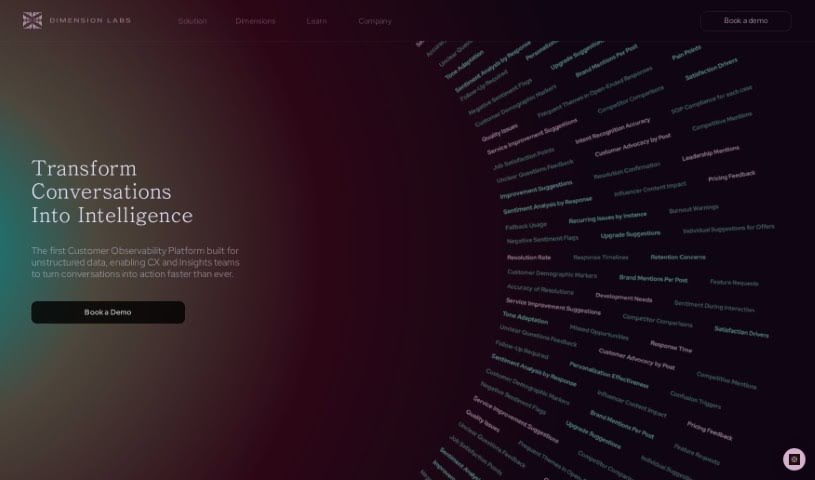
Dashbot is a Conversational Data Platform that uses AI to help you get valuable insights from customer conversations, no matter how many there are. It takes all your customer chat data from different places and turns it into something you can actually use to make customer experiences better across all sorts of industries. How does it do this? Well, it brings together all your data sources, even the 'dark data' that's usually hard to access, and customer surveys. It then organizes all that unstructured chat information so it's easy to work with and understand. The platform helps you improve user experience by showing you the entire customer journey, from start to finish, across all channels. This way, customer experience teams can really get a handle on what customers are doing and how to respond to them effectively. Industries that deal with a lot of conversation data and need a clear picture of customer interactions will find Dashbot particularly useful. It also has advanced Machine Learning features to fine-tune Natural Language Processing data models and speed up innovation.

Screenshot of Dashworks

Dashworks

Freemium

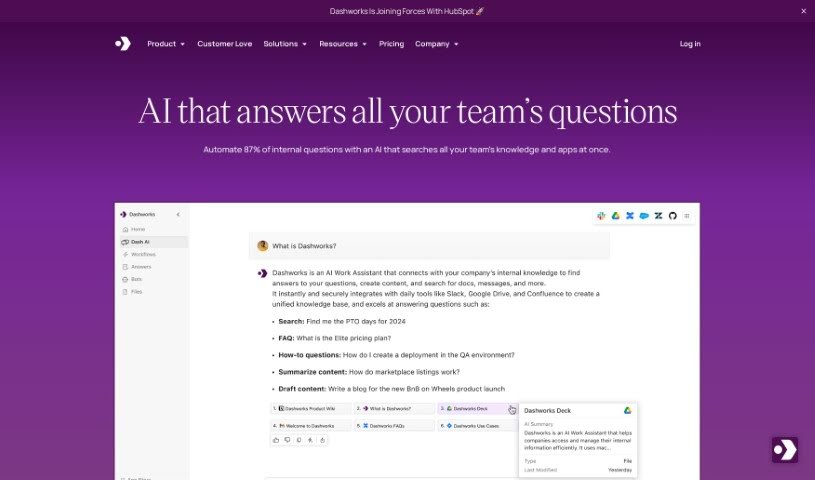
Dashworks for Slack is an AI Assistant that connects with Slack, giving you one place to search across all your apps. You can get answers right in Slack, or even set it as your team's browser homepage. What's really neat is that Dashworks is known for being accurate and provides references for its answers. Plus, it doesn't need to index your data for its AI models to work. You can also customize it to build bots for all sorts of things, like helping new hires get started or answering questions about your products. Essentially, Dashworks helps teams fill in the blanks by providing fast, precise answers about products, how things work, company policies, ongoing projects, and much more. The goal is to boost everyone's productivity by cutting down on how long it takes to get answers, making customers happier, and helping to sort out technical problems quickly.

Stay Updated with AI Tools

Get weekly updates on the latest AI tools, trends, and insights delivered to your inbox

Join 25,000+ AI enthusiasts. No spam, unsubscribe anytime.