AI Tools for Productivity

Discover the best Productivity AI tools to enhance your productivity and creativity.

Page 27 of 114 • 1361 total tools

In today’s busy world, staying productive can feel like a real challenge. With so much to do, constant notifications, and distractions everywhere, having the right tools to manage your time well is more important than ever. That’s where AI productivity tools come in—they’re designed to make your work smoother, handle repetitive tasks for you, and keep you organized.

These smart solutions have come a long way recently. They’ve gone from simple task managers to complete systems that can adapt to what you need. Whether you’re trying to organize your day better, improve how your team works together, or finally tackle that huge inbox, the right AI tools can make a big difference.

As I looked into the best AI productivity tools out there, I tried out several apps that promise to make you more efficient and focused. From smart schedulers to new project management systems, there are tons of options to help you get your time back.

So, if you’re ready to boost your productivity and make the most of your workday, you’re in the right place. Here’s a list of great AI productivity tools that are definitely worth checking out. Let’s explore how to work smarter together!

The best AI Productivity Tools

  1. Perplexity for automating tasks and helping with management.
  2. Small PDF.com for smoother document management for teams.
  3. Gamma for document creation tools that save time.
  4. Odoo for a task management and collaboration app.
  5. Zoom for analyzing and summarizing meeting content.
  6. N8N for smoother team onboarding processes.
  7. Prezi for engaging team collaboration sessions.
  8. Tableau for creating reports and dashboards more easily.
  9. Data Camp for efficient team collaboration workflows.
  10. Otter.ai for getting action items from meetings without the fuss.
  11. Tenorshare for easily summarizing long PDF documents.
  12. Slidesgo for creating professional presentations efficiently.
  13. Facecheck Id for streamlining identity verification tasks.
  14. HIX.AI for boosting writing speed with smart tools.
  15. Tactiq for automating meeting notes for teams.

How do AI productivity tools work?

AI productivity tools use machine learning to look at how you work and make your tasks more efficient. These tools are built to handle lots of information, spotting patterns and your preferences to help smooth out your workflows. By understanding how you use different apps, AI can suggest personal improvements to boost your productivity.

Basically, these tools use natural language processing (NLP) to understand and respond to what you ask. For example, they can schedule meetings, set reminders, or create reports just by understanding simple requests. This saves you time and cuts down on manual work.

Many AI productivity apps connect with popular tools like calendars, email, and project management software. This connection lets them gather information and automate tasks across different places. As a result, you get a smooth, connected experience that improves how you work day-to-day.

AI productivity tools also learn from how you use them to get better over time. The more you use a tool, the better it gets at guessing what you need and offering helpful suggestions. This ability to adapt is what makes AI tools increasingly valuable for improving productivity for both individuals and teams.

Plus, these tools can look at data about how you complete tasks and suggest ways to improve. For instance, if you often miss deadlines, the AI might suggest better ways to manage your time. By giving you useful insights, AI productivity tools help you work smarter, not just harder.

In the end, AI productivity tools show how technology can change everyday tasks into more efficient processes. By automating routine jobs and offering personal insights, they help you focus on what’s most important—hitting your goals and being more effective overall.

Our best AI productivity tools at a glance

RankNameBest forPlans and PricingRating
1PerplexityAutomating tasks and helping with management.N/A4.70 (10 reviews)
2SmallPDF.comSmoother document management for teams.Paid plans start at $9/month.4.73 (11 reviews)
3GammaDocument creation tools that save time.N/A4.79 (19 reviews)
4OdooA task management and collaboration app.N/A4.67 (6 reviews)
5ZoomAnalyzing and summarizing meeting content.Paid plans start at $15.99/month.4.73 (11 reviews)
6N8NSmoother team onboarding processes.Paid plans start at $50/month.4.58 (12 reviews)
7PreziEngaging team collaboration sessions.Paid plans start at $19/month.4.18 (11 reviews)
8TableauCreating reports and dashboards more easily.N/A4.70 (43 reviews)
9DataCampEfficient team collaboration workflows.Paid plans start at $25/month.4.71 (24 reviews)
10Otter.aiGetting action items from meetings without the fuss.Paid plans start at $13.59/month.4.73 (11 reviews)
11TenorshareEasily summarizing long PDF documents.N/A4.64 (11 reviews)
12SlidesgoCreating professional presentations efficiently.N/A4.68 (22 reviews)
13Facecheck IdStreamlining identity verification tasks.N/A4.42 (19 reviews)
14HIX.AIBoosting writing speed with smart tools.N/A4.36 (11 reviews)
15TactiqAutomating meeting notes for teams.N/A4.64 (11 reviews)
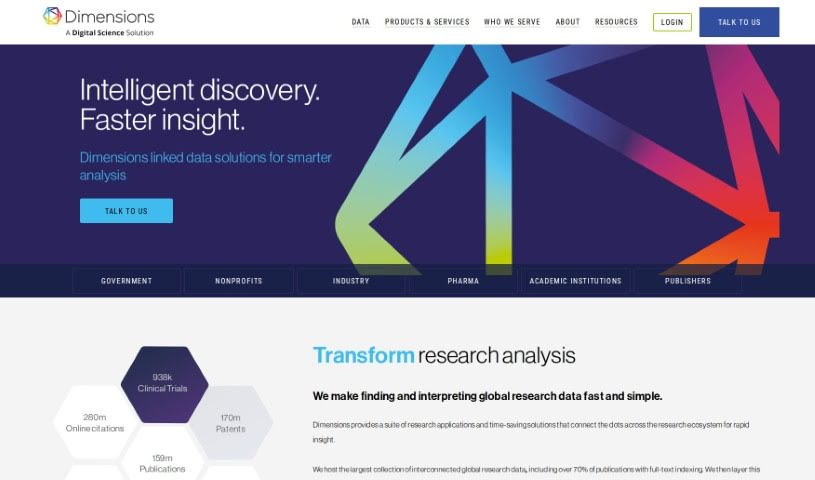
Screenshot of Dimensions AI

Dimensions AI

Freemium

Dimensions AI is a platform designed to speed up research discovery. It offers a collection of research products and solutions that save you time. The main goal? To make finding and understanding global research data quick and simple, really connecting all the pieces within the research world. Dimensions AI holds the biggest collection of interconnected global research data, with over 70% of publications featuring full-text indexing. The platform uses visual tools to help you discover new things, allowing you to make better decisions and move your information discovery forward, all while saving you time.

Screenshot of Dinnerfy

Dinnerfy

Freemium

Dinnerfy is a Progressive Web App, or PWA for short. This means it works right in your web browser, so you don't have to download anything from app stores like Apple's or Google's. You can easily add it to your device's home screen, just like any other app, making it super convenient to access. The folks behind Dinnerfy really emphasize how the app is designed to help families spend more quality time together. They've developed special technology that learns what your family likes and helps you reach your goals while enjoying that time. Plus, you can customize your menus to make the whole experience even better for everyone. The best part? Dinnerfy is free to use, though they do welcome voluntary donations to help keep it running.

Screenshot of Discute

Discute

Freemium

Discute is an AI tool that lets you have conversations with your own knowledge base. It is a virtual assistant that helps you find information and solve problems. You can chat with all sorts of data sources, like PDF documents, DOCX files, and TXT files, making it super easy to find what you need. And guess what? They're planning to add the ability to chat with databases and websites soon, which will be a game-changer!

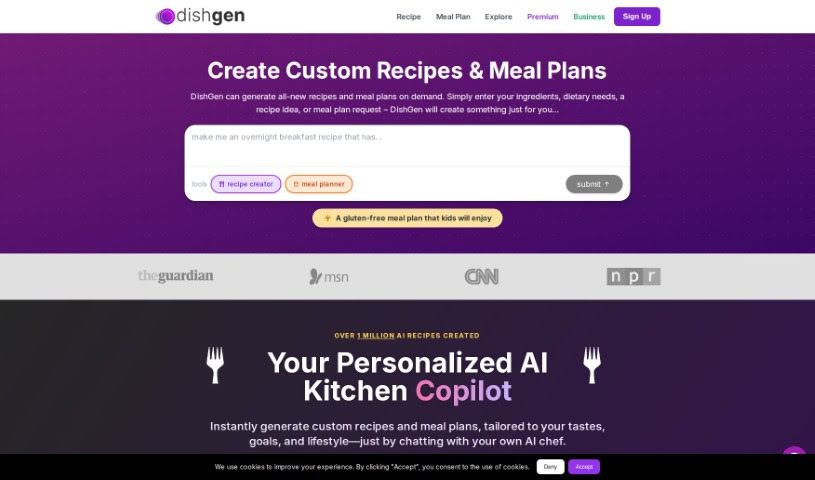
Screenshot of Dishgen

Dishgen

Freemium

Dishgen is a really neat AI tool that helps you create unique recipes instantly. You just tell it what ingredients you have, or what kind of recipe you're thinking of, or any dietary needs you have, and poof – you get a brand new recipe. It's like having a personal kitchen assistant who knows tons of recipes. Whether you're just trying to whip up something new at home or you're focused on cutting down on food waste and saving a bit of cash, Dishgen has you covered. It opens up a world of recipe possibilities! Plus, it has cool features like an "Idea Generator" and lets you tweak recipes as you go, making meal planning feel more like a fun creative project than a chore. You can even sign up for a free account to start playing around with AI-generated recipes, or go for a premium option if you prefer an ad-free experience with even more ways to customize.

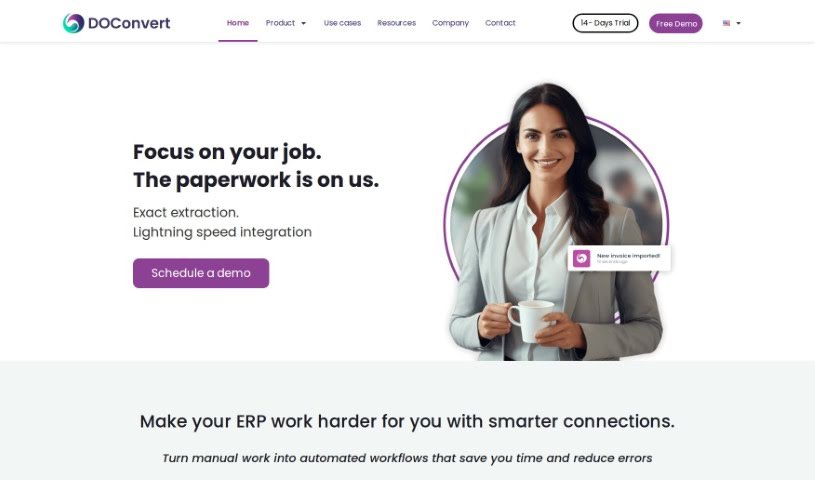
Screenshot of DOConvert

DOConvert

Freemium

From what we can gather, DOConvert seems to be a system designed to help businesses. It's apparently quite quick to set up, works with a variety of ERP platforms, and can be installed either on your own servers or in the cloud. It looks like it handles document management, and might even offer solutions for dealing with large volumes of documents.

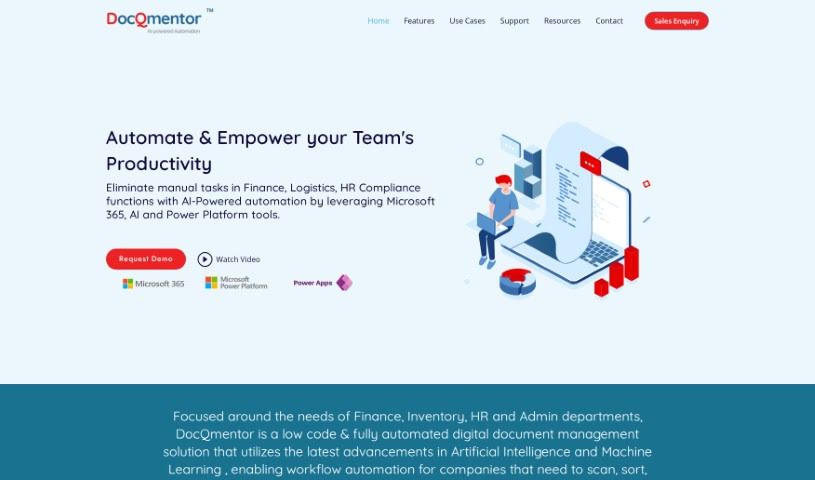
Screenshot of DocQmentor

DocQmentor

Freemium

DocQmentor is your digital assistant for making work smoother across different departments – whether that's Finance, Inventory, HR, or Admin. It's a smart, low-code system that fully automates document management. What's really neat is how it uses AI and Machine Learning to handle your workflows. You just drop your files into a special folder, and DocQmentor takes over. It'll scan them, pull out the important data, rename the files correctly, add all the necessary metadata, and then file them away securely in your Microsoft 365. Plus, it taps into the robust security already built into Microsoft 365, so your documents are well-protected. It even gives you confidence scores for the forms it processes, so you can easily keep an eye on how accurate the data is. DocQmentor can also connect with other major business applications, offering smart automation solutions tailored for your teams.

Screenshot of DocsDNA

DocsDNA

Freemium

DocsDNA is an AI-powered platform built for deep document analysis and smart information retrieval. Essentially, it's designed to make working with business documents much simpler and faster. It really helps teams collaborate, letting everyone work on the same documents at the same time. Plus, it gives you tools to manage who can do what and even create quick summaries of your documents. DocsDNA also handles documents in different languages, and they can even create custom solutions if your business has unique needs. It's built to be easy to use, secure, reliable, and trustworthy, fitting in with what different industries need. By saving you time, it really boosts how productive your team can be.

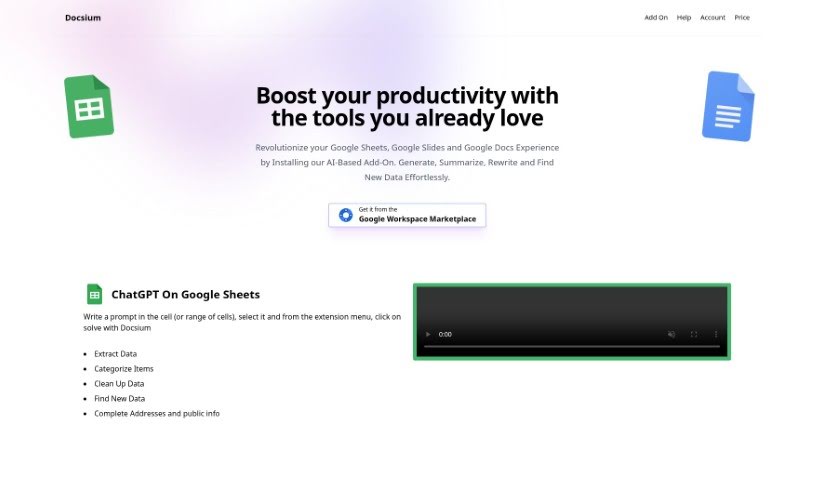
Screenshot of Docsium

Docsium

Freemium

Docsium is a handy AI add-on for Google Sheets, Google Docs, and Google Slides. It uses GPT-3 technology to help you get more done. It is a smart assistant that can generate data, summarize long texts, rewrite content, and even find information for you.

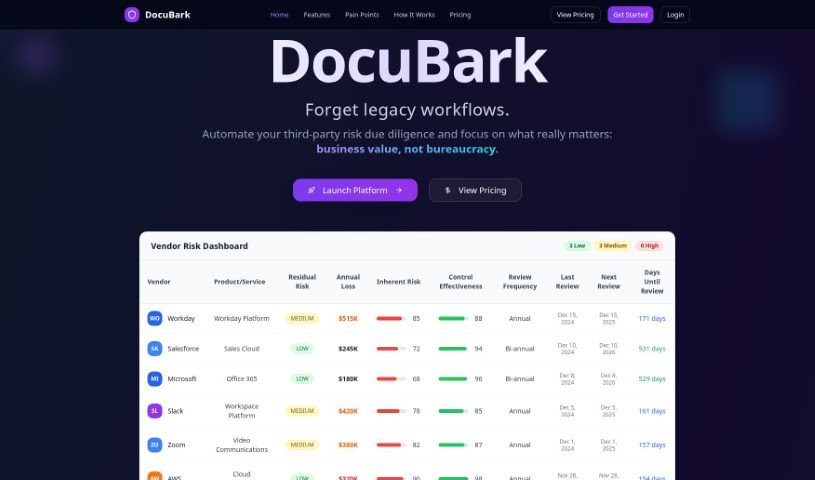
Screenshot of Docubank

Docubank

Freemium

Docubank, which you'll see referred to as "DocuBark" on their site, is a really neat tool that uses generative AI to help you find answers in your documents super fast. It's got this quick search function, powered by a FAISS search engine, so you can ask really specific questions across one or even several documents. The system gives you smart answers, thanks to OpenAI, making sure you get helpful insights. They also really emphasize data security and privacy, using encryption to keep your information safe and never sharing it with anyone else. You can get started with packages of 100 credits for $5, and they even offer free trials without needing your credit card details. If you have any questions or need a hand, you can just email them, which shows they're committed to making things easy for everyone.

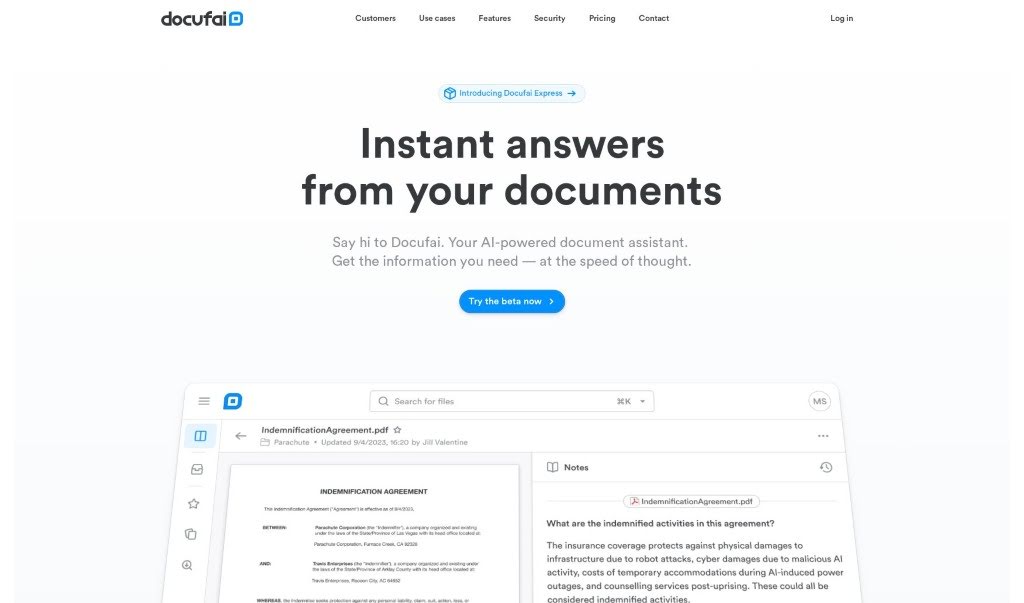
Screenshot of Docufai

Docufai

Freemium

Docufai is an AI-powered tool designed to make managing your documents a breeze. It helps you quickly pull out and understand the important details from any document. It is your smart assistant for searching, summarizing, and even helping you make decisions based on your files. Plus, it really focuses on keeping your data safe and private. Because it's built with Generative AI, you can just ask it questions and get immediate answers, summaries, or information in whatever format and language you prefer. Whether you're using it for personal projects or for your business, Docufai aims to completely change how we interact with information, speeding up progress and sharing knowledge more effectively.

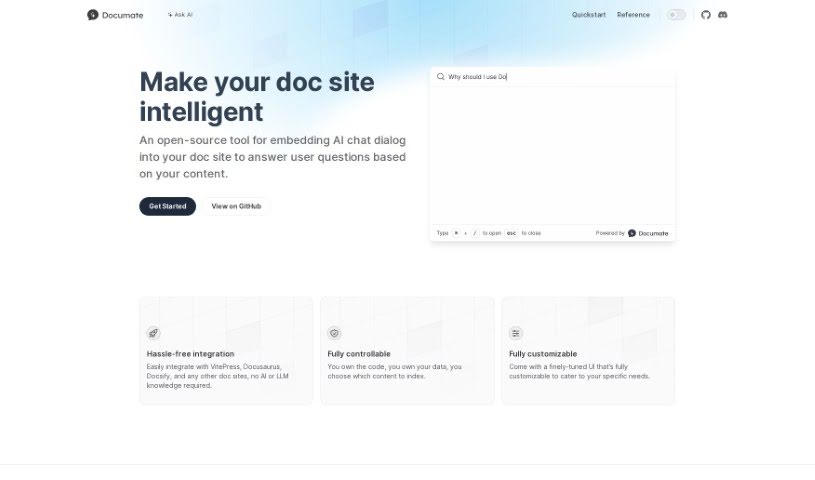
Screenshot of Documate

Documate

Freemium

Documate is a fantastic open-source tool built to make your documentation websites much smarter. It does this by smoothly adding AI chat features right into your site. This means visitors can ask questions directly and get answers based on the website's own content. What's really great is how flexible it is; you can customize the look and feel of the user interface to perfectly match your needs. Plus, integrating Documate with popular platforms like VitePress, Docusaurus, and Docsify is a breeze – you don't need any special AI or language model expertise. You also get complete control over the code and data, so you decide exactly what information the AI uses to answer questions. AirCode developed Documate, offering a reliable and easy-to-use way to bring AI chat to your documentation.

Screenshot of Document360

Document360

Freemium

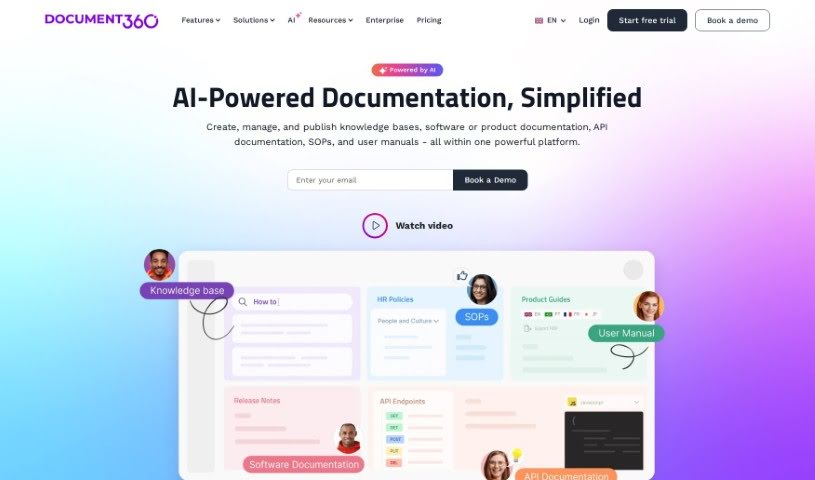
Document360 is a really useful knowledge base software. Its main purpose is to help you create self-service knowledge bases for your customers. It is a central hub where you can build all sorts of helpful documents. This includes things like frequently asked questions (FAQs), step-by-step user guides, detailed product documentation, and even standard operating procedures. It's designed to be helpful for a wide range of people – from editors and writers who create the content, to reviewers who check it, and finally to the customers or employees who need to access it. Developers can also find it valuable. Because of this flexibility, Document360 works well across many different industries, like SaaS companies, legal firms, healthcare providers, and financial services. The platform comes packed with features that make managing your documentation easier, such as analytics to see what's working, tools for managing your content workflow, ways to optimize your content for search engines (SEO), and options to connect it with other software you use. It also includes a business glossary to keep your company's terms consistent and a ticket deflector to help customers find answers before they even need to submit a support ticket. Plus, it helps with SEO by creating search engine-friendly web addresses and making sure your content is optimized for the keywords people are actually searching for. It really helps streamline your workflow by making the process of creating, reviewing, and publishing content much more organized.

Stay Updated with AI Tools

Get weekly updates on the latest AI tools, trends, and insights delivered to your inbox

Join 25,000+ AI enthusiasts. No spam, unsubscribe anytime.