Top AI Productivity Tools

AI Tools for Productivity

Discover the best Productivity AI tools to enhance your productivity and creativity.

Page 14 of 108 • 1290 total tools
Screenshot of Bubbles Notetaker

Bubbles Notetaker

Freemium

Bubbles Notetaker is an AI-powered tool for recording, transcribing, and following up on meetings asynchronously. It connects to Google Calendar to automatically transcribe and summarize meetings, and lets you comment on recordings using screen, camera, or text annotations. Optional smart reminders keep team members across time zones in the loop. It works for remote and in-person teams alike.

Productivity View Tool →
Screenshot of Bubbletea

Bubbletea

Freemium

Bubbletea is a set of secure, encrypted AI tools built for Slack. It bundles polls, quizzes, group tasks, greeting cards, stand-up meetings, and announcements into one app, with the goal of boosting team productivity without flooding channels with unnecessary messages. Security is central to the product: data is protected with end-to-end encryption while in transit and strong encryption while stored on the company's servers. The premium plan adds more advanced encryption and AI features.

Productivity View Tool →
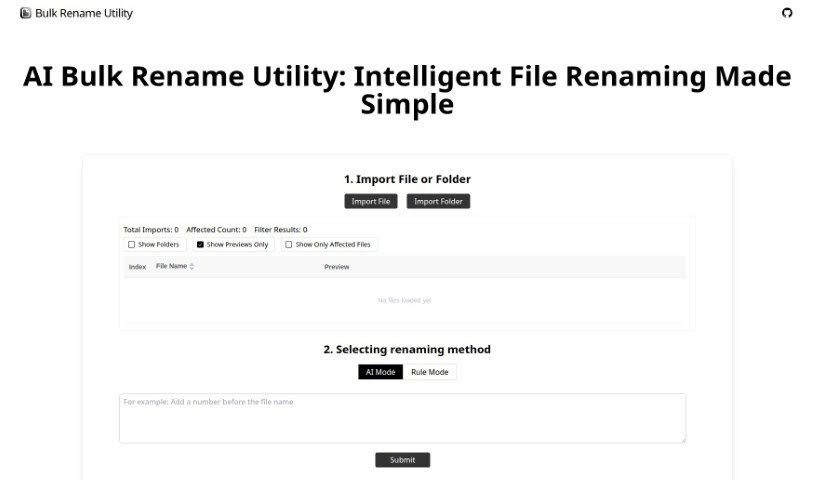
Screenshot of Bulk Rename Utility

Bulk Rename Utility

Freemium

Bulk Rename Utility is a free online tool for renaming files in batches. Nothing is uploaded and no software needs to be installed — everything runs in your browser. It offers two renaming modes:

Productivity View Tool →
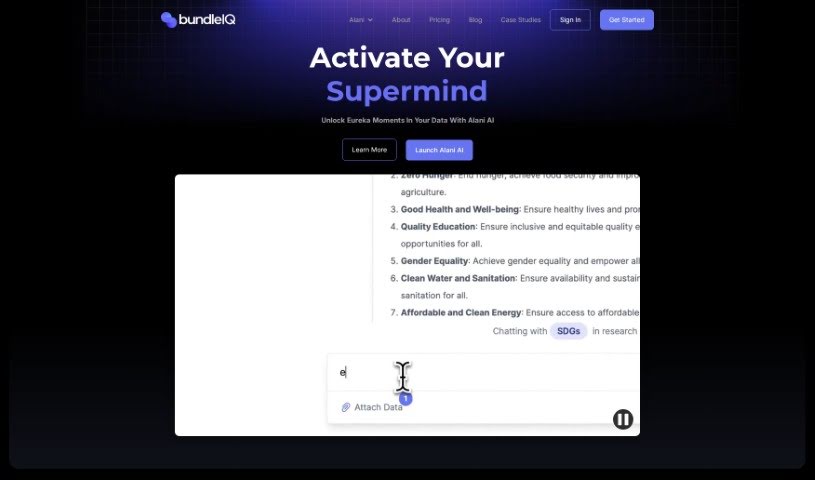
Screenshot of bundleIQ

bundleIQ

Freemium

BundleIQ is an AI-powered knowledge management platform for gathering, analyzing, and sharing information. It uses natural language processing to surface connections in data. The platform includes an AI assistant, ALANI, that answers questions, supports strategic decisions, and speeds up research. ALANI processes questions, searches data, and returns answers, and users can save and organize findings in the platform. bundleIQ also offers Semantic Search, which uses algorithms to find patterns, trends, and connections by analyzing context and meaning rather than just keywords.

Productivity View Tool →
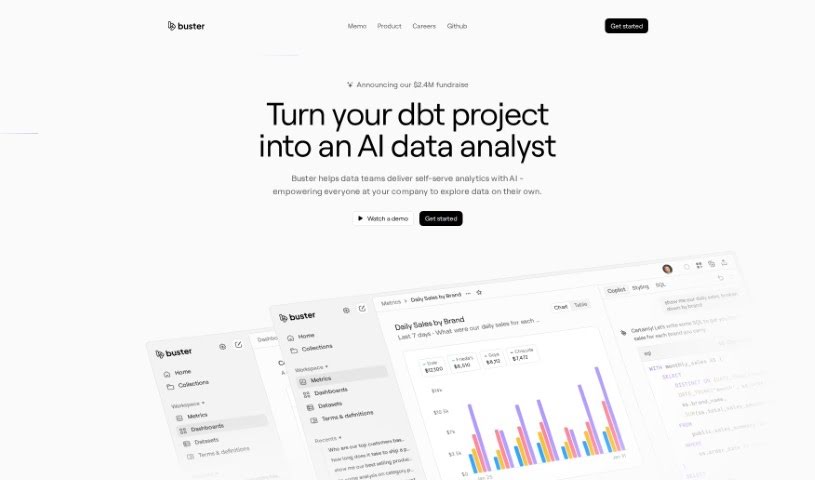
Screenshot of Buster.so

Buster.so

Freemium

Buster.so is an AI-powered data analytics tool that brings data insights into web applications. You can build dashboards by typing what you're looking for in plain language. It includes a no-code builder for custom UI components, API access for turning text into SQL queries, and connections to major databases and data warehouses. Buster's AI-driven reporting supports dashboard creation and data visualization with quick setup. The system improves model accuracy over time through continuous learning and monitors performance to spot and fix quality issues. You can customize colors, fonts, charts, and other interface elements without coding, and Buster can learn to write optimized queries based on your preferences.

Productivity View Tool →
Screenshot of Byrdhouse

Byrdhouse

Freemium

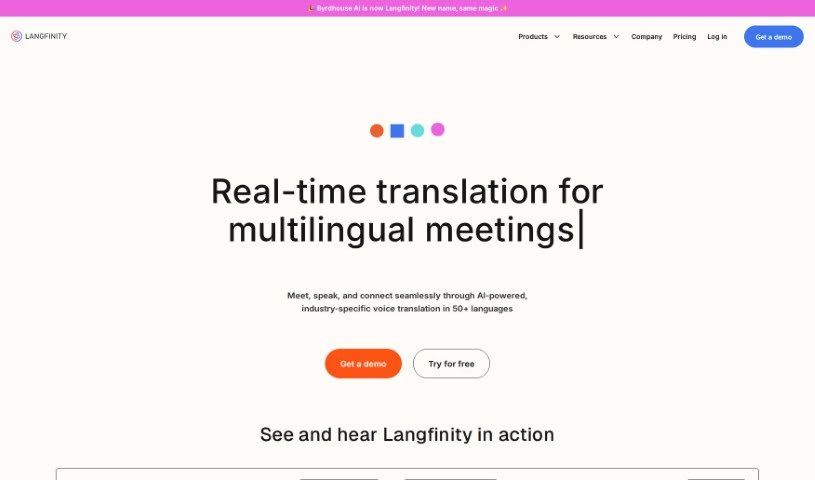
Byrdhouse is an AI-powered video conferencing app built for multilingual communication and collaboration. It translates conversations in real time across more than 100 languages and dialects, so participants can understand each other regardless of the language they speak. The platform also generates meeting notes automatically in different languages and offers translated text chat, removing the need for manual note-taking during calls.

Productivity View Tool →
Screenshot of Byterat

Byterat

Freemium

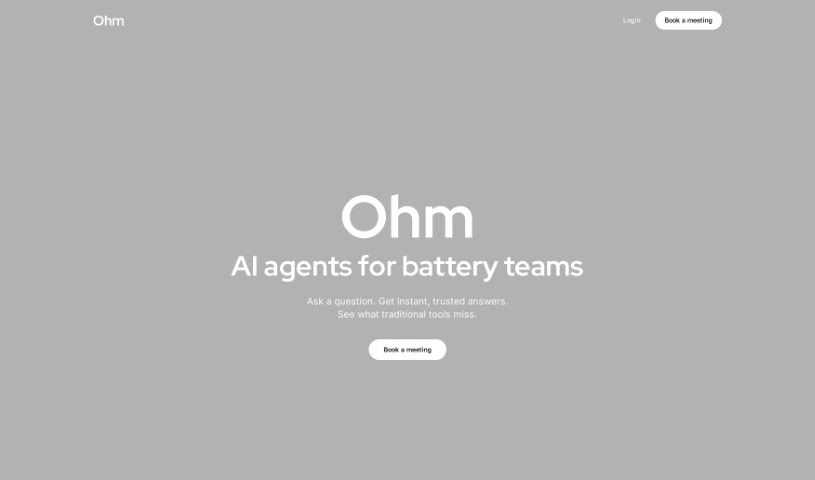
Byterat is a platform that uses machine learning to predict battery performance. Its algorithms analyze battery data to provide insights into lifespan, capacity, and overall health, helping users make informed decisions about how they use, maintain, and replace batteries. The platform offers real-time analysis for continuous performance monitoring and early issue detection, along with tools for optimizing battery usage and making more sustainable choices. It serves both large industries and individual users.

Productivity View Tool →
Screenshot of Cal.ai

Cal.ai

Freemium

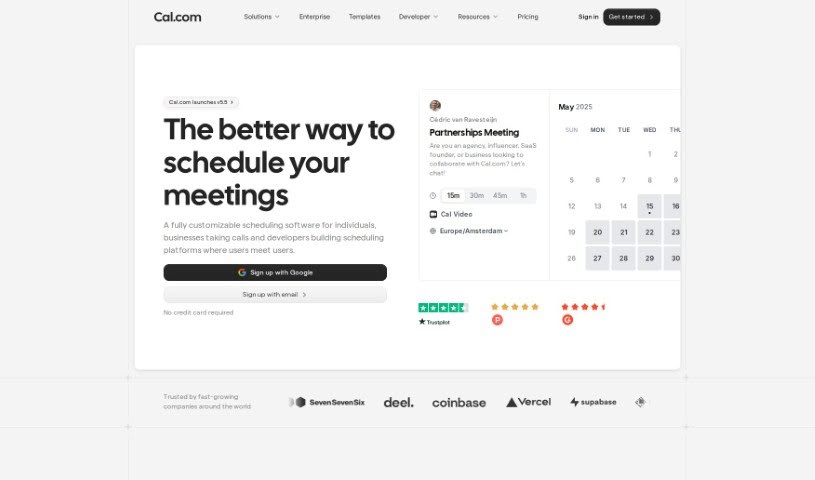
Cal.ai is an AI scheduling assistant from the Cal.com family of tools. You send commands over email, and the assistant handles the booking: scheduling meetings, rescheduling when plans change, and finding times that work for everyone. You can also forward scheduling emails to it to book events automatically, and it produces transcriptions and summaries of Cal video meetings. It suits individuals who want to spend less time scheduling, as well as teams and organizations coordinating meetings.

Productivity View Tool →
Screenshot of Calendar Prep

Calendar Prep

Freemium

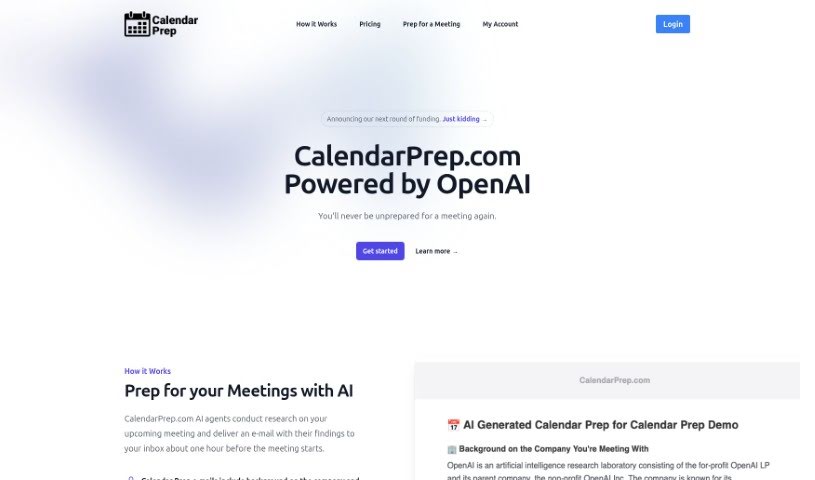
CalendarPrep is an AI meeting-preparation tool. It syncs with your Google or Microsoft Outlook calendar, researches your upcoming meetings, and emails you background information on the companies and people you'll be meeting with — typically about an hour before each meeting.

Productivity View Tool →
Screenshot of Calendarscan

Calendarscan

Freemium

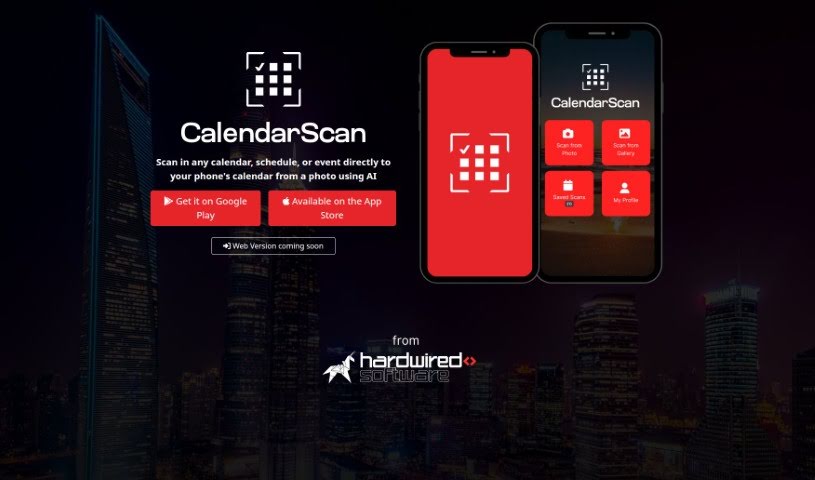
CalendarScan is an AI tool that digitizes calendars and schedules. Snap a photo of a paper calendar, schedule, or event details, and the AI interprets the information in the image, then imports it directly into your phone's calendar — no manual data entry required.

Productivity View Tool →
Screenshot of Call An Ai

Call An Ai

Freemium

Call An AI is a phone-based service from the Toolkit AI team that gives you access to specialized AI bots you can talk to on the phone. Each bot fills a specific role: therapist, daily planner, parenting coach, tech support agent, idea partner, or journaling buddy. You can also create your own bot and assign it a dedicated phone number. All bots are available 24/7, and calls capture transcripts and audio.

Productivity View Tool →
Screenshot of Calorieai

Calorieai

Freemium

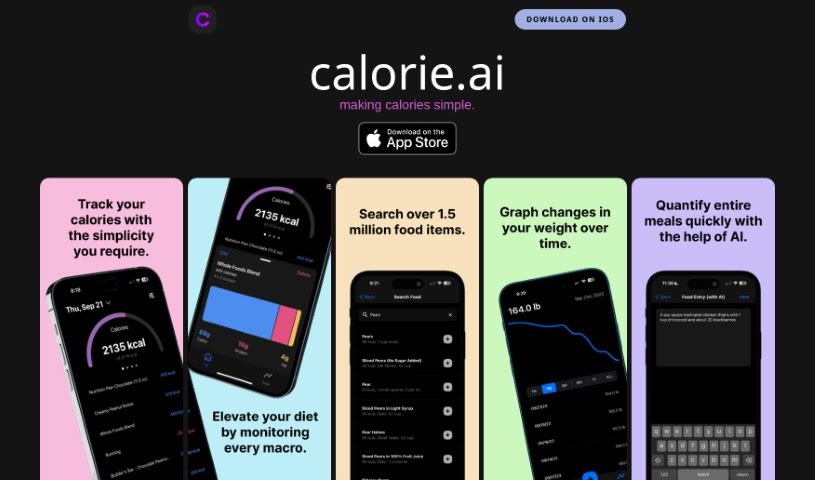
Calorieai is a calorie tracking app built for iOS devices. Its goal is to make monitoring and managing daily calorie intake simpler, helping users reach their health and fitness targets. The app offers a straightforward interface and includes a database of foods with calorie counts along with macronutrient tracking. It is aimed at anyone who wants to track calories accurately, eat a balanced diet, and maintain a healthy lifestyle. A privacy policy link points to a separate site, indicating attention to data protection and transparency.

Productivity View Tool →

About Productivity tools

Having a task list that seems to grow longer by the hour is a fast track to burnout. Between managing clogged email inboxes, jumping across context-heavy browser tabs, updating project boards, and tracking down files, everyday administrative work drains momentum. When managing your workflow takes more energy than doing your actual job, staying focused gets tough.

These workflow platforms act as high-speed productivity partners for task management, scheduling, and daily automation. They won’t replace your personal discipline or strategic priorities, but they handle routine administrative tasks so you can protect your focus time.

Organizing daily tasks and scheduling focus blocks takes far less manual effort. Manually moving deadlines around when a project slips or trying to carve out focus time between back-to-back meetings usually leaves you with a chaotic calendar. Smart scheduling assistants evaluate your working habits, auto-prioritize tasks, and block out dedicated focus time on your calendar before your day gets overrun.

Clearing out email backlogs and workspace communications becomes much faster, too. Sifting through dozens of unread messages just to pull out two urgent client requests wastes valuable time. Intelligent inbox tools summarize long email threads, draft contextual replies, and sort low-priority newsletters away from critical messages—helping you reach inbox zero without reading every word.

Synthesizing notes and cross-platform information creates a central memory hub. Losing track of an important project link or a quick thought saved in a random document stalls your momentum when you need it most. AI productivity assistants search across your workspace apps, notes, and bookmarked links, letting you ask plain-English questions to pull up specific files, meeting notes, or ideas in seconds.

Key Capabilities to Consider:

  • Smart calendar and time blocking: Systems that auto-schedule tasks into your calendar around existing meetings and focus preferences.
  • Contextual email and message drafting: Tools that scan long communication threads to generate concise replies and action items.
  • Universal workspace search: Software that connects with your documents, notes, and cloud storage to retrieve files through simple prompts.
  • Task prioritization algorithms: Applications that rank daily action items by urgency, deadlines, and project dependencies.
  • Workflow automation builders: Connectors that trigger actions across different apps without requiring manual data entry.

Daily productivity will always depend on clear personal priorities and healthy work habits. Software can organize a calendar, draft an email reply, and index your notes, but choosing what truly deserves your time requires human judgment.

Explore the productivity tools below to take control of your workday.

The Best AI Productivity Tools

  1. Perplexity: for automating tasks and helping with management.
  2. Small PDF.com: for smoother document management for teams.
  3. Gamma: for document creation tools that save time.
  4. Odoo: for a task management and collaboration app.
  5. Zoom: for analyzing and summarizing meeting content.
  6. N8N: for smoother team onboarding processes.
  7. Prezi: for engaging team collaboration sessions.
  8. Tableau: for creating reports and dashboards more easily.
  9. Data Camp: for efficient team collaboration workflows.
  10. Otter.ai: for getting action items from meetings without the fuss.
  11. Tenorshare: for easily summarizing long PDF documents.
  12. Slidesgo: for creating professional presentations efficiently.
  13. Facecheck Id: for streamlining identity verification tasks.
  14. HIX.AI: for boosting writing speed with smart tools.
  15. Tactiq: for automating meeting notes for teams.
New tools, in your inbox.

Weekly picks of the best AI tools we've researched and added — no spam, unsubscribe anytime.

Join 25,000+ AI enthusiasts. No spam, unsubscribe anytime.