AI Tools for Productivity

Discover the best Productivity AI tools to enhance your productivity and creativity.

Page 13 of 114 • 1361 total tools

In today’s busy world, staying productive can feel like a real challenge. With so much to do, constant notifications, and distractions everywhere, having the right tools to manage your time well is more important than ever. That’s where AI productivity tools come in—they’re designed to make your work smoother, handle repetitive tasks for you, and keep you organized.

These smart solutions have come a long way recently. They’ve gone from simple task managers to complete systems that can adapt to what you need. Whether you’re trying to organize your day better, improve how your team works together, or finally tackle that huge inbox, the right AI tools can make a big difference.

As I looked into the best AI productivity tools out there, I tried out several apps that promise to make you more efficient and focused. From smart schedulers to new project management systems, there are tons of options to help you get your time back.

So, if you’re ready to boost your productivity and make the most of your workday, you’re in the right place. Here’s a list of great AI productivity tools that are definitely worth checking out. Let’s explore how to work smarter together!

The best AI Productivity Tools

  1. Perplexity for automating tasks and helping with management.
  2. Small PDF.com for smoother document management for teams.
  3. Gamma for document creation tools that save time.
  4. Odoo for a task management and collaboration app.
  5. Zoom for analyzing and summarizing meeting content.
  6. N8N for smoother team onboarding processes.
  7. Prezi for engaging team collaboration sessions.
  8. Tableau for creating reports and dashboards more easily.
  9. Data Camp for efficient team collaboration workflows.
  10. Otter.ai for getting action items from meetings without the fuss.
  11. Tenorshare for easily summarizing long PDF documents.
  12. Slidesgo for creating professional presentations efficiently.
  13. Facecheck Id for streamlining identity verification tasks.
  14. HIX.AI for boosting writing speed with smart tools.
  15. Tactiq for automating meeting notes for teams.

How do AI productivity tools work?

AI productivity tools use machine learning to look at how you work and make your tasks more efficient. These tools are built to handle lots of information, spotting patterns and your preferences to help smooth out your workflows. By understanding how you use different apps, AI can suggest personal improvements to boost your productivity.

Basically, these tools use natural language processing (NLP) to understand and respond to what you ask. For example, they can schedule meetings, set reminders, or create reports just by understanding simple requests. This saves you time and cuts down on manual work.

Many AI productivity apps connect with popular tools like calendars, email, and project management software. This connection lets them gather information and automate tasks across different places. As a result, you get a smooth, connected experience that improves how you work day-to-day.

AI productivity tools also learn from how you use them to get better over time. The more you use a tool, the better it gets at guessing what you need and offering helpful suggestions. This ability to adapt is what makes AI tools increasingly valuable for improving productivity for both individuals and teams.

Plus, these tools can look at data about how you complete tasks and suggest ways to improve. For instance, if you often miss deadlines, the AI might suggest better ways to manage your time. By giving you useful insights, AI productivity tools help you work smarter, not just harder.

In the end, AI productivity tools show how technology can change everyday tasks into more efficient processes. By automating routine jobs and offering personal insights, they help you focus on what’s most important—hitting your goals and being more effective overall.

Our best AI productivity tools at a glance

RankNameBest forPlans and PricingRating
1PerplexityAutomating tasks and helping with management.N/A4.70 (10 reviews)
2SmallPDF.comSmoother document management for teams.Paid plans start at $9/month.4.73 (11 reviews)
3GammaDocument creation tools that save time.N/A4.79 (19 reviews)
4OdooA task management and collaboration app.N/A4.67 (6 reviews)
5ZoomAnalyzing and summarizing meeting content.Paid plans start at $15.99/month.4.73 (11 reviews)
6N8NSmoother team onboarding processes.Paid plans start at $50/month.4.58 (12 reviews)
7PreziEngaging team collaboration sessions.Paid plans start at $19/month.4.18 (11 reviews)
8TableauCreating reports and dashboards more easily.N/A4.70 (43 reviews)
9DataCampEfficient team collaboration workflows.Paid plans start at $25/month.4.71 (24 reviews)
10Otter.aiGetting action items from meetings without the fuss.Paid plans start at $13.59/month.4.73 (11 reviews)
11TenorshareEasily summarizing long PDF documents.N/A4.64 (11 reviews)
12SlidesgoCreating professional presentations efficiently.N/A4.68 (22 reviews)
13Facecheck IdStreamlining identity verification tasks.N/A4.42 (19 reviews)
14HIX.AIBoosting writing speed with smart tools.N/A4.36 (11 reviews)
15TactiqAutomating meeting notes for teams.N/A4.64 (11 reviews)
Screenshot of Bloks

Bloks

Freemium

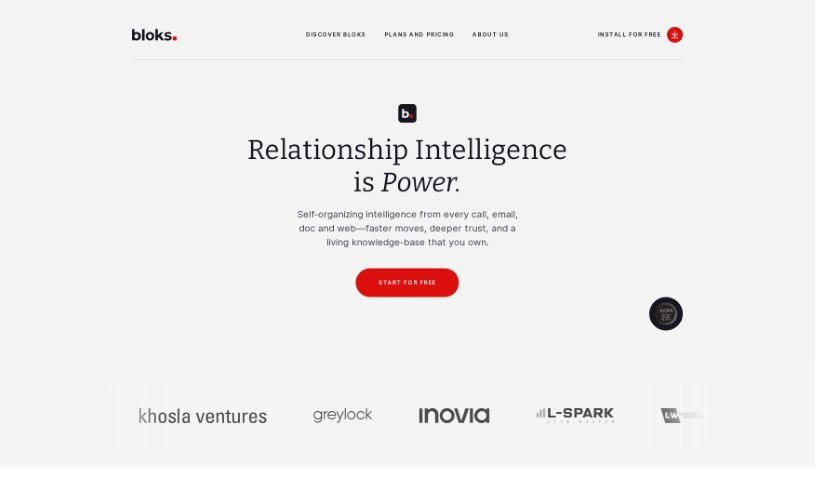
Bloks is a smart personal assistant designed to make your meetings much better. It helps you get ready for conversations by offering tools like daily briefs, automatic transcriptions, AI-powered action items, reminders, follow-ups, and insights into your professional relationships. The company behind Bloks, Nook Technologies, Inc., has secured $5 million in seed funding. With Bloks, you can easily prepare all the essential information you need for meetings, summarize conversations, and gain a better understanding of your professional interactions. People who use Bloks often say it boosts their productivity, makes taking notes a breeze, and helps them manage relationships more effectively.

Screenshot of Blu Dot

Blu Dot

Freemium

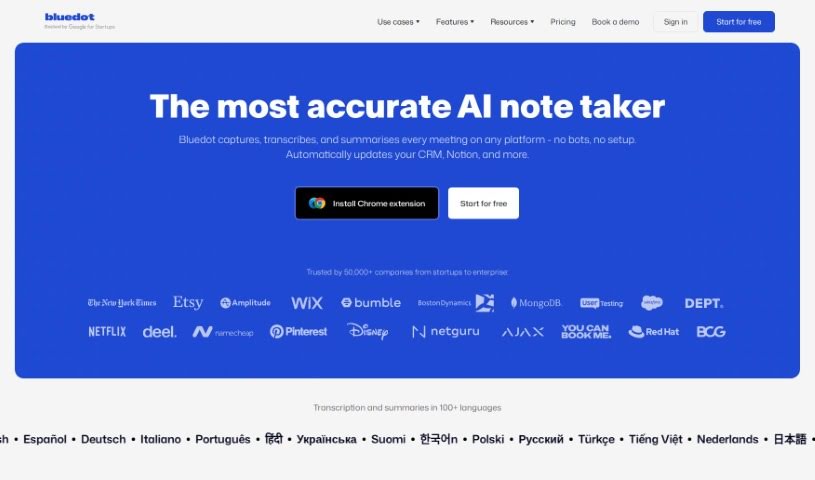
Blu Dot is a smart Chrome extension that works with Google Meet to make your meetings much easier. It is your AI assistant for Google Meet, automatically handling the tedious stuff like recording, transcribing, and summarizing your conversations. You can easily record any meeting, and Blu Dot will create AI-generated notes that are actually useful for whatever you need – whether it's a client call or a team sync. Plus, you can share these notes with your colleagues, and rest assured, your data is protected because they're GDPR-compliant. Blu Dot also offers handy features like screen recording, capturing key meeting highlights, letting you add annotations, and even basic video editing. What really sets it apart, though, is that it's a bot-free recorder, meaning no intrusive bots in your calls. It also gives you customizable notes and has a strong focus on keeping your data secure from the ground up.

Screenshot of Boardmix

Boardmix

Freemium

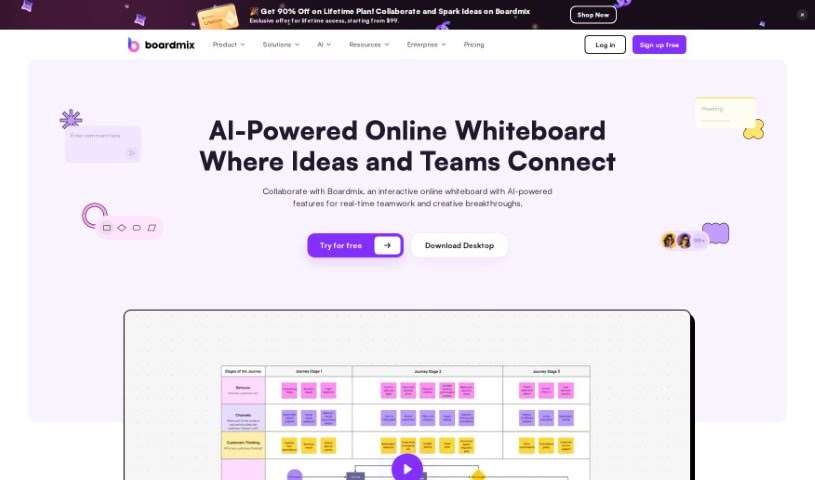
Boardmix is a really neat online whiteboard that uses AI to help teams work together better and faster. It is a digital space where you can brainstorm, plan, and create content with others in real-time. It brings together tools like a whiteboard, mind map, and flowchart maker all in one place. What's cool is that up to 500 people can actively collaborate on a board at once, and over 1,000 can view it live! You can use it for everything from brainstorming sessions and strategic planning to just creating content together. It's packed with features like digital notes, fun stickers and emojis, presentation modes, timers, and it even lets you easily integrate files from other apps. Boardmix is especially great for remote teams, as it works with other apps and is available on different platforms.

Screenshot of Bodyguru

Bodyguru

Freemium

BodyGuru is an AI-powered platform designed to help you get healthier. It focuses on creating personalized wellness routines to boost your overall well-being, physical fitness, and energy levels. It is your personal AI health coach! It uses smart technology to craft unique health plans tailored specifically to your needs, daily habits, and what you like. The goal? To help you see real, noticeable improvements in your health. BodyGuru covers a few key areas: it helps with physical fitness, offers skincare advice through its SkinGuru feature, and will soon include nutrition guidance with its upcoming NutriGuru service. The best part? It's free to use, you can customize it to fit your life, and it really encourages you to stick with the personalized routines it creates. That's how you'll get the most out of it.

Screenshot of BoltAI

BoltAI

Freemium

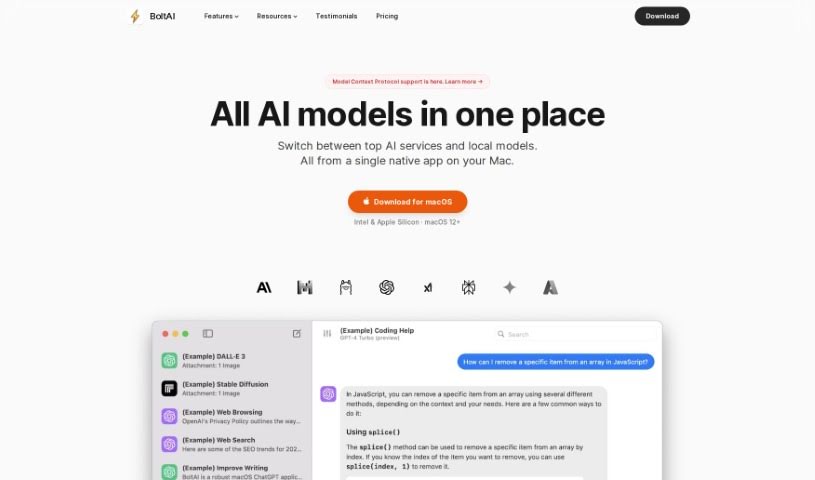
BoltAI is a native Mac application built to bring ChatGPT's power right into your daily workflow. It's all about boosting your productivity with AI, but in a way that complements, rather than replaces, human effort. It is a direct line to ChatGPT, complete with a super-easy chat interface, a handy library of AI commands and prompts, and the ability to create your own custom AI assistants. Your security is a big deal, too – API keys are stored safely in your Apple Keychain, and it automatically redacts sensitive data. Just so you know, you'll need your own OpenAI API key to get started, and the license is perpetual, including a year of free updates.

Screenshot of Bookabout

Bookabout

Freemium

BookAbout is a really unique platform built for book lovers, making it super easy to find your next great read. It uses smart AI to search through a massive collection of over 500,000 books. This means you can find books that really match what you're into, without the usual hassle of searching.

Screenshot of Bookai.chat

Bookai.chat

Freemium

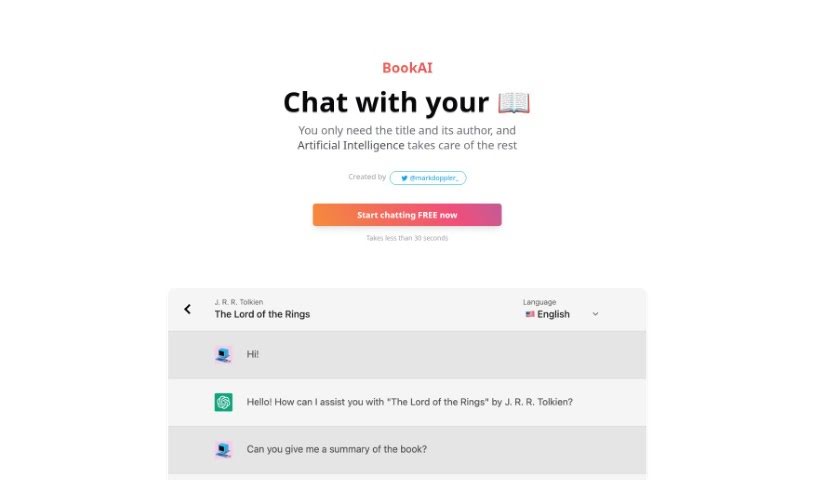
Bookai.chat is a really neat platform built for anyone who loves books or is learning a new language. Mark Doppler created it, and it's super user-friendly. It uses smart AI, like GPT-3 and GPT-4, to let you actually have conversations with your favorite books. It's incredibly easy to add books to your personal library – you just need the title and author. Plus, it supports over 30 languages, so you can chat in lots of different tongues, reaching a global audience. The interface is really smooth, letting you start chatting in under 30 seconds. Bookai.chat's goal is to make reading more engaging and accessible, whether you want to dive deeper into a story you love or boost your language skills.

Screenshot of BoomPop

BoomPop

Freemium

BoomPop is an event planning company that really knows how to blend expert planning with super-modern software to create events people won't forget. Their platform is designed to make planning company events—think kickoffs, client summits, and team retreats—much simpler. It gives you all the tools you need, like managing guests, keeping an eye on finances, and building agendas, all in one place. It's pretty impressive: over 5,000 companies have already used BoomPop, bringing more than 150,000 people together! They team up with experienced Event Designers to offer easy-to-book, specially curated offsites. BoomPop helps companies connect their teams through carefully planned events and smart tools for managing agendas, finances, and attendees. People who've used BoomPop often mention how precise and detail-oriented they are, and how they really take the stress out of event day.

Screenshot of Bot Butcher

Bot Butcher

Freemium

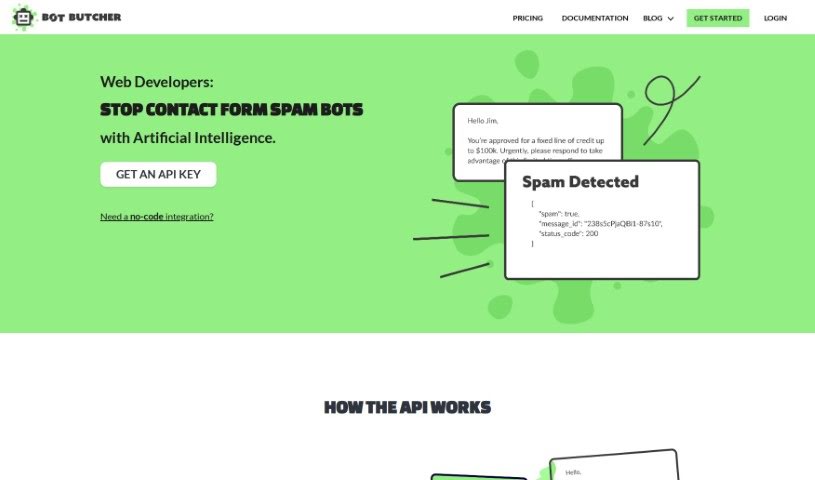
Bot Butcher is a handy API tool built specifically to sort through and filter out spam messages that come in through your website's contact forms. It is a digital gatekeeper. It uses a powerful language model, much like the kind that powers advanced AI, to figure out if an incoming message is spam or legitimate. The whole process is pretty straightforward, usually taking about four steps: first, a message arrives via your contact form; second, it's sent over to Bot Butcher for a quick check; third, Bot Butcher sends back a response, typically in JSON format, telling you if it's spam or not; and fourth, if you need to, you can even look up past messages using their unique ID. Bot Butcher's main goal is to make your life easier by cutting down on the amount of spam you have to deal with. It comes with easy-to-understand guides, and it's designed to work smoothly with your CRM system, passing along only the good messages.

Screenshot of BotPhrase

BotPhrase

Freemium

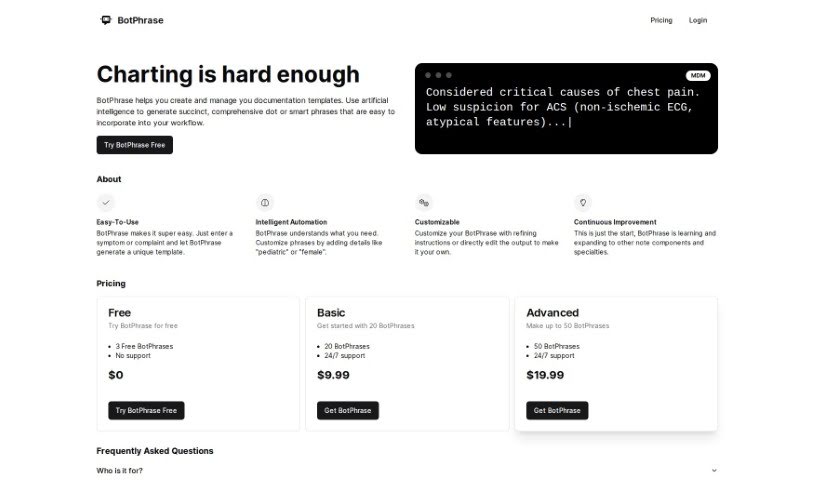
BotPhrase is an AI-powered tool designed to make documenting in Electronic Health Records (EHR) much smoother and better. It creates accurate, detailed dot phrases, also known as smart phrases, that you can easily plug into your daily workflow. BotPhrase offers smart automation for creating custom templates, it's always learning and improving, and it has flexible pricing to fit different healthcare practices.

Screenshot of Botx

Botx

Freemium

BotX is a low-code AI development platform that really helps businesses build custom AI applications quickly, without needing to be coding wizards. It is a way to assemble AI apps using visual tools and configurations instead of writing tons of code. This approach dramatically cuts down development time – what might normally take months can often be done in just a few weeks. BotX helps you see a return on your investment faster by speeding up how quickly you can get AI up and running, making it simpler to bring AI technologies into your business, and delivering solid, enterprise-level results. Plus, it focuses heavily on security and transparency. Even if your company doesn't have AI experts on staff, BotX can be a great solution. It also integrates with Cookiebot, which is a big plus for keeping your data secure.

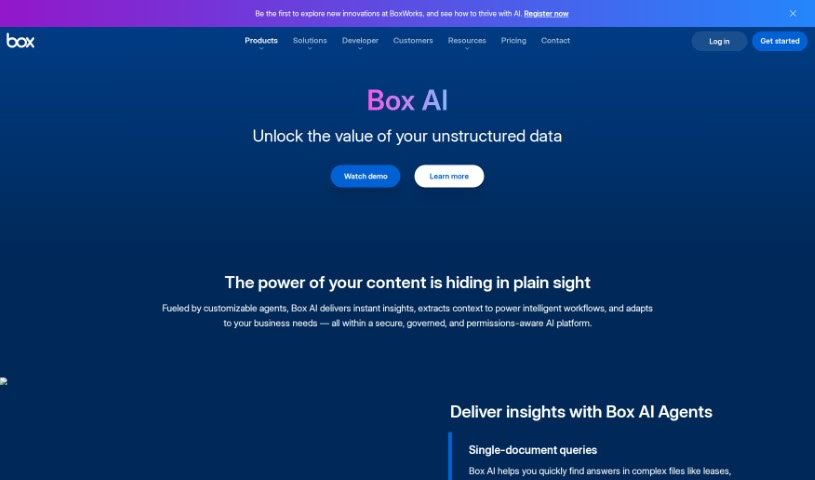
Screenshot of Box Ai

Box Ai

Freemium

Box AI is a smart new platform from Box Inc. It brings advanced artificial intelligence capabilities right into your Box cloud storage, making content management and teamwork much smoother. It is a helpful assistant that uses machine learning to do things like automatically tag your content, pull out important metadata, and even suggest files you might need. This means you can search for information more intelligently, classify documents with ease, and get predictive insights to make your workflow more efficient. Plus, it can recognize images and understand natural language, which really speeds up how you find and manage information. By weaving AI into its platform, Box wants to give you powerful tools to organize, use, and keep your digital content safe and sound.

Stay Updated with AI Tools

Get weekly updates on the latest AI tools, trends, and insights delivered to your inbox

Join 25,000+ AI enthusiasts. No spam, unsubscribe anytime.