AI Tools for Productivity

Discover the best Productivity AI tools to enhance your productivity and creativity.

Page 14 of 114 • 1361 total tools

In today’s busy world, staying productive can feel like a real challenge. With so much to do, constant notifications, and distractions everywhere, having the right tools to manage your time well is more important than ever. That’s where AI productivity tools come in—they’re designed to make your work smoother, handle repetitive tasks for you, and keep you organized.

These smart solutions have come a long way recently. They’ve gone from simple task managers to complete systems that can adapt to what you need. Whether you’re trying to organize your day better, improve how your team works together, or finally tackle that huge inbox, the right AI tools can make a big difference.

As I looked into the best AI productivity tools out there, I tried out several apps that promise to make you more efficient and focused. From smart schedulers to new project management systems, there are tons of options to help you get your time back.

So, if you’re ready to boost your productivity and make the most of your workday, you’re in the right place. Here’s a list of great AI productivity tools that are definitely worth checking out. Let’s explore how to work smarter together!

The best AI Productivity Tools

  1. Perplexity for automating tasks and helping with management.
  2. Small PDF.com for smoother document management for teams.
  3. Gamma for document creation tools that save time.
  4. Odoo for a task management and collaboration app.
  5. Zoom for analyzing and summarizing meeting content.
  6. N8N for smoother team onboarding processes.
  7. Prezi for engaging team collaboration sessions.
  8. Tableau for creating reports and dashboards more easily.
  9. Data Camp for efficient team collaboration workflows.
  10. Otter.ai for getting action items from meetings without the fuss.
  11. Tenorshare for easily summarizing long PDF documents.
  12. Slidesgo for creating professional presentations efficiently.
  13. Facecheck Id for streamlining identity verification tasks.
  14. HIX.AI for boosting writing speed with smart tools.
  15. Tactiq for automating meeting notes for teams.

How do AI productivity tools work?

AI productivity tools use machine learning to look at how you work and make your tasks more efficient. These tools are built to handle lots of information, spotting patterns and your preferences to help smooth out your workflows. By understanding how you use different apps, AI can suggest personal improvements to boost your productivity.

Basically, these tools use natural language processing (NLP) to understand and respond to what you ask. For example, they can schedule meetings, set reminders, or create reports just by understanding simple requests. This saves you time and cuts down on manual work.

Many AI productivity apps connect with popular tools like calendars, email, and project management software. This connection lets them gather information and automate tasks across different places. As a result, you get a smooth, connected experience that improves how you work day-to-day.

AI productivity tools also learn from how you use them to get better over time. The more you use a tool, the better it gets at guessing what you need and offering helpful suggestions. This ability to adapt is what makes AI tools increasingly valuable for improving productivity for both individuals and teams.

Plus, these tools can look at data about how you complete tasks and suggest ways to improve. For instance, if you often miss deadlines, the AI might suggest better ways to manage your time. By giving you useful insights, AI productivity tools help you work smarter, not just harder.

In the end, AI productivity tools show how technology can change everyday tasks into more efficient processes. By automating routine jobs and offering personal insights, they help you focus on what’s most important—hitting your goals and being more effective overall.

Our best AI productivity tools at a glance

RankNameBest forPlans and PricingRating
1PerplexityAutomating tasks and helping with management.N/A4.70 (10 reviews)
2SmallPDF.comSmoother document management for teams.Paid plans start at $9/month.4.73 (11 reviews)
3GammaDocument creation tools that save time.N/A4.79 (19 reviews)
4OdooA task management and collaboration app.N/A4.67 (6 reviews)
5ZoomAnalyzing and summarizing meeting content.Paid plans start at $15.99/month.4.73 (11 reviews)
6N8NSmoother team onboarding processes.Paid plans start at $50/month.4.58 (12 reviews)
7PreziEngaging team collaboration sessions.Paid plans start at $19/month.4.18 (11 reviews)
8TableauCreating reports and dashboards more easily.N/A4.70 (43 reviews)
9DataCampEfficient team collaboration workflows.Paid plans start at $25/month.4.71 (24 reviews)
10Otter.aiGetting action items from meetings without the fuss.Paid plans start at $13.59/month.4.73 (11 reviews)
11TenorshareEasily summarizing long PDF documents.N/A4.64 (11 reviews)
12SlidesgoCreating professional presentations efficiently.N/A4.68 (22 reviews)
13Facecheck IdStreamlining identity verification tasks.N/A4.42 (19 reviews)
14HIX.AIBoosting writing speed with smart tools.N/A4.36 (11 reviews)
15TactiqAutomating meeting notes for teams.N/A4.64 (11 reviews)
Screenshot of BragHumble

BragHumble

Freemium

BragHumble is a platform designed for people just starting out with exercise or anyone who wants a clearer picture of their fitness capabilities. It offers helpful demos for every exercise, provides audio cues, and includes timers to guide you through your workout sessions. The platform really emphasizes repetitions as a key way to measure your effort and push your limits. BragHumble uses your front camera and artificial intelligence to count your reps accurately. If you ever find the rep counting isn't quite right, you can easily get help by emailing a screen capture video of your workout to [[email protected]](/cdn-cgi/l/email-protection#88ecf8c8eafae9efe0fde5eae4eda6ebe7e5). Don't worry, your videos are never recorded, stored, or shared – your privacy and data are completely protected.

Screenshot of Brainglue

Brainglue

Freemium

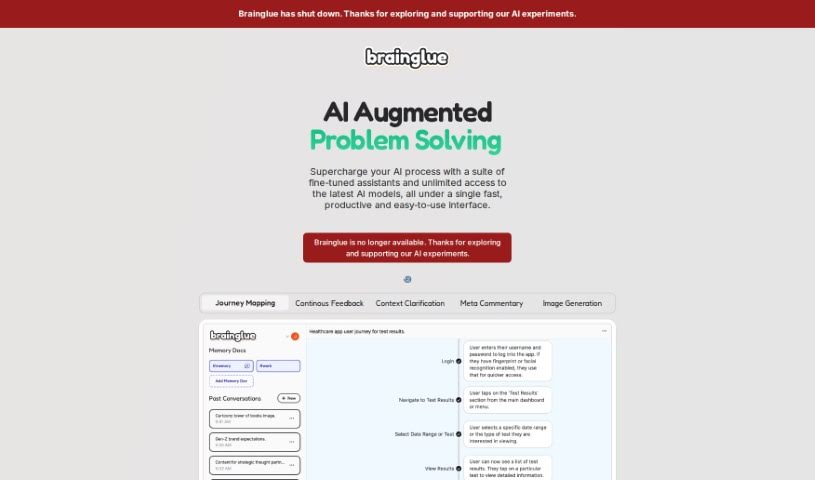
Brainglue is a smart AI assistant that you can really steer. It's designed to help you think more strategically, communicate better, and get a personalized AI experience. It's especially great for knowledge professionals and anyone who works with creative ideas. Brainglue offers a bunch of useful AI tools for tasks like writing, analyzing information, doing research, and even creating illustrations. You can have interesting conversations with different AI personalities, use top-tier models like GPT-4, Claude 3, and Gemini Pro, and save important context in "memory docs" so you don't have to repeat yourself. Plus, it has neat features like smart follow-ups, visual responses, memory documents, image generation with the latest models, web search capabilities, handy keyboard shortcuts, and many other innovative tools to boost your creativity and get more done.

Screenshot of Brainstormgpt

Brainstormgpt

Freemium

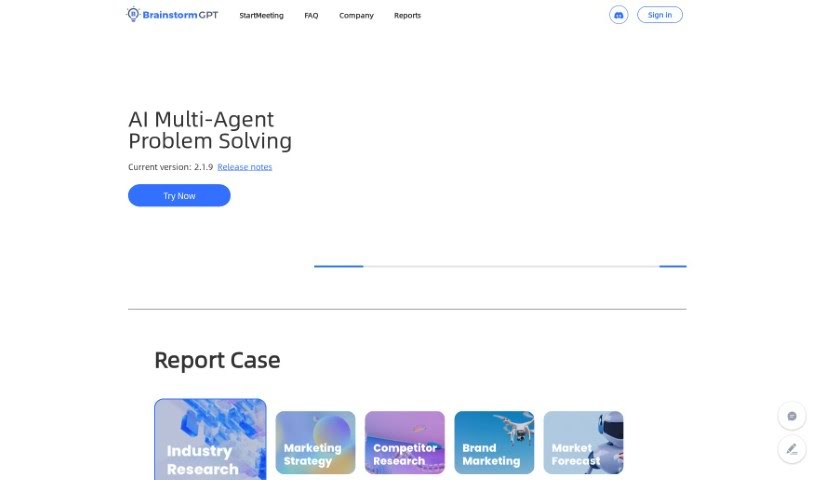
BrainstormGPT is a smart AI tool built to help businesses make better decisions. It gives you valuable, AI-powered insights that can really guide your company. It is your AI assistant for brainstorming, coming up with fresh ideas, looking at things from different angles, analyzing data, and helping your team work together more smoothly. It's great for weighing the pros and cons of different options, spotting new opportunities, and even putting numbers to potential results to help you plan your strategy.

Screenshot of Breadcrumb

Breadcrumb

Freemium

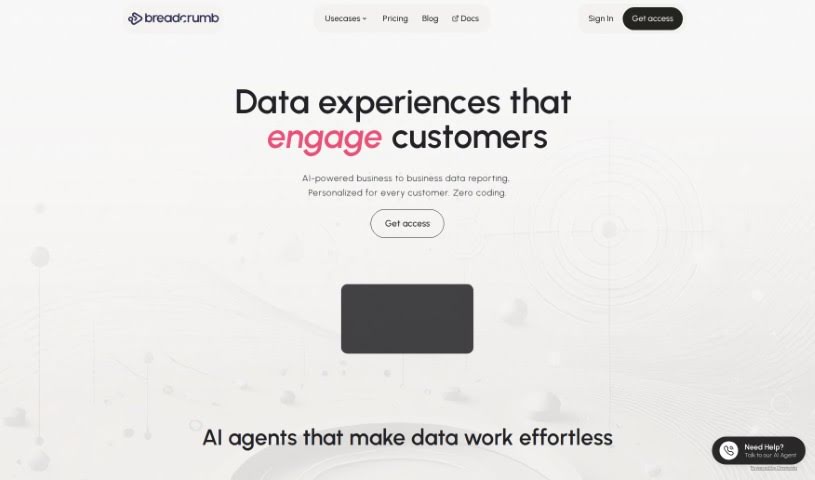
Breadcrumb is your go-to data analysis platform. It's designed to take your raw data and turn it into interactive, personalized views that anyone can understand, even if you don't have advanced data skills. It uses built-in AI to analyze data right away, transforming it into engaging stories and ensuring your AI data processing is always 100% accurate. Breadcrumb's interface is really easy to use; it lets you go from a big-picture overview to super-specific details with just a click or a dropdown menu. Plus, it comes with over 418 pre-built ways to connect to different data sources. You get personalized data views, helpful recommendations, and real-time filtering, which makes exploring and presenting your data much simpler.

Screenshot of Breezemail

Breezemail

Freemium

Breezemail is a smart, AI-driven tool designed to make managing your inbox a breeze. It helps by sorting your important emails and then uses AI to categorize the rest. You can even create your own categories using simple, natural language requests. Plus, it comes with ready-made categories like 'Newsletters' and 'Purchases' to get you started right away. It also prioritizes emails and really focuses on keeping your information private and secure. Breezemail works smoothly with popular email services like Outlook and Gmail, so you can enjoy a clean, organized inbox. It costs $12 a month after a 7-day free trial.

Screenshot of Brewit

Brewit

Freemium

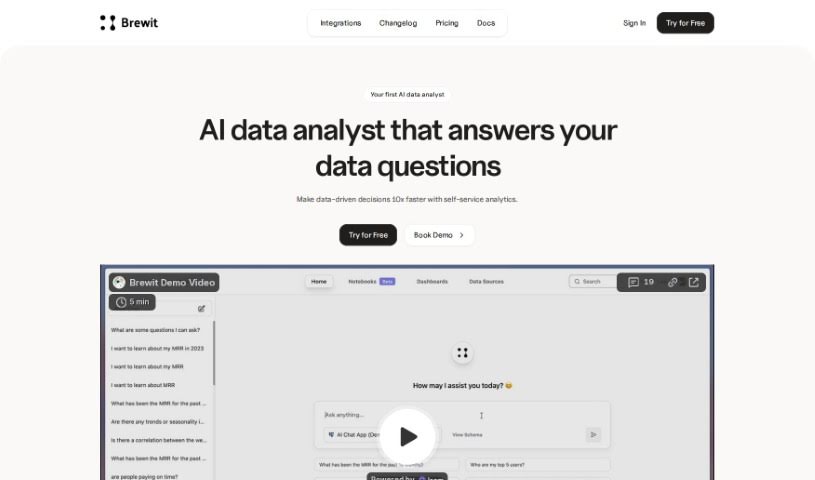
Brewit is an AI-powered tool designed to help businesses really get a handle on their performance by analyzing data. It is your smart assistant for understanding what your data is telling you. It makes managing your data much simpler, offering features like an intelligent semantic layer, a smooth workflow for reviewing data, and specialized AI agents tailored for different roles. Brewit really shines when it comes to making decisions together, giving you insights right when you need them, and making it easy to visualize your data with simple drag-and-drop dashboards.

Screenshot of Bringtable

Bringtable

Freemium

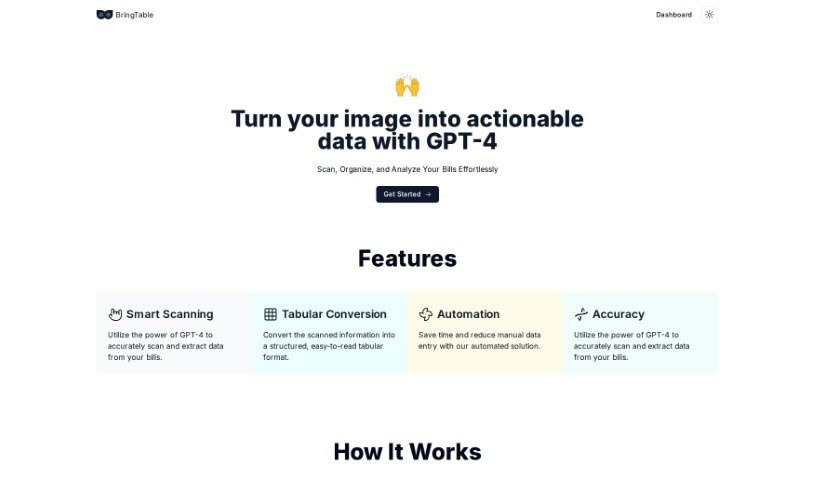
BringTable is a really neat platform designed to make managing your bills a whole lot simpler. It uses the advanced power of GPT-4 to help you organize your bills without all the usual hassle. No more tedious manual data entry! BringTable scans your bills accurately, pulling out all the important details for you. It's like magic, but it's actually smart scanning and conversion that turns your bills into clear, easy-to-read tables. This saves you a ton of time and makes sure everything is accurate. The Beta version is available now for free, so you can try out how efficient and precise it is for handling your bills.

Screenshot of Broadcast

Broadcast

Freemium

Broadcast is a really helpful platform designed to make sending out weekly updates much simpler. It uses AI and automation to turn what could be a boring chore into something efficient and even enjoyable. It connects with tools you probably already use, like Slack, Email, JIRA, Looker, GitHub, and Linear. This means it can gather and share project information for you, so you don't have to do it manually. With Broadcast, you get help drafting updates automatically, you can easily assign sections to team members for collaborative updates, see who's actually reading your messages, and generally make your workflows smoother, all in one place. It's great for making communication clearer, more concise, and consistent across your organization. Managers, leaders, and teams working across different departments will find it especially useful for tidying up communication and freeing up time to focus on the important stuff.

Screenshot of BrowseGPT

BrowseGPT

Freemium

So, what exactly is BrowseGPT? Think of it as a really smart Chrome extension that uses AI, specifically OpenAI's GPT-3 model, to handle tasks for you right in your browser. You can give it simple instructions, like telling it to find you a place to stay in a specific city or to buy something online. Then, the AI goes to work, trying to click buttons, move around web pages, and fill in text fields all by itself. It's a pretty powerful tool, but it's important to remember it's still experimental. This means it might sometimes get a bit stuck, maybe in a loop, or it could end up on the wrong page. The cool thing is, every single thing BrowseGPT does comes with an explanation. This way, you can actually see how the AI is thinking and step in to fix things if it goes off track. Because it's experimental, it's a good idea to use it carefully. Definitely avoid using it on pages where you have sensitive or private information, as a wrong click could lead to some pretty serious issues.

Screenshot of Browserbear

Browserbear

Freemium

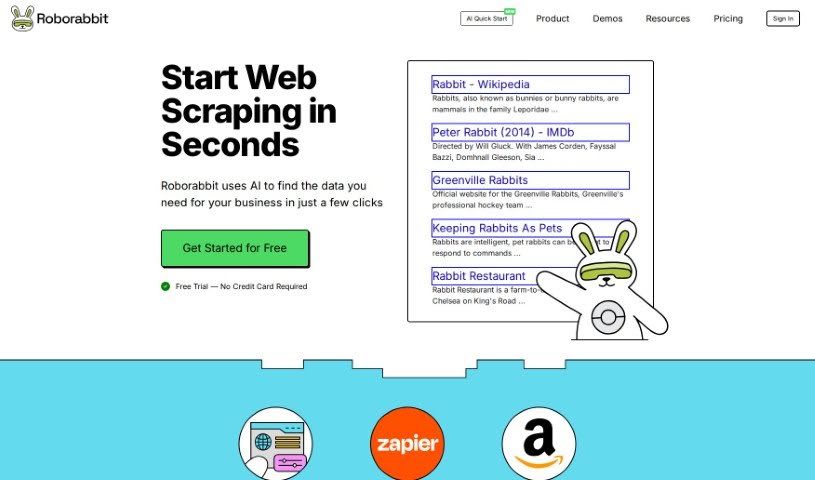
Browserbear is a platform that offers a really handy AI Web Scraper tool. It's designed to automate tasks in your browser, and the best part? You don't need to know any code to use it! You can set up custom tasks, pull data right from websites, and even automate testing processes. Plus, it plays nicely with other apps through integrations like Custom Feeds and Zapier, so you can connect it to pretty much anything. To help you get the most out of it, they've included interactive demos, tutorials, and an API reference. Basically, Browserbear makes automation and web scraping super accessible, no matter your tech background.

Screenshot of Bubbles Notetaker

Bubbles Notetaker

Freemium

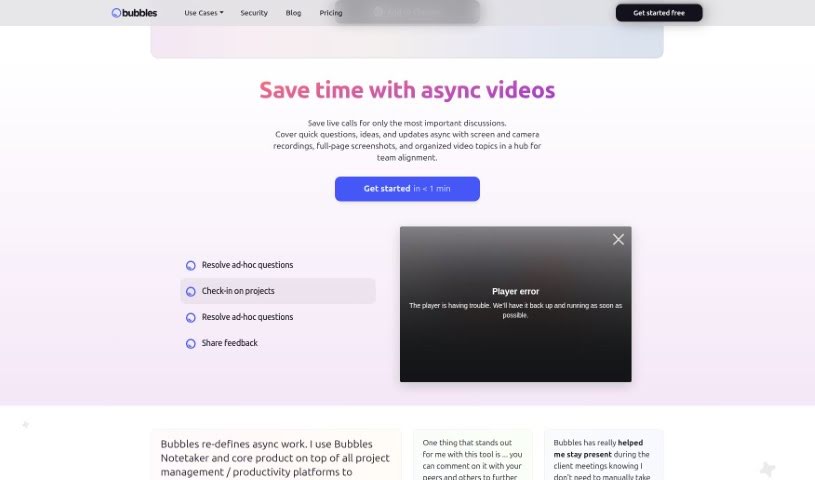
Bubbles Notetaker is a smart, AI-powered tool designed to really boost your productivity and make collaboration during meetings a breeze. It lets you record, transcribe, and follow up on meetings asynchronously, which is super helpful for capturing those key insights and making sure all decisions are clearly documented. Plus, it hooks right into your Google Calendar, so it can automatically transcribe and generate summaries for you. You can even add comments directly to recorded meetings using your screen, camera, or text annotations. For teams spread across different time zones, it offers optional smart reminders to keep everyone in the loop. Ultimately, Bubbles Notetaker aims to make meetings more efficient, collaborative, and communicative, whether your team is working remotely or together in person.

Screenshot of Bubbletea

Bubbletea

Freemium

BubbleTea App is a set of secure, encrypted AI tools built for Slack. It offers a variety of features to help teams work better together, like polls, quizzes, group tasks, greeting cards, stand-up meetings, and announcements. The main goal is to boost team productivity without flooding your Slack channels with messages you don't need. Bubbletea really focuses on security and privacy, using end-to-end encryption for data as it travels and strong encryption for data stored on their servers. If you opt for the premium plan, you'll get even more advanced encryption and AI features.

Stay Updated with AI Tools

Get weekly updates on the latest AI tools, trends, and insights delivered to your inbox

Join 25,000+ AI enthusiasts. No spam, unsubscribe anytime.