AI Tools for Productivity

Discover the best Productivity AI tools to enhance your productivity and creativity.

Page 15 of 114 • 1361 total tools

In today’s busy world, staying productive can feel like a real challenge. With so much to do, constant notifications, and distractions everywhere, having the right tools to manage your time well is more important than ever. That’s where AI productivity tools come in—they’re designed to make your work smoother, handle repetitive tasks for you, and keep you organized.

These smart solutions have come a long way recently. They’ve gone from simple task managers to complete systems that can adapt to what you need. Whether you’re trying to organize your day better, improve how your team works together, or finally tackle that huge inbox, the right AI tools can make a big difference.

As I looked into the best AI productivity tools out there, I tried out several apps that promise to make you more efficient and focused. From smart schedulers to new project management systems, there are tons of options to help you get your time back.

So, if you’re ready to boost your productivity and make the most of your workday, you’re in the right place. Here’s a list of great AI productivity tools that are definitely worth checking out. Let’s explore how to work smarter together!

The best AI Productivity Tools

  1. Perplexity for automating tasks and helping with management.
  2. Small PDF.com for smoother document management for teams.
  3. Gamma for document creation tools that save time.
  4. Odoo for a task management and collaboration app.
  5. Zoom for analyzing and summarizing meeting content.
  6. N8N for smoother team onboarding processes.
  7. Prezi for engaging team collaboration sessions.
  8. Tableau for creating reports and dashboards more easily.
  9. Data Camp for efficient team collaboration workflows.
  10. Otter.ai for getting action items from meetings without the fuss.
  11. Tenorshare for easily summarizing long PDF documents.
  12. Slidesgo for creating professional presentations efficiently.
  13. Facecheck Id for streamlining identity verification tasks.
  14. HIX.AI for boosting writing speed with smart tools.
  15. Tactiq for automating meeting notes for teams.

How do AI productivity tools work?

AI productivity tools use machine learning to look at how you work and make your tasks more efficient. These tools are built to handle lots of information, spotting patterns and your preferences to help smooth out your workflows. By understanding how you use different apps, AI can suggest personal improvements to boost your productivity.

Basically, these tools use natural language processing (NLP) to understand and respond to what you ask. For example, they can schedule meetings, set reminders, or create reports just by understanding simple requests. This saves you time and cuts down on manual work.

Many AI productivity apps connect with popular tools like calendars, email, and project management software. This connection lets them gather information and automate tasks across different places. As a result, you get a smooth, connected experience that improves how you work day-to-day.

AI productivity tools also learn from how you use them to get better over time. The more you use a tool, the better it gets at guessing what you need and offering helpful suggestions. This ability to adapt is what makes AI tools increasingly valuable for improving productivity for both individuals and teams.

Plus, these tools can look at data about how you complete tasks and suggest ways to improve. For instance, if you often miss deadlines, the AI might suggest better ways to manage your time. By giving you useful insights, AI productivity tools help you work smarter, not just harder.

In the end, AI productivity tools show how technology can change everyday tasks into more efficient processes. By automating routine jobs and offering personal insights, they help you focus on what’s most important—hitting your goals and being more effective overall.

Our best AI productivity tools at a glance

RankNameBest forPlans and PricingRating
1PerplexityAutomating tasks and helping with management.N/A4.70 (10 reviews)
2SmallPDF.comSmoother document management for teams.Paid plans start at $9/month.4.73 (11 reviews)
3GammaDocument creation tools that save time.N/A4.79 (19 reviews)
4OdooA task management and collaboration app.N/A4.67 (6 reviews)
5ZoomAnalyzing and summarizing meeting content.Paid plans start at $15.99/month.4.73 (11 reviews)
6N8NSmoother team onboarding processes.Paid plans start at $50/month.4.58 (12 reviews)
7PreziEngaging team collaboration sessions.Paid plans start at $19/month.4.18 (11 reviews)
8TableauCreating reports and dashboards more easily.N/A4.70 (43 reviews)
9DataCampEfficient team collaboration workflows.Paid plans start at $25/month.4.71 (24 reviews)
10Otter.aiGetting action items from meetings without the fuss.Paid plans start at $13.59/month.4.73 (11 reviews)
11TenorshareEasily summarizing long PDF documents.N/A4.64 (11 reviews)
12SlidesgoCreating professional presentations efficiently.N/A4.68 (22 reviews)
13Facecheck IdStreamlining identity verification tasks.N/A4.42 (19 reviews)
14HIX.AIBoosting writing speed with smart tools.N/A4.36 (11 reviews)
15TactiqAutomating meeting notes for teams.N/A4.64 (11 reviews)
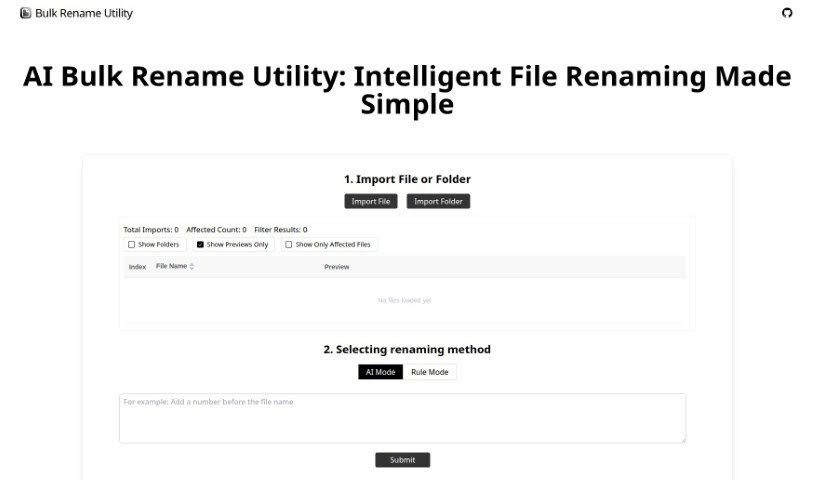
Screenshot of Bulk Rename Utility

Bulk Rename Utility

Freemium

Bulk Rename Utility is a really handy tool that lets you rename files online, and the best part? You don't need to upload anything or install any software. It offers two main ways to rename your files: an AI Mode and a Rule Mode. With the AI mode, you can simply describe what you want to do with your file names, and the AI figures out how to generate the new names for you. If you prefer more control, the Rule Mode lets you apply all sorts of specific changes. You can swap out characters, add numbers in sequence, set up entirely new naming patterns, or even use custom JavaScript for some really advanced renaming. It's designed to work right on your computer, only looking at your file directory, name, and size to keep your privacy safe. What makes Bulk Rename Utility stand out is how easy it is to use, the wide range of file operations it supports, and that it works on both Windows and Mac through your Chrome or Edge browser.

Screenshot of bundleIQ

bundleIQ

Freemium

BundleIQ is an AI-powered platform designed to help you manage your knowledge. It is a smart way to gather, analyze, and share information, making it much simpler for teams to work together. Its easy-to-use interface and natural language processing mean you can easily spot connections in your data and get valuable insights. The platform includes an AI assistant called ALANI. ALANI helps you ask questions, provides helpful answers, and supports your strategic decisions. It's really good at processing and analyzing your questions, which speeds up research and makes finding what you need much easier.

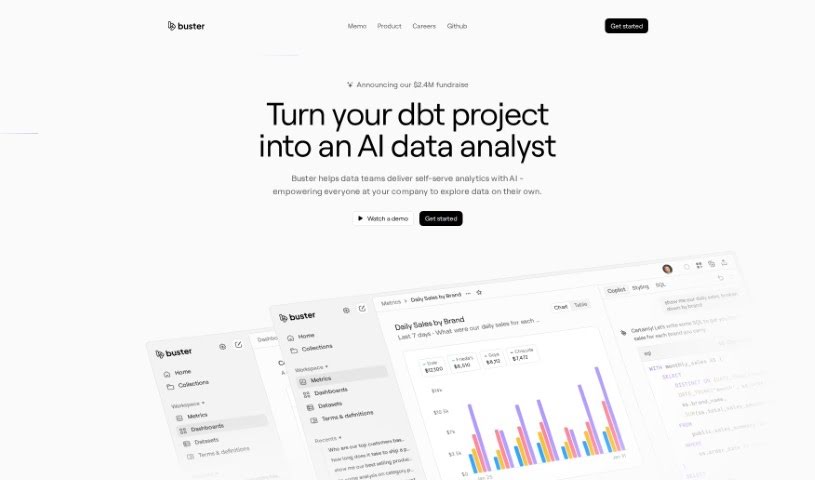
Screenshot of Buster.so

Buster.so

Freemium

Buster.so is a powerful tool that uses Artificial Intelligence to help with data analytics. It brings data insights right into your web applications, letting you build dashboards just by typing what you're looking for in plain language. Buster also offers a no-code builder, so you can create custom UI components without any coding. Plus, it provides API access for turning text into SQL queries and connects smoothly with major databases and data warehouses. Buster's AI-driven reporting makes it easy to create dashboards and visualize information with impressive accuracy and quick setup. The system gets smarter over time, constantly improving its model accuracy through a learning process. It also keeps an eye on performance to quickly spot and fix any quality issues. You can easily change colors, fonts, charts, and other parts of the user interface without needing to code. Buster can even learn to write optimized queries based on what you prefer. All in all, Buster.so is a really capable data analytics tool packed with features to make exploring and reporting on your data more interactive and efficient.

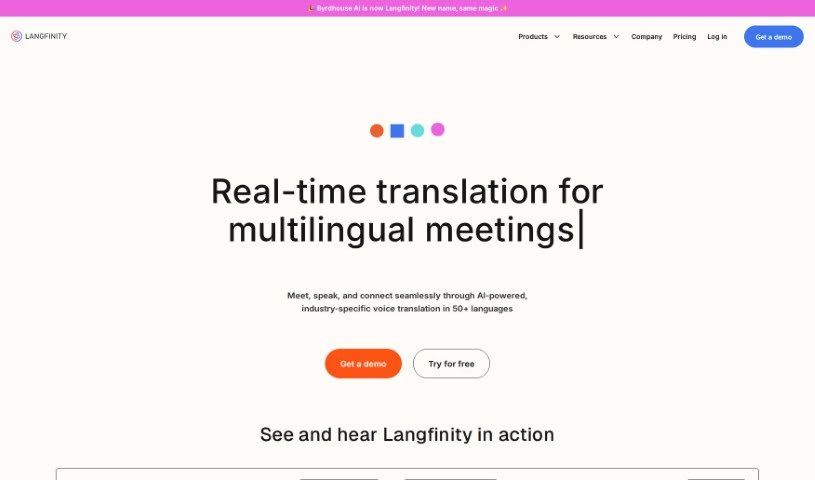
Screenshot of Byrdhouse

Byrdhouse

Freemium

Byrdhouse is an AI-powered video conferencing app designed specifically for multilingual communication and collaboration. It is your go-to tool for breaking down language barriers in meetings. It offers real-time translation in over 100 languages, automatically generates meeting notes, and generally aims to make global conversations and teamwork much smoother.

Screenshot of Byterat

Byterat

Freemium

Byterat is a really advanced website that uses machine learning to give you accurate predictions about how your batteries will perform. It digs into data using smart algorithms to offer insights into things like how long a battery will last, its capacity, and its overall health. Basically, Byterat helps you make smarter choices about how you use, maintain, and when to replace your batteries. You get real-time analysis to keep an eye on performance and catch any issues early on. Plus, it offers tools to help you get the most out of your batteries, make eco-friendly choices, and it's useful for everyone, from big industries to everyday users.

Screenshot of Cal.ai

Cal.ai

Freemium

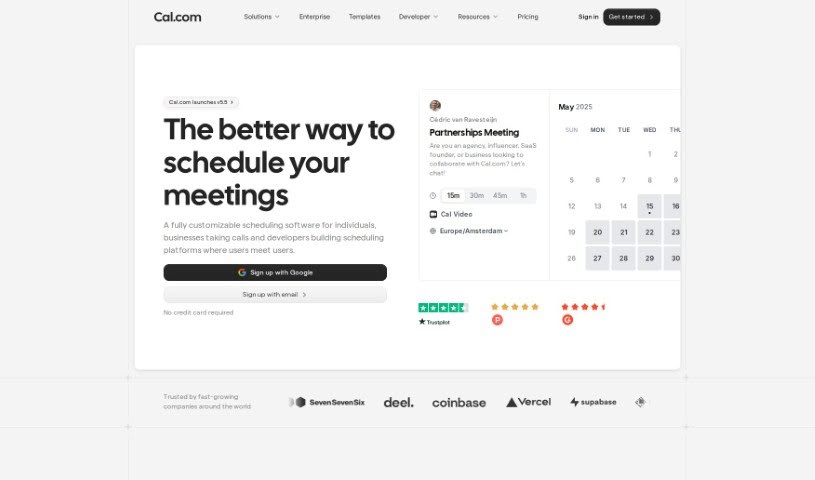
Cal.ai is your personal scheduling assistant, designed to make managing your calendar a whole lot easier. It really simplifies the whole process of booking meetings, rescheduling things when life happens, and figuring out when everyone is actually free. You can just send commands via email to your AI assistant, and it'll handle all the scheduling details for you. Plus, Cal.ai can forward emails to automate scheduling, give you summaries of your Cal video meetings, and it comes with different pricing plans for individuals, teams, organizations, and even larger enterprises. Essentially, it's all about making your scheduling smoother, taking that burden off your shoulders, and helping you manage your time much more effectively, all within the broader Cal.com family of tools.

Screenshot of Calendar Prep

Calendar Prep

Freemium

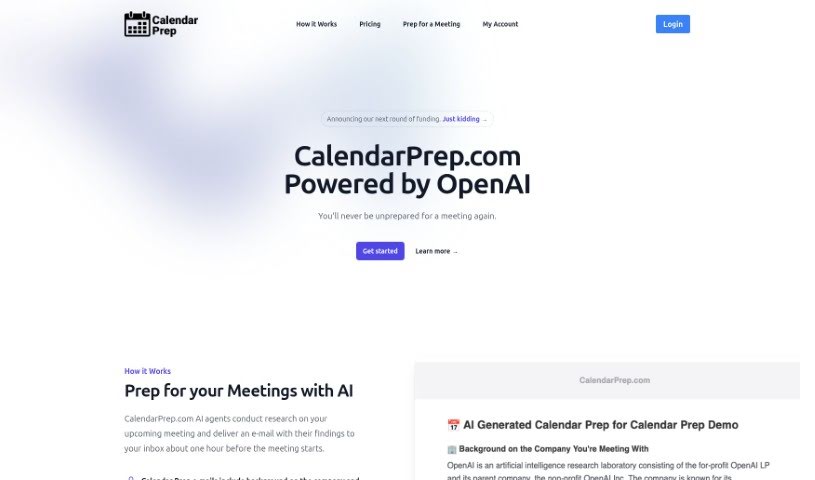
CalendarPrep is an AI tool designed to help you get ready for meetings. It syncs with your Google and Microsoft Outlook calendars, does some research on your upcoming meetings, and then sends you emails with background info on the company and the people you'll be meeting. The goal here is to save you time by giving you the info you need, right when you need it, making your meeting prep smoother and your meetings themselves better.

Screenshot of Calendarscan

Calendarscan

Freemium

CalendarScan is a smart tool that uses artificial intelligence to help you manage your calendars more easily. It is a digital assistant for your schedule. It's designed to take your paper calendars, schedules, or event details and turn them into a digital format. All you have to do is snap a photo of your calendar or schedule, and the AI figures out the information from the image. Then, it imports it right into your mobile phone's calendar. You can grab CalendarScan from Google Play and the App Store right now, and they're planning to launch a web version soon. It works great on both Android and iOS devices, making schedule management a breeze by cutting out all that tedious manual data entry. It’s a fantastic way to save time and boost your efficiency, no matter where your schedules come from.

Screenshot of Call An Ai

Call An Ai

Freemium

Call An AI is a really interesting project from the Toolkit AI team. Essentially, it's a service that gives you access to a variety of AI bots you can talk to on the phone. They are specialized assistants for all sorts of things – whether you need a therapist, help planning your day, a parenting coach, someone for tech support, a partner to bounce ideas off of, or even just a journaling buddy. What's neat is that you can even create your very own AI bot and give it its own phone number! These bots are available around the clock, 24/7, and they're planning to add even more cool features down the line, like making them learn and adapt as they talk to you, and letting you schedule calls. They're also working on letting you customize the voices.

Screenshot of Calorieai

Calorieai

Freemium

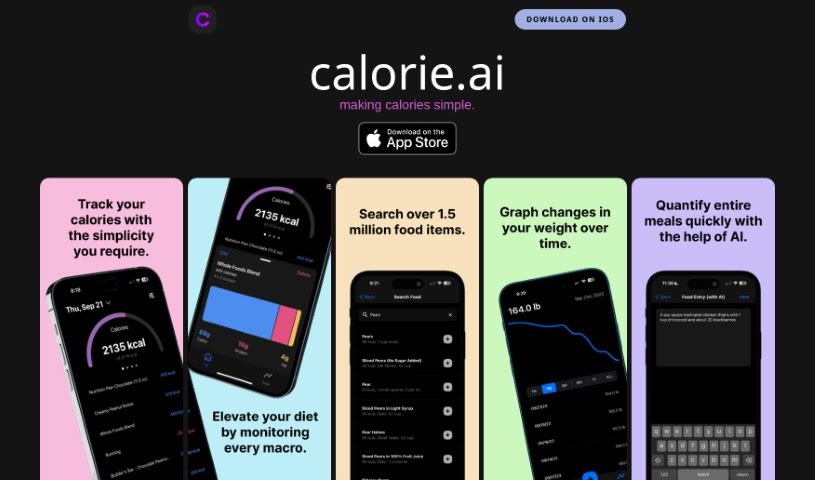
Calorieai is a calorie tracking tool specifically designed for iOS devices. Its main goal is to make monitoring and managing your daily calorie intake much simpler, helping you reach your health and fitness targets. While the landing page doesn't offer a ton of detail, it's clear that Calorieai gives users an easy-to-use interface. It likely includes a large database of foods with their calorie counts, too. The tool really focuses on making calorie tracking effective, which is great for anyone wanting to eat a balanced diet and live a healthy lifestyle. The privacy policy link takes you to another site, which suggests they're serious about protecting your data and being open about how they handle it.

Screenshot of Calorieasy

Calorieasy

Freemium

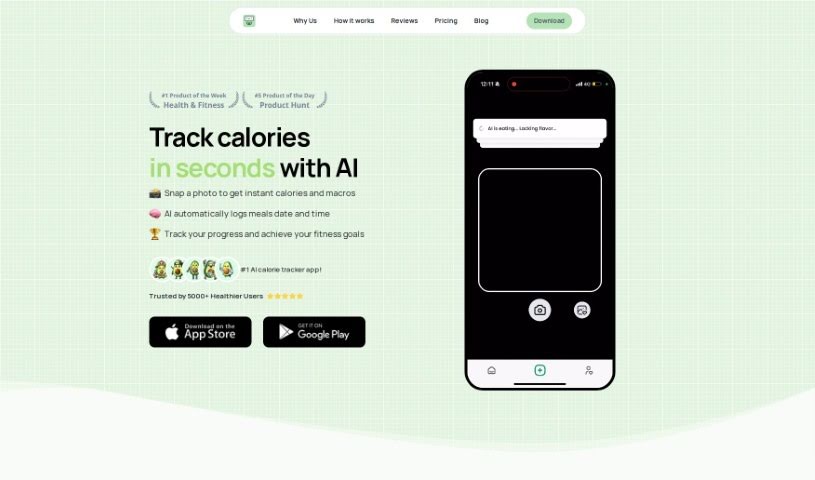
Calorieasy is an AI-powered app designed to make calorie tracking simple and help you live a healthier life. Forget typing everything in – you can just snap a photo of your meal, and the app handles the rest! It offers really quick and accurate food tracking, gives you detailed calorie information, and sets personalized daily calorie goals based on your lifestyle and fitness aims. Some of its main features include an automatic food diary, a breakdown of your macronutrients (proteins, carbs, and fats), and a nutritional timeline to keep your meals organized.

Screenshot of Camp

Camp

Freemium

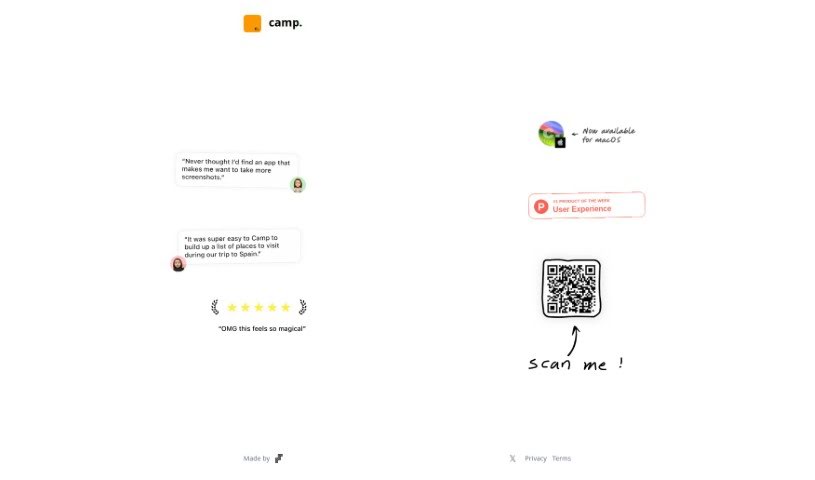
Camp is a neat tool that really boosts what your phone screenshots can do. It is an upgrade for your screenshots. It automatically spots and pulls out key details like text, people, and locations right from your images. There's even a music feature coming soon! This means your screenshots become much more than just static pictures stored away; they gain extra abilities, making them way more useful and interactive.

Stay Updated with AI Tools

Get weekly updates on the latest AI tools, trends, and insights delivered to your inbox

Join 25,000+ AI enthusiasts. No spam, unsubscribe anytime.