AI Tools for Productivity

Discover the best Productivity AI tools to enhance your productivity and creativity.

Page 12 of 114 • 1361 total tools

In today’s busy world, staying productive can feel like a real challenge. With so much to do, constant notifications, and distractions everywhere, having the right tools to manage your time well is more important than ever. That’s where AI productivity tools come in—they’re designed to make your work smoother, handle repetitive tasks for you, and keep you organized.

These smart solutions have come a long way recently. They’ve gone from simple task managers to complete systems that can adapt to what you need. Whether you’re trying to organize your day better, improve how your team works together, or finally tackle that huge inbox, the right AI tools can make a big difference.

As I looked into the best AI productivity tools out there, I tried out several apps that promise to make you more efficient and focused. From smart schedulers to new project management systems, there are tons of options to help you get your time back.

So, if you’re ready to boost your productivity and make the most of your workday, you’re in the right place. Here’s a list of great AI productivity tools that are definitely worth checking out. Let’s explore how to work smarter together!

The best AI Productivity Tools

  1. Perplexity for automating tasks and helping with management.
  2. Small PDF.com for smoother document management for teams.
  3. Gamma for document creation tools that save time.
  4. Odoo for a task management and collaboration app.
  5. Zoom for analyzing and summarizing meeting content.
  6. N8N for smoother team onboarding processes.
  7. Prezi for engaging team collaboration sessions.
  8. Tableau for creating reports and dashboards more easily.
  9. Data Camp for efficient team collaboration workflows.
  10. Otter.ai for getting action items from meetings without the fuss.
  11. Tenorshare for easily summarizing long PDF documents.
  12. Slidesgo for creating professional presentations efficiently.
  13. Facecheck Id for streamlining identity verification tasks.
  14. HIX.AI for boosting writing speed with smart tools.
  15. Tactiq for automating meeting notes for teams.

How do AI productivity tools work?

AI productivity tools use machine learning to look at how you work and make your tasks more efficient. These tools are built to handle lots of information, spotting patterns and your preferences to help smooth out your workflows. By understanding how you use different apps, AI can suggest personal improvements to boost your productivity.

Basically, these tools use natural language processing (NLP) to understand and respond to what you ask. For example, they can schedule meetings, set reminders, or create reports just by understanding simple requests. This saves you time and cuts down on manual work.

Many AI productivity apps connect with popular tools like calendars, email, and project management software. This connection lets them gather information and automate tasks across different places. As a result, you get a smooth, connected experience that improves how you work day-to-day.

AI productivity tools also learn from how you use them to get better over time. The more you use a tool, the better it gets at guessing what you need and offering helpful suggestions. This ability to adapt is what makes AI tools increasingly valuable for improving productivity for both individuals and teams.

Plus, these tools can look at data about how you complete tasks and suggest ways to improve. For instance, if you often miss deadlines, the AI might suggest better ways to manage your time. By giving you useful insights, AI productivity tools help you work smarter, not just harder.

In the end, AI productivity tools show how technology can change everyday tasks into more efficient processes. By automating routine jobs and offering personal insights, they help you focus on what’s most important—hitting your goals and being more effective overall.

Our best AI productivity tools at a glance

RankNameBest forPlans and PricingRating
1PerplexityAutomating tasks and helping with management.N/A4.70 (10 reviews)
2SmallPDF.comSmoother document management for teams.Paid plans start at $9/month.4.73 (11 reviews)
3GammaDocument creation tools that save time.N/A4.79 (19 reviews)
4OdooA task management and collaboration app.N/A4.67 (6 reviews)
5ZoomAnalyzing and summarizing meeting content.Paid plans start at $15.99/month.4.73 (11 reviews)
6N8NSmoother team onboarding processes.Paid plans start at $50/month.4.58 (12 reviews)
7PreziEngaging team collaboration sessions.Paid plans start at $19/month.4.18 (11 reviews)
8TableauCreating reports and dashboards more easily.N/A4.70 (43 reviews)
9DataCampEfficient team collaboration workflows.Paid plans start at $25/month.4.71 (24 reviews)
10Otter.aiGetting action items from meetings without the fuss.Paid plans start at $13.59/month.4.73 (11 reviews)
11TenorshareEasily summarizing long PDF documents.N/A4.64 (11 reviews)
12SlidesgoCreating professional presentations efficiently.N/A4.68 (22 reviews)
13Facecheck IdStreamlining identity verification tasks.N/A4.42 (19 reviews)
14HIX.AIBoosting writing speed with smart tools.N/A4.36 (11 reviews)
15TactiqAutomating meeting notes for teams.N/A4.64 (11 reviews)
Screenshot of Beba Ai

Beba Ai

Freemium

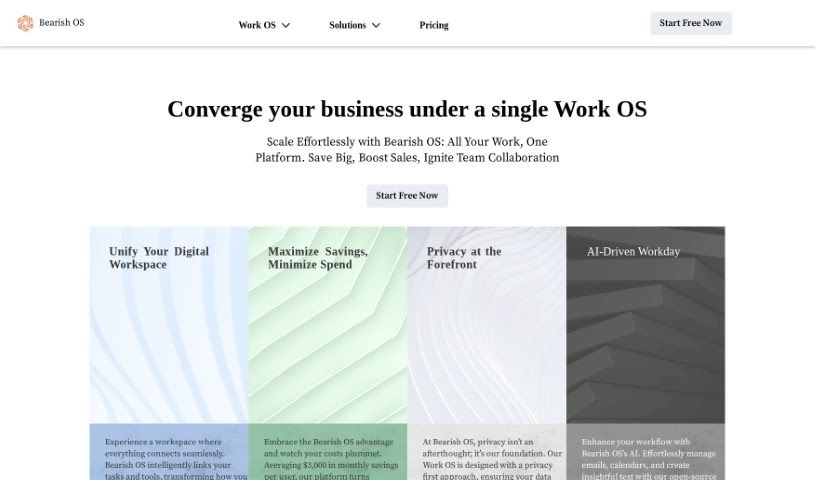
Beba AI is a tool built to improve many parts of how businesses run. It is a helpful assistant for writing, creating, selling, delivering, and lots of other tasks. It works quietly in the background, so it doesn't get in your way, but it's always there to boost your productivity. For instance, it can help you with writing projects, accurately transcribe audio or video files (saving you tons of time and effort compared to doing it manually), and even sort your data to keep things organized. The main goal is for Beba AI to fit right into your current work routine, making you more productive and effective across the board. Plus, they've built in top-notch security measures everywhere, so your privacy and data are well-protected.

Screenshot of Beemer

Beemer

Freemium

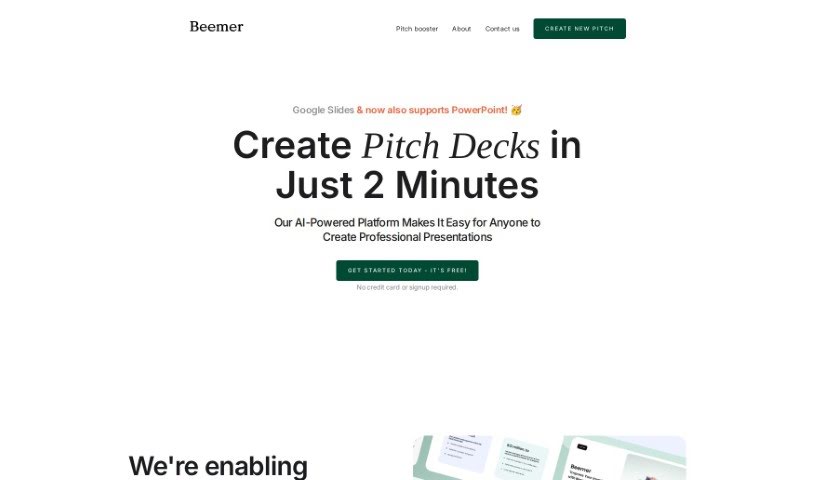
Beemer is an AI-powered platform designed to help you quickly create professional-looking Google Slides and PowerPoint pitch decks. It is your go-to assistant for making impressive presentations. It's built for efficiency, offering design-focused templates, a handy 'Pitch Booster' option to really strengthen your pitches with extra resources, and easy team collaboration. Plus, you can get started for free – no credit card or signup required upfront. Beemer's goal is to simplify the whole process of creating great pitch decks, especially for startups. They offer sleek, minimalistic templates that really let your content shine and follow current design trends. You can even collaborate with your team using tools you're already familiar with. Need a little more oomph? The Pitch Booster gives you access to things like executive summaries, email drafts, and extra slide layouts to make your pitches even more impactful. With Beemer, startups can easily generate presentations that get noticed and help speed up their path to success.

Screenshot of Beeyond AI

Beeyond AI

Freemium

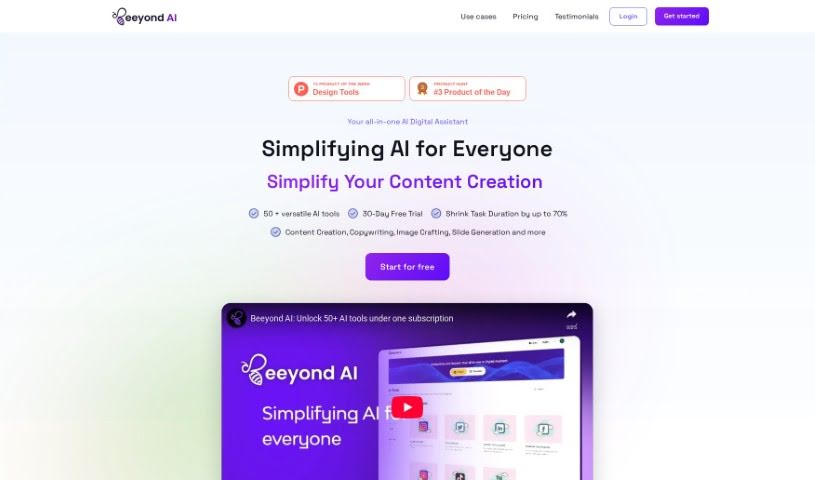
Beeyond AI is an all-in-one AI digital assistant web app built to boost your creativity and productivity, whether for personal projects or professional life. It's packed with tools to help you out. You can transform digital art with its AI Art Studio & Editor, get help with writing, chat with your PDFs, create social media content, and even turn audio notes into text. Plus, it can assist with planning trips, figuring out food and nutrition, and making sense of legal documents. Beeyond AI works in many languages and is always getting new features and updates, so you always have the latest AI advancements at your fingertips.

Screenshot of BeforeSunset AI

BeforeSunset AI

Freemium

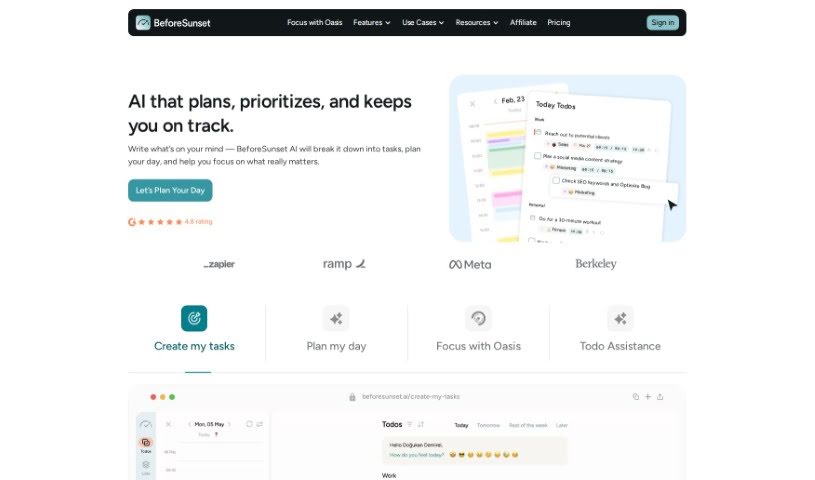
BeforeSunset AI is a sophisticated artificial intelligence system built to make your experience better through personalized interactions and smart automation. This AI technology uses machine learning algorithms, which means it learns from how you use it. It figures out what you like and how you tend to behave, so it can offer recommendations and replies that are just right for you. What really makes BeforeSunset AI stand out is its ability to adapt and learn from every conversation, getting better and better over time. By using natural language processing (which helps computers understand human language) and predictive analytics (which forecasts future trends), BeforeSunset AI makes communication smooth and processes simpler. You'll find it useful in many areas, like customer service, acting as a virtual assistant, or delivering content tailored just for you. With its innovative features, BeforeSunset AI is set to change how we engage with technology and improve efficiency across all sorts of industries.

Screenshot of BGBye

BGBye

Freemium

It looks like the term "BGBye" didn't bring up any specific matches in the documents I have. This means I don't have any information available about it right now. If you could share a bit more about BGBye, maybe some extra details or context, I'd be happy to give you a more helpful explanation.

Screenshot of Bit.ai

Bit.ai

Freemium

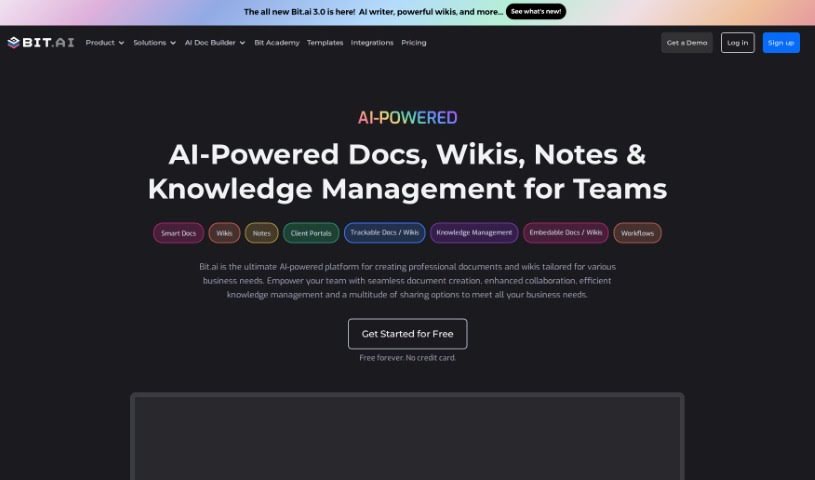
Bit.ai is a really smart platform that uses AI to make working with documents much easier. It's packed with features like tracking who's looking at your documents, a powerful search function, and lots of ways to share your work, whether it's just with your team or through shareable links. Plus, it connects with over 100 other software tools, making it a great fit for all sorts of users – from big businesses and startups to non-profits and schools.

Screenshot of Bithoop

Bithoop

Freemium

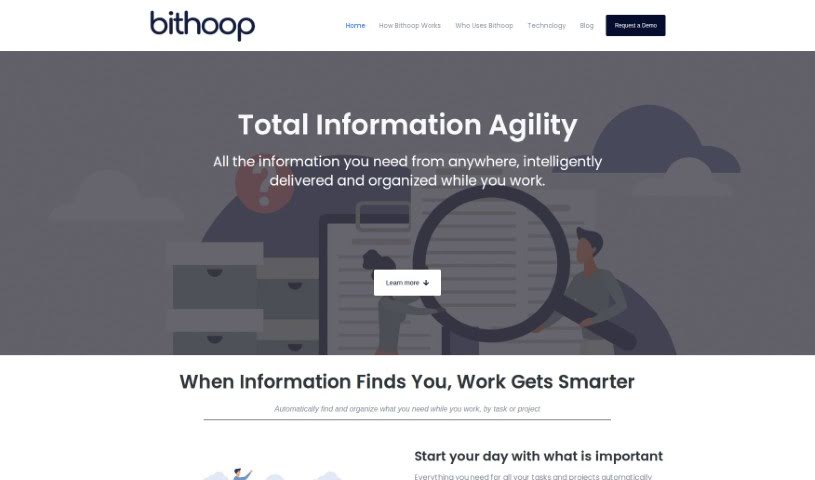
Bithoop is your smart assistant for handling information. It's designed to make gathering and managing data much smoother for everyone, whether you're working alone or as part of a team. What's really neat is that it proactively finds and delivers the information you need, so you don't have to waste time searching manually.

Screenshot of Bitskout

Bitskout

Freemium

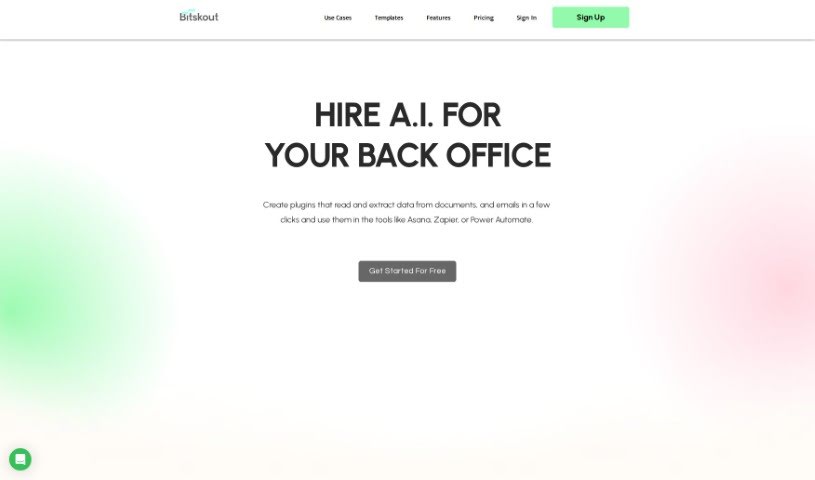
Bitskout is a platform designed to help teams automate back-office tasks using AI, and you don't need to be a tech whiz to use it. It is a way to create your own AI helpers, or plugins, that can pull information from documents, emails, and even images. It's pretty straightforward to set up. Once you've made a plugin, you can easily connect it to tools you already use, like Asana, Zapier, or monday.com. This really helps to smooth out the process of getting data where it needs to go.

Screenshot of Bland AI

Bland AI

Freemium

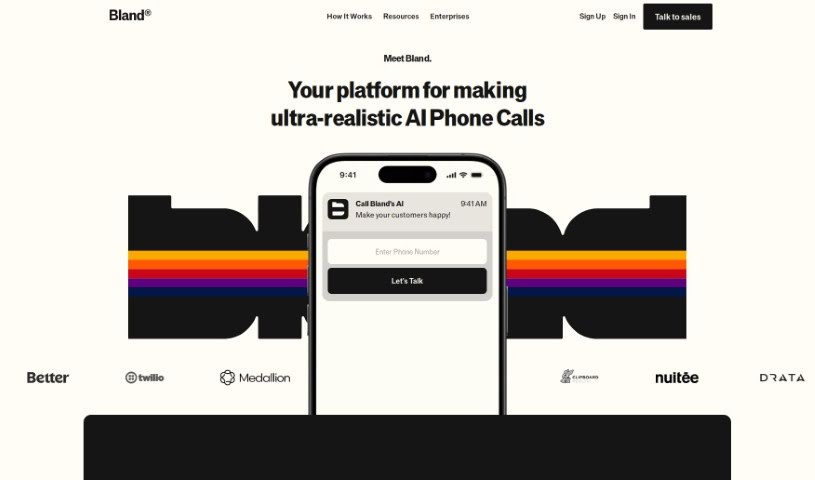
Bland AI is a platform that lets you create AI-powered phone agents. It is a way to automate all sorts of phone tasks at a large scale. It's designed to be really user-friendly, making it easy to integrate and operate efficiently. You can even set up live call transfers to human agents, inject dynamic data right into the calls, and choose from a range of natural-sounding voices. This makes Bland AI a great fit for industries like healthcare, real estate, and logistics, helping them connect better with customers and improve how they operate. If you're new to this, you can actually get started for free and see firsthand how powerful AI can be in handling phone calls, without needing to write any complex code.

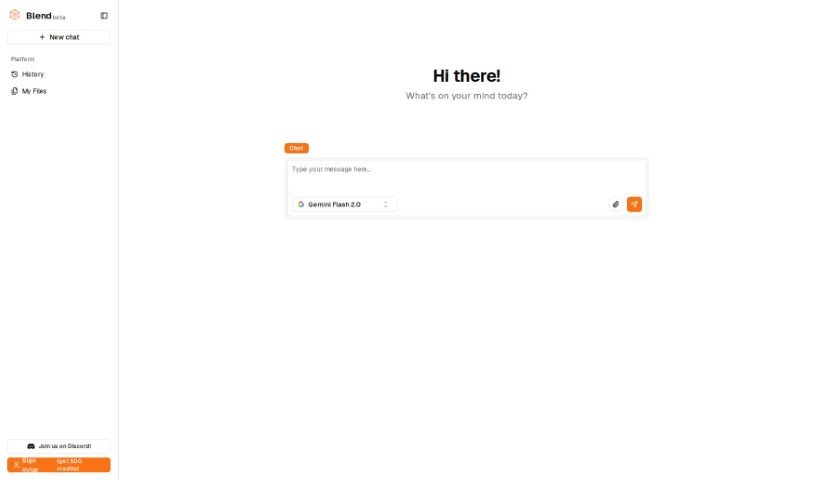
Screenshot of Blend AI

Blend AI

Freemium

Blend AI is a platform that brings together various AI models into one place. It's got some neat features, like a multi-modal graph interface that lets you connect different AI tools. Plus, it handles all sorts of content – text, images, videos, and audio – and uses a pay-as-you-go payment system. This means you can jump between and use multiple AI models without the hassle of switching between different websites or services.

Screenshot of BLiiNK AI

BLiiNK AI

Freemium

BLiiNK is a smart app designed to help you take care of yourself while you're working on your computer. It's all about promoting good eye health and posture. It is your personal health coach for screen time. The app reminds you to blink regularly, which is super important for preventing dry eyes. It also keeps an eye on your posture, giving you a nudge if you start slouching or drifting away from the recommended position. A team of people who understand the common health issues that come with spending a lot of time at a computer – like bad posture, eye strain, and even dips in productivity – created BLiiNK. Their goal was to build a tool that uses AI to help you stay healthy during those long computer sessions. It does this by analyzing your posture, tracking how often you blink, and sending you timely reminders.

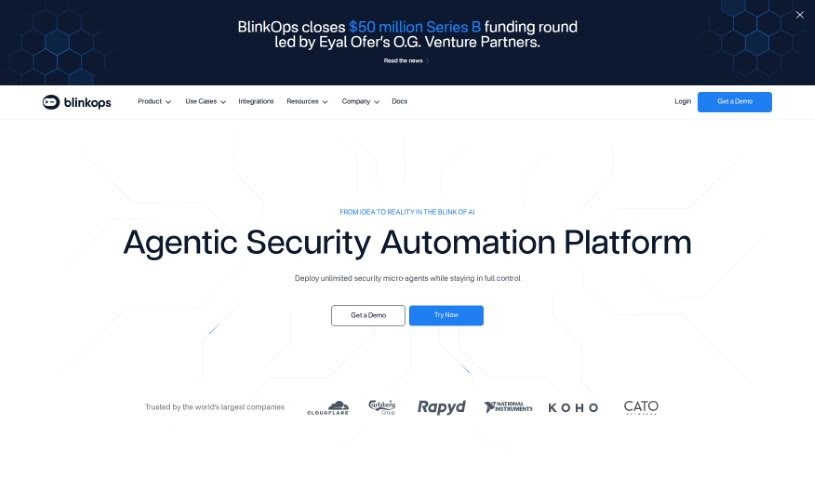
Screenshot of Blink Ops

Blink Ops

Freemium

Blink Ops is your ultimate security automation copilot. It uses the power of generative AI to really shake up how security operations are done. It comes packed with a huge collection of security workflows, making it super easy for teams to create their own automated processes. By making security automation more accessible to everyone, Blink Ops gives you access to tons of ready-made integrations across all sorts of security areas. This includes things like your Security Operations Center (SOC), Incident Response, Cloud Security, and much more. The result? You can build fast, effective security solutions for all kinds of situations, all while keeping security and compliance top-notch.

Stay Updated with AI Tools

Get weekly updates on the latest AI tools, trends, and insights delivered to your inbox

Join 25,000+ AI enthusiasts. No spam, unsubscribe anytime.