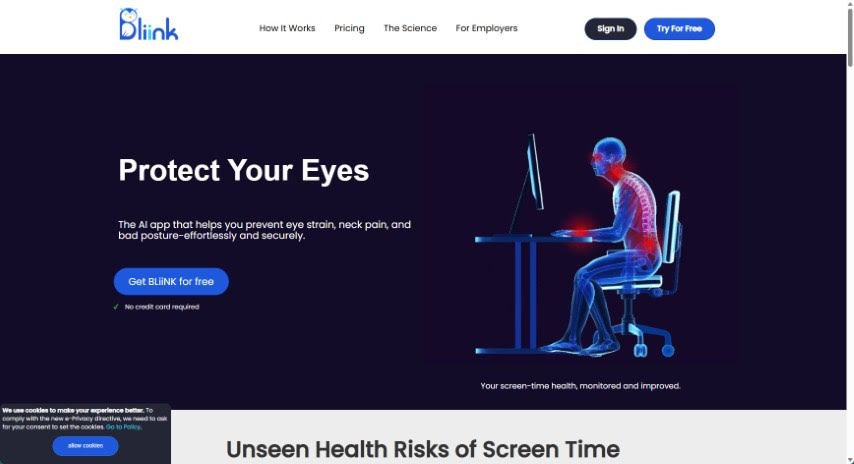
What is BLiiNK AI?
BLiiNK is a smart app designed to help you take care of yourself while you’re working on your computer. It’s all about promoting good eye health and posture. It is your personal health coach for screen time. The app reminds you to blink regularly, which is super important for preventing dry eyes. It also keeps an eye on your posture, giving you a nudge if you start slouching or drifting away from the recommended position. A team of people who understand the common health issues that come with spending a lot of time at a computer – like bad posture, eye strain, and even dips in productivity – created BLiiNK. Their goal was to build a tool that uses AI to help you stay healthy during those long computer sessions. It does this by analyzing your posture, tracking how often you blink, and sending you timely reminders.
Who created BLiiNK AI?
Artashes Baghdasaryan, along with Nairi and Arthur, founded Bliink. They were inspired by the everyday health challenges many computer users face, such as poor posture and eye strain. This led them to develop an AI-powered desktop application specifically designed to improve users’ well-being during extended periods of computer use. The company behind it, Bliinkai Inc., is dedicated to creating tools like BLiiNK that help people build and maintain healthy habits while interacting with digital screens.
What is BLiiNK AI used for?
BLiiNK is designed to help you:
- Promote good eye health and reduce strain.
- Encourage better posture while you’re using your computer.
- Remind you to blink regularly, which helps prevent dry eyes.
- Track your blinking rate and let you know if it drops below the recommended level.
- Periodically check your posture and alert you if you’re not sitting correctly.
- Show you historical performance data and reports, so you can see how you’re progressing with building healthier working habits.
- Offer simple, office-friendly exercises for your neck, back, hands, wrists, and eyes. It also reminds you to stay hydrated and take short breaks to walk around.
- Tailor notifications to your personal preferences, creating a truly customized experience.
- Help you maintain a safe distance from your screen, which reduces eye strain and lessens the burden on your neck muscles.
- Develop healthier working habits overall, which can also boost your productivity.
- Check your sitting posture to support a healthy back and spine.
- Transform your sitting habits to improve productivity and energy levels.
- Assist you in managing back pain and maintaining good posture.
- Help you achieve a healthier work-life balance.
Who is BLiiNK AI for?
BLiiNK is a great tool for:
- Freelancers
- Entrepreneurs
- Data Analysts
- Health enthusiasts
How to use BLiiNK AI?
To get the most out of Bliink, here’s a simple step-by-step guide:
- Installation: First, download and install the Bliink software onto your computer from its official website. It’s a straightforward process.
- Registration: Next, you’ll need to create an account. Just provide your email address and set up a secure password.
- Dashboard Navigation: Once you log in, take a moment to get familiar with the dashboard. You can easily move between different sections like your projects, settings, and analytics.
- Creating a Project: Ready to start something new? Click the “New Project” button. You’ll then fill in the essential details, such as the project’s title, a brief description, and its main objectives.
- Content Upload: Now, upload the files relevant to your project. Bliink supports a variety of file formats, including images, videos, and documents.
- Customization: Make your project stand out! You can customize it by choosing from different templates, themes, and layout options to ensure your content looks great.
- Collaboration: Want to work with others? Invite team members to collaborate by sharing access to the project. You can also manage their roles and permissions to ensure smooth teamwork.
- Engagement Features: Make your content more interactive! Explore features like quizzes, polls, and surveys to actively engage your audience.
- Integration: For a more seamless workflow and to keep your data in sync, you can integrate Bliink with other tools or platforms you use.
- Analytics: Keep track of how your projects are performing using the analytics Bliink provides. Monitor engagement metrics and use this information to make smarter decisions for your future projects.
Following these steps will help you use Bliink effectively to create engaging and interactive content.