AI Tools for Productivity

Discover the best Productivity AI tools to enhance your productivity and creativity.

Page 11 of 114 • 1361 total tools

In today’s busy world, staying productive can feel like a real challenge. With so much to do, constant notifications, and distractions everywhere, having the right tools to manage your time well is more important than ever. That’s where AI productivity tools come in—they’re designed to make your work smoother, handle repetitive tasks for you, and keep you organized.

These smart solutions have come a long way recently. They’ve gone from simple task managers to complete systems that can adapt to what you need. Whether you’re trying to organize your day better, improve how your team works together, or finally tackle that huge inbox, the right AI tools can make a big difference.

As I looked into the best AI productivity tools out there, I tried out several apps that promise to make you more efficient and focused. From smart schedulers to new project management systems, there are tons of options to help you get your time back.

So, if you’re ready to boost your productivity and make the most of your workday, you’re in the right place. Here’s a list of great AI productivity tools that are definitely worth checking out. Let’s explore how to work smarter together!

The best AI Productivity Tools

  1. Perplexity for automating tasks and helping with management.
  2. Small PDF.com for smoother document management for teams.
  3. Gamma for document creation tools that save time.
  4. Odoo for a task management and collaboration app.
  5. Zoom for analyzing and summarizing meeting content.
  6. N8N for smoother team onboarding processes.
  7. Prezi for engaging team collaboration sessions.
  8. Tableau for creating reports and dashboards more easily.
  9. Data Camp for efficient team collaboration workflows.
  10. Otter.ai for getting action items from meetings without the fuss.
  11. Tenorshare for easily summarizing long PDF documents.
  12. Slidesgo for creating professional presentations efficiently.
  13. Facecheck Id for streamlining identity verification tasks.
  14. HIX.AI for boosting writing speed with smart tools.
  15. Tactiq for automating meeting notes for teams.

How do AI productivity tools work?

AI productivity tools use machine learning to look at how you work and make your tasks more efficient. These tools are built to handle lots of information, spotting patterns and your preferences to help smooth out your workflows. By understanding how you use different apps, AI can suggest personal improvements to boost your productivity.

Basically, these tools use natural language processing (NLP) to understand and respond to what you ask. For example, they can schedule meetings, set reminders, or create reports just by understanding simple requests. This saves you time and cuts down on manual work.

Many AI productivity apps connect with popular tools like calendars, email, and project management software. This connection lets them gather information and automate tasks across different places. As a result, you get a smooth, connected experience that improves how you work day-to-day.

AI productivity tools also learn from how you use them to get better over time. The more you use a tool, the better it gets at guessing what you need and offering helpful suggestions. This ability to adapt is what makes AI tools increasingly valuable for improving productivity for both individuals and teams.

Plus, these tools can look at data about how you complete tasks and suggest ways to improve. For instance, if you often miss deadlines, the AI might suggest better ways to manage your time. By giving you useful insights, AI productivity tools help you work smarter, not just harder.

In the end, AI productivity tools show how technology can change everyday tasks into more efficient processes. By automating routine jobs and offering personal insights, they help you focus on what’s most important—hitting your goals and being more effective overall.

Our best AI productivity tools at a glance

RankNameBest forPlans and PricingRating
1PerplexityAutomating tasks and helping with management.N/A4.70 (10 reviews)
2SmallPDF.comSmoother document management for teams.Paid plans start at $9/month.4.73 (11 reviews)
3GammaDocument creation tools that save time.N/A4.79 (19 reviews)
4OdooA task management and collaboration app.N/A4.67 (6 reviews)
5ZoomAnalyzing and summarizing meeting content.Paid plans start at $15.99/month.4.73 (11 reviews)
6N8NSmoother team onboarding processes.Paid plans start at $50/month.4.58 (12 reviews)
7PreziEngaging team collaboration sessions.Paid plans start at $19/month.4.18 (11 reviews)
8TableauCreating reports and dashboards more easily.N/A4.70 (43 reviews)
9DataCampEfficient team collaboration workflows.Paid plans start at $25/month.4.71 (24 reviews)
10Otter.aiGetting action items from meetings without the fuss.Paid plans start at $13.59/month.4.73 (11 reviews)
11TenorshareEasily summarizing long PDF documents.N/A4.64 (11 reviews)
12SlidesgoCreating professional presentations efficiently.N/A4.68 (22 reviews)
13Facecheck IdStreamlining identity verification tasks.N/A4.42 (19 reviews)
14HIX.AIBoosting writing speed with smart tools.N/A4.36 (11 reviews)
15TactiqAutomating meeting notes for teams.N/A4.64 (11 reviews)
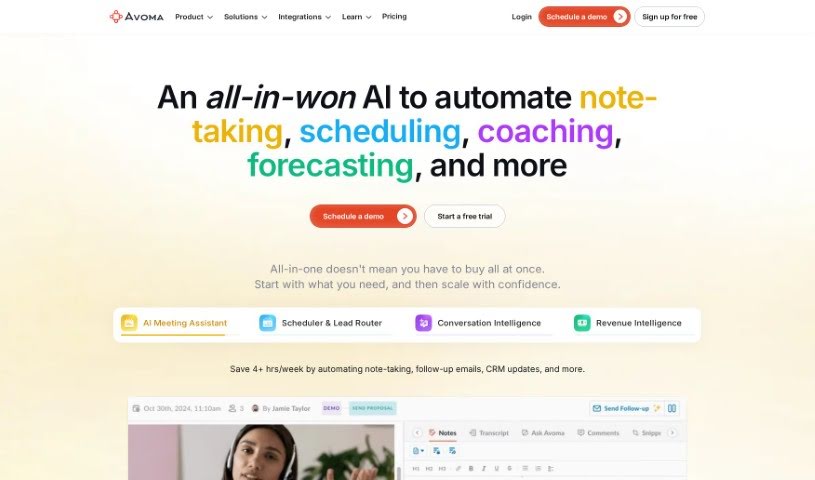
Screenshot of Avoma

Avoma

Freemium

Avoma, which stands for "A Very Organized Meeting Assistant," was founded in late 2017. Its main goal is to boost meeting productivity by blending human insight with artificial intelligence. The company envisions a future where meetings are completely reimagined, helping people and companies reach bigger goals. Their mission? To make communication better for knowledge workers by handling those low-value tasks automatically and boosting the important work. Avoma really values being open, staying curious, and showing gratitude. They also stick to some key principles, like focusing on the "Jobs To Be Done" – what people actually need the tool to do – taking ownership like an entrepreneur, and always getting better with a growth mindset.

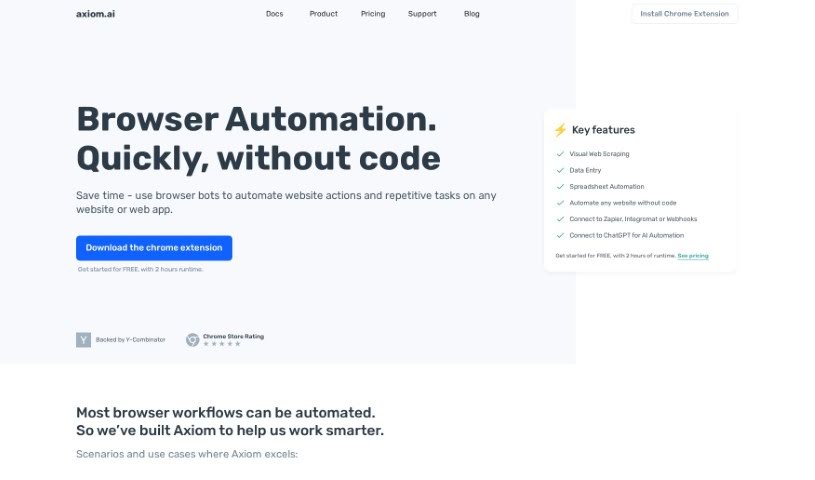
Screenshot of Axiom

Axiom

Freemium

Axiom.ai is a really neat AI-powered tool designed to automate web browsing tasks. The best part? You don't need to know any code to use it! It comes packed with handy features like a Data Extractor, which is great for pulling unstructured data from websites. There's also a Text Generator that can create human-like text, a Bot Builder to help you create templates for specific tasks, a Support Assistant to guide you through automation, and a handy Selector Tool for creating custom CSS selectors. After you get a feel for it with a free 2-hour runtime, you can explore extended usage options through their pricing plans.

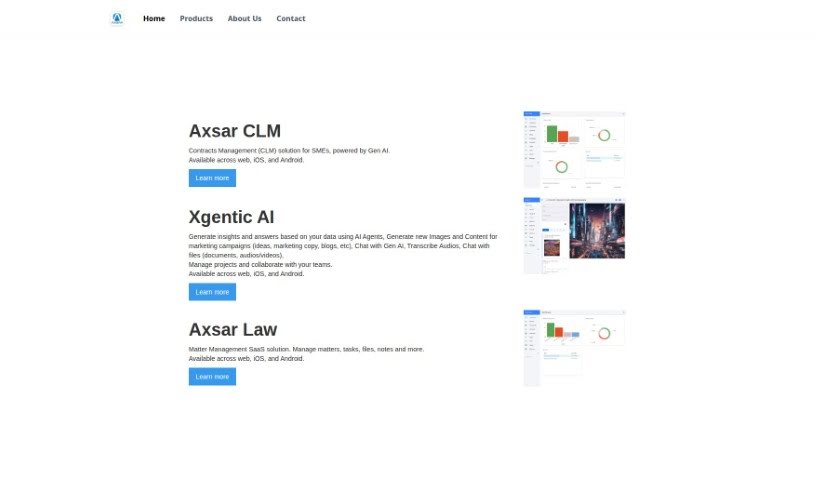
Screenshot of Axsar

Axsar

Freemium

Axsar is a really handy tool for managing and working with documents, especially PDFs. It is your go-to for editing, making notes, and even chatting with your documents. What's cool is that it uses advanced Gen AI to help you out – it can summarize long texts, ask important questions about the content, and pull out key information super fast. Plus, it has built-in online proofing, so you and your team can easily comment, review, and approve files together. This makes it a great choice for anyone who works with PDFs and needs to collaborate on them. Axsar can really boost your productivity by simplifying document tasks, making it easier to interact with PDFs, helping teams work together smoothly, and even letting you track your documents on Kanban boards. It's also available on mobile, so you can use it wherever you are.

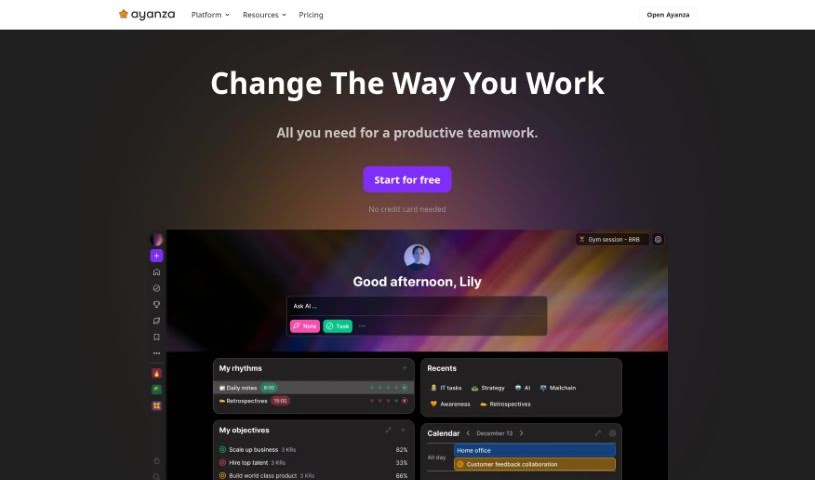
Screenshot of Ayanza

Ayanza

Freemium

Ayanza is a collaborative project management software designed to help teams reach their full potential. It does this by simplifying how projects are managed, making sure everyone on the team is on the same page with clear goals, and improving how work gets done. It also encourages a culture where team members openly share their work experiences. Ayanza offers different subscription options to fit various needs, starting with a free plan for startups and going up to enterprise solutions that include advanced features like AI writing help and various integrations. The company was founded in 2021 and is currently self-funded by its co-founders, who are looking for mission-driven investors to help them grow.

Screenshot of Ayraa

Ayraa

Freemium

Ayraa is your personal search engine and a smart assistant specifically designed for your work life. It connects seamlessly with Slack and your web browser, capturing and organizing all your work-related information the moment you encounter it. This means you can easily ask Ayraa questions about your workplace insights, get quick summaries, find answers to specific queries, and even get help with tasks across different applications. The goal here is to make sure everyone can access and discover knowledge easily. It acts like a generative AI assistant, giving you direct access to answers and insights without you having to go looking for them yourself. The company behind Ayraa was actually founded by security veterans who have a lot of experience developing AI for analyzing text in work communications.

Screenshot of Babel Street

Babel Street

Freemium

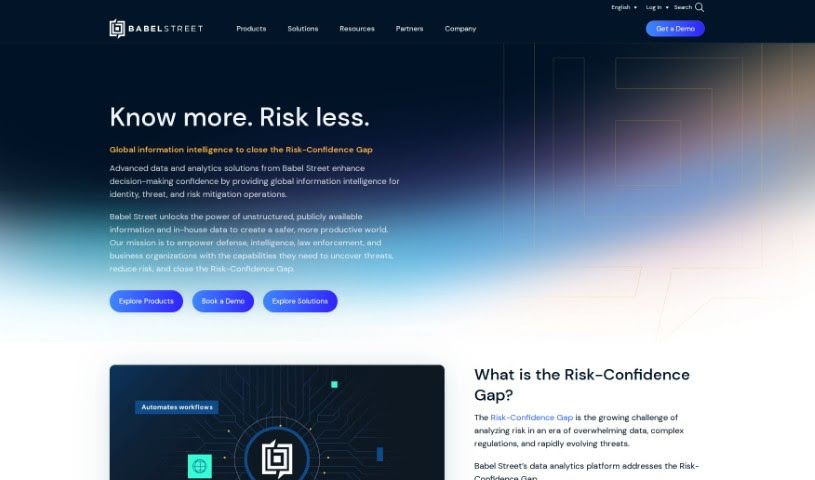
Babel Street is a company that's really good at turning raw data into useful knowledge. They are experts who help you make sense of all sorts of information. They use advanced technology to help people and organizations find, understand, and use important data in real-time. Their goal is to make the world safer and more productive by giving defense, intelligence, and business teams the tools they need to make smart decisions with confidence. They do this by tackling what they call the 'Risk-Confidence Gap' with their AI-powered data analytics. Essentially, Babel Street gives you access to data from many different places, all ready for analysis and in multiple languages, so you can make better decisions faster.

Screenshot of Backtrack

Backtrack

Freemium

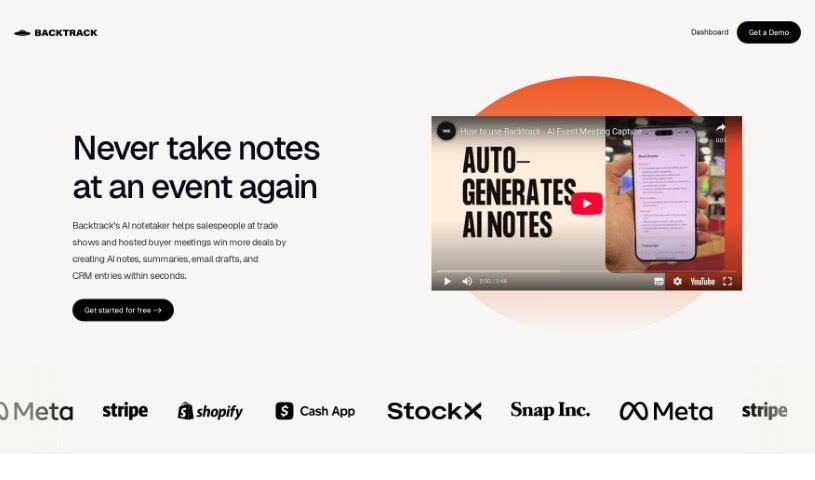
Backtrack is a really handy tool for Mac users, sitting right in your menu bar. It is a personal recorder that can recall and save audio, screen recordings, and even conversations you've had in the past. It's super versatile, perfect for capturing everything from Slack Huddles and client calls to brainstorming sessions, user interviews, sales calls, webinars, and even bug reporting. You can locally record up to five hours of past audio, screen activity, or microphone input. Plus, you get to preview and tweak what you've saved before you download it. And here's a neat part: Backtrack also has AI note-taking built-in. You can upload your recordings to the cloud, and the AI will whip up transcripts and summaries for you, saving you from all that manual note-taking. It automatically keeps track of the last hour of internal or external audio and your screen, making it easy to retrieve and store, all while keeping your privacy safe until you decide to share.

Screenshot of Base64.Ai

Base64.Ai

Freemium

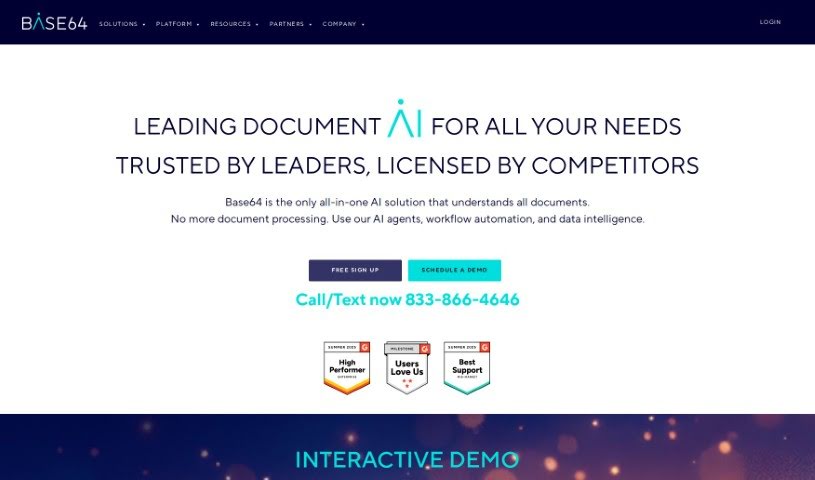
Base64.ai is an intelligent platform designed for processing documents, powered by AI. It was founded by Ozan Bilgen, who has significant experience working at major tech companies in Silicon Valley. The platform was created to tackle the challenges businesses face with manual document processing. It offers a complete AI solution that can automatically handle many different kinds of documents with impressive accuracy and strong security. Base64.ai uses Cloud Computing, Large Language Models, Generative AI, and Transformer Neural Networks. This technology helps it understand complex documents, even PDFs that contain multiple separate documents. The system has achieved accuracy rates that are almost perfect and is currently used by banks, insurance companies, RPA platforms, and other companies offering Document AI solutions.

Screenshot of Bash

Bash

Freemium

Bash is your personal work assistant, designed to make your life easier by cutting down on busywork and information overload. It’s built to speed up how you plan, strategize, and write. The team behind Bash comes from places like Google, Android, and Uber, so they know a thing or two about making productivity tools. What's really neat is that Bash gives you a personalized feed that connects with all sorts of apps you already use. You can even record meetings directly through it. It helps you sort through, organize, and act on information in mere seconds. Unlike many AI tools that just churn out content, Bash really focuses on your input, which makes it much easier to trust what it generates. Ultimately, Bash aims to make you way more productive by slashing the time you spend on repetitive tasks.

Screenshot of Beam

Beam

Freemium

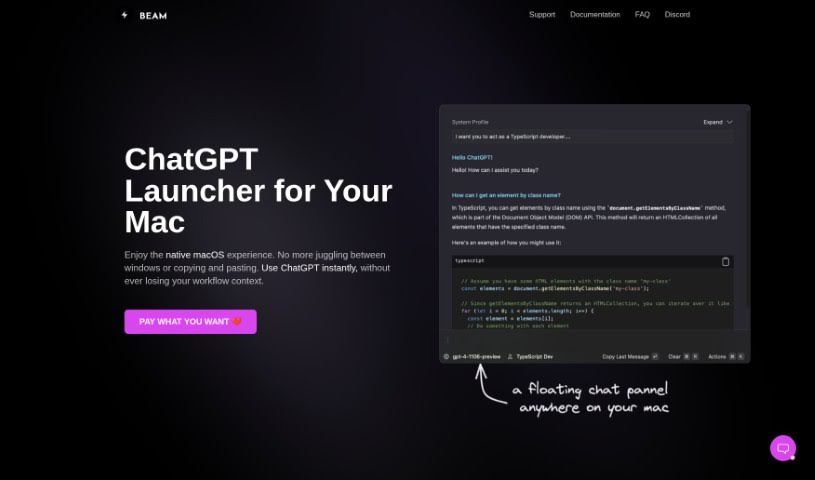
Beam for macOS is a really neat tool, a user interface designed specifically for us Mac folks to make our ChatGPT experience even better. What's cool about it is that it lets you get to ChatGPT instantly, no matter what you're doing – whether you're in another application, browsing a website, or working on a document. You don't have to bother switching between different apps or doing that annoying copy-and-paste dance. Beam also comes with some handy features, like letting you create your own AI profiles so you get responses that are just right for you. You can also use macros for quick text shortcuts, and it even lets you interact with your PDF documents. Plus, they've really thought about privacy and security; it doesn't ask for any special system permissions, which is a big plus. The whole thing feels like a native macOS experience, meaning it's light on your Mac's memory and has that familiar, easy-to-use interface we all appreciate.

Screenshot of Beam Eye Tracker

Beam Eye Tracker

Freemium

Beam Eye Tracker is a really neat AI-powered webcam eye tracking software designed specifically for gaming. What's cool about it is that it performs just as well as those high-end hardware devices, but it uses your existing webcam. You can get smooth tracking at 60 frames per second or even higher with compatible webcams, which means very little lag and a much more immersive gaming experience. Plus, it can even turn your smartphone into a webcam! If you're on iOS, there's a dedicated Beam Eye Tracker app for that. People love Beam Eye Tracker because it makes head and eye tracking way more accessible for gamers, live streamers, and content creators. Instead of needing extra gear like TrackIR or Tobii, you can just use what you already have. It also offers an SDK, which is handy if you're interested in building your own apps or doing academic research with head and eye tracking data. Just so you know, the software doesn't collect any biometric data. It's developed by Eyeware, a Swiss company that spun out of eye tracking research.

Screenshot of Beautiful.AI Designerbot

Beautiful.AI Designerbot

Freemium

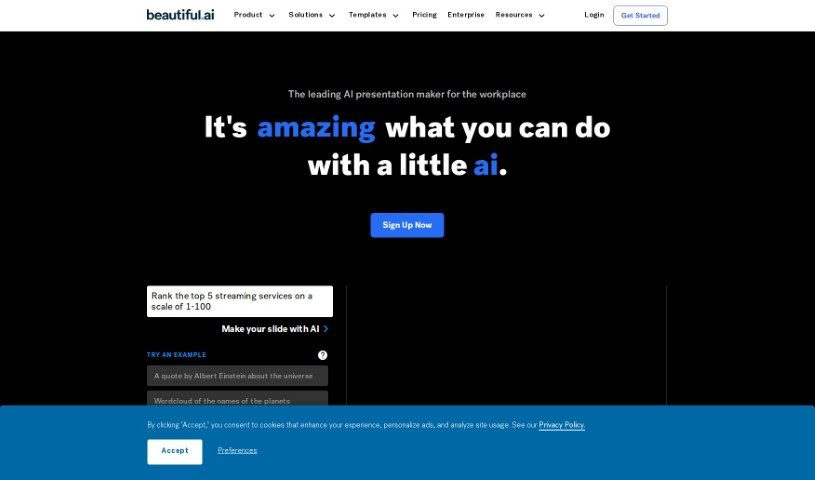
Beautiful.AI Designerbot is an online tool that makes creating presentations much simpler. It helps you build impactful slides with smart, AI-assisted designs. You get customizable templates, a huge library of free stock photos and videos, and lots of animation options. Plus, it offers advanced analytics, secure sharing, team collaboration tools, and even voice narration support. The AI, called DesignerBot, is really neat because it can whip up presentation drafts based on your briefs or descriptions. It then automatically adjusts the slide layouts and designs as you add your content.

Stay Updated with AI Tools

Get weekly updates on the latest AI tools, trends, and insights delivered to your inbox

Join 25,000+ AI enthusiasts. No spam, unsubscribe anytime.