AI Meeting Assistants: Top Tools & How They Work

AI Tools for Meetings

Discover the best Meetings AI tools to enhance your productivity and creativity.

Page 3 of 10 • 115 total tools
Screenshot of Comigo

Comigo

Freemium

Comigo is a personal assistant that combines therapy support with productivity tools. It offers conversational help for managing day-to-day symptoms while building long-term strategies and skills for better self-regulation of thoughts, feelings, and behaviors. The app draws on established techniques such as CBT, DBT, and ACT, and provides 24/7 access to practical advice and support aimed at personal and professional growth.

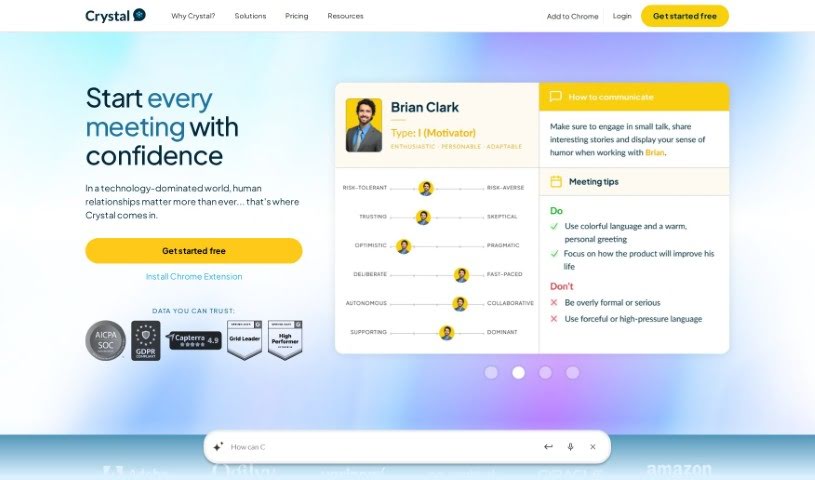
Screenshot of Crystal Knows

Crystal Knows

Freemium

Crystal Knows is a platform that provides personality insights to help you understand yourself and communicate better with others. Founded in 2015 and based in Nashville, its mission is to strengthen communication through personality data. The software analyzes millions of online data points to identify a person's motivations, preferred communication style, and other behavioral traits.

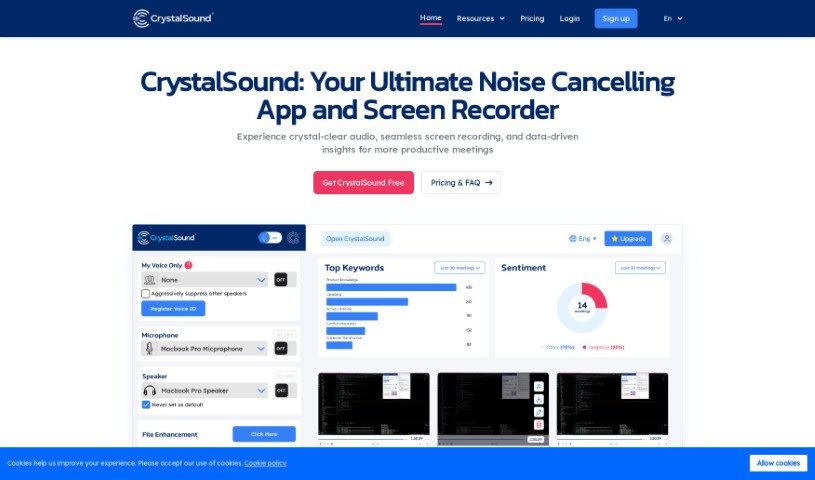
Screenshot of CrystalSound

CrystalSound

Freemium

CrystalSound is an app for Windows, Mac, and Linux that cleans up your audio. It combines noise cancellation and voice changing in one tool, with the goal of delivering clear audio. It cuts background noise, improves the sound of audio files, and lets you change your voice. It is particularly useful for reducing distractions during online meetings and improving overall sound quality.

Screenshot of Cue

Cue

Freemium

Cue is a digital platform built to improve how teams work together and get things done. It combines task management, team messaging, file sharing, and calendar integration in a single place, with the goal of making workflows smoother and communication clearer within an organization.

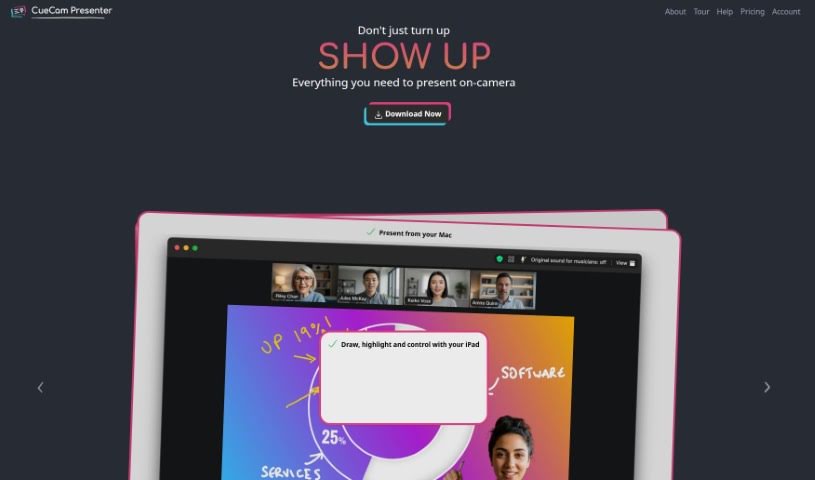
Screenshot of CueCam Presenter

CueCam Presenter

Freemium

CueCam Presenter is a Mac app that changes how you share content during video calls. It turns your iPhone into a camera, teleprompter, and preview window, so you can present while looking directly at your audience. If you have an iPad, the app works with it too: the Video Pencil feature lets you draw and add annotations directly over whatever you're sharing.

Screenshot of Dinnerfy

Dinnerfy

Freemium

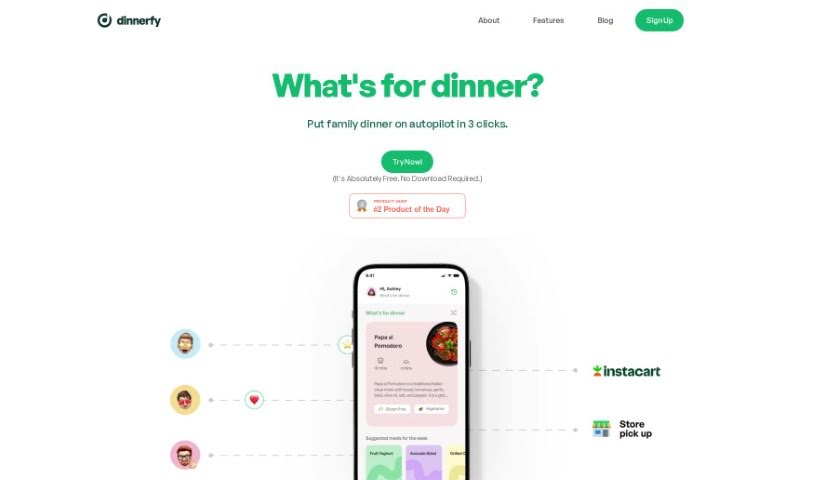
Dinnerfy is a Progressive Web App (PWA) that runs in your web browser — no download from Apple's or Google's app stores required. You can add it to your device's home screen like a regular app. The app is designed to help families spend more quality time together: its technology learns what your family likes and helps you reach your goals, and you can customize your menus. Dinnerfy is free to use, with voluntary donations accepted to keep it running.

Screenshot of Embra

Embra

Freemium

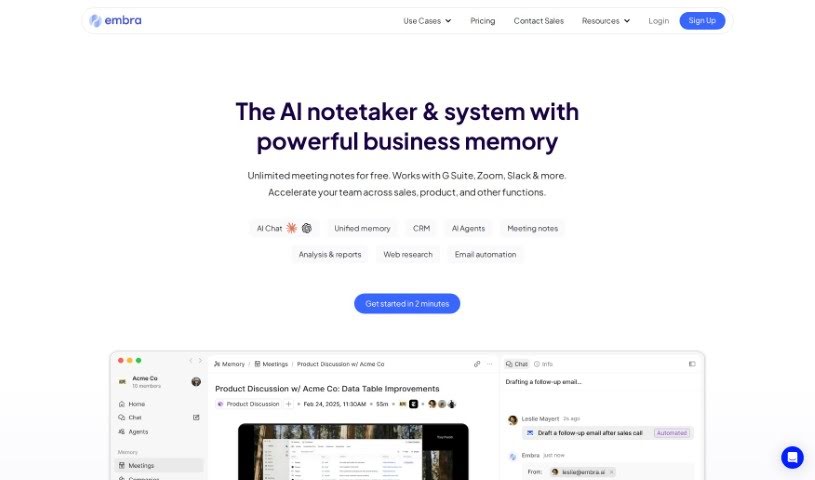
Embra is an AI assistant built for professionals. It automates emails, generates meeting summaries, searches internal documents, creates content, and handles research and article summarization. Its distinguishing features include quick commands, personalized automation, collaboration tools, and integrations with commonly used apps. Users including Andre Pennecooke, VP of Design at Dave, and Brian Cometa, Owner at $300 Data Recovery, have praised its efficiency and ease of use.

Screenshot of Equal Time

Equal Time

Freemium

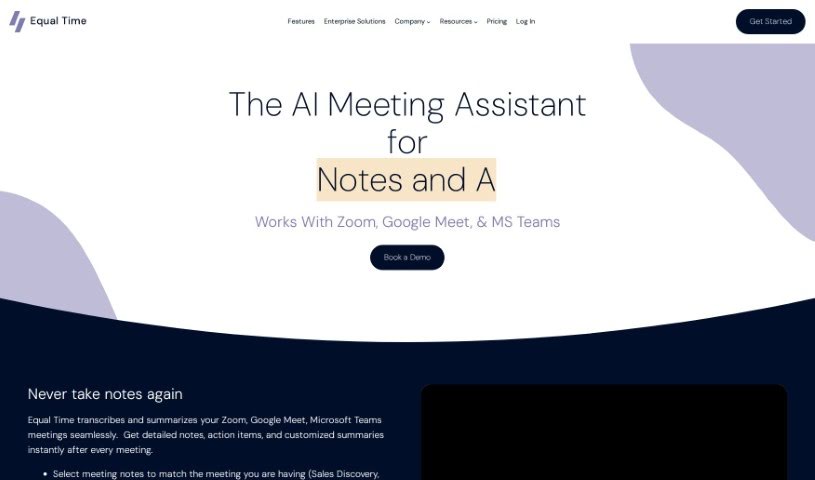
Equal Time is a virtual meeting assistant that makes meetings on Zoom, Google Meet, and Microsoft Teams more inclusive and productive. It tracks speaking time, offers real-time feedback on participation, and generates AI-powered meeting notes with transcripts and action items. It's a good fit for DEI leaders, managers, teachers, coaches, HR professionals, and engineering teams focused on diversity, inclusion, and equity.

Screenshot of Eyre

Eyre

Freemium

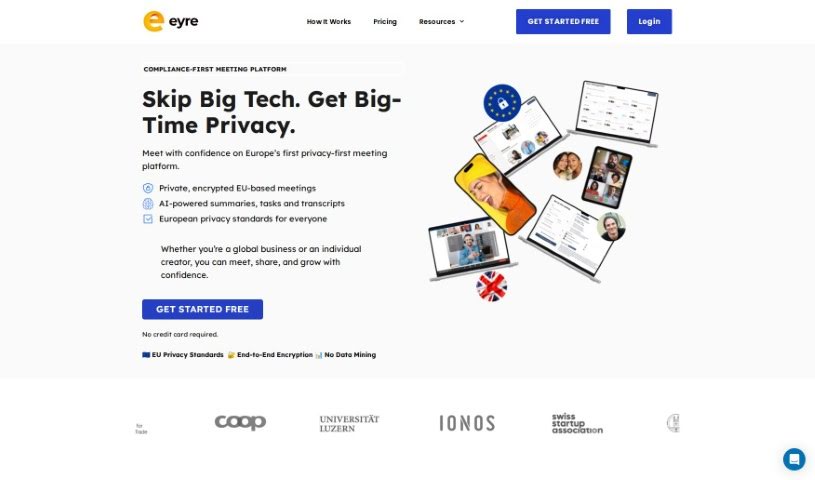
Eyre is an AI-powered meeting platform built around collaboration. It combines an interactive virtual whiteboard, task management, secure content sharing, and an AI assistant named Jane, powered by GPT-4, in a single meeting hub. Teams can brainstorm, assign tasks, track progress in real time, and generate meeting content.

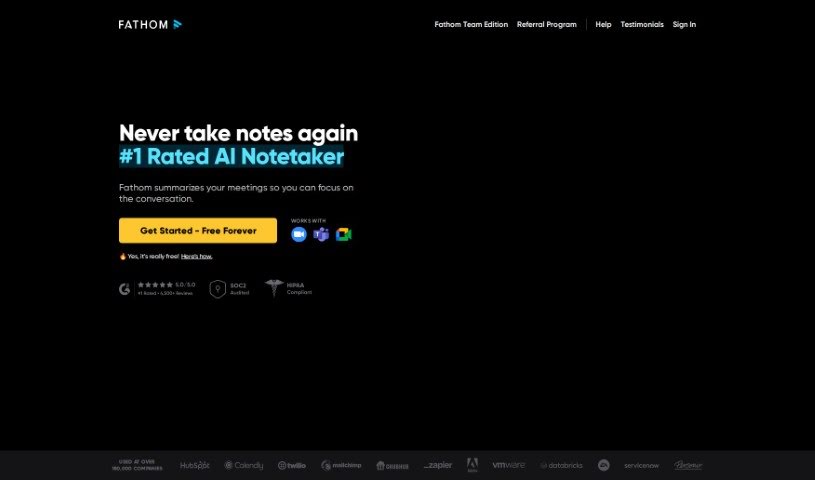
Screenshot of Fathom AI

Fathom AI

Freemium

Fathom AI builds AI-powered tools designed to help businesses run more efficiently and make better decisions. The company specializes in machine learning, natural language processing, and data analysis, and it develops custom AI solutions tailored to each client's needs. Its goal is to use AI to help companies grow and improve how they operate.

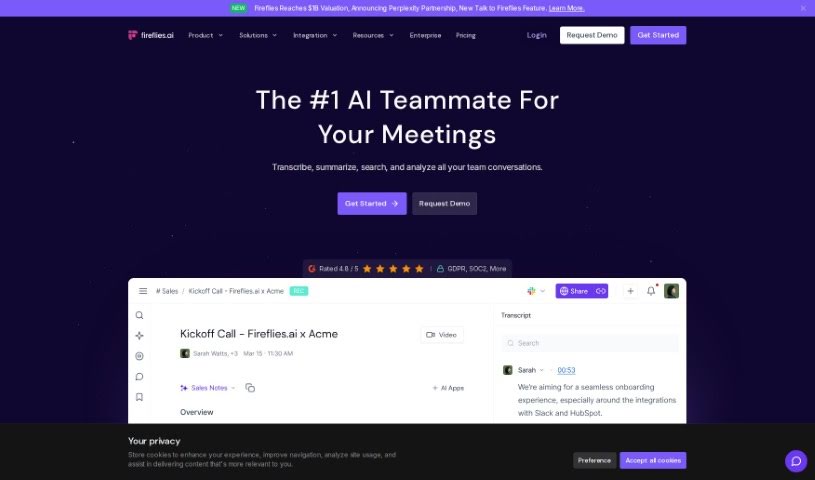
Screenshot of Fireflies AI

Fireflies AI

Freemium

Fireflies AI is a voice assistant and transcription service that turns conversations into actionable insights and helps automate team workflows. It creates meeting summaries, tracks action items, monitors key topics, and analyzes speaker talk time. Security is a priority: it offers enterprise-grade protection with encryption, security logging, and compliance with GDPR and HIPAA for healthcare. Pricing plans are flexible, serving individuals, small teams, growing businesses, and large enterprises, with extras like Ask Fred and AI Apps to pull specific information from your meetings.

Screenshot of Floode

Floode

Freemium

Floode is a personal AI executive assistant that takes over time-consuming communication tasks. It brings conversations from your messaging apps and email together in one place, sorting, labeling, and summarizing messages so your inbox is easier to manage. It drafts replies with prompts and suggestions, handles scheduling tasks and events, and offers customizable folders for organizing conversations your way. Floode learns your writing style and tone, understands commands in multiple languages, and does not sell your data.

About Meetings tools

Sitting through back-to-back video calls while trying to write down every detail can leave anyone exhausted. Between tracking decisions, scribbling down action items, and sending follow-up emails, staying engaged in the actual conversation becomes a real challenge. When manual note-taking steals your focus, meetings feel like extra work added on top of your actual job.

These meeting platforms act as attentive digital assistants for virtual calls and team collaboration. They record audio, generate clean transcripts, and pull out key decisions so you can stay fully present in the conversation.

Automatic Notes, Task Extraction, and Meeting Archives

Automating real-time transcription and note-taking removes the pressure of scribbling down every word. Modern meeting assistants join your video calls or record local audio, separating speakers and turning spoken words into clear text. Instead of dividing your attention between listening and typing, you can participate fully while software captures every detail in the background.

Extracting clear action items and commitments keeps team projects moving forward after the call ends. Crucial tasks assigned during a long discussion often get forgotten once everyone logs off. Intelligent meeting tools scan the transcript, highlight agreed-upon tasks, and assign team owners alongside stated deadlines. You can push these action items directly into your project board or chat channels without typing a single follow-up email.

Building a searchable meeting archive makes catching up simple for remote and asynchronous teams. Watching an hour-long recording just to find a two-minute decision about a project design is a huge time drain. AI meeting platforms break long calls into structured chapters, highlight key discussion points, and let you search across weeks of past calls to find specific topics in seconds.

Key Features to Look For:

  • Real-time transcription and speaker identification: Software that turns live speech into text while accurately labeling who spoke each line.
  • Automated summary generation: Features that condense hour-long calls into bulleted notes, key decisions, and topic chapters.
  • Action item and task extraction: Tools that identify commitments made during a call, assign task owners, and list target deadlines.
  • Integration with workspace tools: Connectors that automatically sync meeting summaries and tasks with project boards, CRMs, and team messaging apps.
  • Privacy and consent controls: Applications built with strict data retention rules, clear recording notifications, and administrative privacy settings.

Productive team syncs will always depend on active listening, human collaboration, and sound decision-making. Software can record calls and list action items, but building trust and guiding a team requires your personal touch.

Browse the meeting assistants below to make your video calls far more productive.

The Best AI Meetings Assistants

  1. Zoom: Helps you schedule meetings easily and take notes.
  2. Otter.ai: Makes taking meeting notes simple and effortless.
  3. Fireflies AI: Streamlines meeting notes and tasks.
  4. Fathom AI: For efficient meeting notes and key highlights.
  5. Cal.ai: Automates the process of scheduling meetings.
  6. Motion: Offers an automated system for scheduling meetings.
  7. Tldv: Helps streamline meeting summaries and follow-ups.
  8. Reclaim AI: Automatically schedules breaks during meetings.
  9. Crystal Knows: Makes meeting prep easier with personality insights.
  10. Supernormal: Helps you get the most out of your meetings without much effort.
  11. Jamie AI: Effortlessly summarizes what was discussed in meetings.
  12. Blu Dot: Streamlines meeting scheduling and follow-ups.
  13. MeetGeek: Provides streamlined meeting notes and insights.
  14. Voicenotes: Efficiently captures meeting notes and action items.
  15. Bubbles Notetaker: Streamlines meeting transcriptions and tasks.
New tools, in your inbox.

Weekly picks of the best AI tools we've researched and added — no spam, unsubscribe anytime.

Join 25,000+ AI enthusiasts. No spam, unsubscribe anytime.