AI Image Enhancers & Upscalers: Top Tools Compared

AI Tools for Image Enhancement

Discover the best Image Enhancement AI tools to enhance your productivity and creativity.

Page 7 of 9 • 97 total tools
Screenshot of Starving Robots

Starving Robots

Freemium

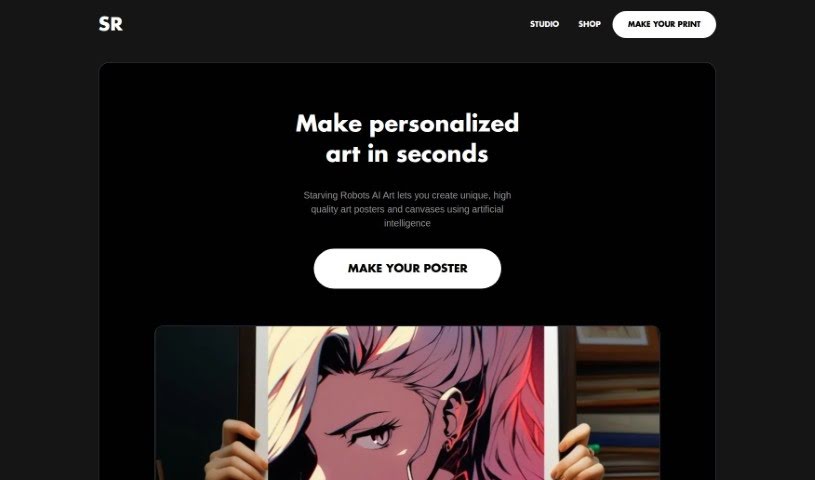
Starving Robots is a platform for turning AI-generated art into physical prints. It upscales and enhances AI artwork, then prints it on products like posters, canvases, and stickers in HD quality. The process is designed to be simple, so your digital creations end up on physical products exactly as you imagined them.

Image Enhancement View Tool →
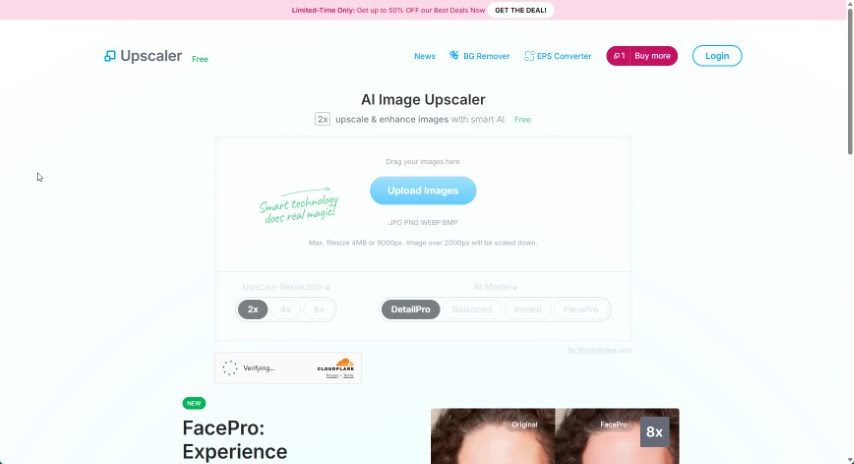
Screenshot of Stockphotos Upscaler

Stockphotos Upscaler

Freemium

Stockphotos Upscaler is a tool that boosts the quality and resolution of images using AI. It offers different styles tailored to faces, pets, and illustrations, so you can pick the best fit for your image. The AI has been trained on millions of photos and is particularly effective at improving images of faces, natural landscapes, and buildings and structures. Processing is fast, often taking just seconds, and results avoid the blocky, pixelated look common with basic resizing.

Image Enhancement View Tool →
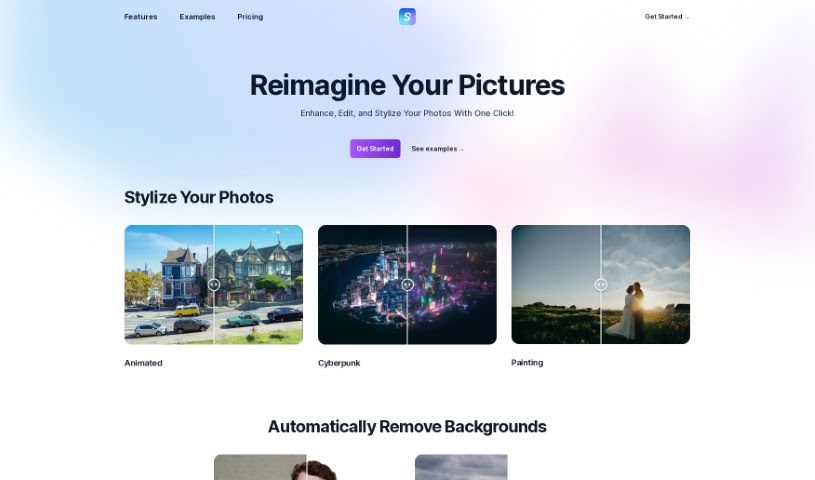
Screenshot of Stylize

Stylize

Freemium

Stylize is a photo editing app that uses AI models to improve and transform images. Its core features include:

Image Enhancement View Tool →
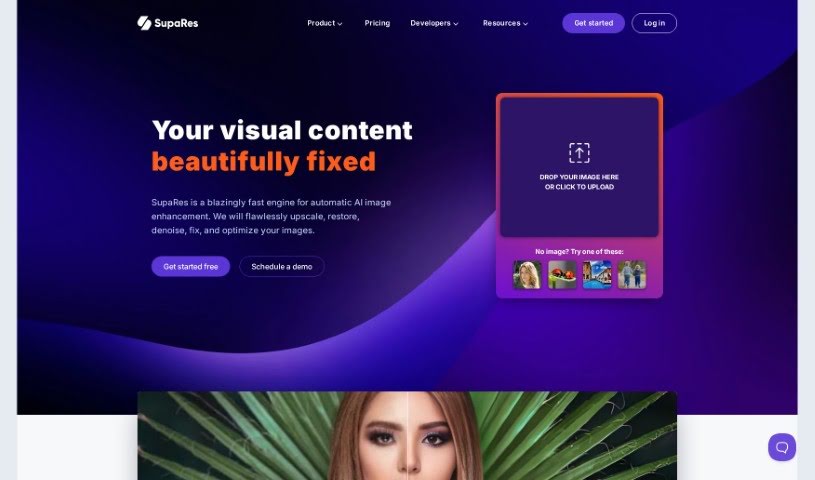
Screenshot of SupaRes

SupaRes

Freemium

SupaRes is an AI platform for optimizing and enhancing images. It handles upscaling, face enhancement, tone adjustments, artifact reduction, low-light boosting, and noise removal. It is built to be straightforward and efficient for anyone working with visuals, from web designers and real estate agents to marketers and publishers.

Image Enhancement View Tool →
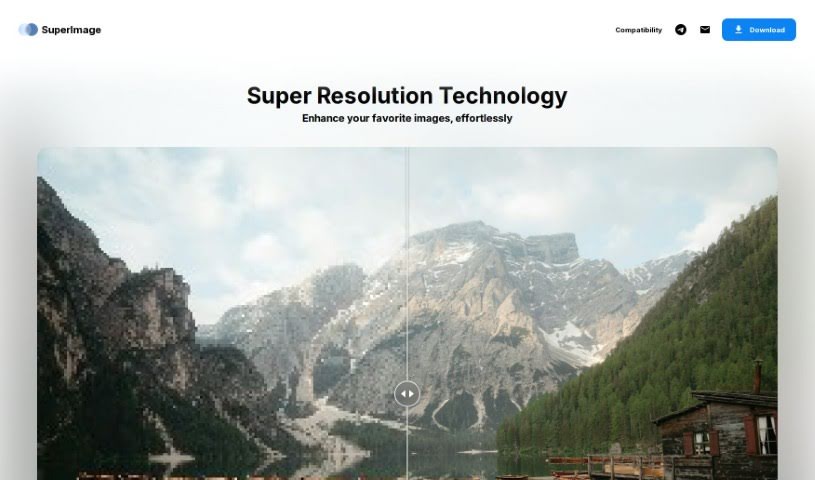
Screenshot of SuperImage

SuperImage

Freemium

SuperImage is an AI tool for upscaling and enhancing low-resolution images. It uses neural networks built on the MNN deep learning framework and the Real-ESRGAN algorithm, running entirely on your computer's own GPU. All processing happens locally, so your images are never uploaded online and no internet connection is required.

Image Enhancement View Tool →
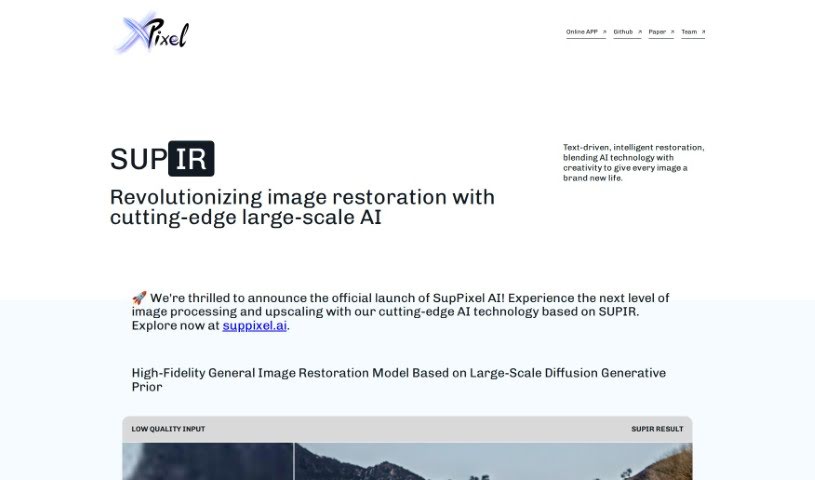
Screenshot of SUPIR - XPixel Group

SUPIR - XPixel Group

Freemium

SUPIR, short for "SUPIR Intelligent Image Restoration," is an AI image restoration tool from the XPixel Group. It uses a large-scale generative AI model trained on massive generative data to improve image quality, bringing out finer details and increasing clarity.

Image Enhancement View Tool →
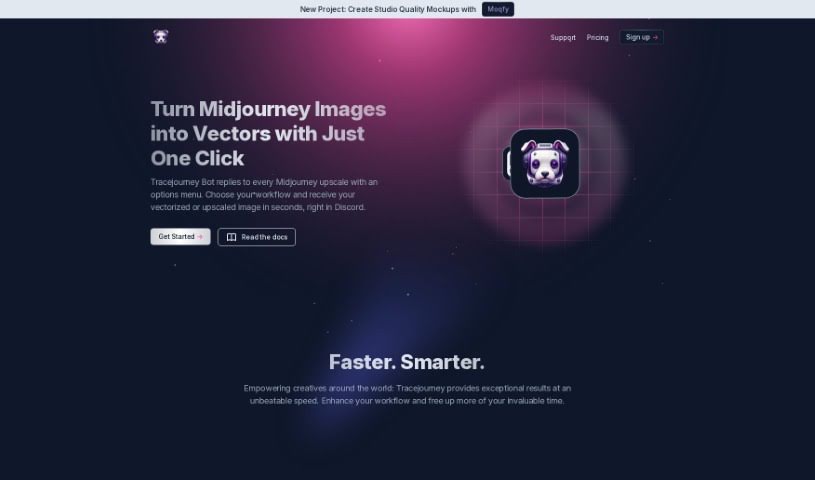
Screenshot of Tracejourney

Tracejourney

Freemium

Tracejourney is an AI-powered tool for upscaling and vectorizing images. It runs AI models on optimized GPU clusters to enlarge images by up to 8x while preserving fine details and reducing noise. The tool integrates with Discord and supports batch processing of up to 10 images at a time.

Image Enhancement View Tool →
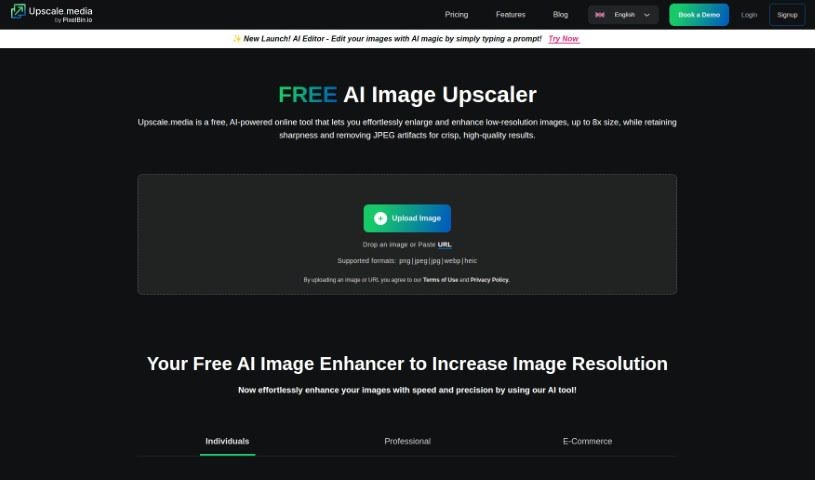
Screenshot of Upscale.media

Upscale.media

Freemium

Upscale.media is an AI tool that improves the quality and resolution of images. It serves both individuals enhancing personal photos and businesses needing professional-grade results. Key features include bulk transformation of multiple images at once, API integration with existing systems, and a straightforward interface. New users can sign up and receive their first 3 credits for free.

Image Enhancement View Tool →
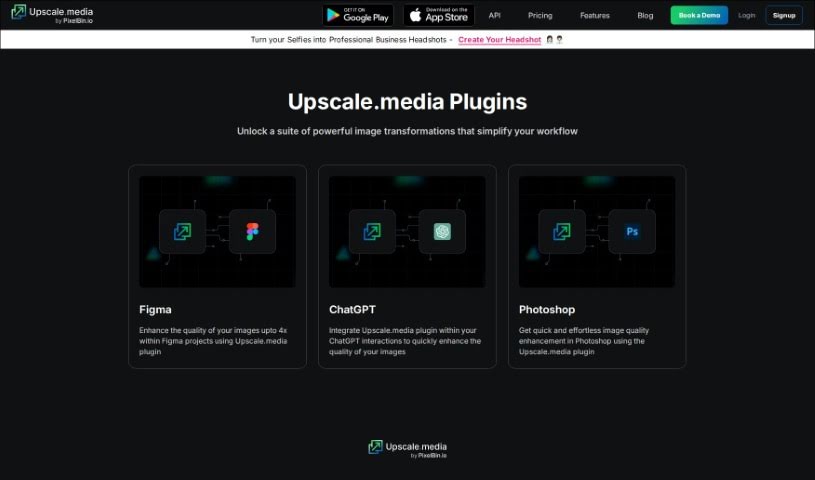
Screenshot of Upscale.media Plugins

Upscale.media Plugins

Freemium

Upscale.media plugins are add-ons that bring AI-powered image enhancement into the software you already use. Examples include Image Upscale for ChatGPT and Image Upscale for Photoshop. They improve image quality and enlarge images in a few clicks, so you don't have to switch between separate tools.

Image Enhancement View Tool →
Screenshot of UpscaleImage AI

UpscaleImage AI

Freemium

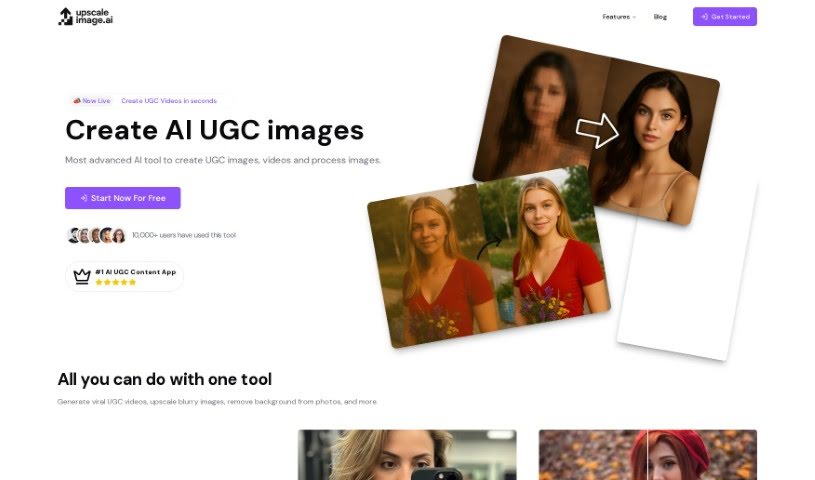
UpscaleImage AI is a platform that uses AI to both improve and create images. Its core features include:

Image Enhancement View Tool →
Screenshot of Upscayl

Upscayl

Freemium

Upscayl is a free, open-source AI image upscaler that increases image resolution and adds detail to your photos. It runs on Linux, MacOS, and Windows, and because it's open-source, anyone can contribute to its development. It's a practical option for photographers, designers, and anyone who wants sharper digital images without paying for upscaling software.

Image Enhancement View Tool →
Screenshot of VanceAI

VanceAI

Freemium

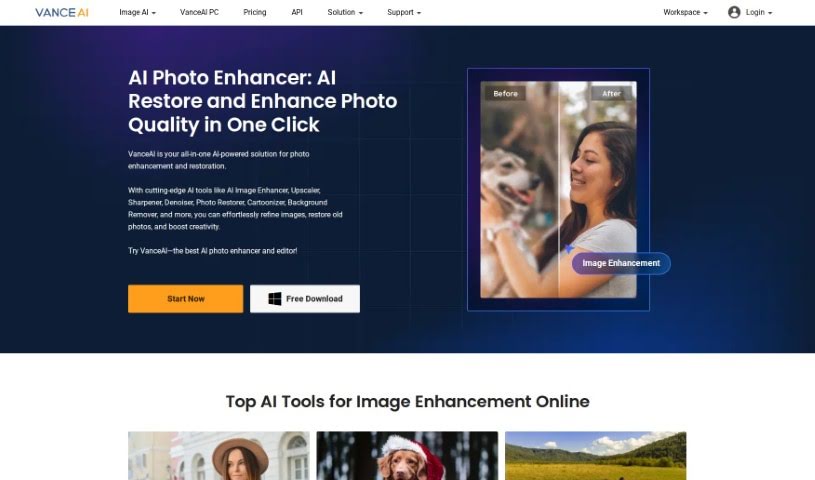
VanceAI is an AI-powered image processing service built on Deep Convolutional Neural Networks (DCNN). These specialized AI systems are trained on millions of images, allowing them to analyze and process photos quickly and intelligently. Unlike traditional editing tools that rely purely on mathematical formulas, VanceAI's deep learning approach works with the actual details in your images.

Image Enhancement View Tool →

About Image Enhancement tools

Dealing with blurry, pixelated, or poorly lit photos is a common headache. Whether you’re scaling up an old family scan, cleaning low-res product shots for an online shop, or fixing a noisy low-light photo, traditional editing takes tedious manual effort. Spending hours with clone stamps, sharpening filters, and noise sliders can quickly drain your momentum.

Instead of replacing a photographer’s eye or saving a completely ruined shot, the restoration tools in this category act as high-speed editing helpers. They sharpen soft details, clean up digital grain, and boost file resolution in seconds.

Upscaling, Deblurring, and Photo Restoration

Standard digital scaling simply stretches existing pixels, creating blurry edges and blocky shapes. Smart upscaling models analyze image structures, infer missing texture details, and enlarge low-resolution files up to several times their original size while keeping edges crisp.

Fixing low-light noise and motion blur used to mean sacrificing sharpness. Pushing traditional noise reduction sliders too far often left photos looking plastic and flat. AI image tools distinguish unwanted sensor noise from true subject detail, stripping away grain while preserving fine hair, fabric textures, and sharp edges.

Restoring vintage prints or compressed web photos becomes far simpler, too. Scanned portraits often suffer from dust scratches, color fading, and heavy compression artifacts. Specialized detail-recovery models restore natural facial features, balance skin tones, and correct lighting without over-smoothing, giving old memories a second life.

Useful Features to Look For:

  • Generative upscaling: Tools that enlarge low-resolution images without creating pixelation or blurry edges.
  • Smart noise reduction: Features that remove grain from high-ISO or low-light shots while keeping fine textures intact.
  • Facial feature recovery: Models designed to restore facial clarity, eye detail, and natural skin textures in compressed portraits.
  • Old photo restoration: Tools that automatically repair scratches, fix color fading, and clean up scanned prints.
  • Batch processing: Systems that let you apply restoration settings across hundreds of catalog photos at once.

Lighting, composition, and human perspective will always drive great photography. Software can scale up pixels and clean up sensor noise, but recognizing what makes a photo special still requires your visual judgment.

Check out the image editing tools below to polish your photo collection.

The Best AI Image Enhancer & Upscalers

  1. Pixelcut: Great for improving image clarity and resolution.
  2. Cutout.pro: Helps boost photo clarity and resolution.
  3. Pica AI: Smoothly enhances and upscales anime images.
  4. Image Upscaler: Perfect for turning low-res images into print-ready files.
  5. Upscale.media: Quickly boosts visuals for e-commerce.
  6. Remini AI: Transforms low-res images into stunning visuals.
  7. Vectorizer.ai: Improves image quality for large prints.
  8. Let’s Enhance: Enhances images for vibrant large prints.
  9. Clip Drop: Boosts the quality of low-res images.
  10. Bigjpg: Enlarges anime art while keeping details sharp.
  11. AI Image Enlarger: Upscales images without blur, plus sharpen, denoise and colorize tools.
  12. Vance AI: Improves photo quality for prints.
  13. Passport Photo Online: Enhances photo quality for official documents.
  14. Reface: Improves image quality for clearer details.
  15. Magnific AI: Transforms low-res images into high-definition.
New tools, in your inbox.

Weekly picks of the best AI tools we've researched and added — no spam, unsubscribe anytime.

Join 25,000+ AI enthusiasts. No spam, unsubscribe anytime.