AI Tools for Image Enhancement

Discover the best Image Enhancement AI tools to enhance your productivity and creativity.

Page 8 of 9 • 106 total tools

In today’s world, where visuals are everything, making sure your images look their absolute best is more important than ever. Whether you’re a pro photographer, run a small business, or just love sharing memories, how good your photos look can really make a difference. But let’s be honest, not every shot is perfect right out of the camera.

That’s where AI-powered image enhancers and upscalers come in. These tools use smart algorithms to refine and improve your images without a fuss. They can restore detail in low-res photos, boost colors, and tweak contrasts, basically transforming your visuals in ways that used to need fancy professional software.

Over the last year, image enhancement tech has gotten so much better. What used to take ages of manual editing can now be done in seconds with just a few clicks. I’ve spent time trying out some of the best options out there, focusing on ones that give great results without needing you to be a digital art whiz.

If you’re ready to give your images a new lease on life, this guide will show you the top AI image enhancers and upscalers available right now. Let’s jump in and see how to make your photos go from good to amazing.

The best AI Image Enhancer & Upscalers

  1. Pixelcut: Great for improving image clarity and resolution.
  2. Cutout.pro: Helps boost photo clarity and resolution.
  3. Pica AI: Smoothly enhances and upscales anime images.
  4. Image Upscaler: Perfect for turning low-res images into print-ready files.
  5. Upscale.media: Quickly boosts visuals for e-commerce.
  6. Remini AI: Transforms low-res images into stunning visuals.
  7. Vectorizer.ai: Improves image quality for large prints.
  8. Let’s Enhance: Enhances images for vibrant large prints.
  9. Clip Drop: Boosts the quality of low-res images.
  10. Bigjpg: Enlarges anime art while keeping details sharp.
  11. Adobe Photoshop AI: Upscales low-res photos for better clarity.
  12. Vance AI: Improves photo quality for prints.
  13. Passport Photo Online: Enhances photo quality for official documents.
  14. Reface: Improves image quality for clearer details.
  15. Magnific AI: Transforms low-res images into high-definition.

How do AI image enhancers & upscalers work?

AI image enhancers and upscalers use advanced algorithms, especially deep learning models like convolutional neural networks (CNNs). These models analyze images to understand what they’re seeing and how they’re structured. The main goal is to make images look better, adding detail and clarity while reducing any oddities that can pop up when you enlarge a picture.

Basically, AI image upscaling looks at a low-resolution image and figures out what a high-resolution version would likely look like. By learning from tons of image data, these models can fill in details that aren’t actually there.

When training, the AI gets shown countless pairs of low and high-resolution images. This teaches it how to effectively reconstruct missing information. So, when you enlarge a smaller image, the model can create realistic textures, subtle lighting, and smooth color transitions.

Some common methods include super-resolution, where the AI creates new pixel data based on what’s already there, ensuring a smooth enlargement. This helps keep the image looking natural while making it sharper and generally better looking.

AI tools also fine-tune images by adjusting colors, contrast, and brightness. This isn’t just about resizing; it genuinely improves the look and feel of the photo. It makes distracting elements less obvious and really makes the main subject pop.

So, to sum it up, AI image enhancers and upscalers use deep learning and massive training datasets to create great-looking images from lower-quality sources. Their knack for recreating details and improving overall image quality really shows off how powerful artificial intelligence is for creating and enhancing visual content.

Our best AI image enhancer & upscalers at a glance

RankNameBest forPlans and PricingRating
1PixelcutImproving image clarity and resolution.N/A4.64 (11 reviews)
2Cutout.proBoosting photo clarity and resolution.N/A4.46 (13 reviews)
3Pica AIEnhancing and upscaling anime images smoothly.N/A4.58 (12 reviews)
4Image UpscalerTurning low-res images into print-ready files.Paid plans start at $3.9/year.4.54 (13 reviews)
5Upscale.mediaQuickly boosting visuals for e-commerce.N/A4.17 (6 reviews)
6Remini AITransforming low-res images into stunning visuals.N/A4.67 (6 reviews)
7Vectorizer.aiImproving image quality for large prints.N/A4.17 (6 reviews)
8Let’s EnhanceEnhancing images for vibrant large prints.Paid plans start at $12/month.4.72 (25 reviews)
9ClipDropBoosting the quality of low-res images.Paid plans start at N/A—/month.4.75 (12 reviews)
10BigjpgEnlarging anime art while keeping details sharp.N/A4.77 (13 reviews)
11Adobe Photoshop AIUpscaling low-res photos for better clarity.N/A4.70 (27 reviews)
12VanceAIImproving photo quality for prints.N/A4.73 (11 reviews)
13Passport Photo OnlineEnhancing photo quality for official documents.Paid plans start at $16.95/N/A.4.67 (6 reviews)
14RefaceImproving image quality for clearer details.N/A4.35 (20 reviews)
15Magnific AITransforming low-res images into high-definition.Paid plans start at $39/month.4.67 (6 reviews)
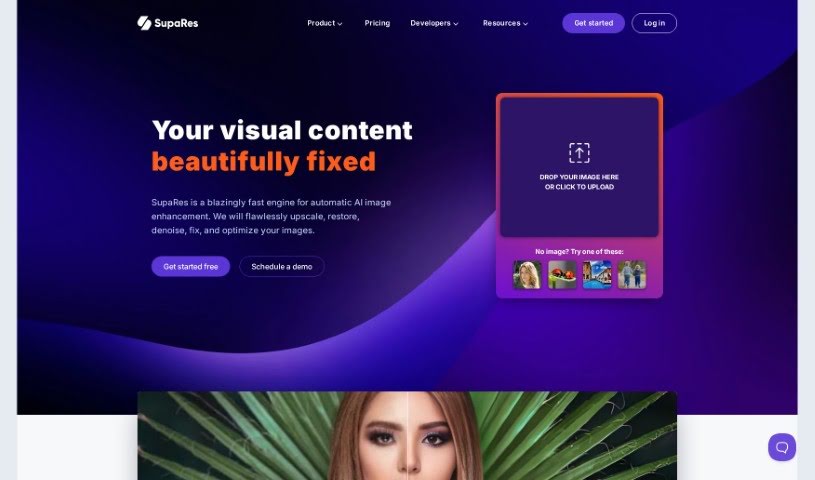
Screenshot of SupaRes

SupaRes

Freemium

SupaRes is an AI platform designed to make your visual content look its absolute best. It's packed with features to help you optimize and enhance images, whether you're dealing with low-resolution shots or need to fine-tune details. It is your go-to tool for upscaling images, making faces clearer, adjusting colors and light, fixing those annoying compression lines, brightening dark photos, and cleaning up any distracting noise. It's built to be straightforward and efficient, making it a really useful asset for anyone working with visuals, from web designers and real estate agents to marketers and publishers.

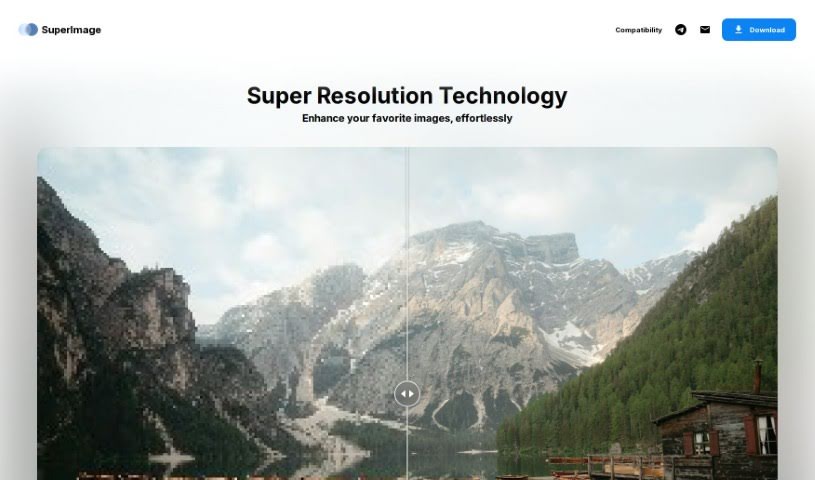
Screenshot of SuperImage

SuperImage

Freemium

SuperImage is a neat AI tool designed specifically for making your low-resolution images bigger and better. It uses advanced neural networks and your computer's own GPU to do the heavy lifting. What's really great is that it keeps your data private because everything happens right on your device – no need to send your images anywhere online. It's built using the MNN deep learning framework and the Real-ESRGAN algorithm, which means it's both efficient and delivers high-quality results. You get a smooth, high-quality upscaling process without needing an internet connection or uploading anything.

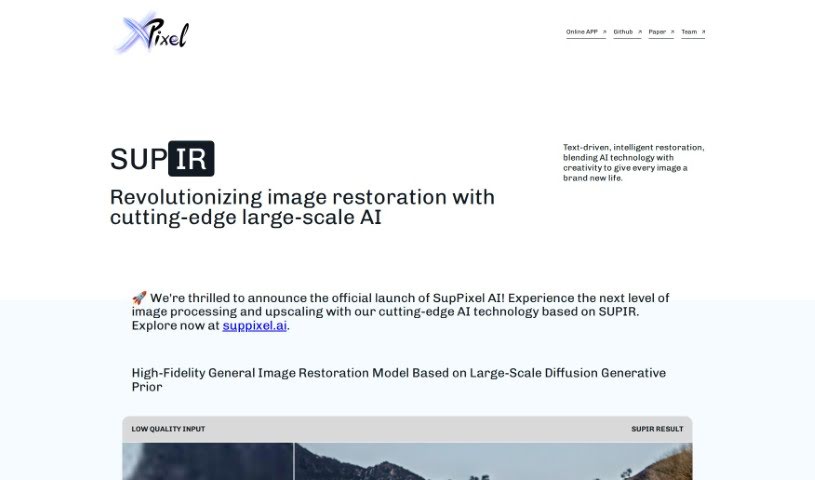
Screenshot of SUPIR - XPixel Group

SUPIR - XPixel Group

Freemium

SUPIR, which stands for "SUPIR Intelligent Image Restoration," is a really advanced AI tool from the XPixel Group. It's designed to completely change how we restore images, mixing AI smarts with a creative touch. It is a way to reimagine and seriously boost images in all sorts of categories – from beautiful landscapes and striking portraits to cute animal photos, immersive gaming visuals, classic movies, and old vintage shots. SUPIR uses a top-notch AI model that's built on massive generative data. This helps it dramatically improve image quality by bringing out finer details and making everything clearer.

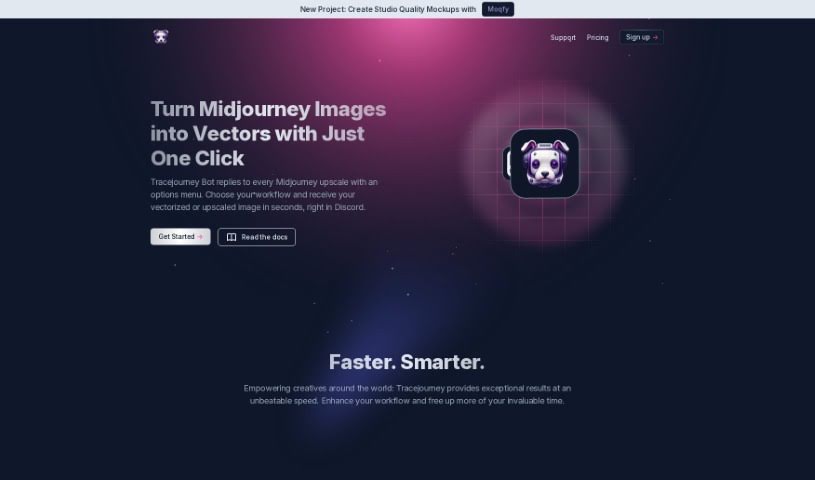
Screenshot of Tracejourney

Tracejourney

Freemium

TraceJourney is a fantastic tool for making your images bigger and better. It uses really advanced AI models, running on super-fast GPU clusters, to upscale your images by up to 8 times. What's great is that it does this while keeping all the fine details and cutting down on any grainy noise. It's mostly set up to work with Discord, which makes it super easy for anyone in the creative community there to use. You can even process up to 10 images at once in batches. Plus, TraceJourney can save your images as PNG or JPEG files. It also offers handy features like removing backgrounds, adjusting brightness, contrast, color, and sharpness. Need to turn your image into a vector? It can do that too, saving it as EPS, PDF, or SVG. The team behind TraceJourney really wants to make collaboration easy, letting users set the rules when the tool joins their Discord servers.

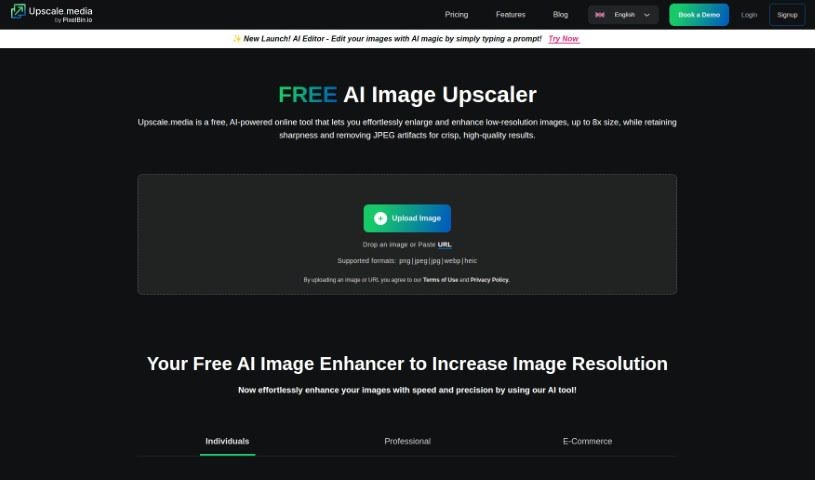
Screenshot of Upscale.media

Upscale.media

Freemium

Upscale.media is a really neat AI tool designed to boost the quality and resolution of your images. Whether you're an individual looking to polish up personal photos or a business needing professional-grade results, this platform has you covered. It uses advanced AI technology, which means it can improve your pictures quickly and accurately. Plus, it offers some great features like the ability to transform many images at once (bulk transformation), easy integration with your existing systems via API, and a super straightforward interface that anyone can use. Oh, and if you're new, you can sign up and get your first 3 credits for free – a perfect way to test out what it can do!

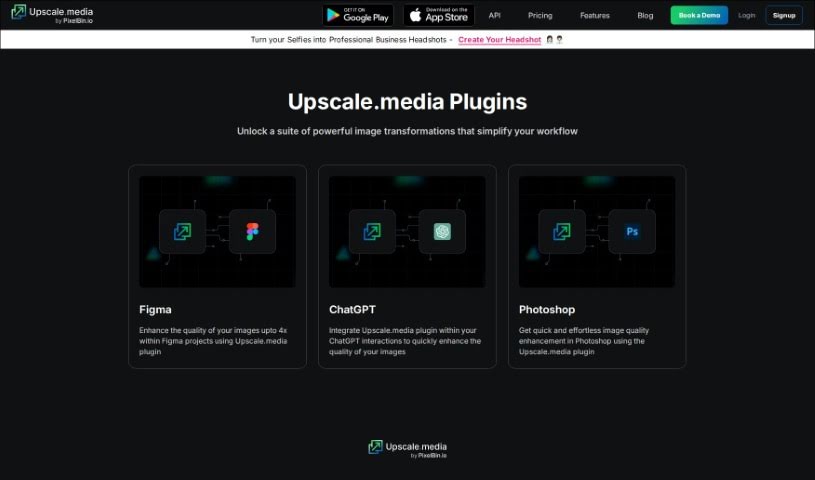
Screenshot of Upscale.media Plugins

Upscale.media Plugins

Freemium

plugins is little add-ons that give your existing software extra powers. For Upscale.media, these plugins, like the Image Upscale for ChatGPT and Image Upscale for Photoshop, are designed to help you boost the quality of your images really quickly and without much fuss, right within those programs. They use some pretty advanced AI tech to make your images look better with just a few clicks. This means you get improved results and save a good chunk of time. By adding plugins like these, you can easily make your images bigger and better, taking advantage of the smart capabilities Upscale.media offers.

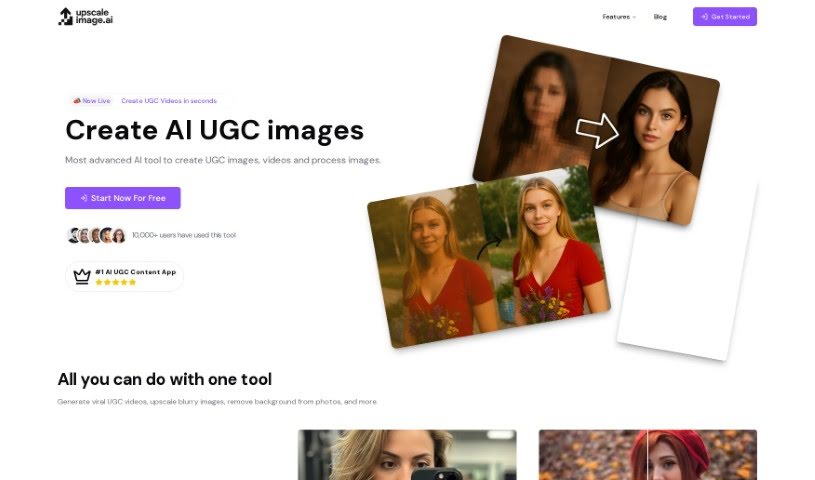
Screenshot of UpscaleImage AI

UpscaleImage AI

Freemium

UpscaleImage AI is a really versatile platform that uses AI to both improve and create images. It is your go-to tool for making pictures better and even generating new ones from scratch. It can do a lot, like making your images bigger without losing any quality, fixing those annoying blurry photos, cleaning up the noise in old pictures, creating realistic images just from text descriptions you provide, easily removing backgrounds, and even transforming your own look into popular characters. It’s designed to boost image clarity across the board.

Screenshot of Upscayl

Upscayl

Freemium

Upscayl is a really neat AI Image Upscaler that's great for making your pictures better, no matter if you're on Linux, MacOS, or Windows. It's an open-source tool, meaning anyone can contribute to it, and it uses AI to boost the resolution and add detail to your images. This makes it super handy for photographers, designers, or anyone who just wants to make their digital photos look sharper. What's also cool is that it works on pretty much any computer and is easy to use, so it's a good fit for all sorts of people. Plus, it's completely free, which is a big win if you're looking for a solid, affordable way to turn your images into high-resolution works of art.

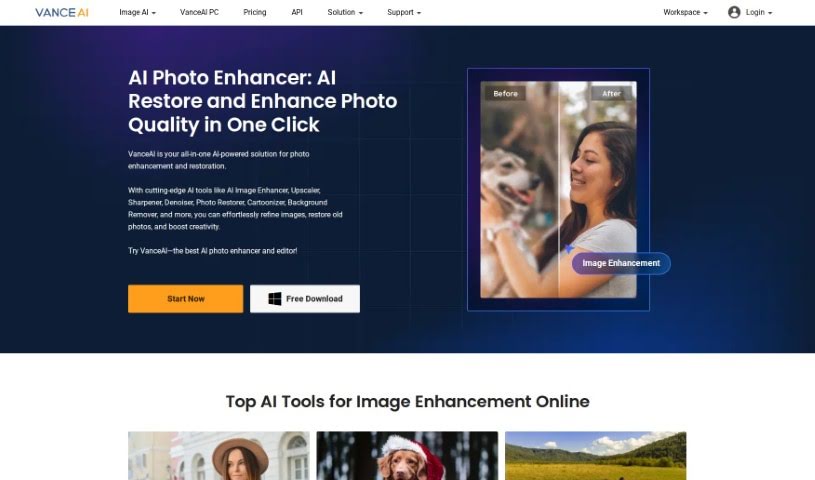
Screenshot of VanceAI

VanceAI

Freemium

VanceAI is your go-to service for all things image processing, powered by AI. It offers a suite of tools built on Deep Convolutional Neural Networks (DCNN). They are highly specialized AI systems, trained on millions of images, which means they can analyze and process your photos with remarkable intelligence and speed. What really sets VanceAI apart from older, more traditional editing tools is its deep learning technology. Instead of just using mathematical formulas, it understands and works with the actual details in your images. This allows you to easily improve your photos with features like AI upscaling to make them sharper, denoising to clean them up, and much more. VanceAI really simplifies your editing workflow by bringing together AI-powered enhancements, photo restoration, background removal, and even getting rid of unwanted objects, all in one place. It's designed to meet a wide range of needs, whether you're a graphic designer, a photographer, working in e-commerce, or involved in printing and marketing.

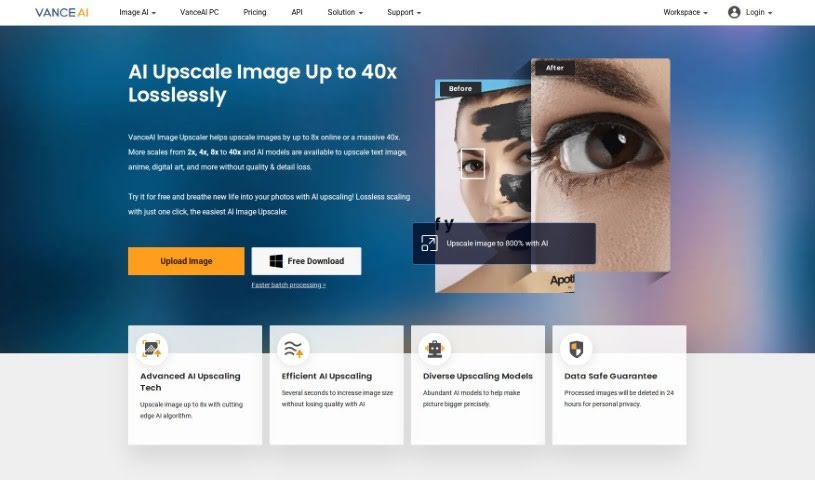
Screenshot of VanceAI Image Upscaler

VanceAI Image Upscaler

Freemium

VanceAI Image Upscaler is a smart tool designed to boost your images. It increases the resolution, making them sharper and clearer, all thanks to advanced AI technology. This means you can take those lower-resolution photos and make them look much better, whether you're preparing them for printing or just want them to look great on screen. It's really good at cutting down on noise and distortion, so your images end up with more detail and a professional finish. What sets VanceAI Image Upscaler apart is its intelligent approach to making images bigger without sacrificing quality, offering a simple and effective way to improve how your pictures look.

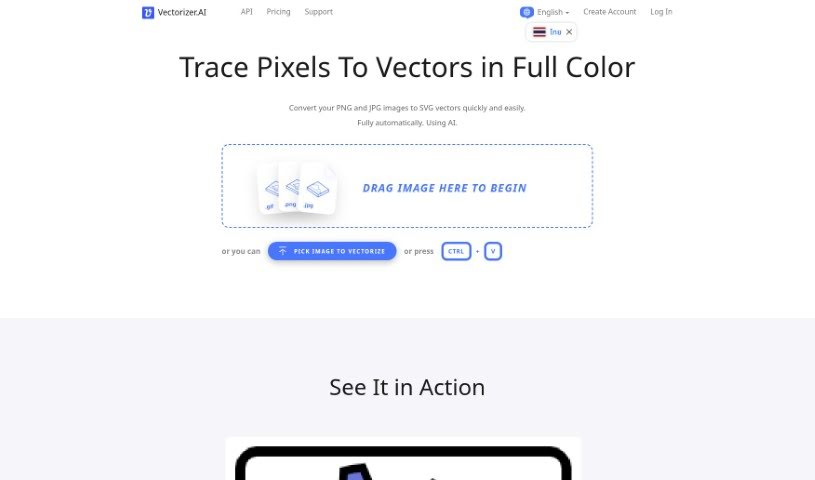
Screenshot of Vectorizer.ai

Vectorizer.ai

Freemium

Vectorizer.AI is a really neat online tool that uses artificial intelligence to turn your regular pixel-based images, like JPEGs and PNGs, into high-quality vector graphics (SVGs). It is a smart converter that does all the work for you – no fiddling with manual adjustments needed. Right now, while it's still in Beta, you can use it for free! It's super easy to use, too, with a simple drag-and-drop interface for uploading your pictures. Because it uses AI for vectorization, the resulting graphics stay perfectly scalable without losing any sharpness or quality. This makes them ideal for all sorts of things, from printing and cutting to embroidery. Plus, Vectorizer.AI plays nicely with a bunch of different vector and bitmap formats, including PDF, EPS, and DXF, making it a versatile choice for designers, artists, and businesses alike.

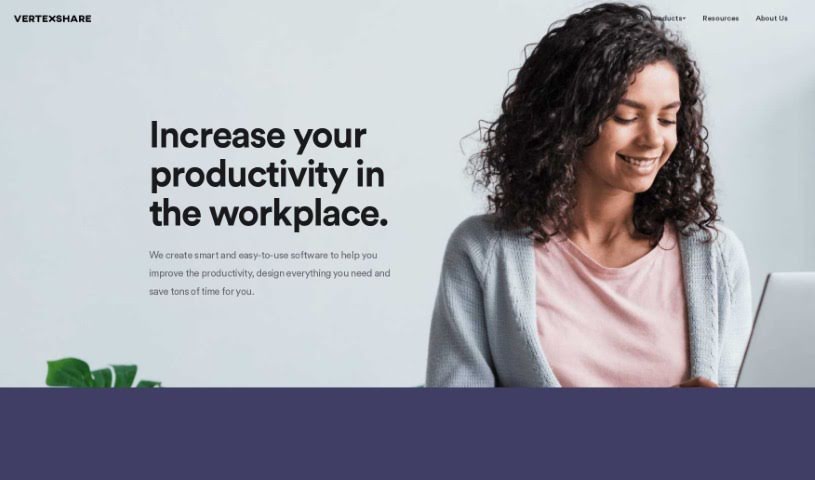
Screenshot of Vertexshare

Vertexshare

Freemium

Vertexshare is a software company that creates smart, user-friendly applications designed to boost your productivity and save you valuable time. They offer a suite of tools, including Photo Stitcher, which lets you combine photos vertically and horizontally with just one click. You'll also find Photo Effects for applying beautiful filters and effects, and Photo HDR for merging photos with different exposures to create stunning HDR images. Vertexshare is known for both its online and offline software, which works smoothly on Windows and Mac. Plus, they have features like Image Upscaler to keep your photos sharp and a Colorizer to bring black & white images to life. While Vertexshare's tools are great for improving how you work, they do have a few drawbacks. For instance, there isn't a mobile version, it's not supported on Linux, the converter formats are a bit limited, and it doesn't offer advanced editing capabilities. The company really values what users think, offers 24-hour customer support, and is committed to providing high-quality services at prices that make sense.

Stay Updated with AI Tools

Get weekly updates on the latest AI tools, trends, and insights delivered to your inbox

Join 25,000+ AI enthusiasts. No spam, unsubscribe anytime.