AI Tools for Image Enhancement

Discover the best Image Enhancement AI tools to enhance your productivity and creativity.

Page 7 of 9 • 106 total tools

In today’s world, where visuals are everything, making sure your images look their absolute best is more important than ever. Whether you’re a pro photographer, run a small business, or just love sharing memories, how good your photos look can really make a difference. But let’s be honest, not every shot is perfect right out of the camera.

That’s where AI-powered image enhancers and upscalers come in. These tools use smart algorithms to refine and improve your images without a fuss. They can restore detail in low-res photos, boost colors, and tweak contrasts, basically transforming your visuals in ways that used to need fancy professional software.

Over the last year, image enhancement tech has gotten so much better. What used to take ages of manual editing can now be done in seconds with just a few clicks. I’ve spent time trying out some of the best options out there, focusing on ones that give great results without needing you to be a digital art whiz.

If you’re ready to give your images a new lease on life, this guide will show you the top AI image enhancers and upscalers available right now. Let’s jump in and see how to make your photos go from good to amazing.

The best AI Image Enhancer & Upscalers

  1. Pixelcut: Great for improving image clarity and resolution.
  2. Cutout.pro: Helps boost photo clarity and resolution.
  3. Pica AI: Smoothly enhances and upscales anime images.
  4. Image Upscaler: Perfect for turning low-res images into print-ready files.
  5. Upscale.media: Quickly boosts visuals for e-commerce.
  6. Remini AI: Transforms low-res images into stunning visuals.
  7. Vectorizer.ai: Improves image quality for large prints.
  8. Let’s Enhance: Enhances images for vibrant large prints.
  9. Clip Drop: Boosts the quality of low-res images.
  10. Bigjpg: Enlarges anime art while keeping details sharp.
  11. Adobe Photoshop AI: Upscales low-res photos for better clarity.
  12. Vance AI: Improves photo quality for prints.
  13. Passport Photo Online: Enhances photo quality for official documents.
  14. Reface: Improves image quality for clearer details.
  15. Magnific AI: Transforms low-res images into high-definition.

How do AI image enhancers & upscalers work?

AI image enhancers and upscalers use advanced algorithms, especially deep learning models like convolutional neural networks (CNNs). These models analyze images to understand what they’re seeing and how they’re structured. The main goal is to make images look better, adding detail and clarity while reducing any oddities that can pop up when you enlarge a picture.

Basically, AI image upscaling looks at a low-resolution image and figures out what a high-resolution version would likely look like. By learning from tons of image data, these models can fill in details that aren’t actually there.

When training, the AI gets shown countless pairs of low and high-resolution images. This teaches it how to effectively reconstruct missing information. So, when you enlarge a smaller image, the model can create realistic textures, subtle lighting, and smooth color transitions.

Some common methods include super-resolution, where the AI creates new pixel data based on what’s already there, ensuring a smooth enlargement. This helps keep the image looking natural while making it sharper and generally better looking.

AI tools also fine-tune images by adjusting colors, contrast, and brightness. This isn’t just about resizing; it genuinely improves the look and feel of the photo. It makes distracting elements less obvious and really makes the main subject pop.

So, to sum it up, AI image enhancers and upscalers use deep learning and massive training datasets to create great-looking images from lower-quality sources. Their knack for recreating details and improving overall image quality really shows off how powerful artificial intelligence is for creating and enhancing visual content.

Our best AI image enhancer & upscalers at a glance

RankNameBest forPlans and PricingRating
1PixelcutImproving image clarity and resolution.N/A4.64 (11 reviews)
2Cutout.proBoosting photo clarity and resolution.N/A4.46 (13 reviews)
3Pica AIEnhancing and upscaling anime images smoothly.N/A4.58 (12 reviews)
4Image UpscalerTurning low-res images into print-ready files.Paid plans start at $3.9/year.4.54 (13 reviews)
5Upscale.mediaQuickly boosting visuals for e-commerce.N/A4.17 (6 reviews)
6Remini AITransforming low-res images into stunning visuals.N/A4.67 (6 reviews)
7Vectorizer.aiImproving image quality for large prints.N/A4.17 (6 reviews)
8Let’s EnhanceEnhancing images for vibrant large prints.Paid plans start at $12/month.4.72 (25 reviews)
9ClipDropBoosting the quality of low-res images.Paid plans start at N/A—/month.4.75 (12 reviews)
10BigjpgEnlarging anime art while keeping details sharp.N/A4.77 (13 reviews)
11Adobe Photoshop AIUpscaling low-res photos for better clarity.N/A4.70 (27 reviews)
12VanceAIImproving photo quality for prints.N/A4.73 (11 reviews)
13Passport Photo OnlineEnhancing photo quality for official documents.Paid plans start at $16.95/N/A.4.67 (6 reviews)
14RefaceImproving image quality for clearer details.N/A4.35 (20 reviews)
15Magnific AITransforming low-res images into high-definition.Paid plans start at $39/month.4.67 (6 reviews)
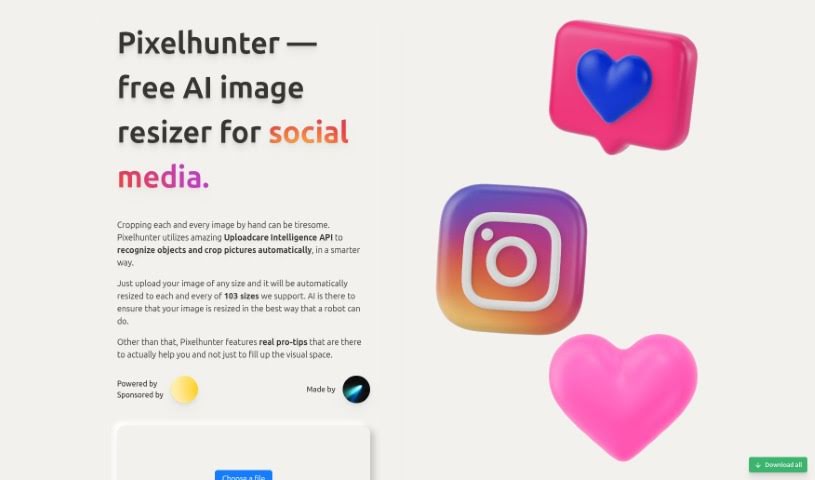
Screenshot of Pixelhunter

Pixelhunter

Freemium

Pixelhunter is an AI-powered tool designed specifically for resizing images for social media. It uses smart AI algorithms to intelligently adjust your photos so they look just right on different social platforms. This means your images will always appear at their best, helping you connect better with your audience. The technology actually looks at your image's content and structure to resize it accurately, making sure the quality stays high. But it's not just about resizing! Pixelhunter also offers handy features like filters, brightness adjustments, adding text, and even creating collages. It really lets you customize your images. Because this user-friendly tool handles the resizing automatically, it's super convenient for anyone who uses social media – whether you're an influencer, a marketer, or just someone who loves sharing photos. You can easily make your images look great for platforms like Instagram, Facebook, and Twitter without any hassle.

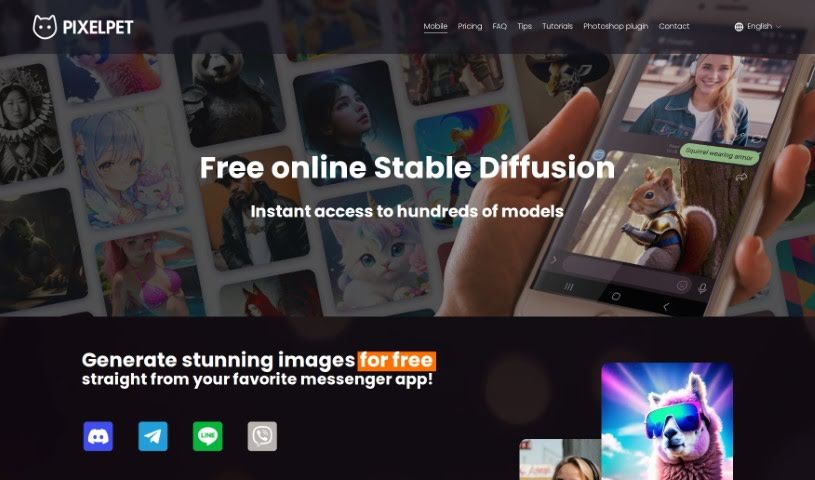
Screenshot of PixelPet

PixelPet

Freemium

PixelPet is a cloud-based AI tool that makes generating high-resolution images super easy, right within Photoshop. It's built for artists, marketers, and designers who want to speed up their creative process. You get over 20 different image generation models to play with, plus handy features like inpainting. The whole idea behind PixelPet is to let you create images quickly and efficiently, giving you more freedom to be creative with its simple interface. You can even pop it right into your Photoshop workflow using a plugin, so you don't have to leave the program you already know and love. It works on a pay-as-you-go basis, meaning you only pay for the images you generate, which is a smart way to manage costs for all sorts of creative projects.

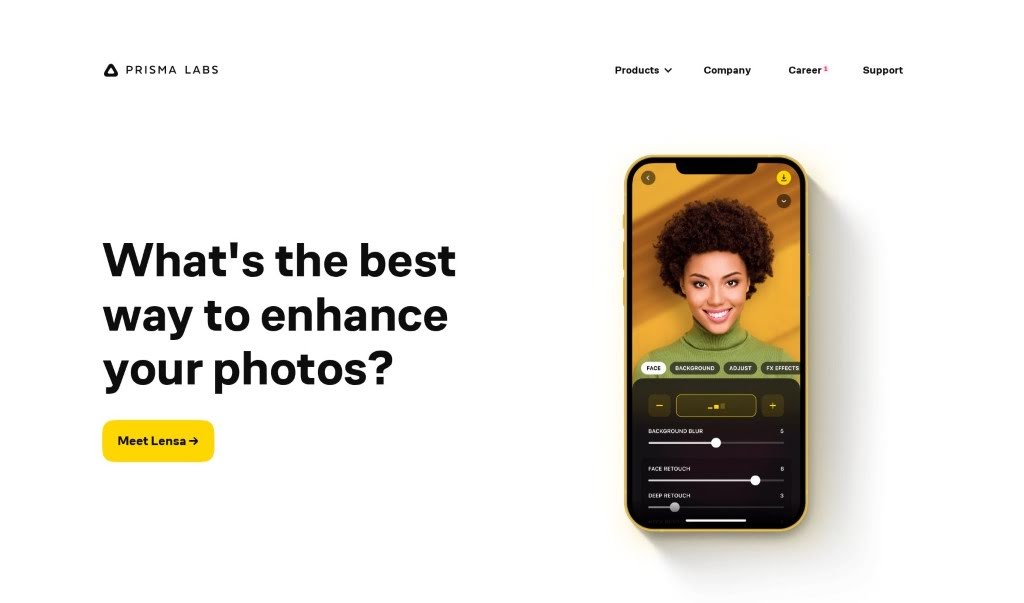
Screenshot of Prisma Labs

Prisma Labs

Freemium

Prisma Labs is a photo and video editing app that came out of Prisma Labs Labs. Their whole goal? To make editing photos and videos simple and fun for absolutely everyone, no matter if you're a pro or just starting out. Prisma Labs got its start back in 2016 and quickly became one of the most downloaded apps around the world. It even snagged the "App of the Year" award from both AppStore and GooglePlay, which is pretty impressive! On top of the Prisma app, they also launched Lensa in late 2018, and that one's picked up millions of users too.

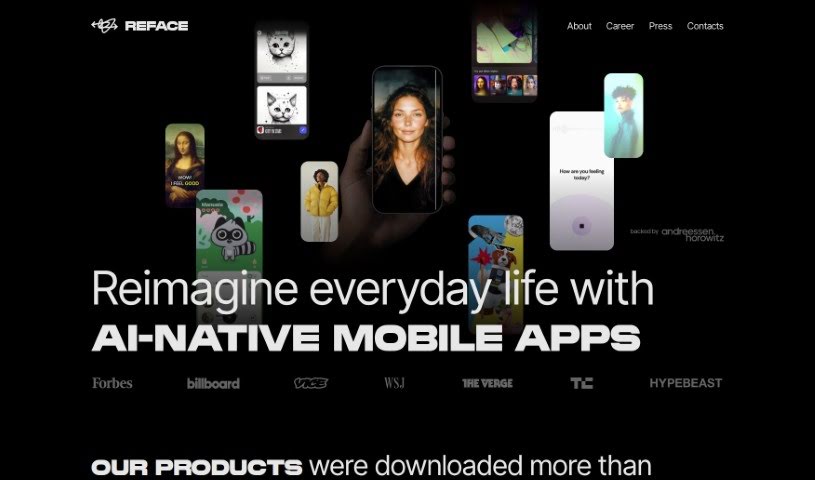
Screenshot of Reface

Reface

Freemium

Reface is a really cool app that uses AI to let you easily swap faces in videos and GIFs. All you need is one selfie! Developed by a Ukrainian company, it lets you put your face onto someone else's, create funny content, animate photos, and even turn them into cool cartoons. The app has tons of videos and GIFs ready to go, or you can upload your own media to make your face swaps totally unique. It's super easy to use, available on both iOS and Android, and it's a fantastic way to get creative and have some fun.

Screenshot of Remini AI

Remini AI

Freemium

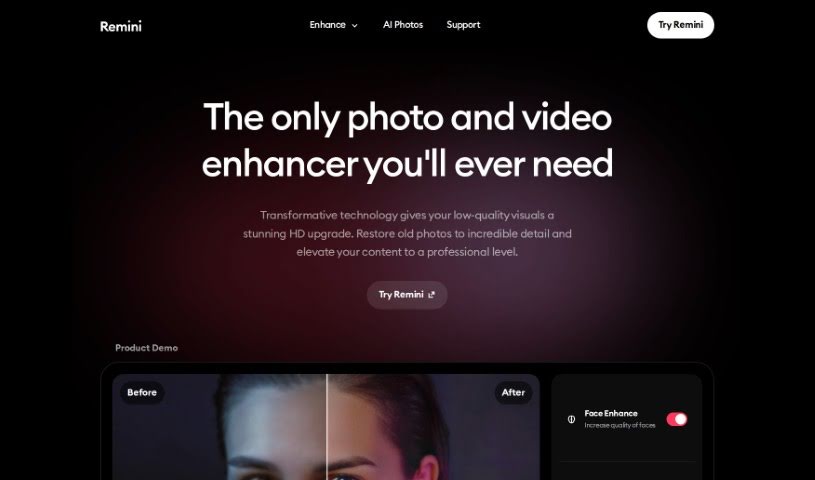
Remini AI is a really neat tool that uses advanced artificial intelligence to make old photos look brand new. It is a digital restorer for your precious memories. It takes those faded, grainy, or low-quality pictures and turns them into sharp, vibrant HD images. How does it do this? Well, it carefully looks at every single pixel, fixing any flaws, cutting down on noise, and bringing out the finer details. It uses smart machine learning and deep neural networks to bring back colors, sharpen edges, and improve textures. The result? High-resolution photos that look like they were just taken. Beyond just fixing things up, Remini also gives you other editing tools to personalize your images, making it a great choice whether you're a pro photographer or just want to make your personal photos look better. Their main goal is to help you keep your memories alive, and they do this by constantly improving their AI so you always get the best possible results.

Screenshot of Replicate AI CodeFormer

Replicate AI CodeFormer

Freemium

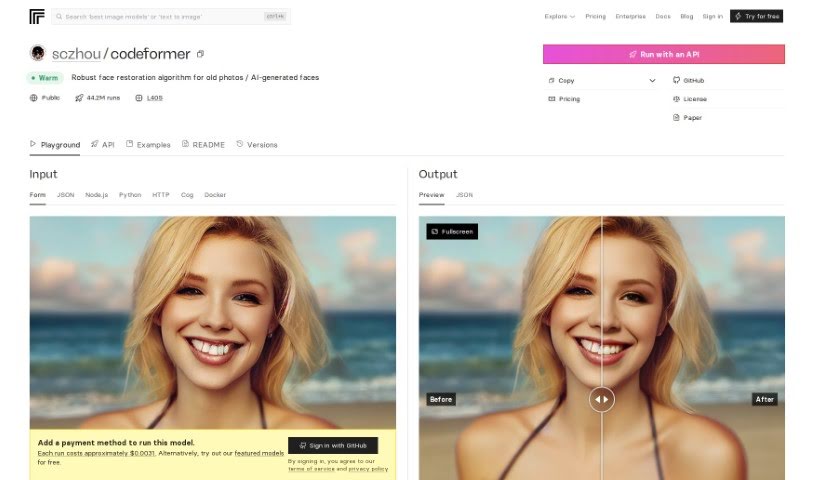
CodeFormer is a really solid face restoration algorithm. It's designed to make old photos look better or to improve faces that were generated by AI. It is a tool for enhancing image quality and making sure everything looks just right. This algorithm was developed for research purposes, and it uses something called a Codebook Lookup Transformer. This fancy name basically means it's really good at finding and restoring faces reliably, especially when dealing with images created using stable-diffusion generation. It’s open source, which is great because it means you can run it on your own computer. You can even use Docker to get it set up, making it super accessible for all sorts of projects where you need to work with images and restore them.

Screenshot of Retouch4me

Retouch4me

Freemium

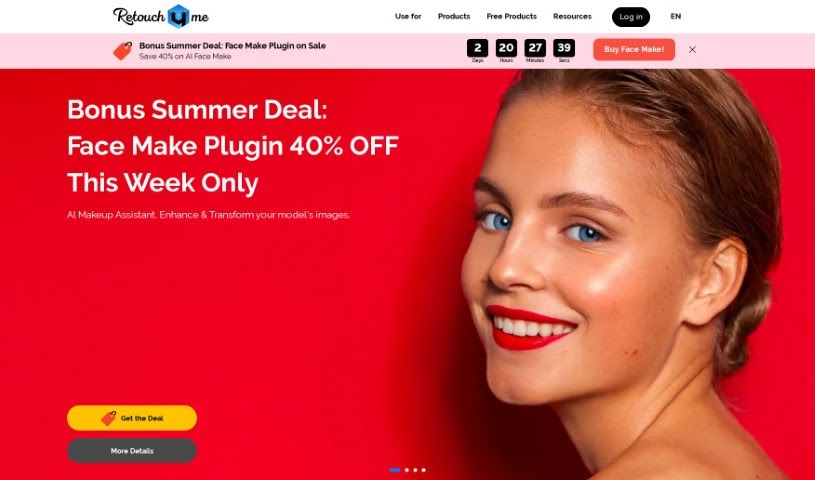
Retouch4me is a really neat tool for photo retouching. It uses AI-powered plugins that work like a pro retoucher, giving you that precise, polished look without all the fuss. What's great is that it keeps your photos looking natural by preserving the real skin texture. You just upload your pictures, hit a button, and the software does the rest, delivering fantastic results without needing you to fiddle with complicated settings. It's designed for both photographers and retouchers, offering different plugins for specific jobs, like fixing skin tones or making smiles look brighter with whiter teeth. Plus, since it all runs on your computer, your images stay completely private – nothing gets uploaded anywhere else. It also saves you a ton of time with batch processing, so you can work on multiple photos at once without losing quality. It’s a super user-friendly and efficient way to get your retouching done.

Screenshot of Rupert Ai

Rupert Ai

Freemium

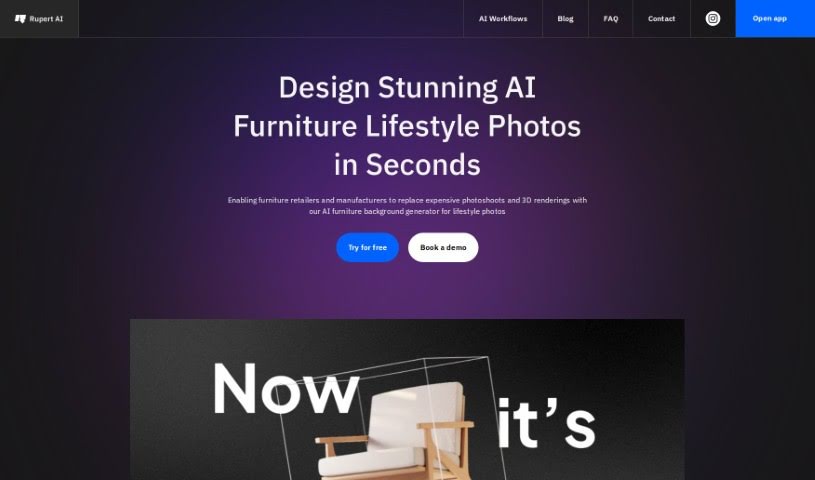
Rupert AI is all about using artificial intelligence to make product photography better. They offer high-quality AI product photography services that use advanced AI tech to create professional-looking photos. These images are designed to grab attention, boost conversion rates, and work for all sorts of products, from clothes to electronics. Rupert AI's really smart AI algorithms create visuals that pack a punch, helping online stores and marketers make their product shots more engaging in the digital world.

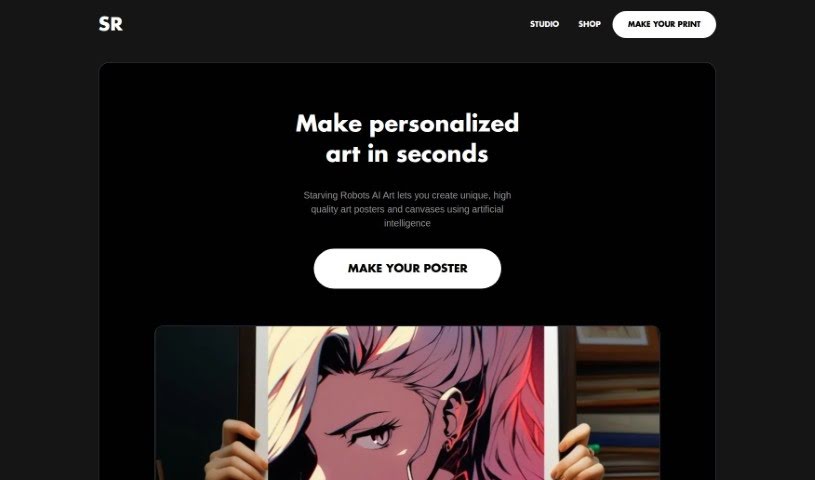
Screenshot of Starving Robots

Starving Robots

Freemium

Starving Robots is a really cool platform that lets you take your AI-generated art and make it even better before printing it on things like posters, canvases, and stickers. They focus on giving you amazing HD quality, so it's a great place to turn your AI art into something you can actually hold and display. It is a way to bring your AI creations to life, combining the power of AI with your own creative ideas. The main goal here is to make printing super simple, letting you get your AI art onto different products exactly how you imagined it. Want to keep up with the latest in AI art or connect with other fans? Just sign up for their newsletter or follow them on Instagram. They also really care about your privacy – they use cookies just to make your experience smoother and promise not to collect or sell your personal info. All in all, Starving Robots is a fantastic service for anyone who loves AI art and wants to show it off with top-notch prints and merchandise.

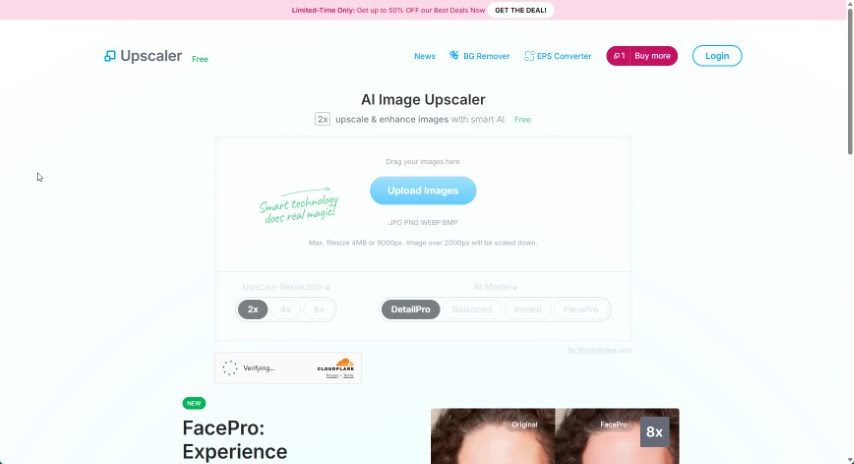
Screenshot of Stockphotos Upscaler

Stockphotos Upscaler

Freemium

Stockphotos Upscaler is a handy tool built to boost the quality and resolution of your images. It's designed to give you sharp, detailed results, perfect for all sorts of projects. You've got different styles to choose from, whether you're working with faces, pets, or illustrations, so you can pick the best fit for what you need. If you're looking to print photos in high resolution or bring old pictures back to life, Stockphotos Upscaler uses smart AI technology. This helps prevent that blocky, pixelated look and keeps everything nice and clear. The AI behind Upscaler has learned from millions of photos, making it really good at improving images of faces, natural landscapes, and even buildings and structures. It’s a quick way to make your images look better, often in just seconds.

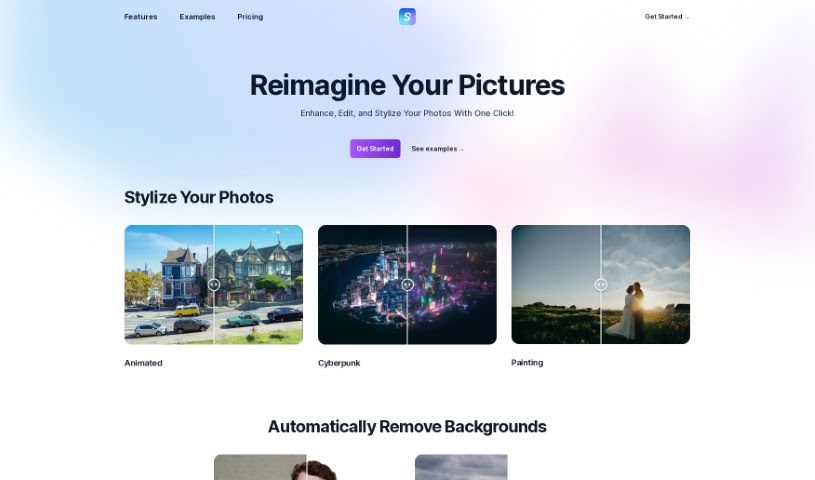
Screenshot of Stylize

Stylize

Freemium

Stylize is a really neat photo editing app that gives you all sorts of tools to make your pictures look better, powered by some seriously advanced AI models. You can easily apply different artistic styles, edit your photos just by typing what you want, zap away backgrounds, add color to old black and white shots, and even make your images bigger and clearer with AI upscaling. Stylize lets you create your own editing processes, making it super simple for anyone to jump in and use generative AI for their photo editing needs.

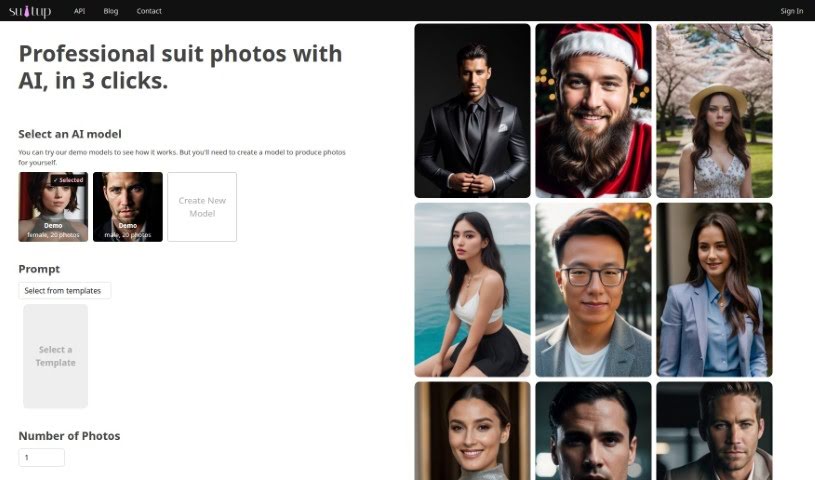
Screenshot of Suitup

Suitup

Freemium

Suit Up is a handy tool that lets you create your own AI models and then generate really high-quality photos. It comes with a few different subscription plans: Suit Up Basic, Suit Up Pro, and Suit Up Ultimate. Each plan gives you a different set of features and a different amount of credits to refill.

Stay Updated with AI Tools

Get weekly updates on the latest AI tools, trends, and insights delivered to your inbox

Join 25,000+ AI enthusiasts. No spam, unsubscribe anytime.