AI Tools for Image Enhancement

Discover the best Image Enhancement AI tools to enhance your productivity and creativity.

Page 6 of 9 • 106 total tools

In today’s world, where visuals are everything, making sure your images look their absolute best is more important than ever. Whether you’re a pro photographer, run a small business, or just love sharing memories, how good your photos look can really make a difference. But let’s be honest, not every shot is perfect right out of the camera.

That’s where AI-powered image enhancers and upscalers come in. These tools use smart algorithms to refine and improve your images without a fuss. They can restore detail in low-res photos, boost colors, and tweak contrasts, basically transforming your visuals in ways that used to need fancy professional software.

Over the last year, image enhancement tech has gotten so much better. What used to take ages of manual editing can now be done in seconds with just a few clicks. I’ve spent time trying out some of the best options out there, focusing on ones that give great results without needing you to be a digital art whiz.

If you’re ready to give your images a new lease on life, this guide will show you the top AI image enhancers and upscalers available right now. Let’s jump in and see how to make your photos go from good to amazing.

The best AI Image Enhancer & Upscalers

  1. Pixelcut: Great for improving image clarity and resolution.
  2. Cutout.pro: Helps boost photo clarity and resolution.
  3. Pica AI: Smoothly enhances and upscales anime images.
  4. Image Upscaler: Perfect for turning low-res images into print-ready files.
  5. Upscale.media: Quickly boosts visuals for e-commerce.
  6. Remini AI: Transforms low-res images into stunning visuals.
  7. Vectorizer.ai: Improves image quality for large prints.
  8. Let’s Enhance: Enhances images for vibrant large prints.
  9. Clip Drop: Boosts the quality of low-res images.
  10. Bigjpg: Enlarges anime art while keeping details sharp.
  11. Adobe Photoshop AI: Upscales low-res photos for better clarity.
  12. Vance AI: Improves photo quality for prints.
  13. Passport Photo Online: Enhances photo quality for official documents.
  14. Reface: Improves image quality for clearer details.
  15. Magnific AI: Transforms low-res images into high-definition.

How do AI image enhancers & upscalers work?

AI image enhancers and upscalers use advanced algorithms, especially deep learning models like convolutional neural networks (CNNs). These models analyze images to understand what they’re seeing and how they’re structured. The main goal is to make images look better, adding detail and clarity while reducing any oddities that can pop up when you enlarge a picture.

Basically, AI image upscaling looks at a low-resolution image and figures out what a high-resolution version would likely look like. By learning from tons of image data, these models can fill in details that aren’t actually there.

When training, the AI gets shown countless pairs of low and high-resolution images. This teaches it how to effectively reconstruct missing information. So, when you enlarge a smaller image, the model can create realistic textures, subtle lighting, and smooth color transitions.

Some common methods include super-resolution, where the AI creates new pixel data based on what’s already there, ensuring a smooth enlargement. This helps keep the image looking natural while making it sharper and generally better looking.

AI tools also fine-tune images by adjusting colors, contrast, and brightness. This isn’t just about resizing; it genuinely improves the look and feel of the photo. It makes distracting elements less obvious and really makes the main subject pop.

So, to sum it up, AI image enhancers and upscalers use deep learning and massive training datasets to create great-looking images from lower-quality sources. Their knack for recreating details and improving overall image quality really shows off how powerful artificial intelligence is for creating and enhancing visual content.

Our best AI image enhancer & upscalers at a glance

RankNameBest forPlans and PricingRating
1PixelcutImproving image clarity and resolution.N/A4.64 (11 reviews)
2Cutout.proBoosting photo clarity and resolution.N/A4.46 (13 reviews)
3Pica AIEnhancing and upscaling anime images smoothly.N/A4.58 (12 reviews)
4Image UpscalerTurning low-res images into print-ready files.Paid plans start at $3.9/year.4.54 (13 reviews)
5Upscale.mediaQuickly boosting visuals for e-commerce.N/A4.17 (6 reviews)
6Remini AITransforming low-res images into stunning visuals.N/A4.67 (6 reviews)
7Vectorizer.aiImproving image quality for large prints.N/A4.17 (6 reviews)
8Let’s EnhanceEnhancing images for vibrant large prints.Paid plans start at $12/month.4.72 (25 reviews)
9ClipDropBoosting the quality of low-res images.Paid plans start at N/A—/month.4.75 (12 reviews)
10BigjpgEnlarging anime art while keeping details sharp.N/A4.77 (13 reviews)
11Adobe Photoshop AIUpscaling low-res photos for better clarity.N/A4.70 (27 reviews)
12VanceAIImproving photo quality for prints.N/A4.73 (11 reviews)
13Passport Photo OnlineEnhancing photo quality for official documents.Paid plans start at $16.95/N/A.4.67 (6 reviews)
14RefaceImproving image quality for clearer details.N/A4.35 (20 reviews)
15Magnific AITransforming low-res images into high-definition.Paid plans start at $39/month.4.67 (6 reviews)
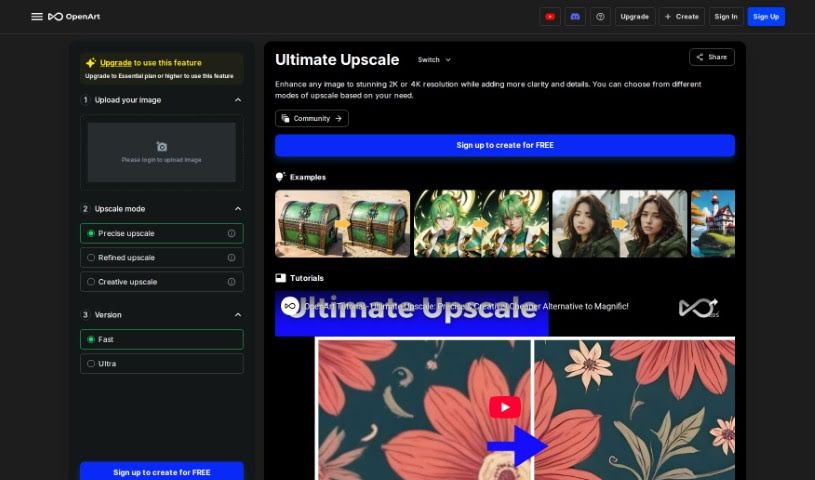
Screenshot of Openart Creative Upscale

Openart Creative Upscale

Freemium

Creative Upscale is a fantastic tool designed to boost your images, bringing them to life in stunning 2K or 4K resolution. It works by adding extra clarity and finer details, really making your pictures pop. You get to pick from different upscaling modes, depending on exactly what you need. Plus, the tool offers helpful tutorials, making it super easy to learn how to use it effectively. It's a great, more affordable option compared to many other upscaling methods out there. You can even choose between different upscale levels, like a precise upscale for accuracy or a creative upscale for artistic flair, letting you get just the results you're aiming for without a fuss.

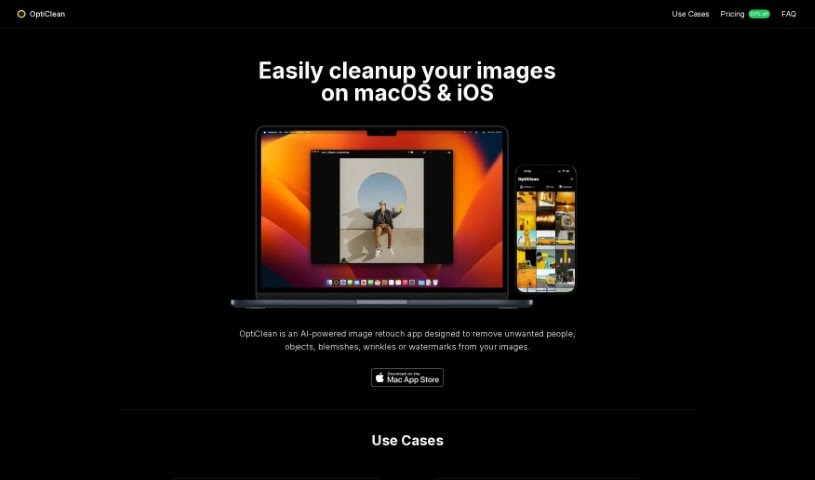
Screenshot of Opticlean

Opticlean

Freemium

OptiClean is a smart tool that uses AI to make your images look better, quickly and easily. It's designed to clean up and improve your photos in a flash. What's really neat is that you can use it even when you're offline – no internet connection needed! Since it's built to work with Apple Silicon, it really shines when it comes to processing image cleanup tasks efficiently. Whether you're working with regular photos, cartoons, or even images created by AI, OptiClean handles them all, making it super versatile for all sorts of visual content. You can try it out for free for 7 days before deciding to buy it with a one-time purchase, which is a great way to see if it fits your needs. It’s a really handy solution for photographers, graphic artists, and anyone who loves AI-generated art, helping them polish their visual content without a fuss.

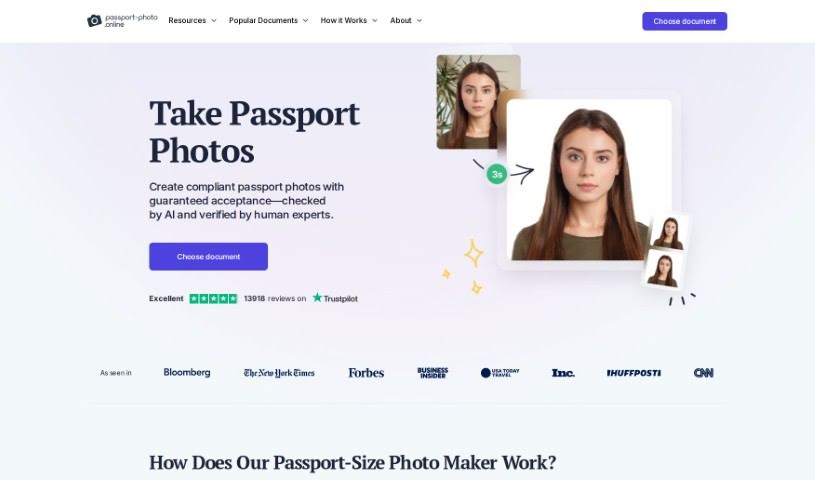
Screenshot of Passport Photo Online

Passport Photo Online

Freemium

Passport Photo Online is a really handy tool for making those official biometric photos you need for passports, visas, and ID cards. It is your personal photo studio, right at home! It makes the whole process super simple. You can snap a selfie or upload a picture you already have, and the tool uses smart AI to get it just right for official standards. Plus, experts double-check everything to make sure it's 100% compliant with all the rules. Once it's verified, you can download your digital photo right away or have printed copies sent to you. It’s a quick and easy way to get the job done.

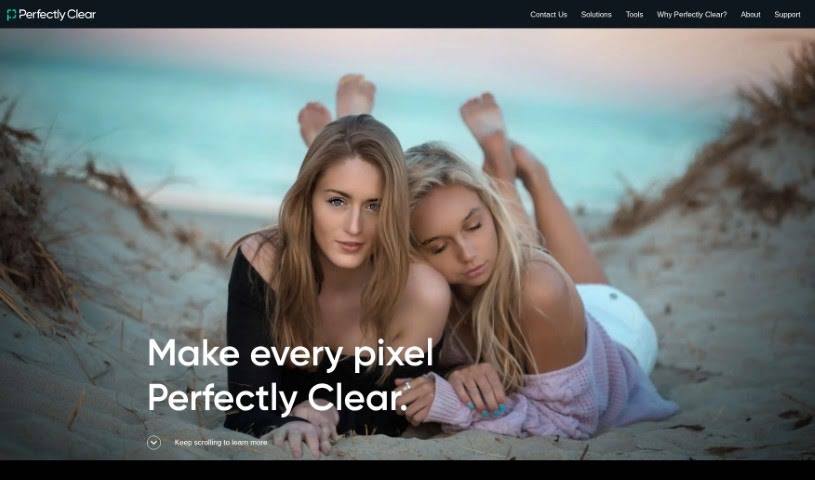
Screenshot of Perfectly Clear

Perfectly Clear

Freemium

Perfectly Clear is a really smart piece of software designed for making your photos look better. It uses some pretty advanced technology, kind of like a digital artist, to automatically fix all sorts of common photo problems. It is a quick way to make your pictures pop! It works by fine-tuning things like how bright the photo is, how vibrant the colors look, how sharp the details are, and even reducing any grainy or noisy bits. The result? You get photos that look professionally edited, and the best part is, it takes hardly any effort from you. People often mention how fast and efficient it is, making it a super convenient way to get your images ready for sharing online or printing. Plus, its interface is really easy to get the hang of, and it can even process a bunch of photos at once. Honestly, if you're looking to improve your photos without a lot of fuss, Perfectly Clear is a fantastic tool to have in your kit.

Screenshot of Photoenhanceai

Photoenhanceai

Freemium

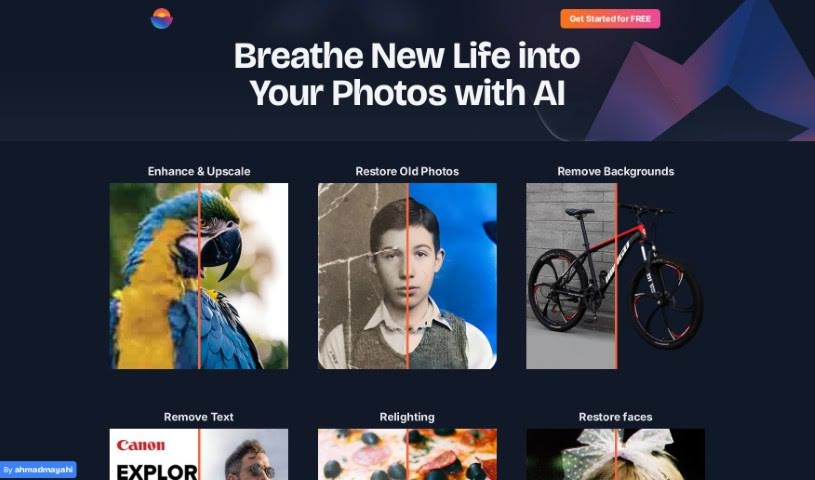
PhotoEnhanceAI is your go-to photo editing assistant. It uses really smart AI to handle a lot of the tricky, time-consuming parts of making your photos look great. What's it good at? Pretty much everything! It can make your photos sharper, blow them up without losing quality (upscaling), bring old or damaged pictures back to life, magically remove backgrounds, and even swap them out for new ones it creates. Plus, it's fantastic at brightening up those dark, nighttime shots and cleaning up any unwanted clutter in your images. It's especially good with photos that have people in them, offering professional results that anyone, from beginners to seasoned pros, can achieve.

Screenshot of Pica AI

Pica AI

Freemium

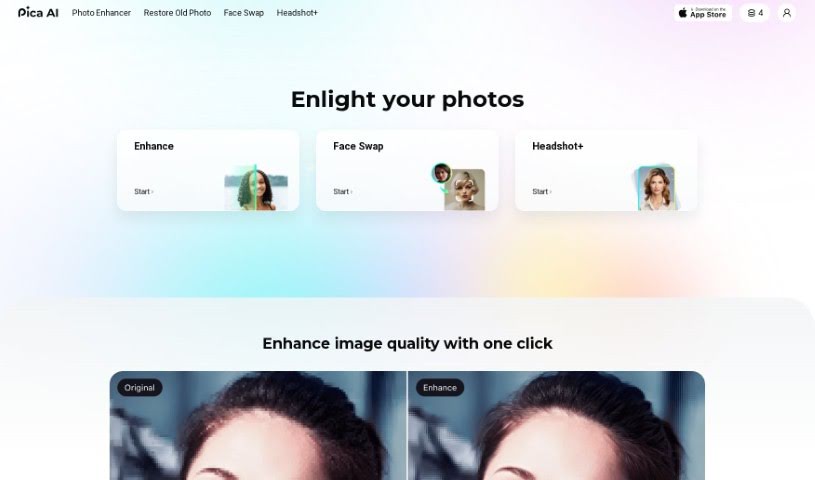
Pica AI offers a fantastic Anime Generator that lets you easily turn your creative anime ideas into amazing digital art. It's a great tool for artists, anime fans, or anyone curious about anime, offering a range of styles from classic Japanese anime to modern 3D cartoons. Plus, Pica AI's image enhancer is really good at boosting image quality. This makes it perfect for touching up old family photos, landscapes, portraits, or even those grainy, low-resolution pictures. You can conveniently use Pica AI's online photo enhancer or grab the app to improve your images with just one click. You'll see automatic, noticeable improvements in quality and detail.

Screenshot of Picma Photo Enhancer

Picma Photo Enhancer

Freemium

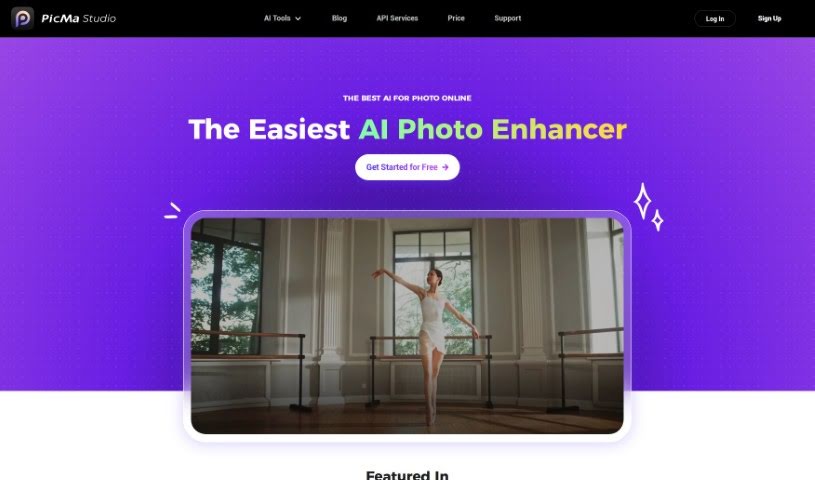
PicMa Photo Enhancer is a really neat AI tool designed to make your photos look their best. It's great for boosting photo resolution, fixing blurry pictures, bringing old or damaged photos back to life, and even adding color to black and white shots. What's cool is that it's super easy to use, speaks multiple languages, and even has its own apps for both iOS and Android. Plus, if you're a developer, you can integrate its power into your own projects with their API services. They've also packed it with helpful support features, are really serious about your privacy, and offer some nice membership perks. You can enhance photos with just one click, or even do a bunch at once. It also helps remove that grainy noise from photos and makes them sharper. Just a heads-up, though: you can't process multiple photos at once in the same way as some other tools, it only supports a few file types, you need to be online to use it, there's a limit to how big your uploaded images can be, and restoring really old photos has some limits.

Screenshot of Pictura

Pictura

Freemium

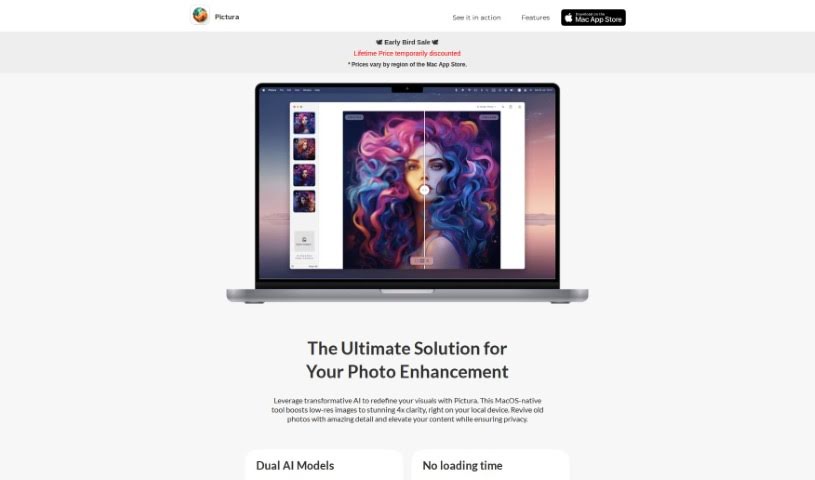
Pictura is a handy tool designed specifically for Mac users that uses AI to make your photos and anime visuals look sharper and clearer. It's really easy to use – you can just drag and drop your images, and it loads them up quickly. Plus, it keeps your pictures safe with built-in encryption. Pictura can actually increase the resolution of your images by up to four times, bringing out finer details. It's got special AI models that are fine-tuned for both regular photos and anime art, so you get the best results no matter what you're working with.

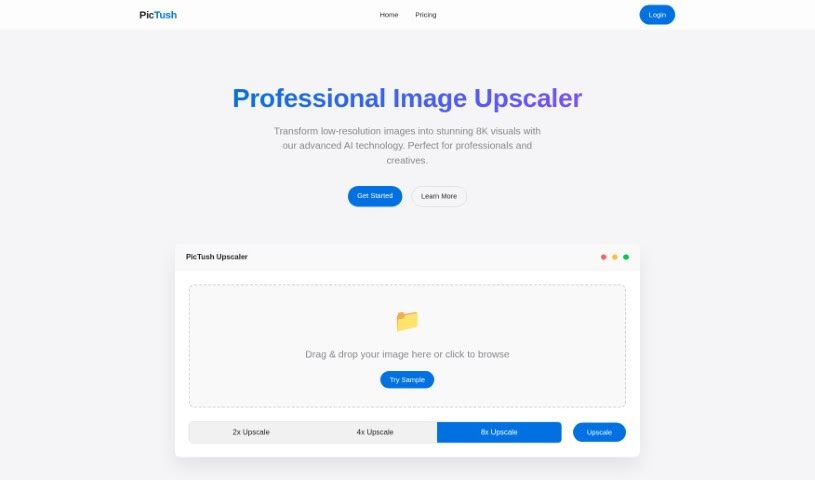
Screenshot of Pictush

Pictush

Freemium

Pictush is a smart tool that uses AI to make your images better. It can do things like upscale pictures, add color to old black and white photos, and bring old pictures back to life. For instance, it can make your images up to 8 times bigger, which is pretty neat! Plus, its AI colorization feature adds really vibrant colors to monochrome photos, making them look brand new. If you've got old photos that are faded or damaged, Pictush can help restore them, improving their quality and keeping those special memories intact. It's designed to be super easy for anyone to use, not just for old photos – you can use it on any image, no matter how old or what condition it's in. They're also offering a nice 50% discount on their Basic and Professional Packages, which makes it a lot more affordable.

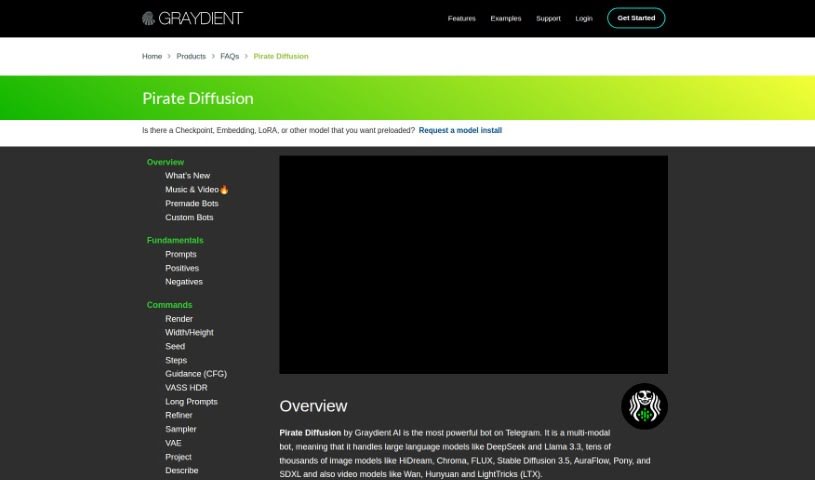
Screenshot of Piratediffusion

Piratediffusion

Freemium

PirateDiffusion, now known as Graydient AI, is a really cool Telegram bot that lets you generate amazing images. What's neat is you don't need special tokens or credits to use it! You can also create your own themed bots and join groups. The name "Pirate Diffusion" actually came about because the Stable Diffusion 1.5 model was leaked back in October 2022. Graydient AI then open-sourced it, and they initially operated under the "Pirate Diffusion" name, which really helped them build a big following. They've since rebranded to "Graydient." The platform keeps getting better with features like custom bots that remember conversations, improved ways to track your renders, and new bot options.

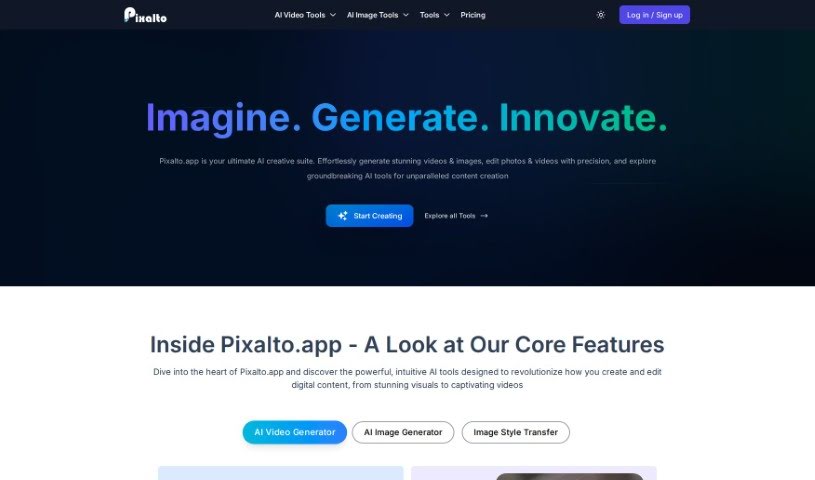
Screenshot of Pixalto

Pixalto

Freemium

Pixalto is an AI-powered tool that helps you improve your photos. It offers advanced features for making pictures look better, removing backgrounds, fixing faces, making images clearer (upscaling), pulling out individual faces from group shots, and even turning photos into coloring pages or what they call Colorscape. Basically, it's designed to make enhancing your images super easy. You can remove backgrounds, restore faces, upscale images, separate faces, and color images all with this one tool. Pixalto is great for anyone, whether you're just starting out with photos or you're a seasoned pro. It's a really complete way to make your images look their best, quickly and accurately. Want to know more? You can check out the Pixalto website: [Pixalto Website](https://pixalto.app/?ref=aitools.fyi&utm_source=aitools.fyi).

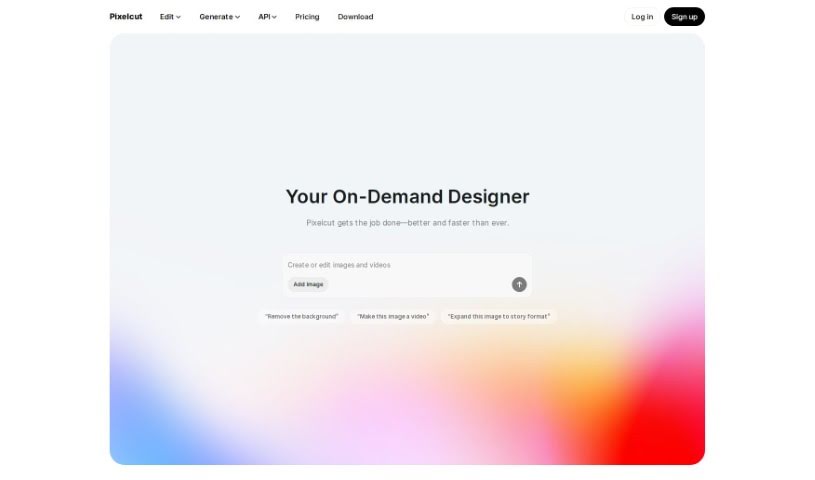
Screenshot of Pixelcut

Pixelcut

Freemium

Pixelcut is a super user-friendly online design tool that uses AI to help you create amazing product photos, ads, and all sorts of visuals for your online store. It is your go-to for making your products look fantastic online. It’s packed with features like background removal, erasing unwanted objects, making images sharper with upscaling, and tweaking colors. Basically, it lets you whip up everything from product shots and ads to profile pictures, all perfectly suited for e-commerce.

Stay Updated with AI Tools

Get weekly updates on the latest AI tools, trends, and insights delivered to your inbox

Join 25,000+ AI enthusiasts. No spam, unsubscribe anytime.